
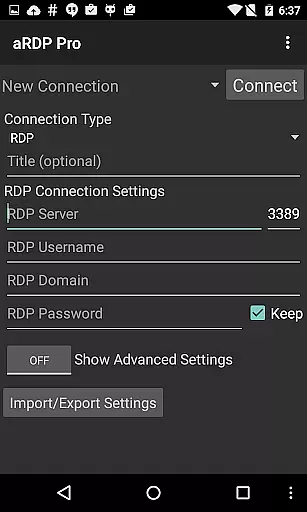
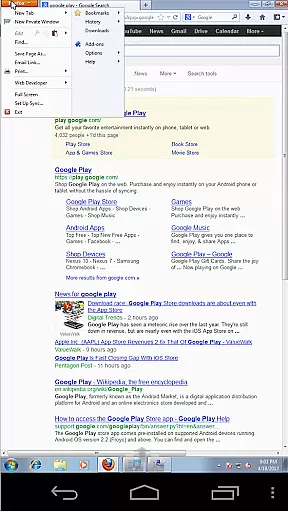
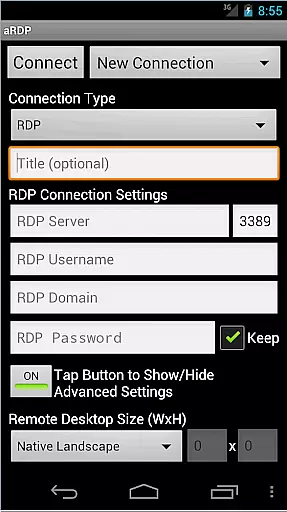
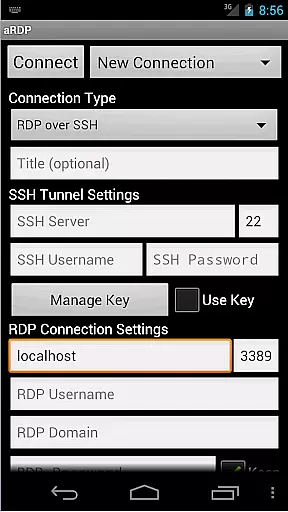
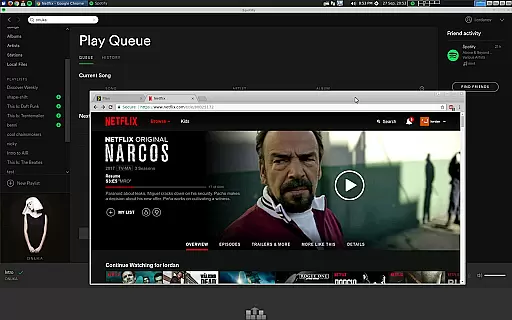
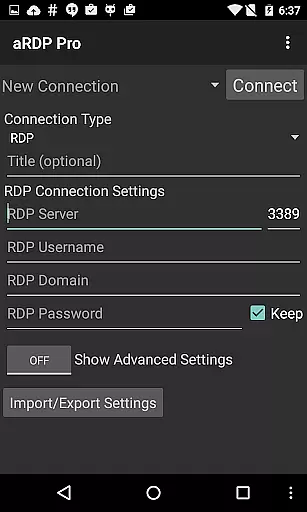
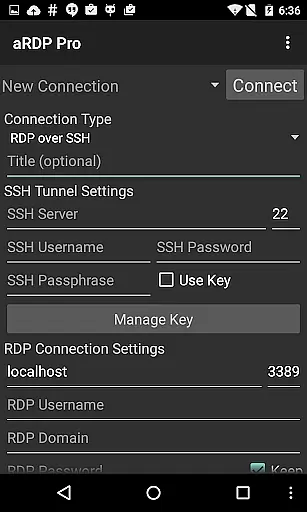
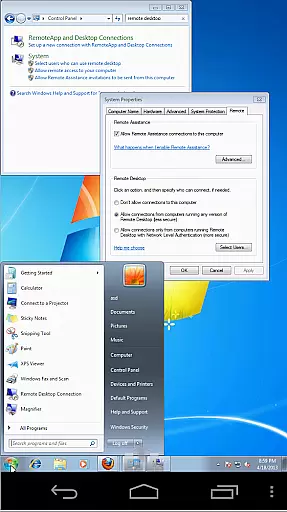
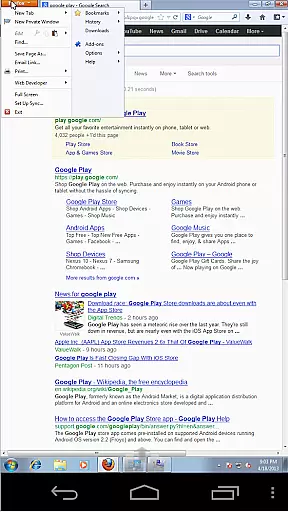
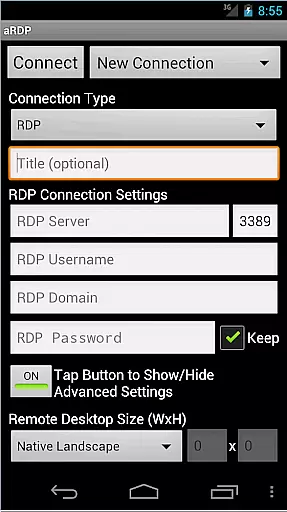
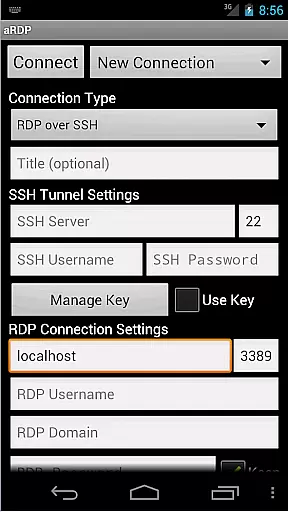
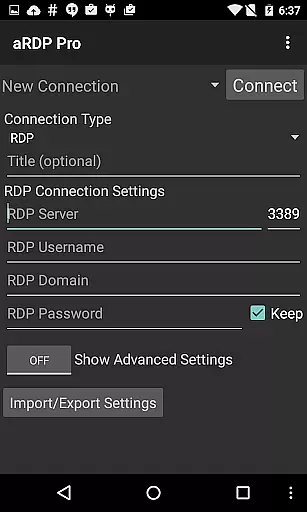
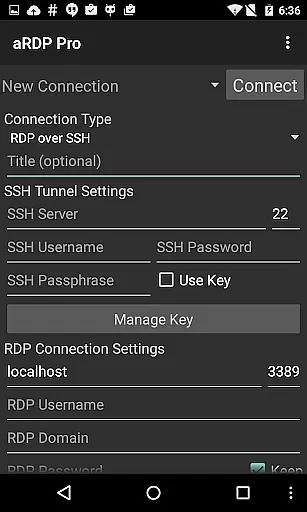
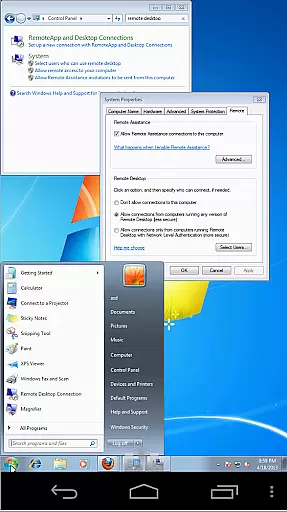
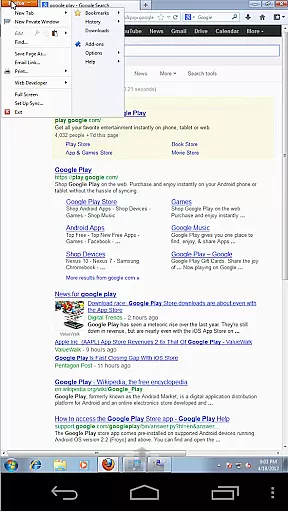
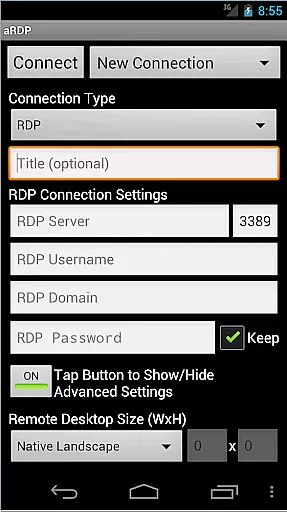
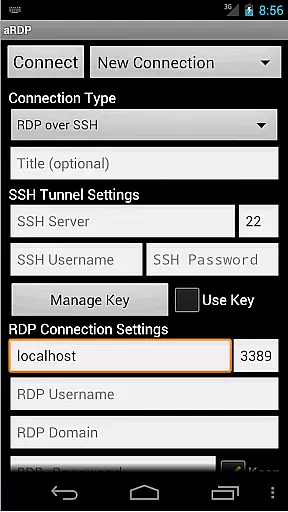
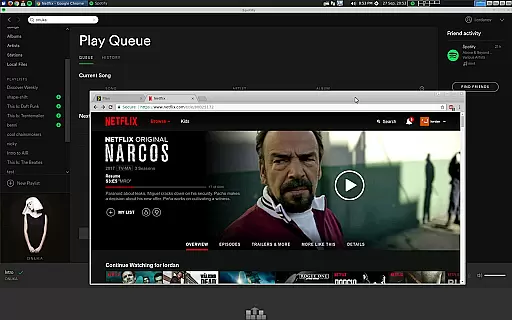
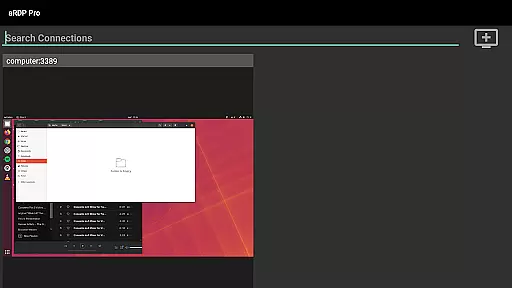
aRDP Pro is a premier open-source Remote Desktop Protocol (RDP) client designed for productivity enthusiasts who require seamless remote access to their computers. This application leverages the robust FreeRDP library, ensuring secure and efficient connections to Windows and Linux systems alike.
With features like SSH tunneling, multi-touch gestures, sound redirection, and support for RDP files, aRDP Pro offers users an unparalleled remote desktop experience. Whether you're managing virtual machines or accessing your office computer from home, this app provides the tools necessary for effective remote work.
The app's intuitive interface and advanced functionalities, such as dynamic resolution changes and multi-language support, make it suitable for both personal and professional use. By enabling users to maintain full control over their remote sessions, aRDP Pro ensures that productivity is never compromised.
aRDP Pro stands out with its comprehensive feature set tailored for power users. The app supports multiple authentication methods including MFA/2FA SSH, providing an additional layer of security for sensitive connections. Its master password functionality allows for easy management of various login credentials.
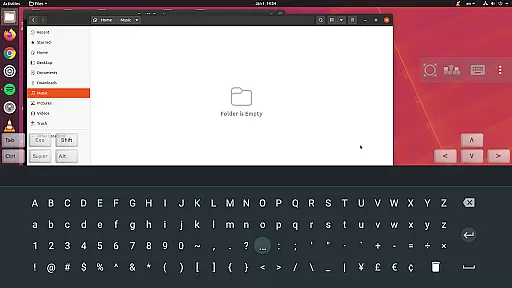
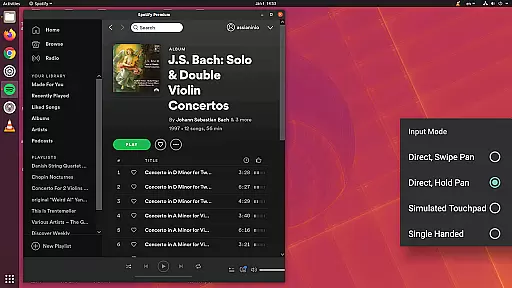
One of the key highlights is the flexible input modes, offering direct touch, simulated touchpad, and single-handed options. These modes, combined with pinch-zooming and scrolling capabilities, ensure precise control over the remote desktop environment. Additionally, the app's ability to redirect sound and SD card content enhances the overall user experience.
For those working in diverse environments, aRDP Pro includes UI optimizations for different screen sizes and orientations. The inclusion of Samsung multi-window support and DEX compatibility further extends its versatility. With regular updates and active community support, users can rely on aRDP Pro for their evolving remote access needs.
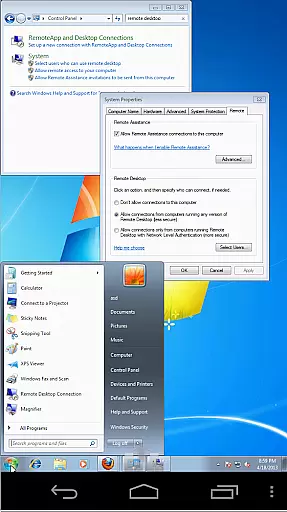
In the realm of remote desktop applications, aRDP Pro excels in core task management by providing users with comprehensive control over their remote sessions. This includes dynamic resolution changes that allow reconfiguration of the desktop environment while connected, ensuring optimal productivity.
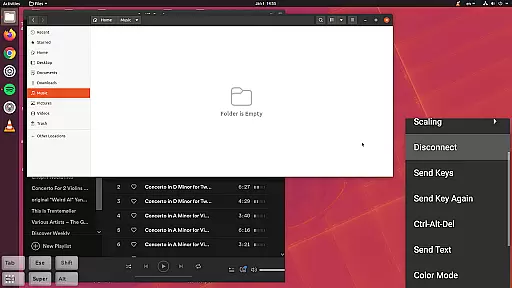
The application supports multi-touch gestures for efficient navigation, such as one-finger tap for left-click, two-finger tap for right-click, and three-finger tap for middle-click. These intuitive controls facilitate seamless interaction with the remote desktop, enhancing task execution.
Additionally, aRDP Pro offers various input modes including Direct, Simulated Touchpad, and Single-handed modes, catering to different user preferences and scenarios. Long-tap options further expand the range of actions available, making complex tasks more manageable on mobile devices.
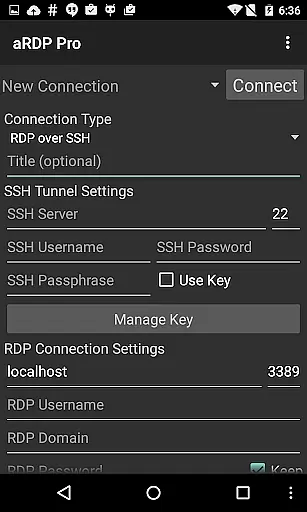
With features like SSH tunneling and RDP Gateway Support, users can securely reach machines behind firewalls, ensuring uninterrupted workflow management across different environments.
aRDP Pro ensures reliable cross-device synchronization through its robust connection protocols and session-saving capabilities. Users can start a remote session on one device and continue seamlessly on another, maintaining consistent access to their work environments.
The app's automatic connection session saving feature allows users to pick up where they left off, regardless of the device they are using. This continuity is vital for professionals who rely on multiple devices throughout their day.
Furthermore, aRDP Pro supports various screen sizes and orientations, optimizing the UI for both tablets and smartphones. This adaptability guarantees that users experience no loss of functionality or comfort when switching between devices.
With Samsung multi-window support and clipboard integration for copy-pasting across devices, aRDP Pro enhances productivity by allowing multitasking and easy data transfer, thus maintaining high standards of synchronization reliability.
Secure SSH connections
Multi-touch gestures
Dynamic resolution
Sound redirection
Active community
No iOS version
Complex setup
Limited Windows 10
Occasional bugs
Advanced features

A Revolutionary All-in-One Artificial Intelligence Tools
 3.80
3.80
A customizable calendar for your Wear OS watch
4.20
Seamlessly integrate data and reports to build your presentation to impress
4.80
Send files, sync SMS, notifications & clipboard across devices via local network
4.40
Absolutely the best CNC machinist speed and feed calculator around. fswizard.com
4.60
Todo reminder
4.10
Find and delete junk files & block unwanted notifications & manage files
3.70
Access, manage and transfer files on Android, PC, Mac, NAS and cloud storages.
4.30
Put a lock on your cloud: Take the security of your data into your own hands
3.70
8 custom complications. Custom Time Fonts. Beautiful color schemes. A++ Design.
5.00
Secure, fast, open-source, VNC and SSH Remote Desktop for Windows, Linux and Mac
4.70
Stay on top of your to-dos with Google Tasks, part of Google Workspace.
4.60
Functional QR scanner and barcode reader that requires little storage space.
4.60
Lightweight PDF, Word, Excel reader.
4.60
PDF scanner & converter for files, photos, lottery, QR codes. One swipe away!
4.50
Secure your apps with lock screens, use custom themes and different features.
4.40
Easily read and manage all your PDF files
4.10
Auto-shutoff Alarm with Sunrise, Sunset & Fixed Options.
3.50
Easiest event planning, volunteer signups & parent teacher conference scheduling
2.20


User Reviews