
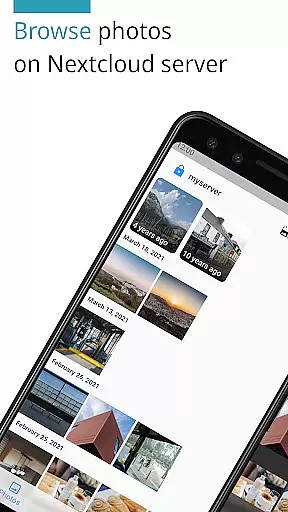
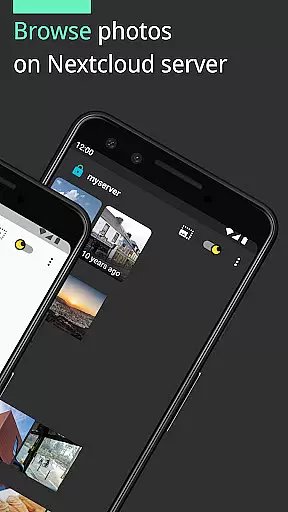
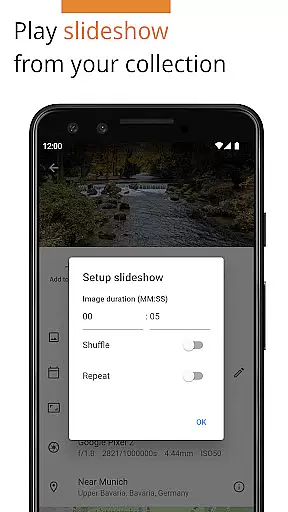

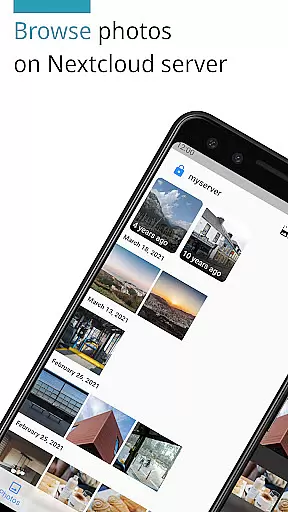
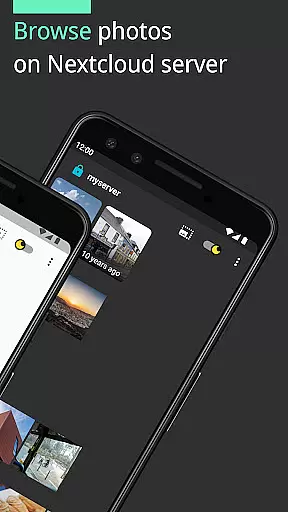
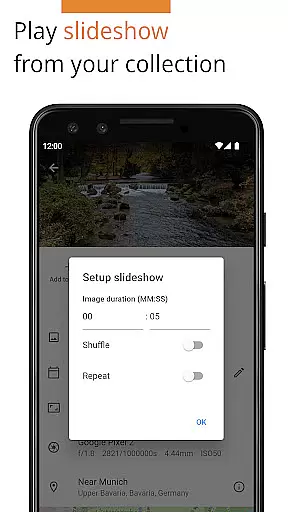
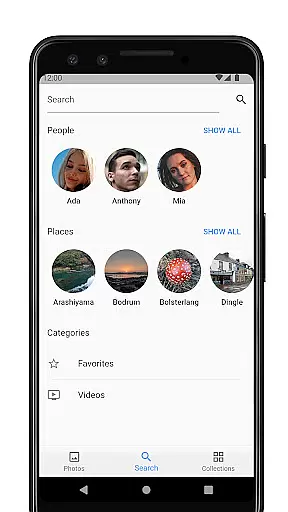
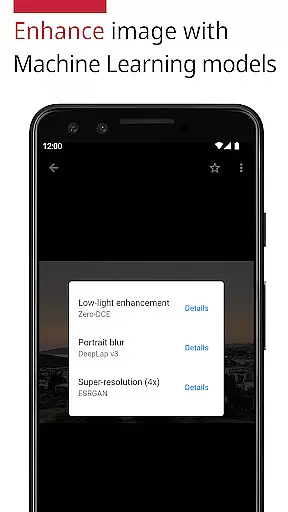
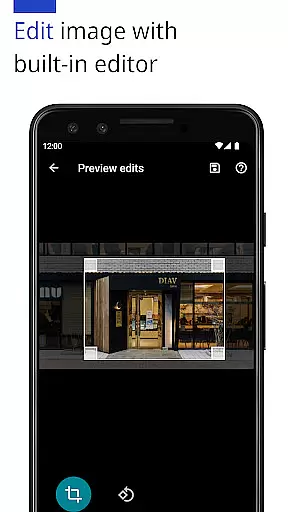
Photos for Nextcloud is a powerful productivity app designed to enhance photo management within the Nextcloud ecosystem. This app offers advanced features such as JPEG XL support, client-side EXIF extraction, and reverse geocoding, making it easier than ever to organize and edit your photos directly on your device. With machine learning enhancements and a built-in editor, users can improve image quality and make precise adjustments.
The app supports multiple sign-ins across different servers and allows experimental shared albums with other users on the same server. It handles various formats including JPEG, PNG, WebP, HEIC, GIF, JPEG XL, MP4, and WebM, ensuring broad compatibility. As an open-source solution, Photos for Nextcloud provides transparency and flexibility, catering to both personal and professional needs while maintaining user control over data.
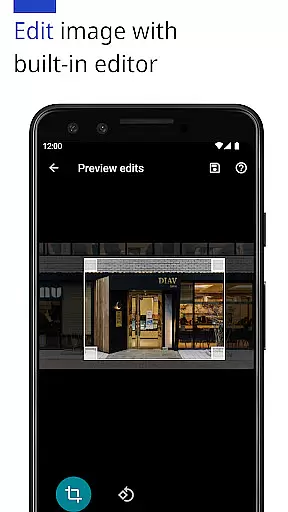
One of the standout features of Photos for Nextcloud is its extensive format support and advanced photo editing capabilities. The app supports a wide range of image and video formats like JPEG, PNG, WebP, HEIC, GIF, JPEG XL, MP4, and WebM, ensuring that users can manage all their media files in one place. Additionally, the inclusion of machine learning models allows for automatic photo enhancement, providing users with professionally edited images without manual intervention.
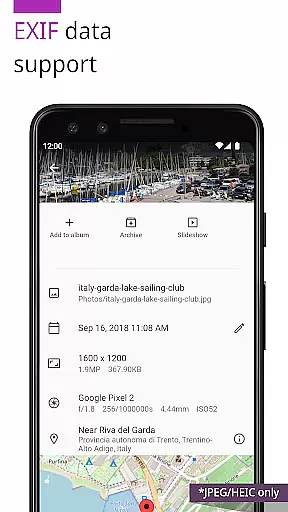
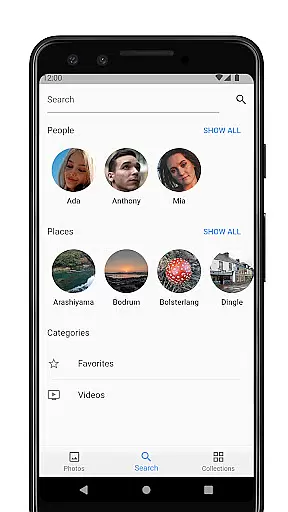
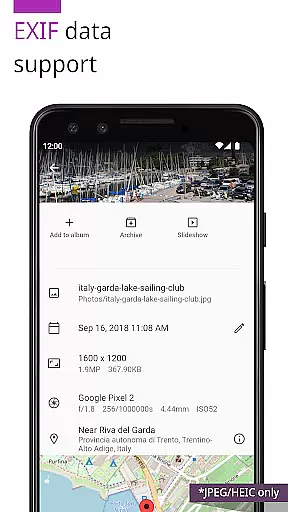
Another significant feature is the ability to extract EXIF data client-side for unsupported formats, giving users more control over their metadata. The app also supports reverse geocoding, which translates geographic coordinates into human-readable addresses, adding another layer of detail to photo management. Furthermore, the experimental shared album feature enables collaboration among users on the same server, promoting teamwork and shared experiences. These robust functionalities make Photos for Nextcloud a versatile tool for anyone looking to streamline their digital asset management process.
Task management is a cornerstone of productivity applications, and Photos for Nextcloud excels in this area by offering users robust tools to organize their digital assets efficiently. The app supports multiple file formats including JPEG, PNG, WebP, HEIC, GIF, JPEG XL, MP4, and WebM, ensuring that all your photos and videos can be managed seamlessly within one platform.
The application goes beyond simple storage solutions by providing advanced features such as client-side EXIF extraction, which allows for detailed metadata handling even for formats not natively supported by the server. This means you can sort, filter, and manage your media files based on comprehensive criteria like location data or camera settings without any loss of information.
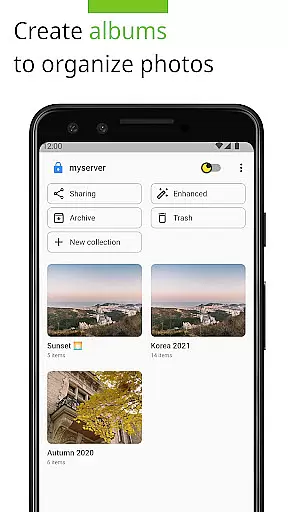
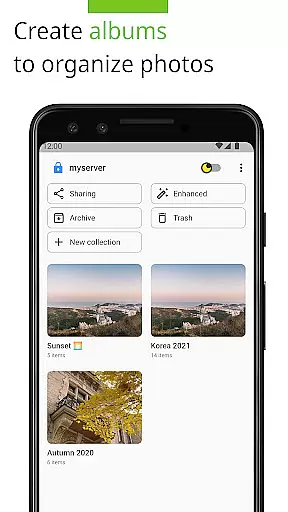
Additionally, Photos for Nextcloud offers flexible album creation and management capabilities. Users can create shared albums with others on the same serveru2014an experimental feature that enhances collaborative work environments. These shared spaces allow teams to contribute and access media collectively, streamlining workflows and boosting overall productivity.
By integrating machine learning models, the app also enables users to enhance their photos automatically. This feature not only improves image quality but also saves time, allowing users to focus on more critical tasks. With these powerful task management tools at your disposal, Photos for Nextcloud ensures that managing your digital content is both efficient and effective.
Cross-device synchronization is crucial for maintaining consistency across various platforms, and Photos for Nextcloud delivers reliable performance in this aspect. Whether you're using a smartphone, tablet, or desktop computer, the app ensures that all your media files are synchronized accurately and promptly. This reliability is vital for users who need constant access to their digital assets regardless of the device they are using.
The app supports signing into multiple servers, which adds another layer of flexibility for users managing different accounts or projects. This feature allows seamless transitions between personal and professional environments, ensuring that all your data remains accessible and up-to-date wherever you go.
Photos for Nextcloud employs robust security measures to protect your data during synchronization. All communications between devices and servers are encrypted, safeguarding your privacy and preventing unauthorized access. This commitment to security ensures that your media files remain confidential and secure while being transferred across networks.
Moreover, the app's open-source nature means that it benefits from continuous community contributions and improvements. Developers worldwide contribute to enhancing its synchronization capabilities, ensuring that it stays ahead of potential issues and adapts quickly to new technological advancements. With Photos for Nextcloud, you can trust that your cross-device synchronization needs will be met reliably and securely.
User-friendly interface
Advanced photo editing
Multiple server support
Open-source flexibility
Extensive format compatibility
Limited server integration
Experimental sharing
No cloud backup
Device codec variability
Premium cost

Ads Free App! Editor, Hide File, Copy, Move, Delete and Rename.. all facility av
 1.70
1.70
Send files, sync SMS, notifications & clipboard across devices via local network
4.40
The Pro Version of Android's tiniest Notepad app. Just 0.3MB but feature-packed!
4.60
A lightweight JSON & XML files creator, editor and viewer (Premium Version)
4.40
⏰ Finally a timer app which can run multiple timers simultaneously on your watch
3.90
All in One PDF Reader: Manage, Read and Edit your Documents
4.20
Simple and reliable communication between inmates, friends and family
3.20
Subscribe to Webcal & .ics calendars and keep them up-to-date!
4.50
To do list widget with a notebook organizer, checklist, simple shopping list
4.60
Seamlessly integrate data and reports to build your presentation to impress
4.80
We're working to become the best machining app on the market! www.cncdirt.com
4.80
Functional QR scanner and barcode reader that requires little storage space.
4.60
All document reader, all in one file viewer read PDF, DOCX, XLS, PPT, TXT files.
4.60
Lightweight PDF, Word, Excel reader.
4.60 4.20
4.20
Intelligent AI Assistant
4.10
Take control of your clipboard with Clipper!
3.90
ID.me Authenticator is a simple and free Two Factor Authentication solution
3.50
Create study competitions, track your hours, and stay consistent with friends
4.4


User Reviews