
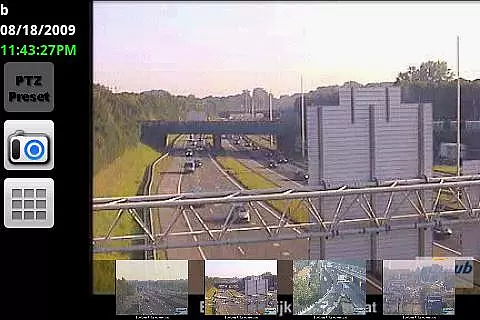
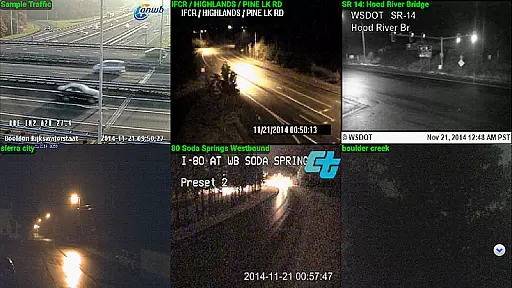
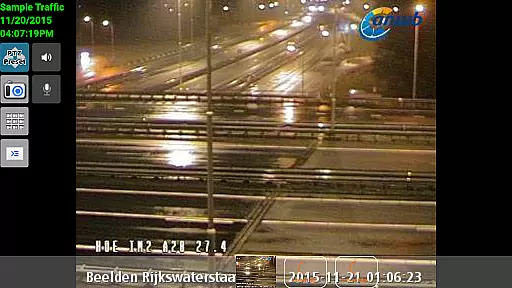
IP Cam Viewer Pro is a powerful productivity tool designed for remote video monitoring. This award-winning utility allows users to access their video cameras, DVRs, network recorders, and webcams from anywhere. Supporting over 1,600 devices, it offers compatibility with a wide range of equipment and provides advanced features such as HTTPS, RTSP, and ONVIF protocol support.
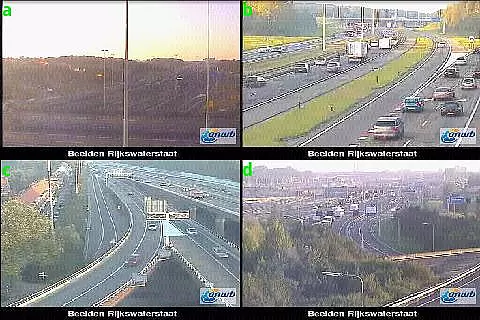
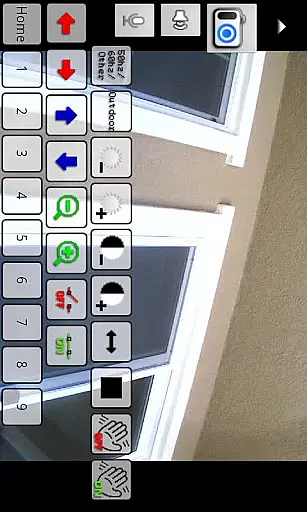
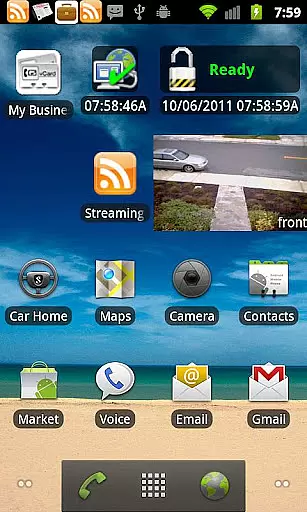
The app stands out with its professional-grade functionalities including matrix view, pan-tilt-zoom controls, home/lock screen widgets, grouping options, encryption, and in-app motion detection. Whether you're managing security systems at work or keeping an eye on your home, IP Cam Viewer Pro delivers reliable performance across multiple use cases.
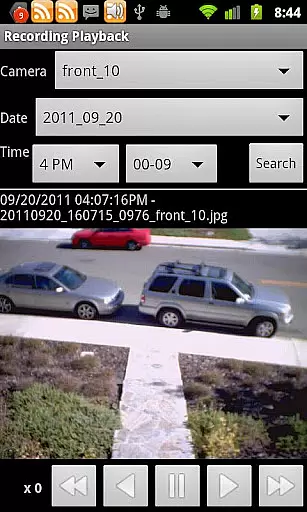
With over five years of development, this app has evolved into an essential tool for both personal and professional surveillance needs. Its ability to handle 2-way audio, background audio, and recording with remote control makes it a versatile solution for various monitoring requirements.
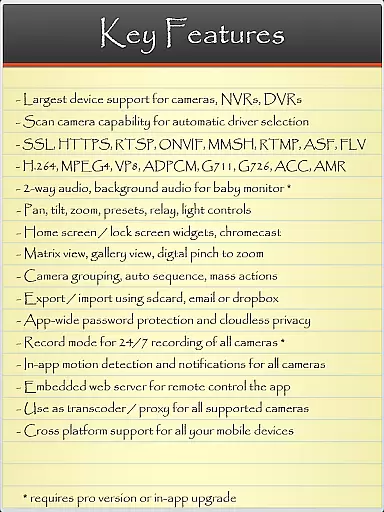
IP Cam Viewer Pro boasts an impressive array of features that cater to both casual and professional users. The app supports a comprehensive range of protocols including HTTPS, RTSP, and ONVIF, ensuring compatibility with most modern security systems. Its automatic camera scanning function helps users quickly identify and connect to supported devices.
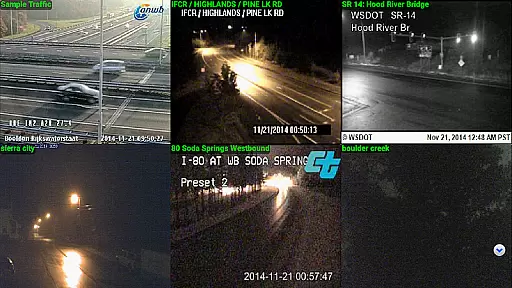
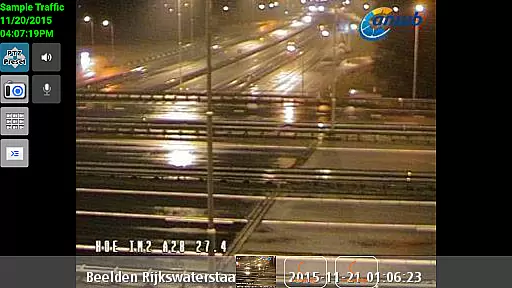
Advanced functionalities include a matrix view for monitoring multiple cameras simultaneously, precise pan-tilt-zoom controls, and customizable home/lock screen widgets for quick access. The app also offers sophisticated features like device grouping, secure encryption, and intelligent in-app motion detection capabilities.
For audio-related functions, the app supports 2-way communication, background audio monitoring, and various recording modes with remote control options. These features make it particularly valuable for security professionals and businesses requiring comprehensive monitoring solutions.
IP Cam Viewer Pro excels in core task management by offering a comprehensive suite of tools for video surveillance. The app supports over 1600 devices, ensuring compatibility with a wide range of cameras and recorders.
With features like matrix view and pan-tilt-zoom functionality, users can efficiently monitor multiple camera feeds and control their field of view with ease. This ensures that no critical detail is missed during surveillance operations.
The inclusion of home and lock screen widgets allows for quick access to frequently used functions, streamlining the user's workflow. Grouping capabilities further enhance productivity by enabling users to organize cameras into logical clusters.
Encryption and in-app motion detection provide an additional layer of security and automation, making this app a robust solution for managing complex surveillance tasks effectively.
Cross-device synchronization is a crucial feature of IP Cam Viewer Pro, allowing users to maintain consistent access to their surveillance systems across multiple devices. The app's support for HTTPS and RTSP protocols ensures secure and reliable connections.
With ONVIF compatibility, the application guarantees standardized communication between different devices, regardless of manufacturer or model. This universal compatibility enhances the reliability of data synchronization across various platforms.
The app's five years of development have resulted in a stable infrastructure that maintains synchronization integrity even during extended usage periods. Automatic camera scanning helps ensure that all compatible devices are properly connected and synchronized.
Additional features like background audio support and remote recording control demonstrate the app's commitment to providing seamless cross-device functionality, making it an ideal choice for professionals who require constant access to their surveillance systems.
User-friendly interface
Wide device compatibility
Advanced security features
Excellent motion detection
Reliable performance
Paid application
Complex for beginners
Requires stable internet
Occasional bugs
Heavy on resources

Client for Nextcloud Deck
 4.60
4.60
Direct Chat without saving contacts & Dual WA Account on Single Device
4.70
IP Camera Viewer - Android TV : RTSP Surveillance camera viewer for Android TV
4.3
Customizable calendar widget for seamless event sync, planning & scheduling.
4.00
Create and edit presentations with Google Slides, part of Google Workspace.
4.00
Access, manage and transfer files on Android, PC, Mac, NAS and cloud storages.
4.30
A Pixel Art watchface inspired by other iconic 90s designs for Wear OS devices!
4.40
The ultimate file manager for rooted devices. The original and still the best.
4.00
AT&T Internet customers can use this app to personalize their Wi-Fi network.
4.40
Simple notepad & memo. Take notes, to-do list, shopping list with reminders.
4.80
App lock - lock apps with fingerprint, password, pin or pattern, protect privacy
4.70
The Pro Version of Android's tiniest Notepad app. Just 0.3MB but feature-packed!
4.60
PDF scanner & converter for files, photos, lottery, QR codes. One swipe away!
4.50
A customizable calendar for your Wear OS watch
4.20
Activate Two Factor Authentication (2FA or Multi OTP), Password manager and more
4.10
Take control of your clipboard with Clipper!
3.90
⏰ Finally a timer app which can run multiple timers simultaneously on your watch
3.90
Ads Free App! Editor, Hide File, Copy, Move, Delete and Rename.. all facility av
1.70
A comprehensive suite of tools designed specifically for Lactation Consultants
4.3


User Reviews