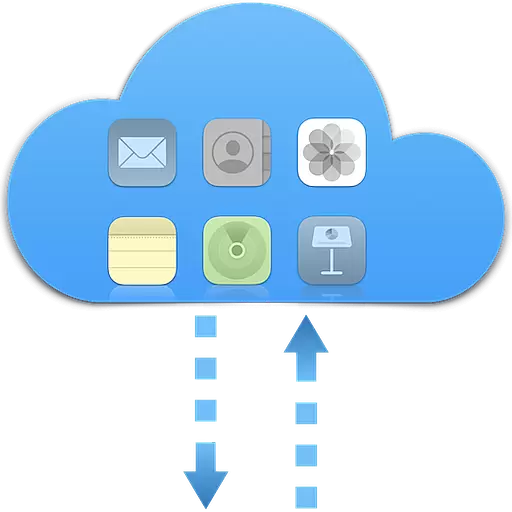
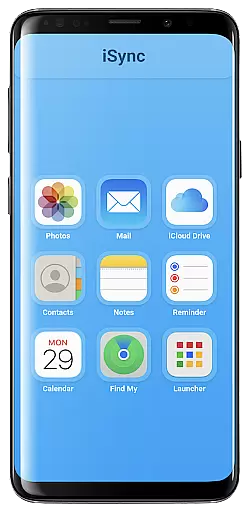
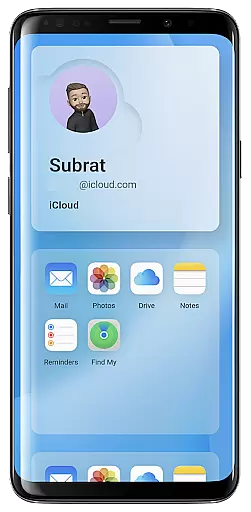
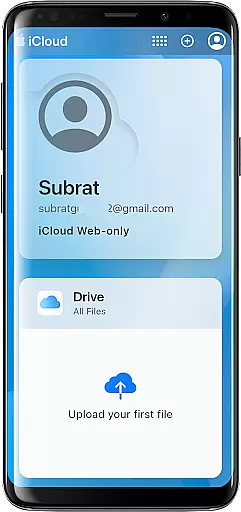
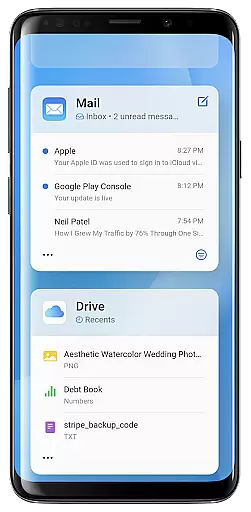
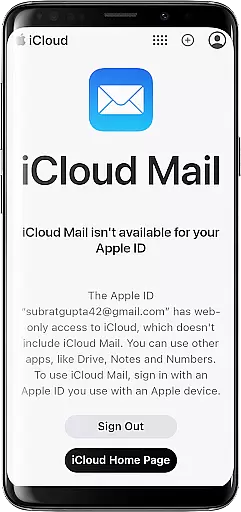
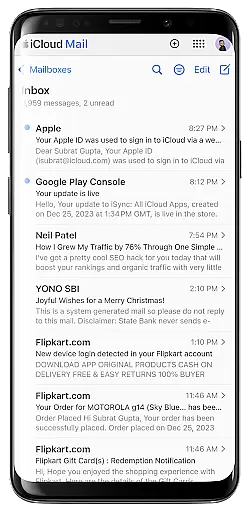
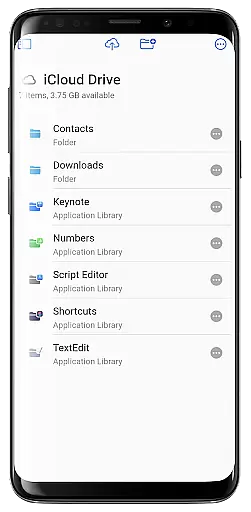
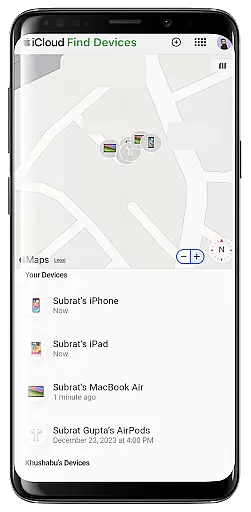
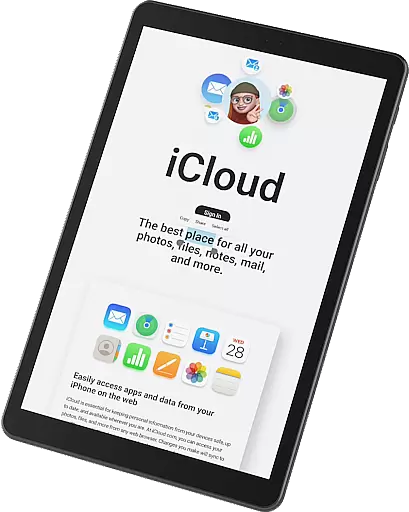
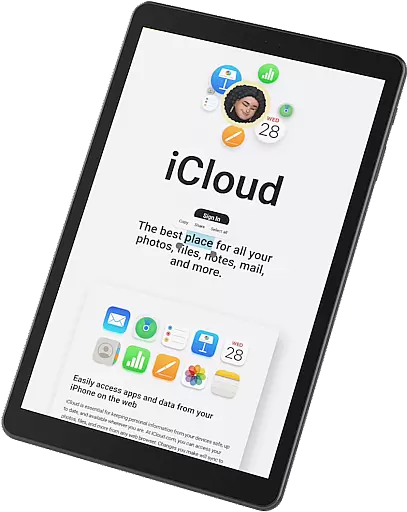
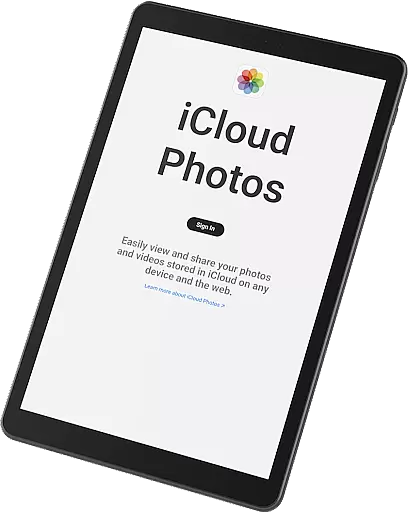
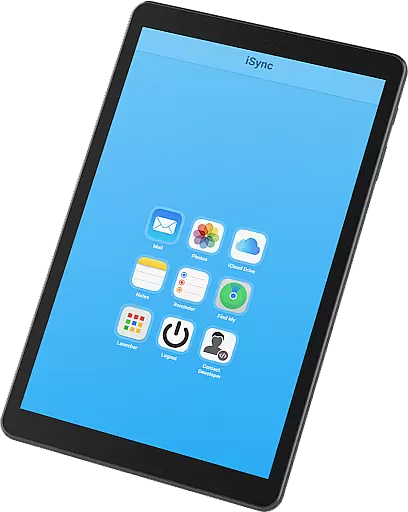
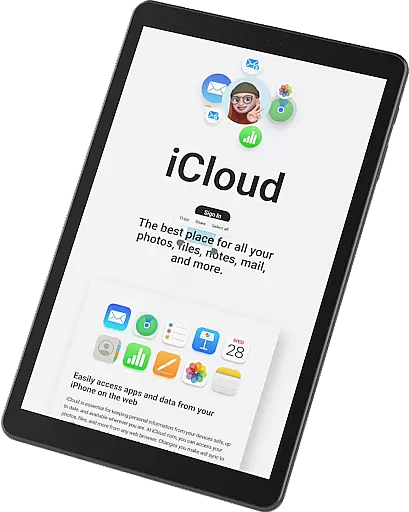
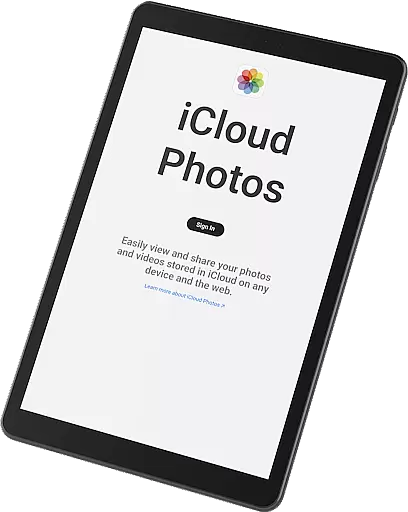
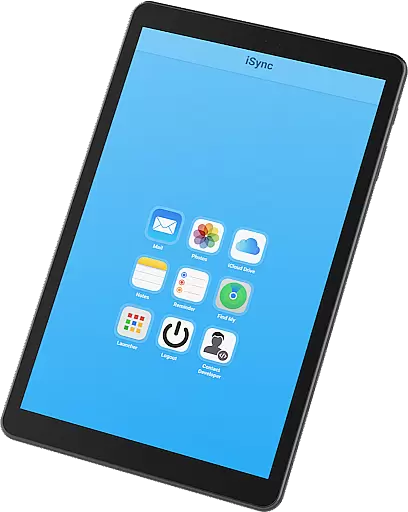
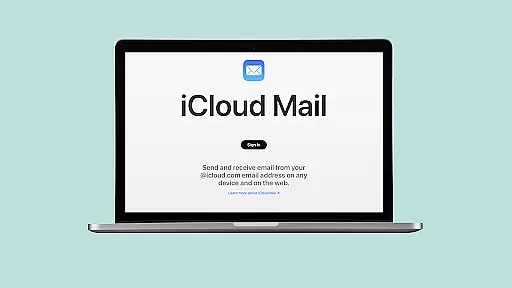
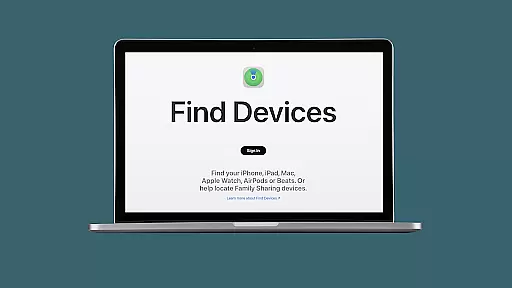
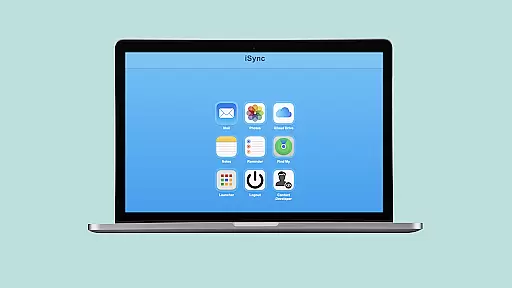
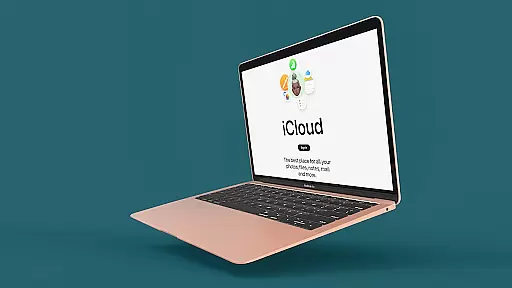
iSync Premium is a productivity-focused application that bridges the gap between Android and Apple ecosystems. It allows users to access their iCloud account and its applications directly from an Android device. The app offers seamless integration with iCloud services such as Mail, Photos, iCloud Drive, Notes, Reminders, and Find My.
With iSync Premium, users can stay connected through their iCloud Mail, carry memories by accessing photos, reach files on iCloud Drive, jot down thoughts in Notes, manage tasks with Reminders, and locate lost devices using Find My. Additionally, it provides a user-friendly Launcher for one-touch access to favorite iCloud apps.
This app is particularly useful for individuals who operate across both Android and Apple devices, ensuring they remain productive and organized regardless of the platform they are using at any given time.
iSync Premium stands out with its comprehensive set of features tailored for productivity. One key feature is the ability to send, receive, and manage emails through iCloud Mail directly on an Android device. Users can also view, download, and share their iCloud photos effortlessly, ensuring that precious memories are always accessible.
The app grants access to iCloud Drive, allowing users to reach their files and documents from their Android devices. With Notes and Reminders, users can jot down thoughts and manage tasks seamlessly. Furthermore, the Find My feature helps locate lost Apple devices easily.
All these features are bundled in a secure and reliable package, designed with privacy in mind. This ensures that personal data remains protected while providing a smooth and straightforward experience across the Apple and Android ecosystems.
Task management is a cornerstone of productivity applications, and iSync Premium excels in providing users with seamless access to their iCloud Reminders. This feature allows users to stay organized by managing their reminders hassle-free, anytime, anywhere.
iSync Premium bridges the gap between Android and Apple ecosystems, offering an intuitive interface where users can add, edit, and mark tasks as complete. The synchronization with iCloud ensures that any changes made on one device are immediately reflected across all others, maintaining consistency and reliability.
The app's design emphasizes ease of use, ensuring that even those new to task management systems can effortlessly navigate and utilize its features. With iSync Premium, staying on top of your to-do list has never been easier or more efficient.
Cross-device synchronization is vital for users who operate within multiple ecosystems. iSync Premium offers reliable synchronization across devices, ensuring that your iCloud data such as Mail, Photos, iCloud Drive, Notes, and Reminders are consistently updated.
This synchronization process leverages secure cloud technology to provide real-time updates. Whether you're sending an email, uploading a photo, or updating a note, these changes are instantly accessible on all your linked devices, enhancing workflow continuity and data accessibility.
With privacy in mind, iSync Premium ensures that your personal data is protected while being synced across devices. This provides not only convenience but also peace of mind, knowing that your information remains secure yet always at your fingertips.
Seamless cross-platform sync
User-friendly interface
Comprehensive iCloud service integration
Secure and privacy-focused design
Efficient task management tools
Limited to iCloud services
No offline functionality
Premium features may require subscription
Dependent on internet connectivity
Specific to Android-Apple users

QuickBooks Workforce lets teams view pay info and track time in one place.
 4.70
4.70
Smart PDF reader & editor to view, organize and manage PDF documents easily.
3.70
Absolutely the best CNC machinist speed and feed calculator around. fswizard.com
4.60
Stay on top of your to-dos with Google Tasks, part of Google Workspace.
4.60
Subscribe to Webcal & .ics calendars and keep them up-to-date!
4.50
Secure, open-source, SPICE and SSH Remote Desktop for QEMU KVM virtual machines
4.00
* block pre-roll ads, pop-up and forced redirect ads * Samsung certification app
4.00
Quickly and easily keep track of your work shifts
4.70
Set up, print, and get support—in one place
4.20
Native client for Forgejo and Gitea
5.00
Secure, fast, open-source, VNC and SSH Remote Desktop for Windows, Linux and Mac
4.70
Direct Chat without saving contacts & Dual WA Account on Single Device
4.70
aCalendar+ makes your day, week and month
4.70
App Lock with fingerprint, password: Lock apps & hide photos with lock screens
4.60
Experience Reading - Night Mode for Documents
4.40
Send files, sync SMS, notifications & clipboard across devices via local network
4.40
Docker, Kubernetes management over Portainer Mobile
4.40
Professional calendar app for Google Calendar, MS Outlook & Exchange
4.20
Take control of your clipboard with Clipper!
3.90


User Reviews