
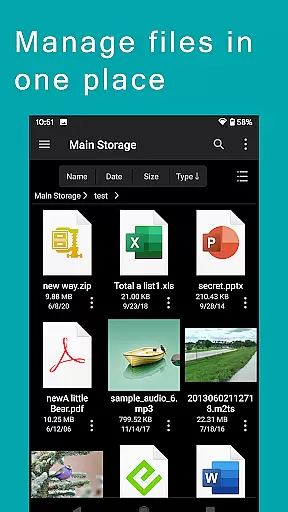
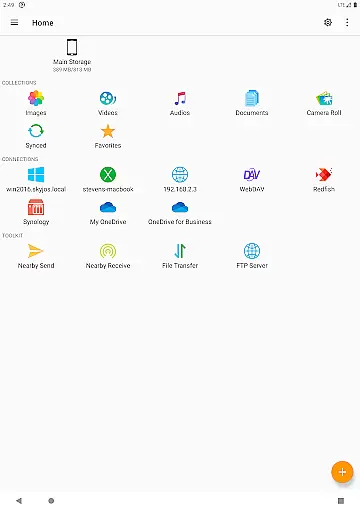
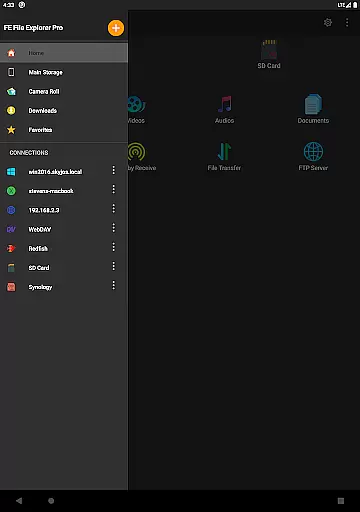
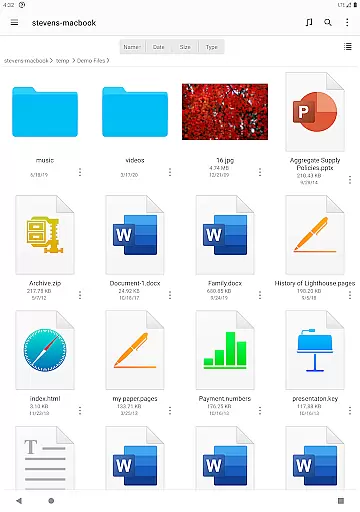
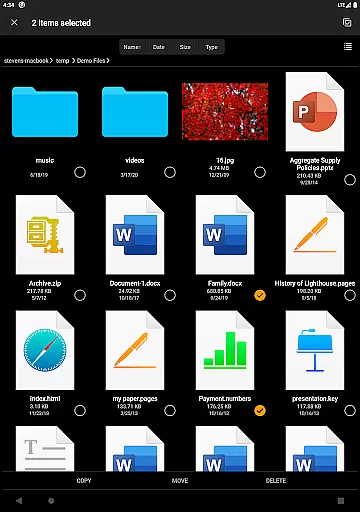
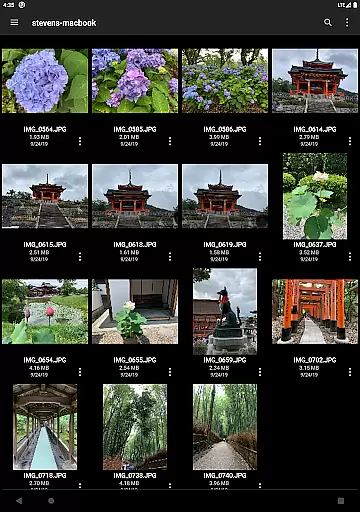

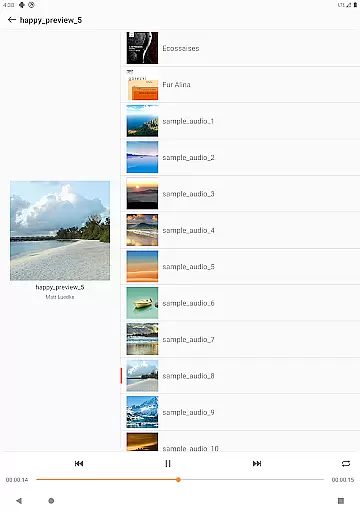
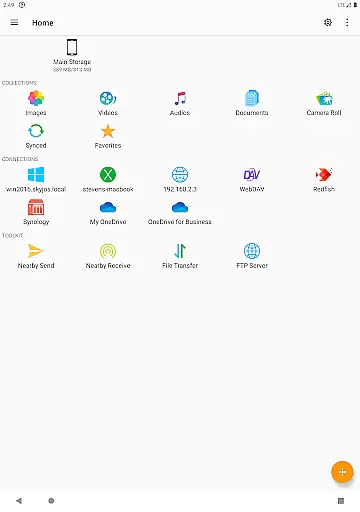
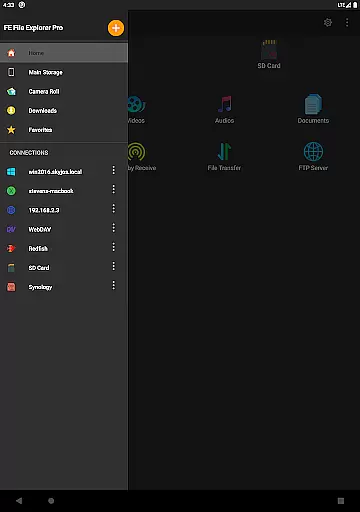
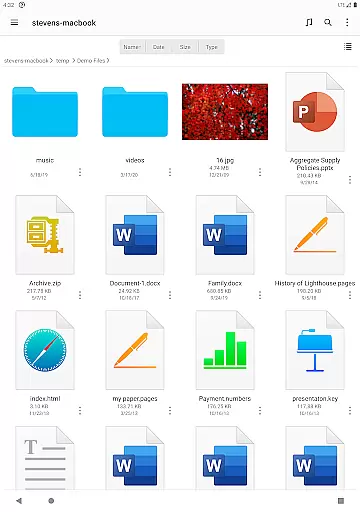

FE File Explorer Pro is a versatile file management application designed for both Android and iOS users. This app allows seamless access to local files, network shares, cloud storage, and remote servers, making it an essential tool for productivity. Users can effortlessly transfer files between different locations, stream multimedia content, and manage documents without the need for downloading.
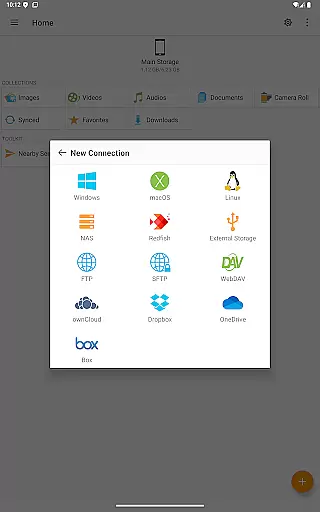
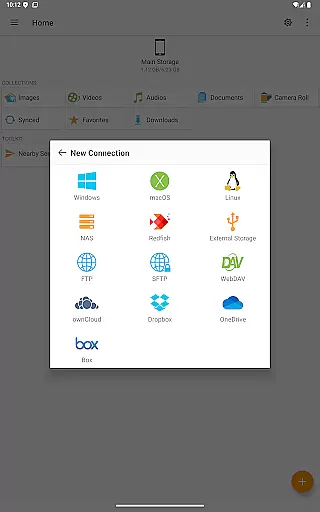
The app supports multiple protocols including SMB/CIFS, WebDAV, FTP, and SFTP, enabling connectivity with macOS, Windows, Linux, and NAS devices. It also integrates with popular cloud services like OwnCloud, Dropbox, and OneDrive. With features such as automatic discovery of network devices, Active Directory support, and robust file management capabilities, FE File Explorer Pro is ideal for professionals who require efficient file handling on the go.
One of the standout features of FE File Explorer Pro is its extensive protocol support. The app enables users to connect to various network shares via SMB/CIFS, WebDAV, FTP, and SFTP protocols. This versatility ensures that users can access files stored on their computers, NAS devices, or cloud storage services like OwnCloud, Dropbox, and OneDrive without any hassle.
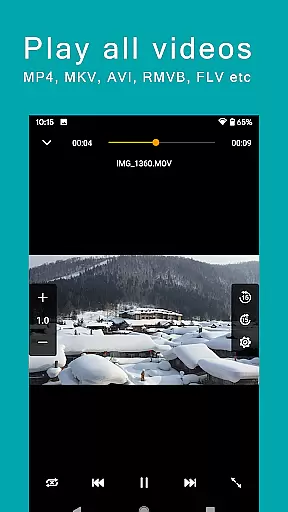
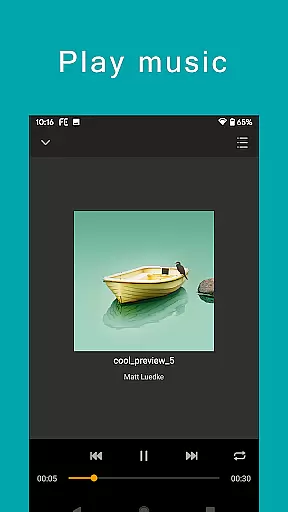
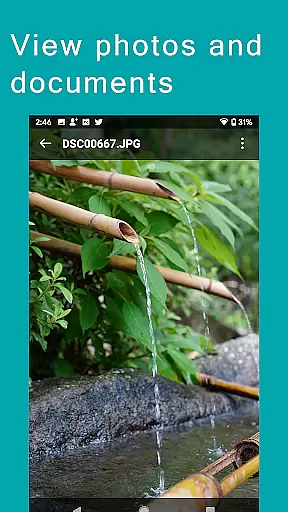
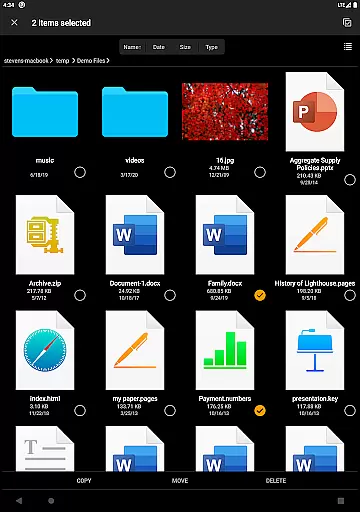
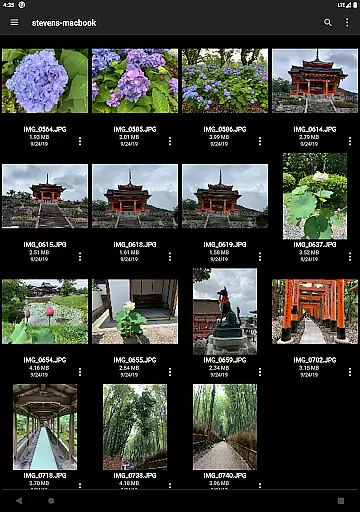
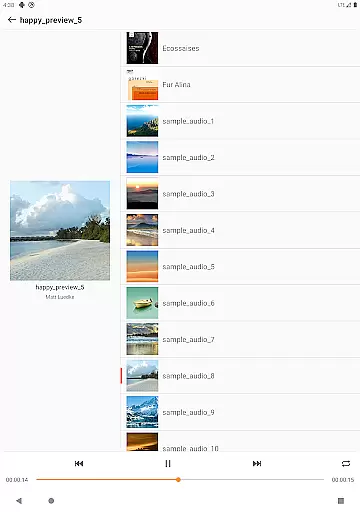
Another key feature is the ability to perform comprehensive file operations directly from the app. Users can copy, move, rename, and delete files across different storage locations. The app also supports viewing and managing documents, photos, and multimedia files. Advanced functionalities include editing documents in place, archiving and unarchiving ZIP, RAR, and 7zip files, and streaming movies and music from remote storages to Android devices.
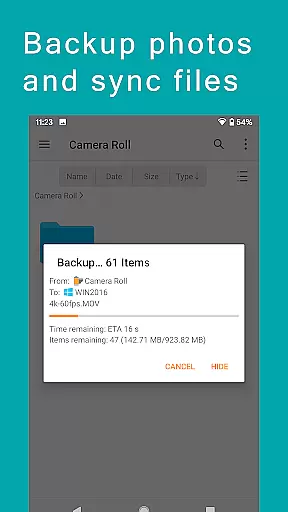
Additionally, FE File Explorer Pro offers powerful synchronization and backup options. Users can sync files between remote storage and their Android devices, back up camera photos to remote storage, and even transfer files between Android and iOS devices using the Nearby file transfer feature. These capabilities make the app a complete solution for managing digital content efficiently.
FE File Explorer Pro excels in core task management by offering a comprehensive suite of tools for file handling across various platforms. This powerful app allows users to access and manage files not only on their local Android device but also on remote computers, NAS systems, and cloud storages.
The app supports multiple protocols including SMB/CIFS, WebDAV, FTP, and SFTP, enabling seamless connectivity with macOS, Windows, Linux, and NAS devices. With FE File Explorer Pro, you can effortlessly copy, move, rename, and delete files directly from your mobile device, streamlining your workflow and enhancing productivity.
Additionally, the app provides advanced features such as automatic discovery of networked devices, support for Windows Domain and Active Directory, and the ability to edit documents located on remote storage directly within the app. These capabilities ensure that users can efficiently manage their tasks without being hindered by the limitations of physical location or device type.
Cross-device synchronization is a standout feature of FE File Explorer Pro, ensuring reliable and efficient data management across different platforms. The app facilitates the transfer of files between any two locations, whether they are local or remote, thus maintaining consistency and accessibility of your data.
One of the key strengths of FE File Explorer Pro is its ability to sync files between remote storage solutions like cloud services and the user's Android device. This ensures that your important documents, photos, and media files are always up-to-date and available wherever you need them. The app also supports automatic photo backup to remote storage, safeguarding your memories against device loss or damage.
Moreover, FE File Explorer Pro offers nearby file transfer capabilities, allowing quick and easy sharing of files between Android and iOS devices. This feature enhances collaboration and data exchange in multi-device environments, making it an invaluable tool for both personal and professional use.
Comprehensive protocol support
Seamless cloud integration
Efficient file management
Multimedia streaming capability
Robust synchronization features
Complex interface for beginners
Advanced features may require technical knowledge
Limited free version availability
Occasional connectivity issues
Resource-intensive on older devices

QuickBooks Workforce lets teams view pay info and track time in one place.
 4.70
4.70
The long-awaited modern gallery app for your Nextcloud server
4.70
Auto-shutoff Alarm with Sunrise, Sunset & Fixed Options.
3.50
The Pro Version of Android's tiniest Notepad app. Just 0.3MB but feature-packed!
4.60
Customizable calendar widget for seamless event sync, planning & scheduling.
4.00
All in One PDF Reader: Manage, Read and Edit your Documents
4.20
Quickly and easily keep track of your work shifts
4.70
This small app MUST BE INSTALLED after purchase, else license won't work
4.40
AT&T Internet customers can use this app to personalize their Wi-Fi network.
4.40
8 custom complications. Custom Time Fonts. Beautiful color schemes. A++ Design.
5.00
Seamlessly integrate data and reports to build your presentation to impress
4.80
Understand anything with a personalized AI research assistant
4.80
A beautiful digital clock with autostart and many other functions
4.70
Lightweight PDF, Word, Excel reader.
4.60 4.20
4.20
Smart PDF reader & editor to view, organize and manage PDF documents easily.
3.70
ID.me Authenticator is a simple and free Two Factor Authentication solution
3.50
Code on-the-go with VScode for Android. Edit,debug and collaborate from mobile!!
3.10
Easiest event planning, volunteer signups & parent teacher conference scheduling
2.20


User Reviews