
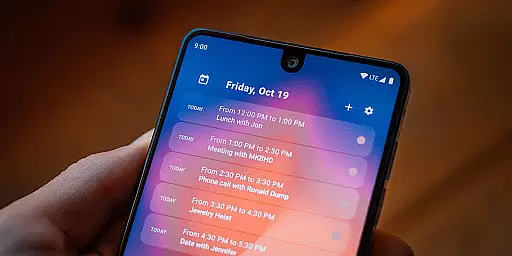
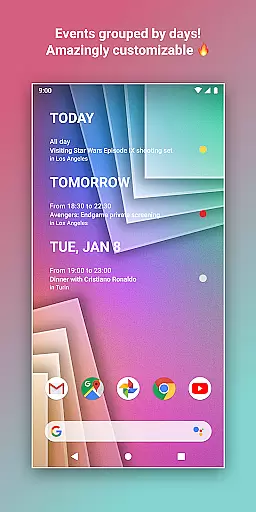
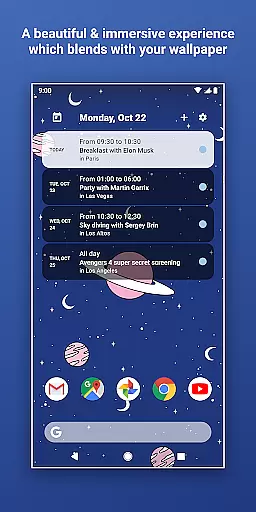
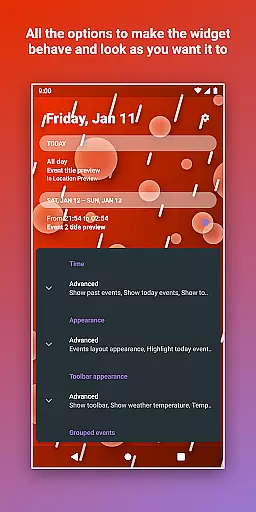
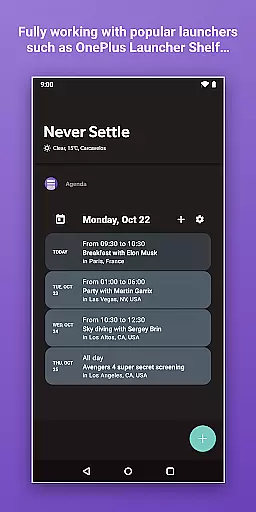
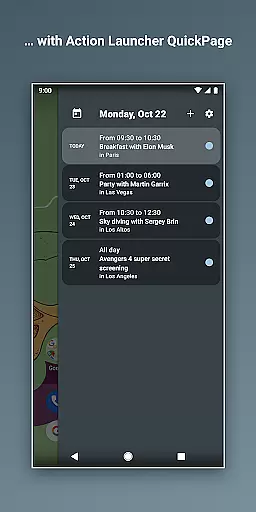
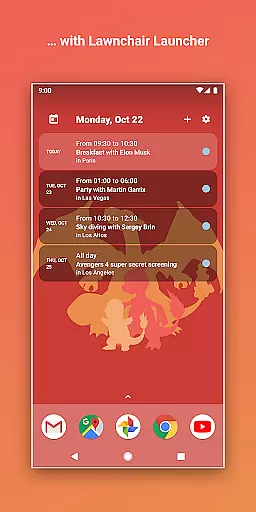
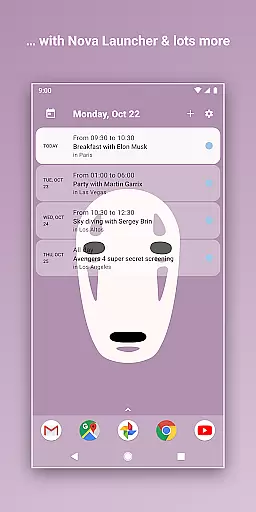
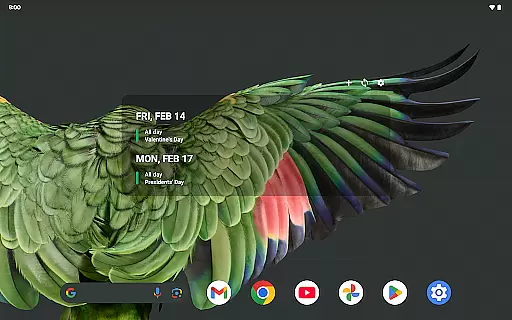
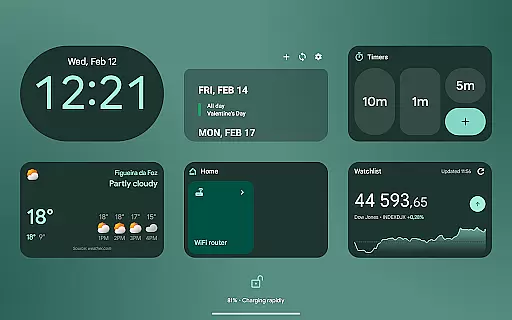
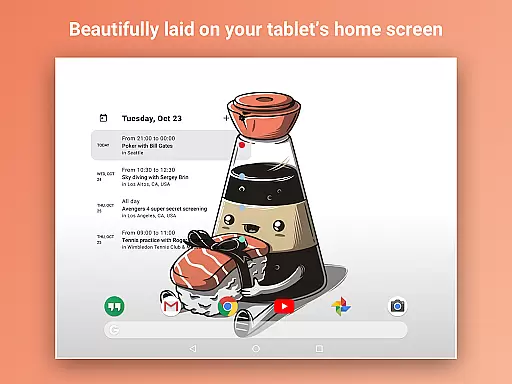
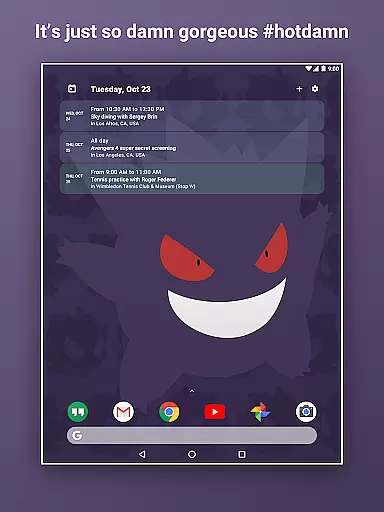
Home Agenda is a versatile productivity tool designed to streamline your daily planning and organization. This customizable calendar widget, agenda, and planner for Android offers seamless synchronization with popular calendar services like Google Calendar and Outlook. With its instant sync feature, users can effortlessly manage their events while enjoying a personalized home screen experience.
The app stands out with its custom design options, allowing users to create unique themes and adjust widget sizes to match their preferences. Its easy planning functionality enables quick viewing, adding, and editing of events, ensuring you stay organized and on schedule. The low battery impact makes it an ideal choice for users seeking both functionality and efficiency.
Whether you need a personal planning hub or a visually appealing home screen widget, Home Agenda delivers a modern interface that adapts to your needs. The app ensures privacy by operating locally without tracking user data or displaying ads, giving you complete control over your schedule.
Home Agenda offers a rich set of features that cater to various productivity needs. One of its standout capabilities is the custom design option, which allows users to personalize their widgets with unique themes and sizes. This flexibility ensures that each user's home screen reflects their individual style while maintaining optimal functionality.
The app's instant sync feature connects seamlessly with major calendar platforms such as Google Calendar and Outlook. This integration provides real-time updates and notifications, keeping users informed about their upcoming events. Additionally, the easy planning functionality lets users quickly view, add, and edit events, streamlining their daily schedules.
Another notable feature is the app's optimized performance, which minimizes battery consumption. This low battery impact makes Home Agenda suitable for everyday use without compromising device performance. Furthermore, the app operates locally, ensuring user privacy and eliminating data tracking or intrusive advertisements.
Effective task management is essential for maintaining productivity and staying organized in today's fast-paced world. Home Agenda excels in this area by offering a customizable calendar widget, agenda, and planner that syncs with your events and helps you plan your day effortlessly.
The app connects seamlessly with Google Calendar, Outlook, and more, ensuring that all your events are instantly synced and up-to-date. This instant synchronization allows users to quickly view, add, and edit events, making planning both efficient and easy.
With its clean, modern interface, Home Agenda transforms your home screen into a dynamic planning hub. The app boosts productivity by keeping you organized and on schedule, ensuring that you never miss an important event or meeting.
Furthermore, Home Agenda is optimized for daily use with low battery impact, ensuring that your device's performance remains unaffected while you stay on top of your tasks.
In our interconnected world, reliable cross-device synchronization is crucial for maintaining consistency and access to information across multiple platforms. Home Agenda addresses this need by providing seamless integration with various calendar services, including Google Calendar and Outlook.
This ensures that no matter which device you're using, your events and plans are always up-to-date and accessible. The app's instant sync feature updates your calendar in real-time, so you can trust that your schedule is current, whether you're viewing it on your phone, tablet, or computer.
Moreover, Home Agenda offers a hassle-free experience by eliminating the need for manual updates or data entry. With automatic syncing, users can focus on their tasks without worrying about discrepancies between devices.
By prioritizing user privacy and control, Home Agenda ensures that your data remains local and private, giving you peace of mind while enjoying the convenience of reliable cross-device synchronization.
User-friendly interface
Customizable themes
Instant calendar sync
Low battery usage
Privacy-focused design
Limited reminder support
No public API access
Premium features locked
Occasional sync delays
Design complexity

The long-awaited modern gallery app for your Nextcloud server
 4.70
4.70
Experience real multitasking on your Android!
4.00
Wake up & get tasks done! Add alarms & reminders on the Clock Launcher.
4.00
8 custom complications. Custom Time Fonts. Beautiful color schemes. A++ Design.
5.00
Functional QR scanner and barcode reader that requires little storage space.
4.60
Enjoy classic gameplay with customizable features and retro-style graphics.
4.30
Secure your apps with lock screens, use custom themes and different features.
4.40
Understand anything with a personalized AI research assistant
4.80
Browse and view your photos and videos from the phone with photo & video hide.
4.10
Seamlessly integrate data and reports to build your presentation to impress
4.80
App Lock with fingerprint, password: Lock apps & hide photos with lock screens
4.60
All document reader, all in one file viewer read PDF, DOCX, XLS, PPT, TXT files.
4.60
Fill, sign & send docs, forms, agreements & contracts via electronic signature.
4.50
This small app MUST BE INSTALLED after purchase, else license won't work
4.40
A customizable calendar for your Wear OS watch
4.20
Font maker keyboard with your own handwriting
4.10
Take control of your clipboard with Clipper!
3.90
Access your phone's notifications, calls, apps, photos & texts on your PC
3.90
Smart PDF reader & editor to view, organize and manage PDF documents easily.
3.70


User Reviews