
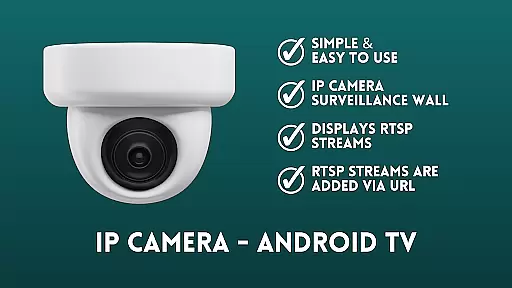
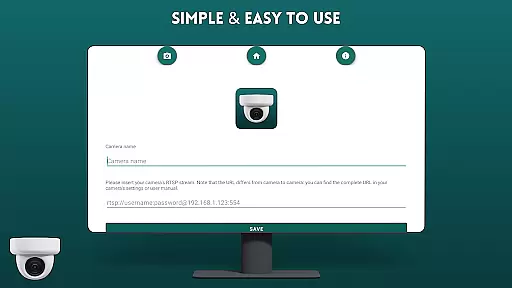
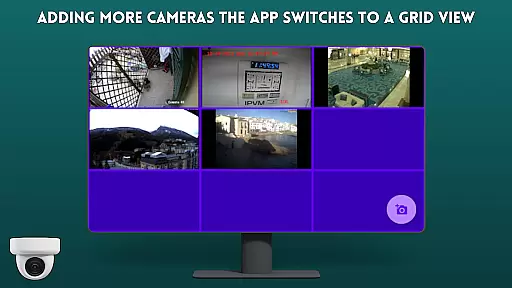
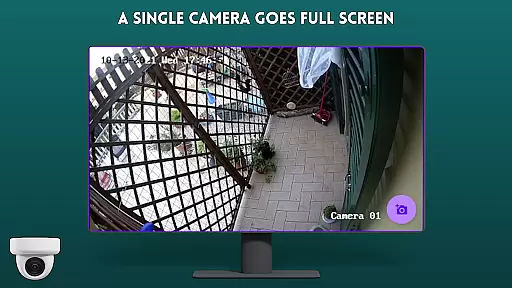
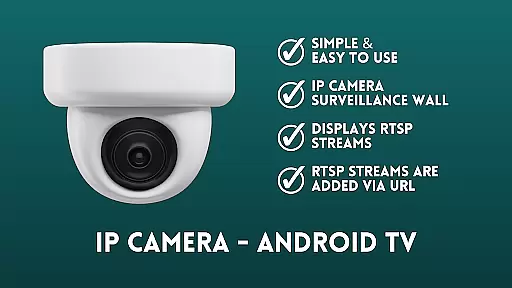
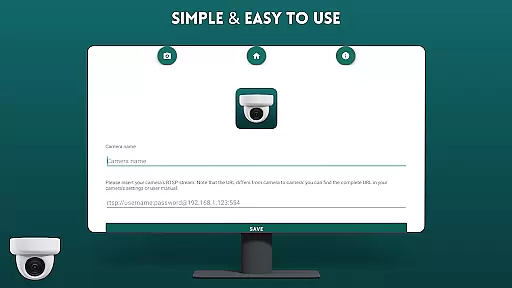
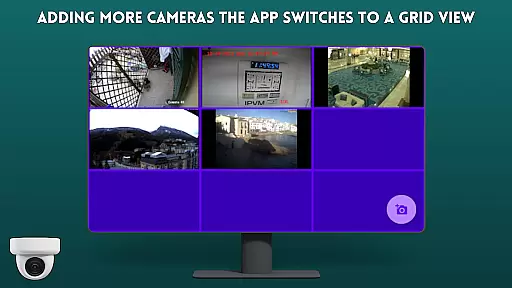
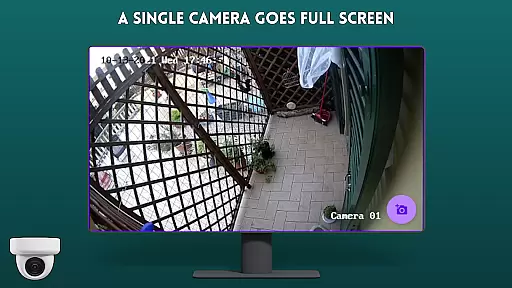
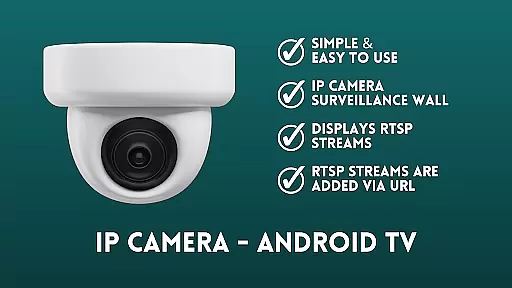
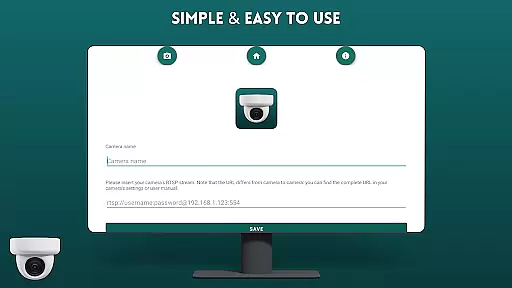
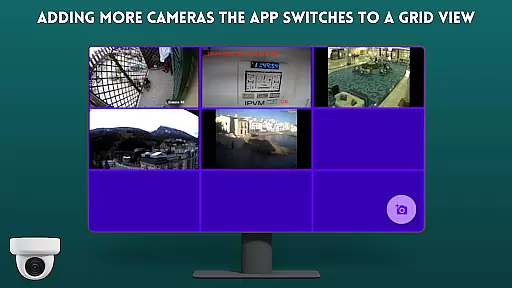
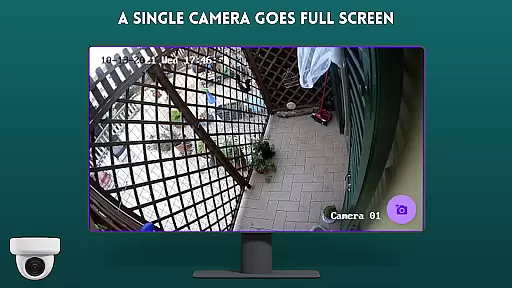
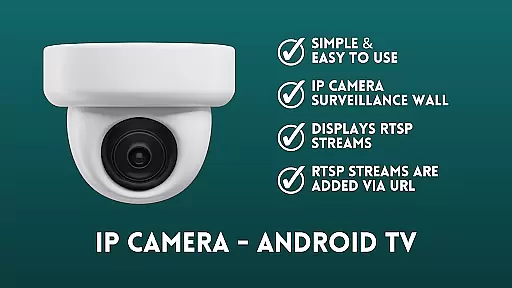
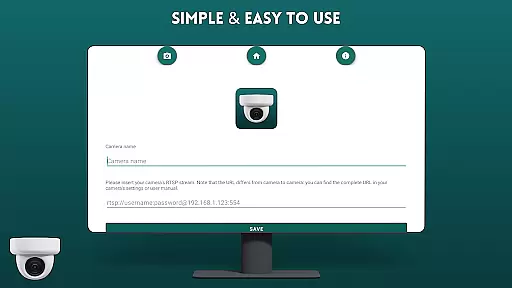
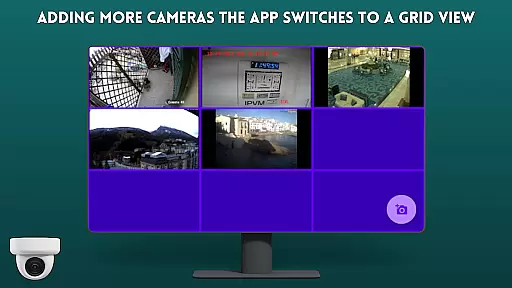
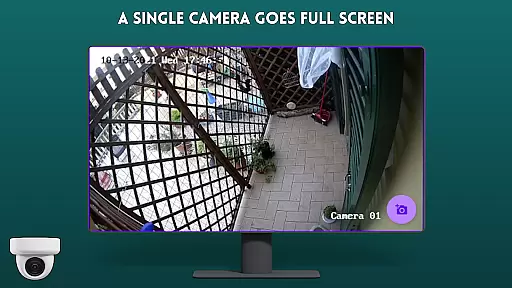
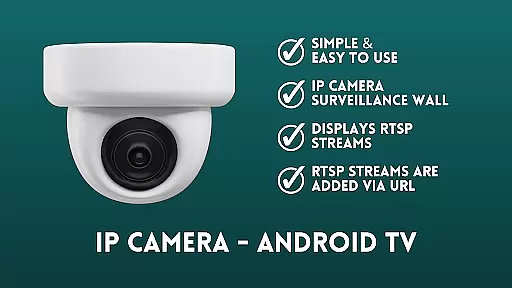
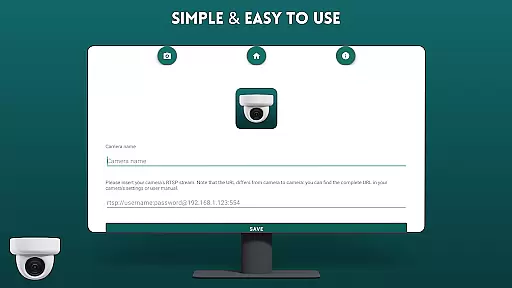
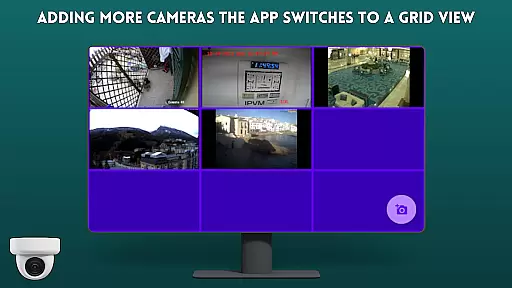
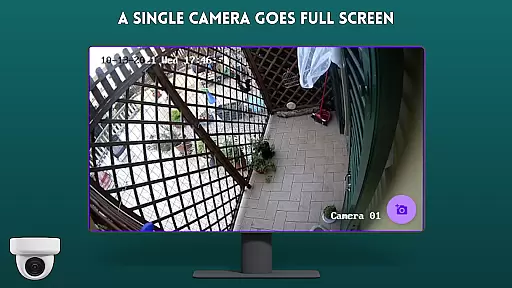
IP Camera Viewer - Android TV is a specialized productivity app designed to streamline IP camera monitoring on Android TV and Google TV platforms. The app's core functionality revolves around its RTSP support, allowing users to easily add and view IP camera streams through simple URL input.
This application stands out with its user-friendly surveillance wall interface, presenting camera feeds in a classic tile configuration. Its intuitive navigation and fast performance make it an ideal solution for both home security monitoring and small business surveillance needs.
The app's value lies in its ability to transform standard Android TV devices into efficient security monitoring stations, providing real-time camera views while maintaining ease of use and accessibility.
IP Camera Viewer - Android TV offers several notable features that enhance the camera viewing experience. The app's primary characteristic is its robust RTSP stream support, enabling seamless integration with various IP camera models through direct URL input.
A key differentiating feature is its optimized surveillance wall layout, which allows multiple camera views to be displayed simultaneously in a clean tile arrangement. This configuration, combined with the app's intuitive navigation system, ensures users can efficiently monitor different camera angles without confusion or clutter.
Additional practical features include simple setup procedures, minimal resource consumption, and compatibility with both Android TV and Google TV platforms. These characteristics collectively contribute to a smooth and reliable IP camera monitoring experience.
IP Camera Viewer - Android TV excels in core task management by providing a streamlined interface for organizing and monitoring multiple IP cameras. The app's primary function is to serve as an IP camera surveillance wall, allowing users to add RTSP streams via URL and display them in a classic tile configuration.
This setup enables efficient management of various camera feeds, making it easier for users to keep track of different locations or angles from their Android TV or Google TV. The ability to handle multiple streams simultaneously ensures that users can maintain comprehensive surveillance without switching between different applications or devices.
The app's user-friendly design simplifies the process of adding and managing camera streams. With straightforward controls and intuitive navigation, users can quickly set up their surveillance system and make adjustments as needed. This ease of use is crucial for maintaining effective task management in security monitoring scenarios.
Cross-device synchronization is a vital feature of IP Camera Viewer - Android TV, ensuring reliable performance across different platforms. The app supports both Android TV and Google TV, providing consistent functionality and user experience regardless of the device being used.
This synchronization capability allows users to access their IP camera feeds from multiple devices without losing any data or experiencing delays. Whether checking feeds on a smartphone, tablet, or directly on the TV, users can expect the same high level of reliability and speed.
The app's robust RTSP support further enhances cross-device synchronization by ensuring that video streams are transmitted smoothly and without interruption. This reliability is essential for maintaining continuous surveillance and ensuring that users have access to real-time footage whenever they need it.
User-friendly interface
Fast RTSP streaming
Easy camera setup
Tile view support
Google TV compatible
Limited customization
No advanced analytics
Basic feature set
Requires RTSP
No cloud storage

AI Video AI Image Private LLM AI Browser Llama Gemma Ollama Connect LLM Studio
 4.1
4.1
Native client for Forgejo and Gitea
5.00
A simple, portable logger for POTA, SOTA, Field Day, and more
4.2
Secure, fast, open-source, Remote Desktop Client for Windows and Linux with SSH
4.60
Share files & memories safely. Keep your photos and videos secure.
4.40
Simple notepad & memo. Take notes, to-do list, shopping list with reminders.
4.80
Okta MFA
4.70
AI Chatbot and AI writing assistant powered by ChatGPT.
4.60
Note taking, handwriting, record audio, PDF annotation, planner & journal
4.20
Protect and view your important info on your phone and tablet with eWallet®
4.80
Direct Chat without saving contacts & Dual WA Account on Single Device
4.70
Stay on top of your to-dos with Google Tasks, part of Google Workspace.
4.60
Planet Free VPN - The best Fast Unlimited and Secure VPN Without Logs
4.50
Send files, sync SMS, notifications & clipboard across devices via local network
4.40
When you Focus, so will your Bean in this cozy focus timer
4.30
Make apps & sites with natural language prompts
4.10
* block pre-roll ads, pop-up and forced redirect ads * Samsung certification app
4.00
Mega cloud explorer plugin for Solid Explorer
3.80
Ads Free App! Editor, Hide File, Copy, Move, Delete and Rename.. all facility av
1.70


User Reviews