
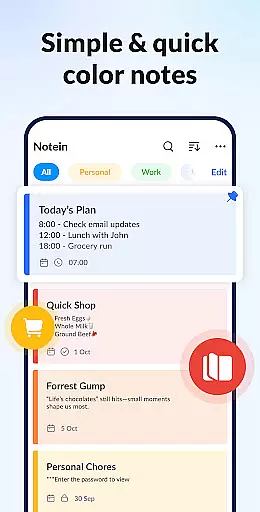

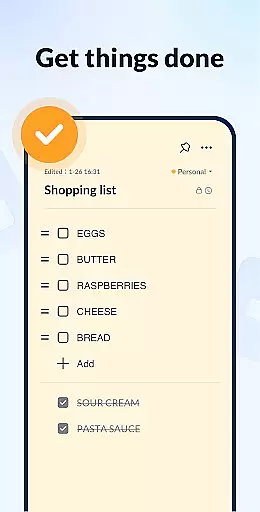
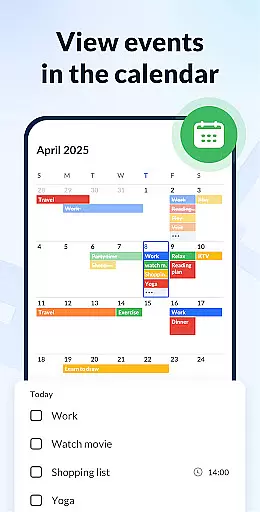
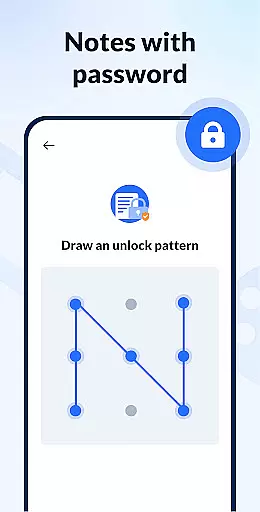
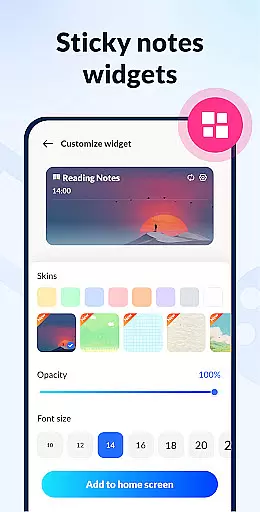
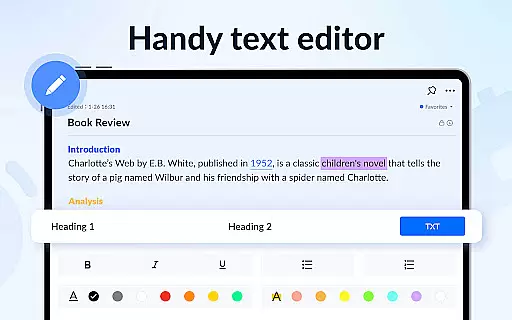
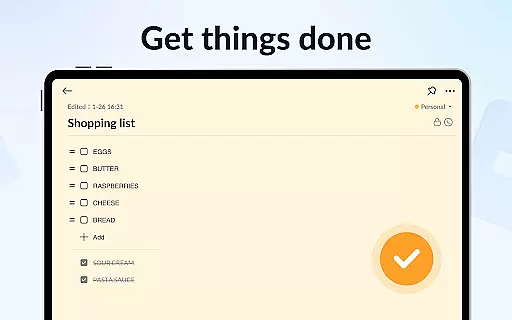
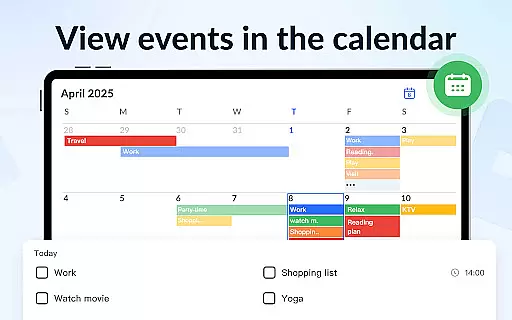
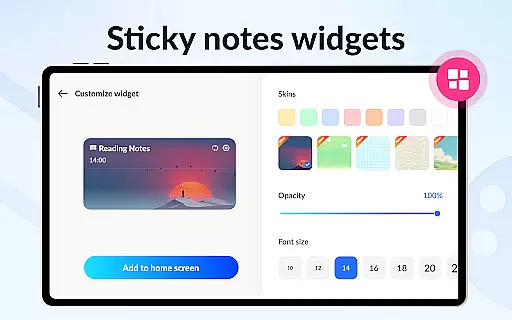
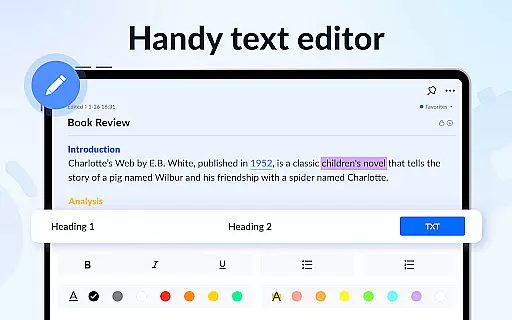
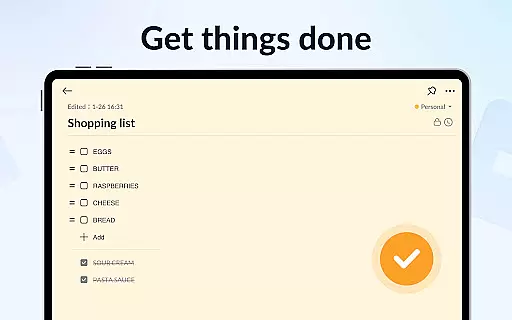
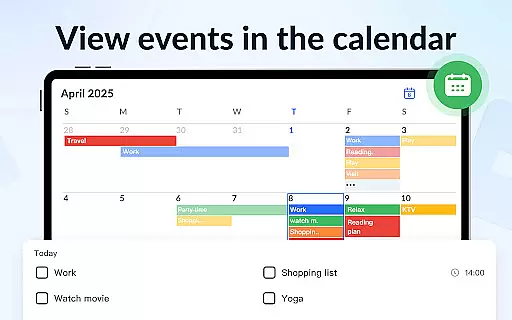
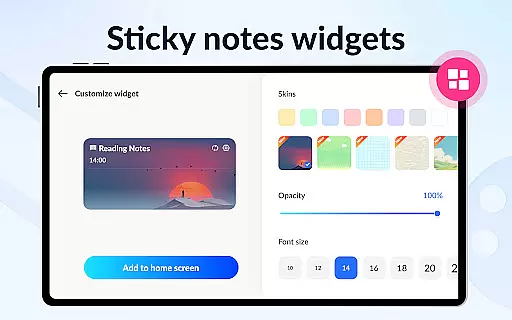
Notein - Notepad, Notes, Lists is a versatile productivity app designed to streamline note-taking and task management. This free notepad app offers multiple note-taking modes including text and checklist formats, automatic saving, and an intuitive interface for creating quick notes, meeting notes, or organizing tasks. The app's sticky notes widget allows users to access and manage notes directly from their home screen, while the calendar integration helps in scheduling and time management.
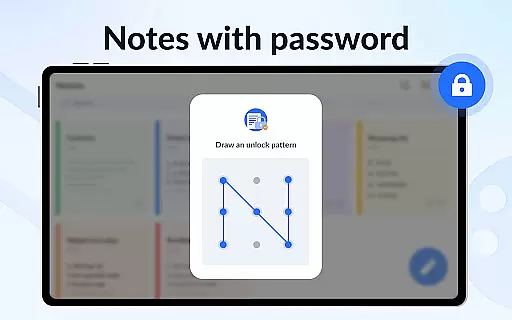
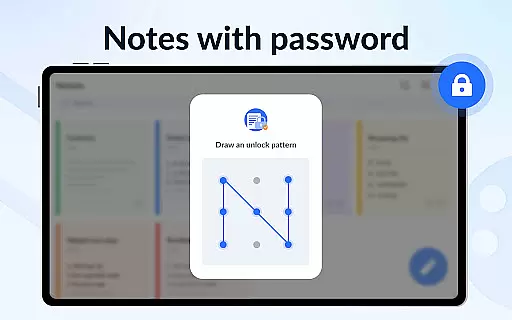
With features like color-coded notes, password protection, and cloud backup, Notein ensures both organization and security of your information. Users can set reminders, share notes via various platforms, and customize their experience with different viewing modes and sorting options. Whether for personal or professional use, this app provides a comprehensive solution for staying organized and productive.
Notein stands out with its rich feature set tailored for efficient note management. The app provides a robust platform for taking various types of notes such as class notes, book notes, and sticky notes. Its ability to pin important notes and display them through widgets on the home screen ensures that critical information is always accessible. The calendar mode adds another layer of functionality, allowing users to schedule tasks and manage their time effectively.
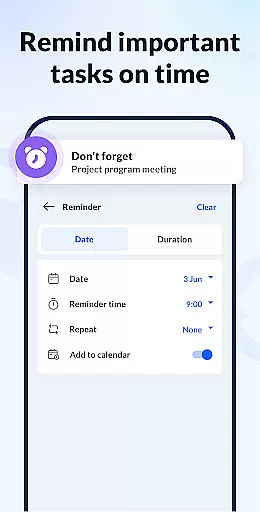
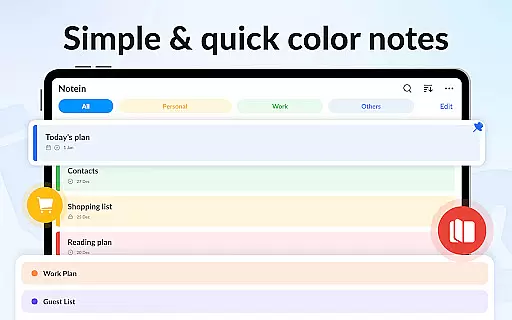
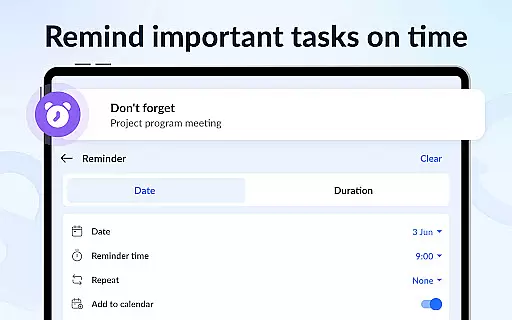
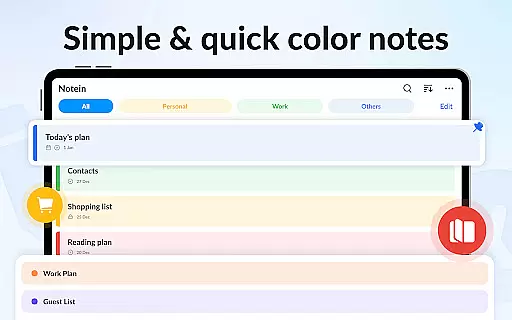
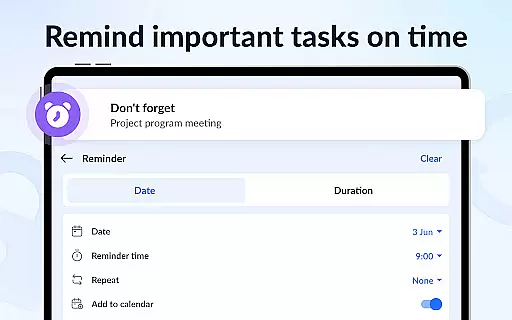
One of the key strengths of Notein is its customization options. Users can create color notes and organize them by hue, making it easier to categorize and retrieve information. The app also supports setting reminders and notifications, ensuring you never miss an important deadline. Additionally, the inclusion of a secure note-lock feature and cloud backup provides peace of mind regarding data safety and accessibility. Sharing capabilities via Twitter, SMS, Email, and other platforms further enhance collaboration and communication.
Effective task management is essential for productivity applications, serving as the backbone for organizing and executing daily activities. Notein - Notepad, Notes, Lists excels in this area by offering versatile note-taking modes, including text and checklist formats. This allows users to not only jot down quick notes but also create actionable to-do lists that can be easily checked off upon completion.
The application automatically saves notes as they are typed, ensuring no information is lost and allowing seamless transitions between different tasks. With features like note pinning and color-coding, users can prioritize important tasks and categorize them efficiently. These capabilities ensure that users can manage their responsibilities effectively, making it easier to stay on top of deadlines and commitments.
Additionally, the calendar integration feature enables users to associate notes with specific dates, providing a clear overview of scheduled tasks and upcoming events. This temporal organization helps in planning work and personal activities more systematically. The ability to set reminders further enhances the task management experience, ensuring users never miss critical deadlines or appointments.
By combining these functionalities, Notein creates a comprehensive task management system that empowers users to take control of their workflow. Whether it's for professional projects or personal errands, the app provides the necessary tools to keep tasks organized, accessible, and actionable.
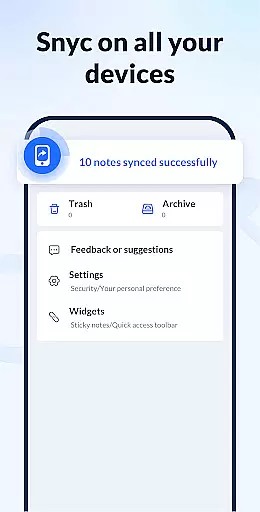
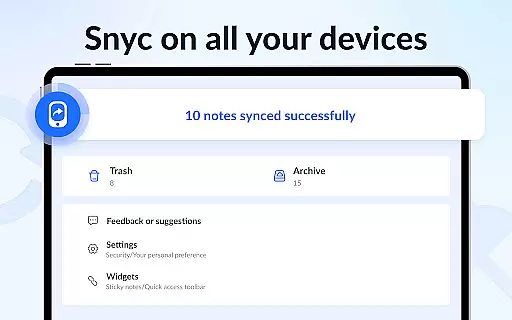
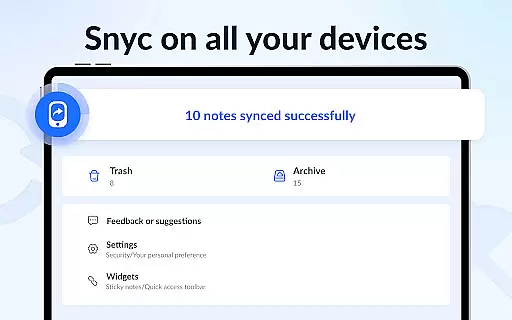
In today's interconnected world, reliable cross-device synchronization is crucial for maintaining productivity and ensuring data accessibility. Notein - Notepad, Notes, Lists addresses this need by offering cloud backup and restore functionalities. This means that all notes and lists created within the app can be securely stored in the cloud, safeguarding against data loss and enabling access from multiple devices.
The synchronization process is seamless and operates in real-time, meaning any changes made on one device are immediately reflected across all others linked to the same account. This ensures that whether you're switching from your phone to a tablet or sharing information with colleagues, your notes remain up-to-date and consistent. Such reliability is particularly beneficial for users who rely on multiple devices throughout their day.
Moreover, the app supports various ways to share notes, including via Twitter, SMS, WeChat, Email, and more. This versatility in sharing options complements the synchronization feature, allowing users to collaborate and communicate effortlessly. By facilitating easy information exchange, Notein enhances both individual and team productivity.
Overall, the robust cross-device synchronization offered by Notein ensures that users can depend on having their critical information at their fingertips, regardless of the device they are using. This reliability fosters a seamless and efficient workflow, empowering users to focus on their tasks without worrying about data discrepancies or accessibility issues.
User-friendly interface
Automatic note saving
Color-coded organization
Secure password protection
Cloud backup feature
Limited advanced formatting
No real-time collaboration
Occasional sync issues
Basic free version
Fewer integrations

When you Focus, so will your Bean in this cozy focus timer
 4.30
4.30
Experience real multitasking on your Android!
4.00
IP Camera Viewer - Android TV : RTSP Surveillance camera viewer for Android TV
4.1
Pwnagotchi companion app
4.20
Make apps & sites with natural language prompts
4.10
Secure, open-source, SPICE and SSH Remote Desktop for QEMU KVM virtual machines
4.00
Lightweight PDF, Word, Excel reader.
4.60
Okta MFA
4.70
Note taking, handwriting, record audio, PDF annotation, planner & journal
4.20
Native client for Forgejo and Gitea
5.00
Best Tool for the professionals Electrician, Electrical contractors, etc.
4.90
Seamlessly integrate data and reports to build your presentation to impress
4.80
The long-awaited modern gallery app for your Nextcloud server
4.70
App lock - lock apps with fingerprint, password, pin or pattern, protect privacy
4.70
Calendar 2023 widget for Android. Appointment scheduler, planner, and reminder
4.60
Todo reminder
4.10
Wake up & get tasks done! Add alarms & reminders on the Clock Launcher.
4.00
Customizable calendar widget for seamless event sync, planning & scheduling.
4.00
A Revolutionary All-in-One Artificial Intelligence Tools
3.80


User Reviews