
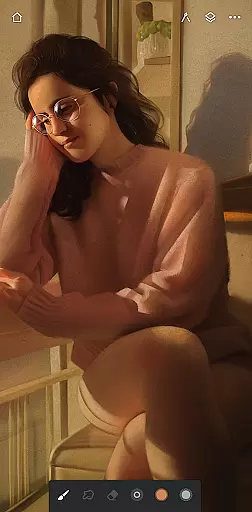
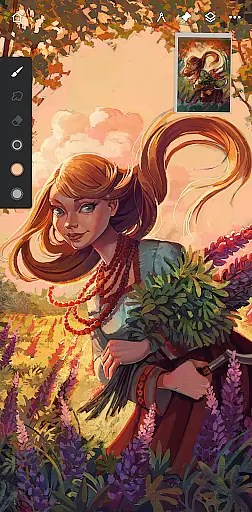
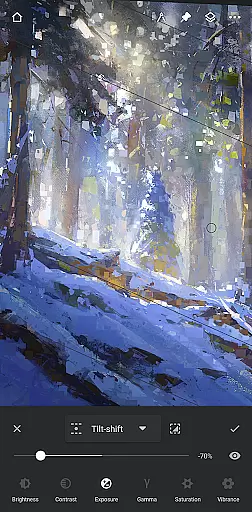
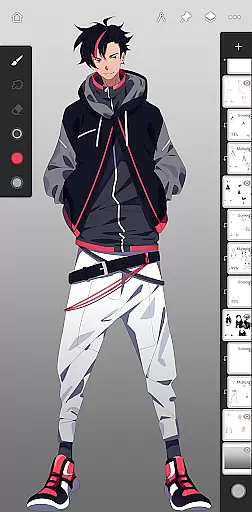
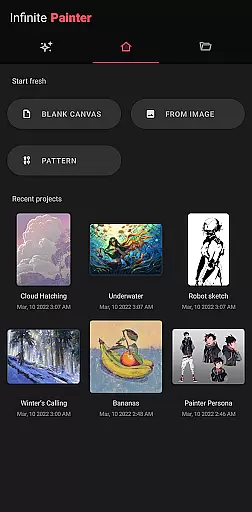
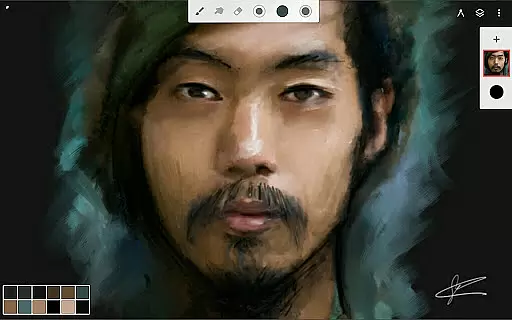
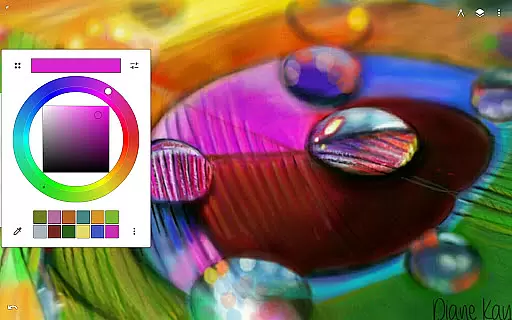
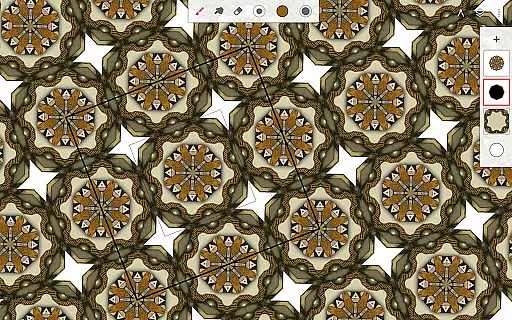
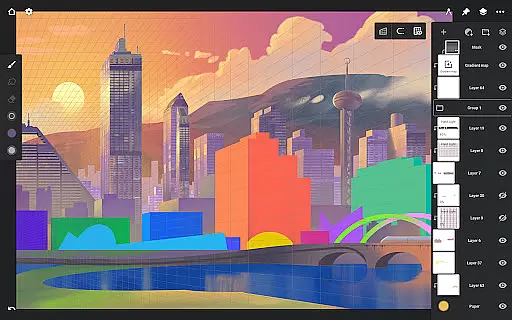
Infinite Painter stands as a premier digital art application, offering an extensive suite of painting, sketching, and drawing tools optimized for tablets, phones, and Chromebooks. This award-winning app is designed for artists of all levels, providing professional-grade features that cater to hobbyists and professionals alike.
At its core, Infinite Painter boasts hundreds of built-in brushes with realistic canvas interactions, customizable settings, and support for stylus devices. The app's intuitive interface ensures maximum workspace efficiency while delivering powerful functionalities like symmetry tools, perspective guides, and advanced layer support with blend modes.
Whether creating detailed artwork or casual sketches, users benefit from innovative features such as time-lapse recording, seamless pattern creation, and industry-leading color correction tools. The app also supports importing and exporting custom resources, making it an indispensable tool for digital artists seeking flexibility and precision in their creative process.
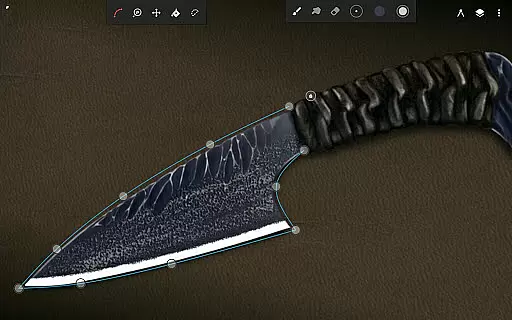
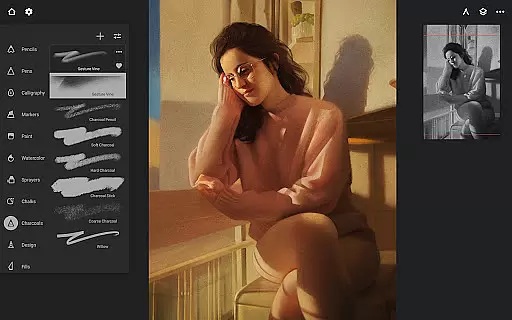
Infinite Painter distinguishes itself through its comprehensive feature set tailored specifically for digital artists. The app includes best-in-class pencils and brushes with over 100 customizable settings, allowing users to create unique brush strokes that can be converted into editable shapes.
One of the standout aspects is its robust layer system supporting 30 blend modes, masks, and adjustment layers. Artists can work with HD canvas sizes, utilize professional tools like liquify and transform multiple layers simultaneously, and take advantage of advanced selection and masking capabilities.
The workflow acceleration features are equally impressive, enabling users to import resources from various sources, search royalty-free images, and export projects in multiple formats including layered PSD files. With its clean interface design, gesture-based controls, and real-time effects, Infinite Painter streamlines the creative process while maintaining exceptional performance across devices.
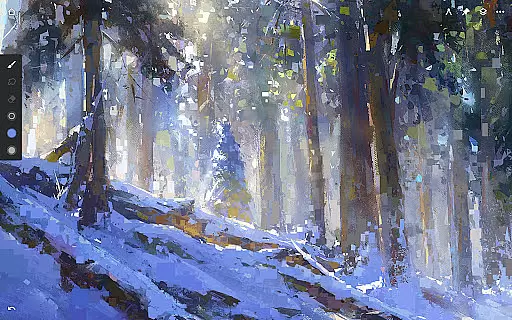
Infinite Painter offers an extensive suite of creative tools that cater to both amateur and professional artists. The app includes hundreds of built-in brushes with realistic brush-to-canvas interaction, offering over 100 customizable settings. This allows users to fine-tune their tools to match their artistic style perfectly.
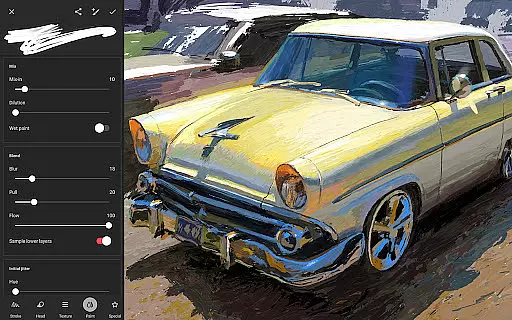
Beyond brushes, the app supports a variety of other artistic needs. Users can work with layers, each supporting 30 blend modes, and take advantage of advanced features like masks for layers, adjustments, and groups. Infinite Painter also provides industry-leading color correction and over 40 live filter effects, ensuring every piece can be polished to perfection.
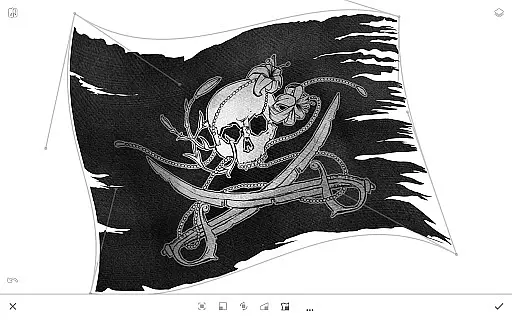
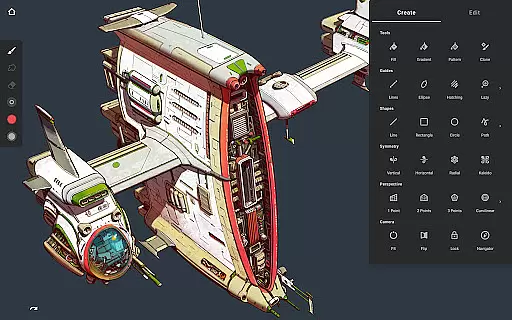
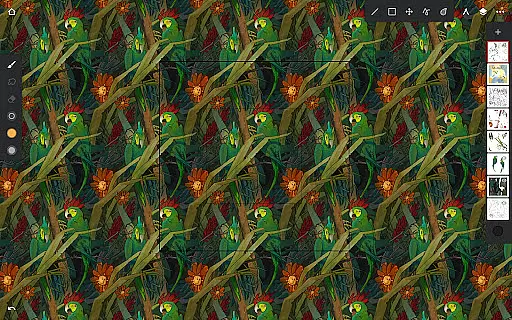
For those interested in digital art techniques, the app facilitates operations such as seamless pattern projects, symmetry tools, and perspective guides. These features help artists explore complex designs and patterns without requiring traditional technical skills, thus expanding their creative possibilities significantly.
The inclusion of powerful selection workspaces and Photoshop-like smart layers means that artists can perform multiple transformations without loss of quality. Such comprehensive toolsets empower creators to bring their visions to life with precision and ease, making Infinite Painter a versatile companion for all forms of digital art creation.
Flexibility in canvas and format options is crucial for digital artists, and Infinite Painter excels in this area. The app supports 64-bit deep color painting, providing rich color depth that enhances the vibrancy and detail of artworks. Artists can choose from various canvas sizes, including HD resolutions, allowing them to work on projects tailored to specific requirements or mediums.
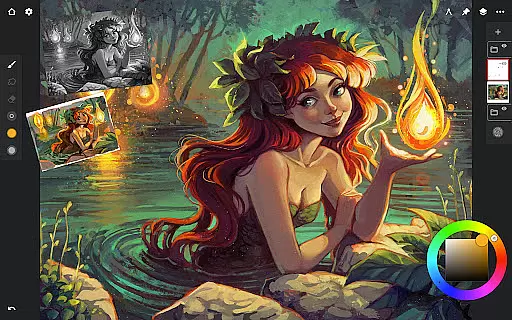
Infinite Painter's interface is designed to maximize workspace efficiency. It features a clean, customizable layout that minimizes clutter while maximizing the visible canvas area. Users can assign finger functions separately from the stylus, use gestures to rotate and flip the canvas, and even pull the color wheel onto the canvas with a simple gesture, streamlining the creative process.
The app also supports diverse file formats, catering to different workflow needs. Artists can import images from photos, camera rolls, clipboards, or image searches, and export their creations as JPG, PNG, WEBP, ZIP, layered PSD files, or Painter projects. This versatility ensures compatibility across different platforms and uses, whether for personal projects or professional assignments.
Additionally, Infinite Painter includes innovative features like canvas preview with flip and grayscale options, aiding artists in checking proportions and values. With these robust canvas and format flexibilities, Infinite Painter stands out as a top choice for artists seeking adaptability and high-quality output in their digital art endeavors.
Intuitive user interface
Extensive brush library
Powerful layer system
Professional-grade tools
Cross-device compatibility
Steep learning curve
Pro features subscription
Resource-intensive
Limited free version
Occasional bugs

Draw anime & manga drawing, art with templates to create stunning picture!
 4.50
4.50
Draw on screen: FP sDraw is a simple and lightweight drawing app
4.70
Make your phone cooler and have a fantastic experience
4.80
Draw glowing spinners, relax, and spin your creative art
4.60
Minecraft & Roblox Clothes
4.70
Turning simple sketches into captivating tales filled with life and motion
3.90
Create Logos, Tattoos, AI Art & more with our AI Photo Generator & Design Editor
4.20
AI-powered photo & video creation—fast, fun, and effortless with Quick Actions
4.60
All-in-One art, logo & collage maker. Design photos and edit video backgrounds
4.80
Photo stitcher for automatically screenshot stitching into a long screenshot
4.70
Create color palette from Image, RGB & RYB Color wheel harmonies, Color Scheme
4.50
Trace, draw, and create art with AR - from memes to masterpieces!
4.30
800+ Drawing, Painting Lessons App to Practice, Sketch & Paint Art.
4.30
Customizable Outlined Fonts. Watch Face Format. Battery friendly Digital Clock.
4.20
Create stylish invitation cards using templates for weddings, birthdays & RSVP.
4.20
OneUI 8.5 icons ✨ Smooth, modern & based on the latest Play Store design ??
4.10
Easy 3D drawing design maker & creator. Model designing, Sculpting. Create&paint
4.00
Design your dream room with AI. Get decor ideas & plan home interiors
3.90
Design unique, funny and adorable cat stickers that reflect your own style!
3.80


User Reviews