



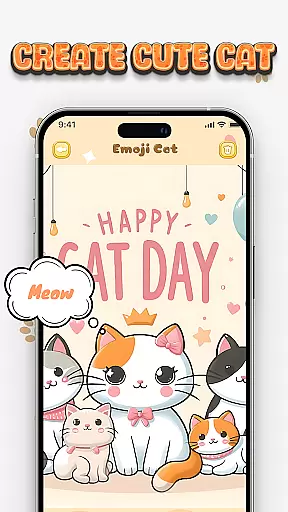
Cat Maker is an innovative app in the Art & Design category that allows users to create personalized cat emojis and stickers. With a wide range of customization options, users can design unique cat characters by selecting from various breeds, facial features, accessories, and backgrounds.
The app stands out with its humorous and creative approach, enabling users to add funny expressions, text, and accessories to their cat creations. Whether you want to make cute, playful, or mischievous cat stickers, Cat Maker provides all the tools needed to bring your imagination to life. The finished designs can be exported for use on popular messaging platforms like Telegram and WhatsApp.
This application is perfect for artists, designers, and anyone who loves cats and wants to add a personal touch to their digital communications. By combining creativity with practical functionality, Cat Maker helps users express their unique style through custom-made cat emojis.
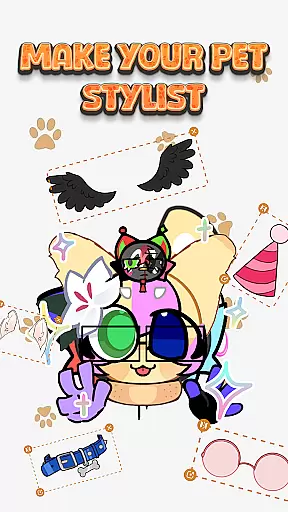
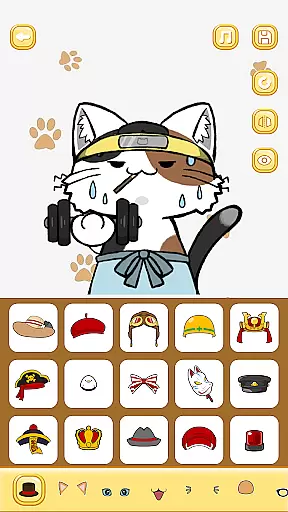
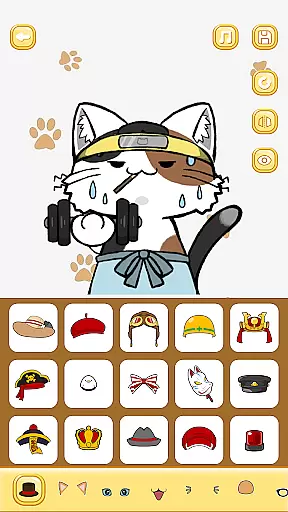
Cat Maker offers an impressive array of features that cater to creative expression. The app includes multiple cat breeds with customizable details such as eyes, mouth, ears, and tail shapes, allowing for millions of possible combinations. Users can choose from a vast collection of accessories including hats, glasses, scarves, and even themed items like chef outfits or superhero costumes.
A standout feature is the diverse range of emotional expressions users can apply to their cat creations. From happy and surprised to angry and sad, these expressions bring cat stickers to life. The app also provides various background scenes including living rooms, amusement parks, and space-themed settings, making each creation unique and contextually relevant.
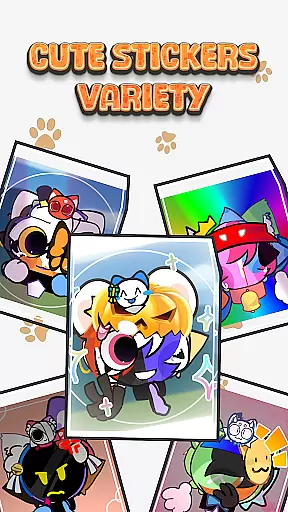
Additional features include the ability to add custom text and decorative stickers to designs. Once completed, users can easily export their creations as usable stickers for Telegram and WhatsApp, seamlessly integrating their custom designs into daily conversations and social media interactions.
In the realm of digital creativity, having a comprehensive suite of tools is essential for unleashing one's artistic potential. Cat Maker : Cat Emoji Sticker offers an extensive array of features that cater to every aspect of cat emoji design. From selecting various breeds to customizing minute details like eyes, mouth, and ear shapes, the app provides users with everything needed to create a personalized and cool cat sticker.
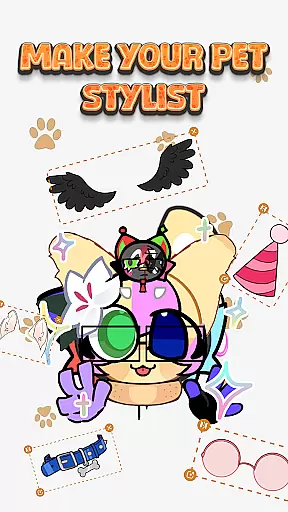
The application stands out by offering a rich collection of accessories, allowing users to add glasses, hats, scarves, and even wings to their cat creations. This diversity ensures that each user can craft a truly unique avatar that reflects their personal style and humor. Whether aiming for a playful or a more serious tone, the app equips creators with all necessary implements to bring their visions to life.
Moreover, the ability to incorporate different facial expressions adds another layer of depth to the creative process. Users can experiment with a range of emotions from joyous and mischievous to surprised or angry, ensuring that their cat emojis convey the intended sentiment. This feature not only enhances the expressiveness of the final product but also significantly boosts user engagement by providing endless transformation possibilities.
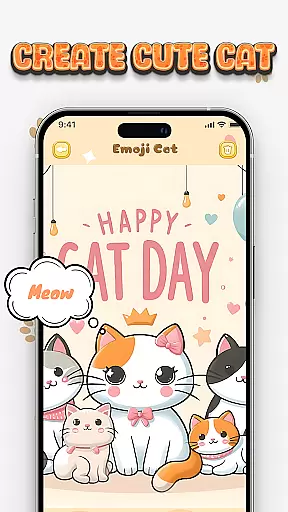
Flexibility in canvas and format options is crucial for artists who wish to explore diverse creative avenues. Cat Maker : Cat Emoji Sticker excels in this area by enabling users to design their cat emojis on various backgrounds, such as cozy living rooms, amusement parks, or even outer space. These scene choices empower creators to build stories around their cat characters, making each sticker not just an image but a narrative piece.
Beyond static images, the app supports dynamic storytelling through the addition of stickers and text lines. Users can enhance their creations with humorous elements and bespoke messages, adding layers of personality and context to their artwork. This functionality transforms simple designs into complex compositions that communicate unique tales and emotions.
Furthermore, compatibility with popular messaging platforms like Telegram and WhatsApp underscores the appu2019s commitment to format versatility. Once a design is complete, it can be effortlessly converted into a sticker format ready for digital communication. This seamless integration facilitates sharing and interaction, allowing users to spread joy and creativity within their social circles while maintaining high-quality visual standards across different mediums.
User-friendly interface
Extensive customization options
Variety of emotional expressions
Rich accessory collection
Export to messaging apps
Limited to cat designs
Some features may require payment
Occasional app stability issues
Learning curve for advanced features
Design options could feel overwhelming

Create stylish invitation cards using templates for weddings, birthdays & RSVP.
 4.20
4.20
AI Face Swap, Video Effects Editor, Realtime Morph, Funny Video FX,AI Filters
3.70
Unleash your drawing and painting potential
4.50
Paint with oils and sketch with natural tools on a realistic virtual canvas.
3.80
Draw beautiful mandala's very easily
4.60
800+ Drawing, Painting Lessons App to Practice, Sketch & Paint Art.
4.30
Mobile pixel art editor. Simple. Fast. Portable.
4.80
2D animation studio for Android tablets - unlimited layers, infinite timeline
4.70
Unleash your inner artist! Sketchar: AR Drawing for Limitless Creativity
4.40
Share the joy of painting with ibis Paint! Drawing anime and manga art.
4.50
Photo blender app to create overlay photos & double exposure.
4.40
Beauty Camera - Selfie Camera is the ultimate beauty camera and selfie app
4.30
Create Logos, Tattoos, AI Art & more with our AI Photo Generator & Design Editor
4.20
Digital Drawing: Draw & Paint
4.10
OneUI 8.5 icons ✨ Smooth, modern & based on the latest Play Store design ??
4.10
Turning simple sketches into captivating tales filled with life and motion
3.90
AI Art Generator transforms your words into AI generated art & paintings.
3.70
AI Assistant, powered by ChatGPT GPT-4 & GPT-4o. Your intelligent companion.
3.50
Download now for a stylish and functional timepiece
4.5


User Reviews