
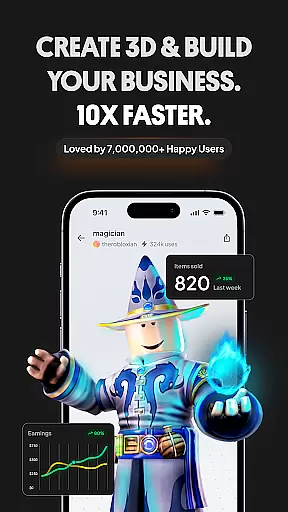
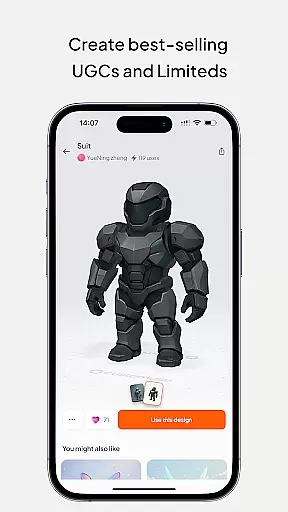
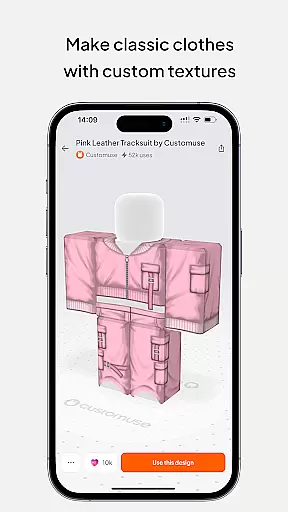
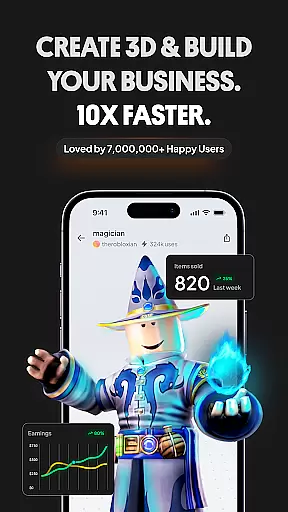
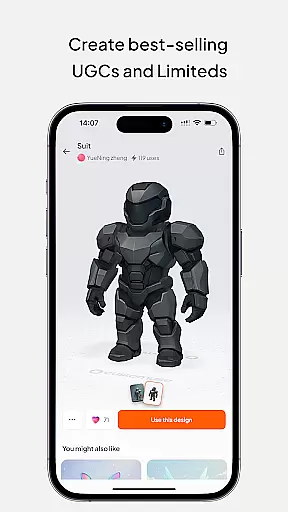
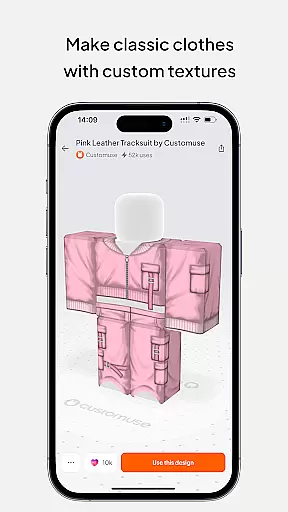
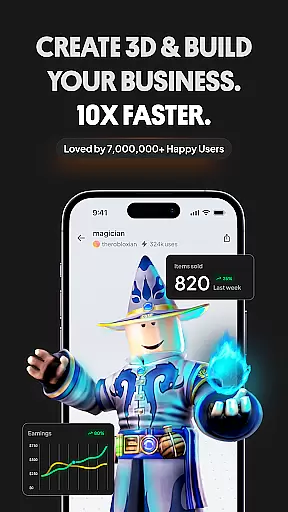
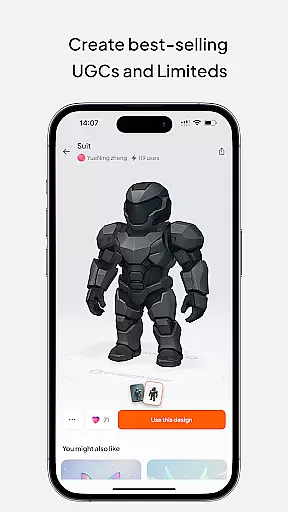
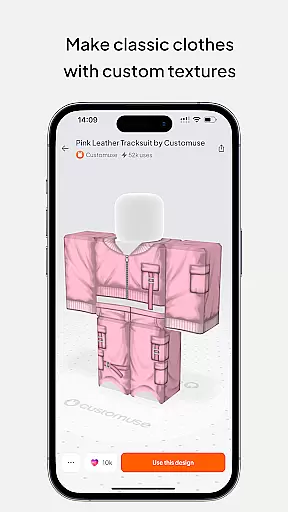
Customuse is the ultimate 3D design tool for creative professionals and enthusiasts alike. With a growing community of over 2 million designers, this versatile application allows users to create unique designs across multiple platforms. From Roblox skins to Zepeto clothes, Minecraft avatars to custom social media filters, Customuse provides an all-in-one solution for digital creation.
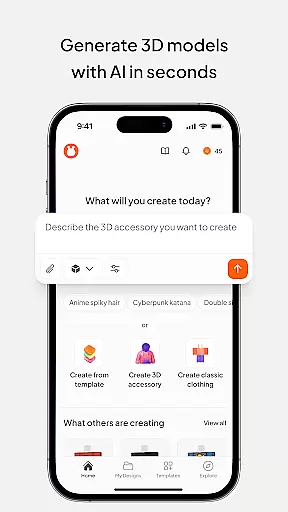
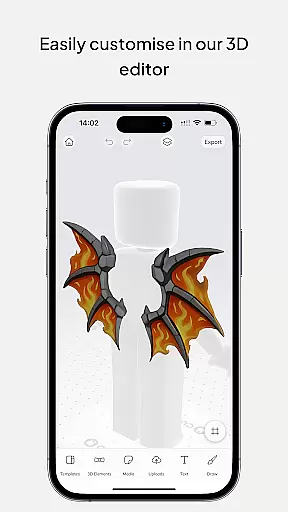
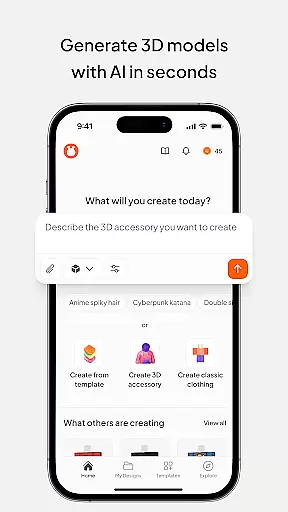
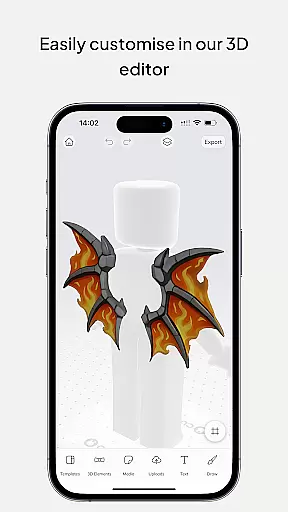
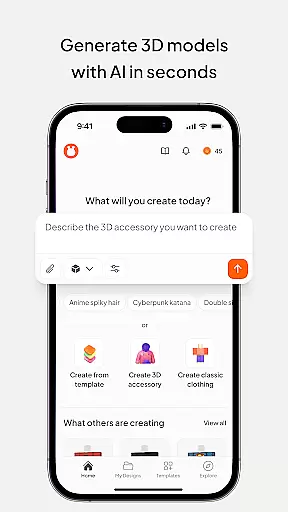
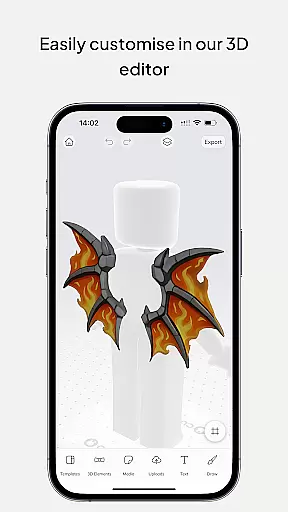
The app's core strength lies in its specialized design capabilities. Users can effortlessly create detailed Roblox clothing, design eye-catching Zepeto outfits, and develop unique Minecraft skins using thousands of templates or starting from scratch. The built-in AI tools and virtual try-on features make it easy to visualize and refine creations before publishing them directly to their respective platforms.
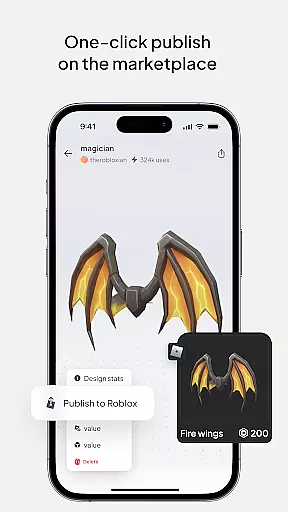
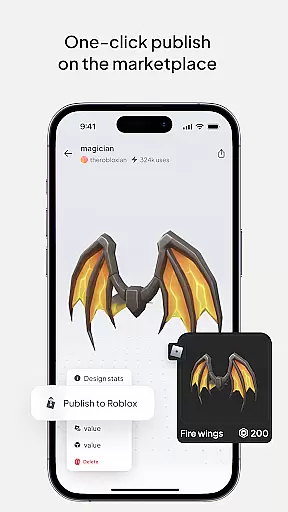
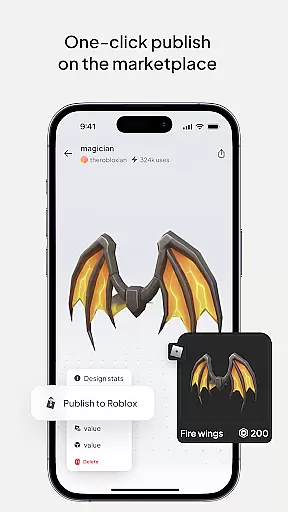
What sets Customuse apart is its seamless integration with popular social media and gaming platforms. Creators can monetize their work by selling designs on marketplaces like Roblox and Zepeto, while the app's cross-platform compatibility ensures users can design on various devices including iPhone, desktop, and even iPad as a portable Roblox Studio alternative.
Customuse distinguishes itself through its comprehensive suite of specialized design tools. The application's most notable feature is its platform-specific design capabilities, allowing users to create professional-quality content for Roblox, Minecraft, and Zepeto with remarkable ease. The AI-powered design suggestions and template library enable both beginners and experienced designers to produce high-quality work efficiently.
The app's innovative virtual try-on feature revolutionizes the design process by letting users preview their creations in real-time. This functionality extends to creating custom AR filters for Instagram, Snapchat, and TikTok, where users can test and share their filters directly through the app. Additionally, the marketplace integration streamlines the process of publishing and monetizing designs, with successful creators earning substantial income through platforms like Roblox and Zepeto.
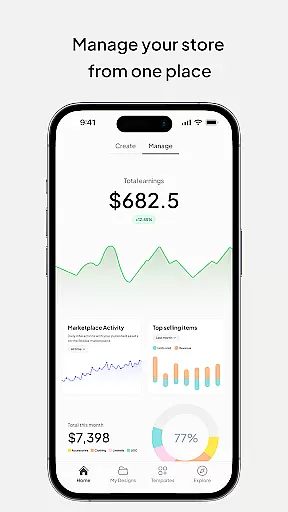
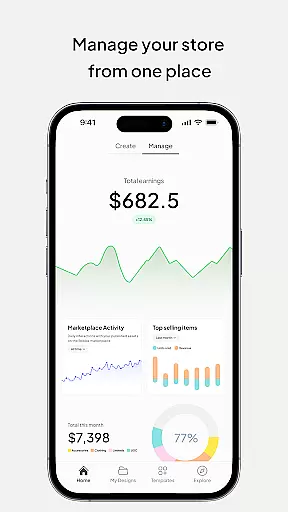
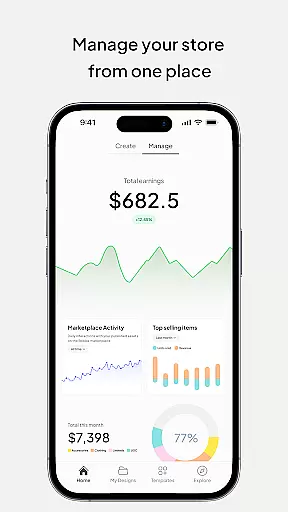
Customuse maintains a user-friendly interface across all devices, ensuring consistent performance whether working on mobile or desktop. The application's cloud-based system allows for seamless project management and collaboration, while its robust privacy and security measures protect users' intellectual property rights. These features collectively establish Customuse as a comprehensive solution for digital creators seeking to expand their presence across multiple platforms.
In the realm of digital design, having a comprehensive suite of creative tools is essential for unleashing one's full artistic potential. Customuse positions itself as an ultimate 3D design tool that caters to a wide array of design needs, from creating unique Roblox skins and Zepeto clothes to designing Minecraft avatars.
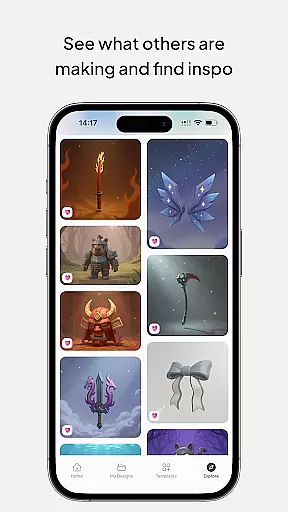
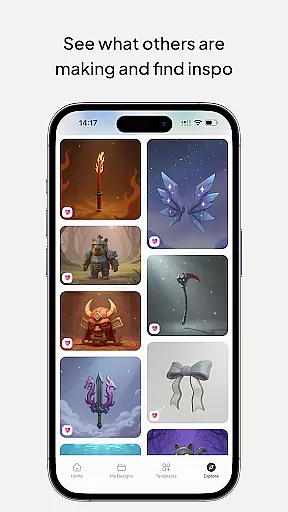
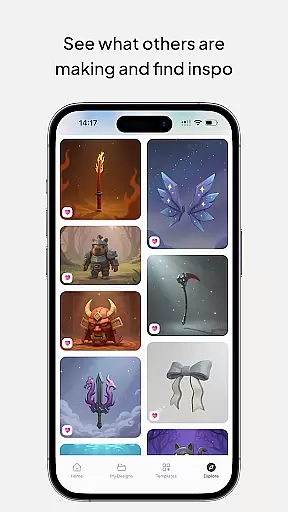
With thousands of templates at their disposal, users can either choose to customize existing designs or start from scratch, ensuring flexibility and creative freedom. The platform also integrates advanced AI tools that assist in generating designs based on simple prompts, thus catering to both beginners and seasoned designers.
The true value of Customuse lies in its ability to seamlessly blend various functionalities such as virtual try-ons, AR filter creation for social media, and even earning opportunities through marketplaces. This multifaceted approach not only enhances user engagement but also provides practical benefits like brand promotion and monetization of creative works.
By offering cross-device compatibility and supporting multiple platforms including iPhone, Desktop, and iPad, Customuse ensures that creativity is not confined to a single device or location. This accessibility empowers designers to work efficiently and effectively, regardless of where they are, making it an indispensable tool for modern creators.
Flexibility in canvas and format options is crucial for designers who wish to explore different mediums and styles without being constrained by technical limitations. Customuse offers unparalleled versatility with its support for various formats and sizes, allowing users to create everything from 3D clothing mockups to custom AR filters for Instagram, Snapchat, and TikTok.
Designers can leverage the platform's robust features to experiment with diverse projects such as building unique Minecraft skins, crafting Zepeto outfits, and customizing filters for social media platforms. Each project type comes with tailored settings and tools that ensure optimal results, whether it's adjusting fabric textures in a clothing mockup or fine-tuning facial recognition parameters in an AR filter.
Moreover, Customuse's AI-driven insights provide personalized suggestions that help users optimize their designs for specific formats and platforms. This level of customization ensures that every piece created is not only visually appealing but also technically sound and ready for deployment across various channels.
Ultimately, the flexibility offered by Customuse empowers creators to push the boundaries of their imagination. Whether designing for personal projects or professional assignments, users can trust that their vision will be faithfully translated into reality, thanks to the platform's adaptive canvas and extensive format support.
User-friendly interface
Extensive template library
Cross-platform compatibility
AI-powered design tools
Marketplace integration
Requires learning curve
Premium features locked
Internet connection needed
Limited free templates
Device storage intensive

Transform photos into amazing monochrome dither art with professional algorithms
 4.3
4.3
Draw anime & manga drawing, art with templates to create stunning picture!
4.50
Make your phone cooler and have a fantastic experience
4.80
Draw beautiful mandala's very easily
4.60
Castle is social media for creating and playing games!
4.60
Create stunning art with AI.
4.80
Design unique, funny and adorable cat stickers that reflect your own style!
3.80
Mobile pixel art editor. Simple. Fast. Portable.
4.80
All-in-One art, logo & collage maker. Design photos and edit video backgrounds
4.80
Draw glowing spinners, relax, and spin your creative art
4.60
The perfect place to start sketching! Use Sketchbook to draw and paint sketches.
4.50
Video AI: Revolutionize Your Content Creation with Advanced Video Generation
4.50
Everything you need to create hand drawn animation, anywhere you go!
4.40
Create and Design Custom Logos in Seconds with AI-Powered Tools!
4.40
AI generated images & photos, turn your words into drawing, painting & pictures.
4.30
Custom Character Creator & PFP Maker!
4.20
Floor Plan Creator lets you create, edit and share floor plans.
4.00
Your homescreen as an elegant glass with customized blur, lighting, and visuals.
3.70
Experience next-gen icons with a modern liquid glass look.
3.60


User Reviews