
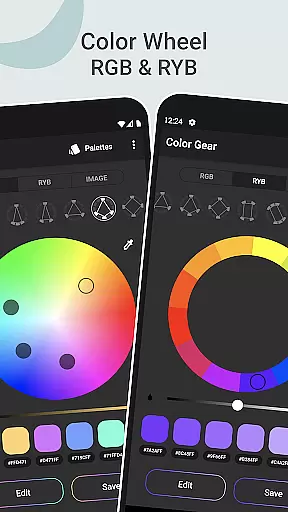
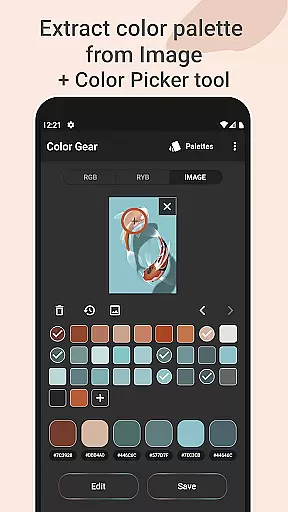
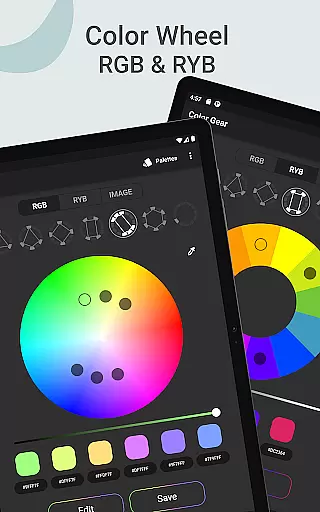
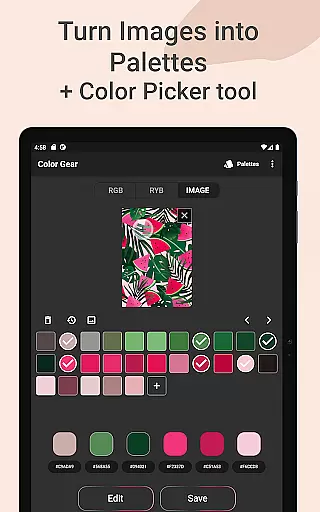
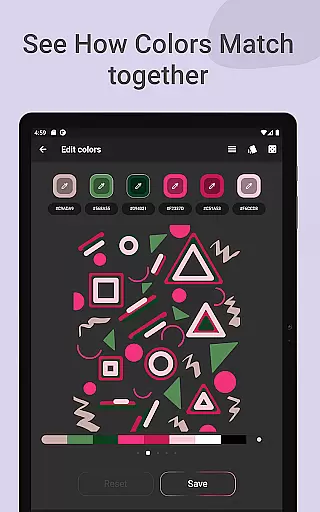
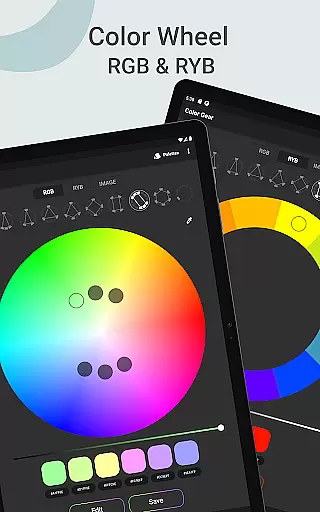
Color Gear is an essential tool for designers and artists, enabling the creation of harmonious color palettes based on color theory. The app supports two color models - RGB and Itten Color Wheels, catering to both digital media and traditional art forms.
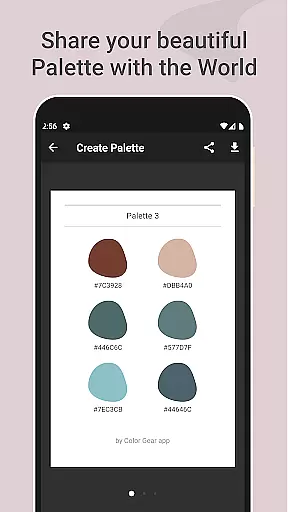
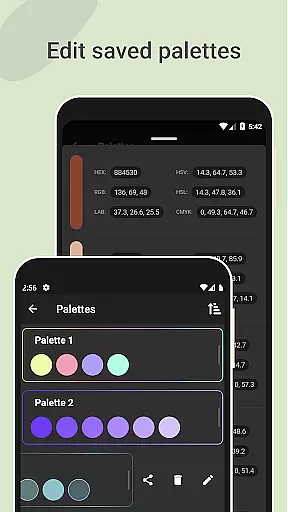
With features like extracting palettes from images, advanced color editing, and easy management & sharing of color palettes, it offers a comprehensive solution for all color-related needs. Its offline functionality ensures that these powerful tools are always at hand, making it invaluable for creative professionals.
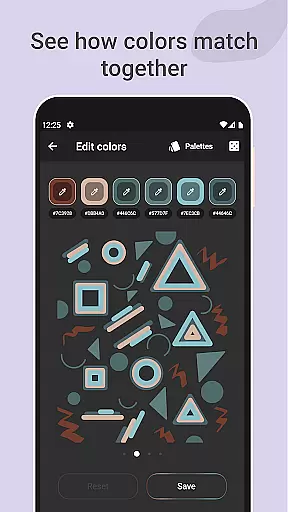
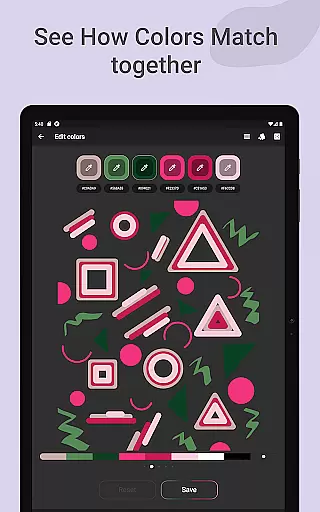
Color Gear stands out with its support for multiple color models including RGB and Itten, along with over 10 color harmony schemes. This allows users to apply complex color theories easily in their work.
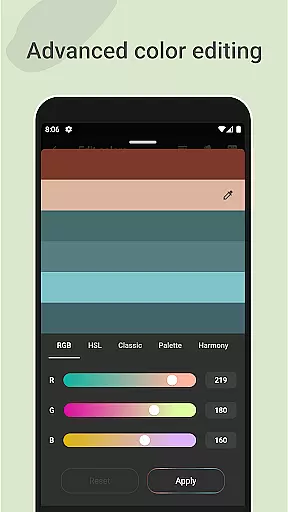
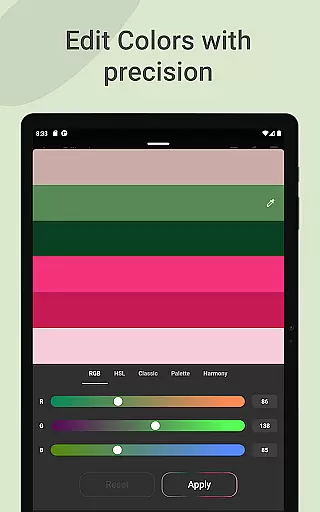
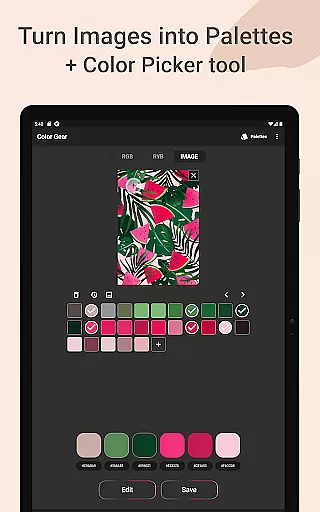
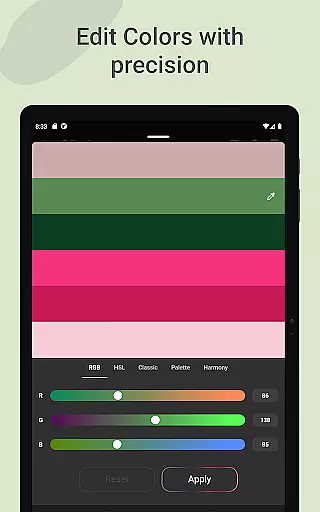
The app's ability to build palettes from HEX color codes and extract them from images using a Hex Color Picker adds unparalleled flexibility. Advanced color editing options let users fine-tune Hue, Saturation, and Lightness precisely.
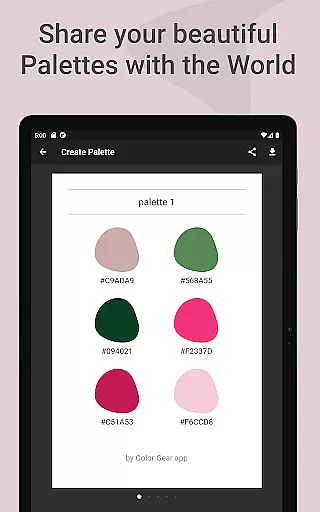
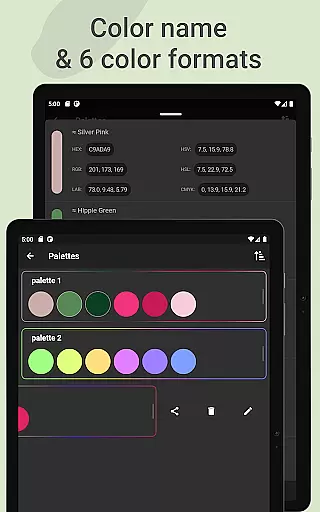
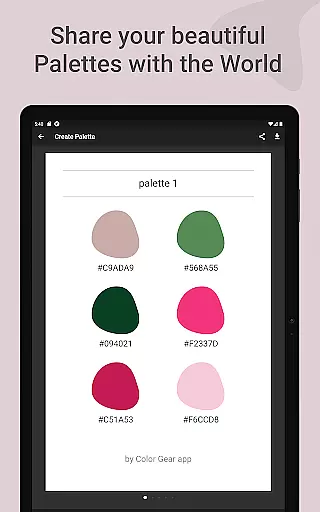
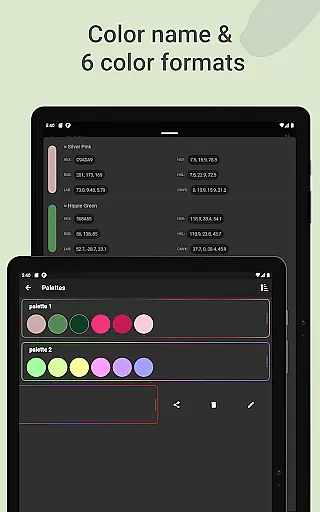
Additionally, the app facilitates effortless management and sharing of palettes in six different color formats, enhancing collaboration and workflow efficiency among creatives.
Color Gear offers a comprehensive suite of creative tools that cater to both designers and artists. The app includes two color models, RGB and Itten Color Wheel, allowing users to work with digital media or traditional paint and pigment with equal ease.
The inclusion of over 10 color schemes for each model ensures that users can explore a wide range of color harmonies. This flexibility empowers creatives to experiment with different palettes, thus enhancing their design projects with vibrant and coordinated color themes.
Additionally, advanced features such as extracting palettes from images and precise editing of color values (Hue, Saturation, Lightness) provide an extra layer of customization. These tools are essential for professionals who require exactness in their work, making Color Gear an indispensable companion in the creative process.
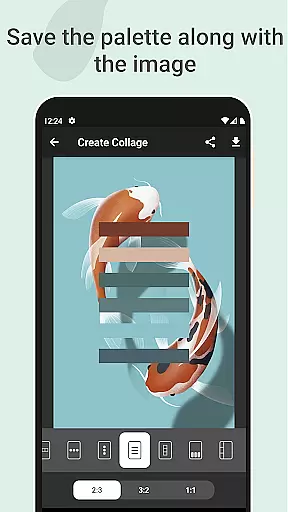
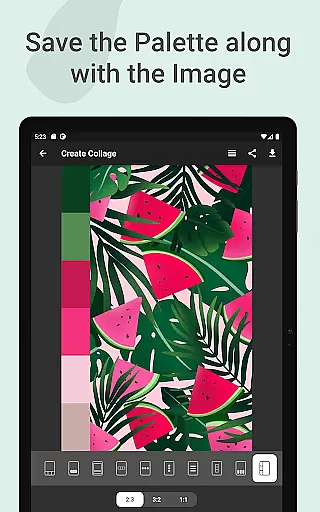
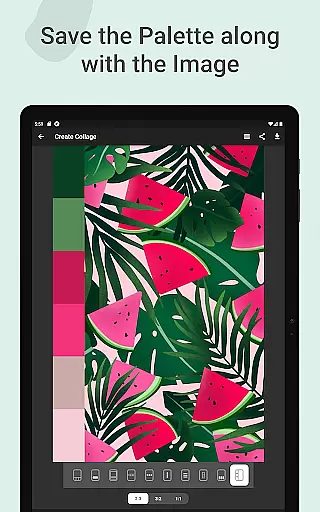
With Color Gear, users enjoy remarkable canvas/format flexibility that supports a seamless creative workflow. The app allows designers to save palettes along with images, creating collages that visualize the color schemes within the context of their artwork.
Users can choose from various layouts to best present their palettes on images, which is ideal for mood boards or project presentations. This feature not only aids in the creative decision-making process but also serves as an excellent communication tool with clients or team members.
Moreover, sharing options are abundant, with six color formats available (RGB, HEX, LAB, HSV, HSL, CMYK). This versatility ensures that whatever the requirements of a project may be, Color Gear can adapt to provide the necessary format, ensuring compatibility and convenience across different platforms and uses.
User-friendly interface
Comprehensive color models
Advanced palette creation
Offline functionality
Versatile sharing options
Limited custom schemes
No cloud sync
Basic image editing
Occasional bugs
Premium features locked

Discover Cartoon Dream : Unleash Your Creativity with CuttingEdge AI
 4.50
4.50
Text to Image, Image to Video & AI Chat
4.20
Paint with oils and sketch with natural tools on a realistic virtual canvas.
3.80
Draw anime easily with AR guidance, sketch templates & trace tools!
3.10
Nano Banana AI Image Generator, Anime Filter, AI Portrait, AI Photo Generator
4.30
2D animation studio for Android tablets - unlimited layers, infinite timeline
4.70
Everything you need to create hand drawn animation, anywhere you go!
4.40
Explore future self face age filter & remove background image for a unique look.
3.50
Unleash your inner artist! Sketchar: AR Drawing for Limitless Creativity
4.40
Minecraft & Roblox Clothes
4.70
Get an overview over all your embroidery threads, projects and more.
4.60
Draw, make movies & animate cartoons easily with our 2D animation maker app
4.40
Remove Background, Magic Eraser, Photo Enhancer, Story Templates, Collage Maker
4.30
Create Logos, Tattoos, AI Art & more with our AI Photo Generator & Design Editor
4.20
Digital Drawing: Draw & Paint
4.10
OneUI 8.5 icons ✨ Smooth, modern & based on the latest Play Store design ??
4.10
Design your dream room with AI. Get decor ideas & plan home interiors
3.90
AI Face Swap, Video Effects Editor, Realtime Morph, Funny Video FX,AI Filters
3.70
Download now for a stylish and functional timepiece
4.4


User Reviews