
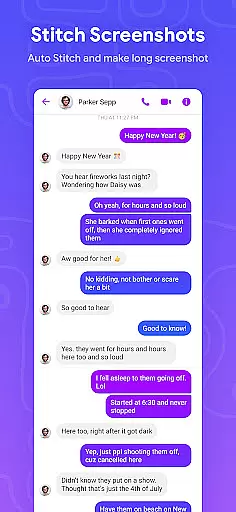
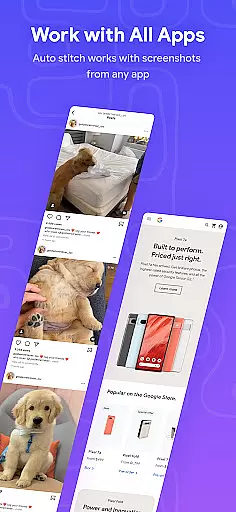
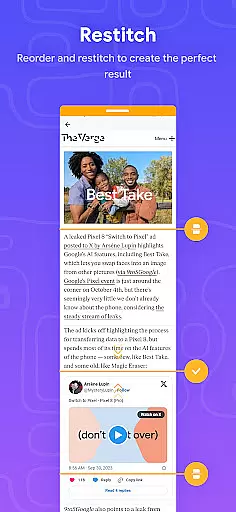
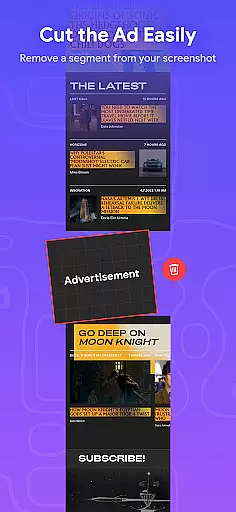
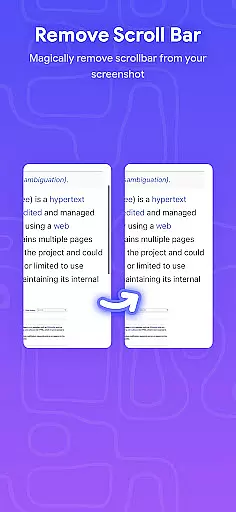
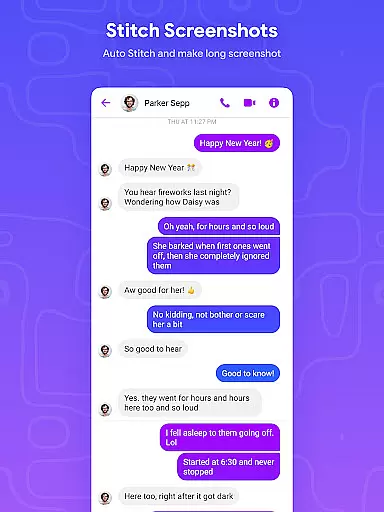
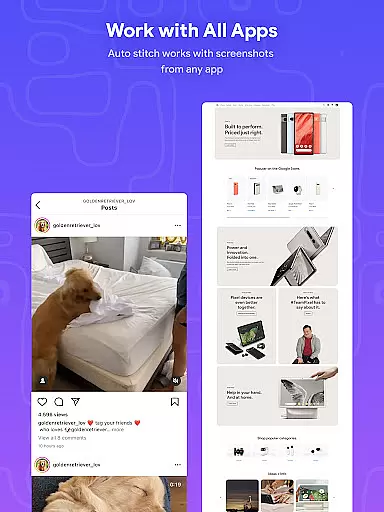
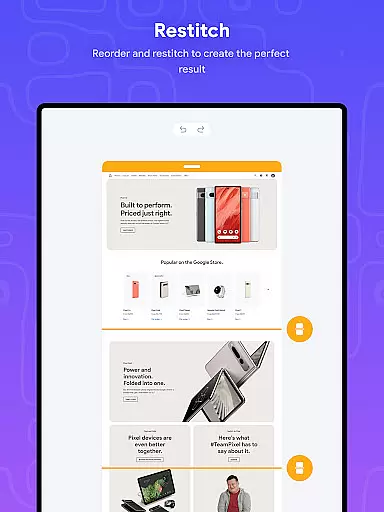
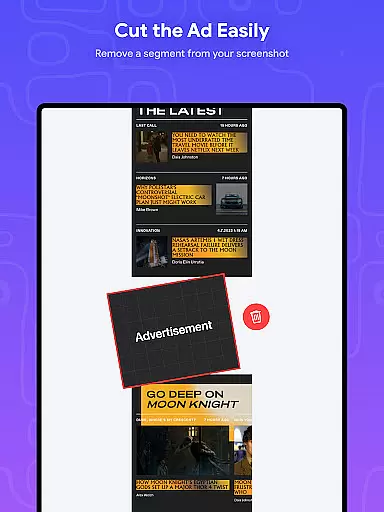
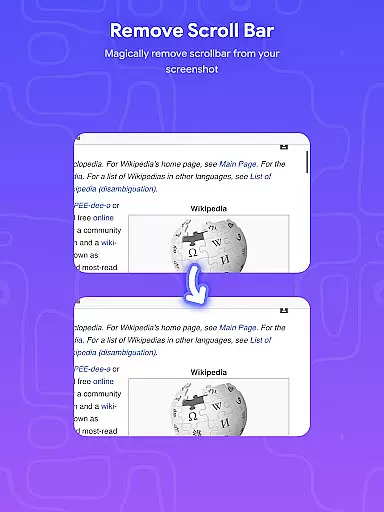
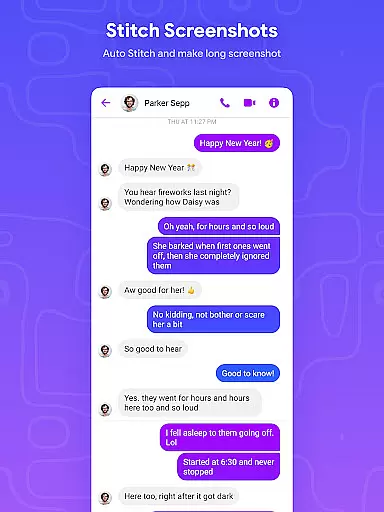
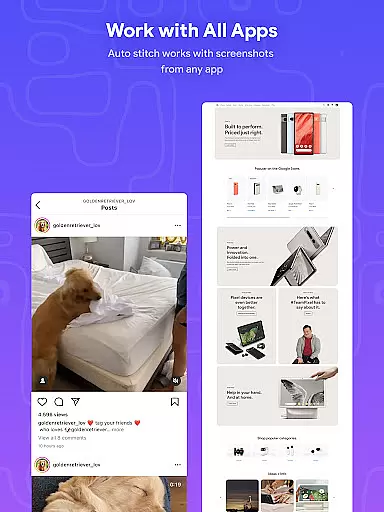
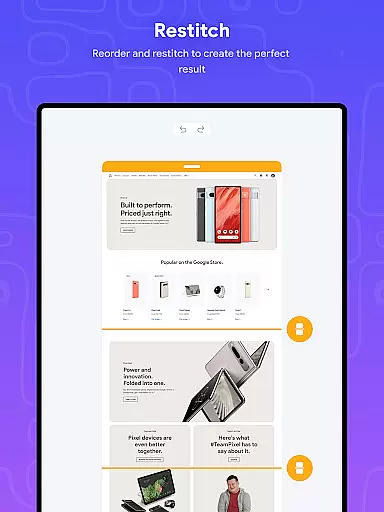
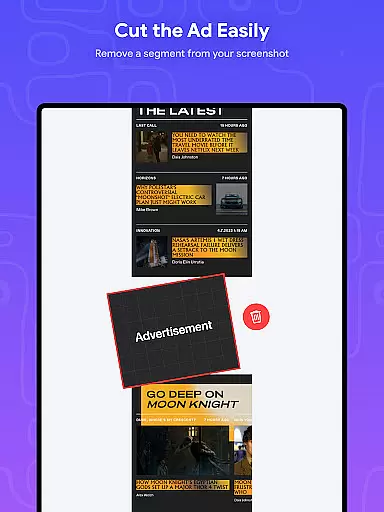
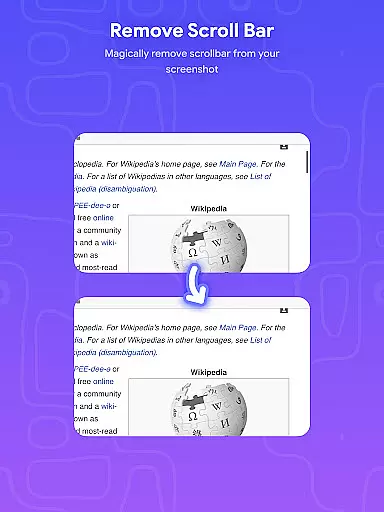
Stitch Photos is an innovative photo stitching application designed for users who want to create seamless panoramas and document scans. With advanced AI-powered technology, the app automatically recognizes and stitches screenshots or long website captures both vertically and horizontally. Whether you're capturing majestic landscapes or creating long screenshots, this app ensures every detail is preserved in high resolution.
The app's intuitive interface provides a user-friendly experience, making photo stitching effortless and precise. Users can easily stitch multiple images together with just one touch, saving time and effort while maintaining professional-quality results. Stitch Photos is particularly useful for designers, photographers, and anyone needing to compile large-scale visuals or documents into cohesive formats.
Stitch Photos offers a comprehensive suite of features that cater to all your photo stitching needs. The app uses cutting-edge AI technology to automatically recognize and align images, whether they are screenshots or long website captures. This ensures perfectly stitched panoramas and high-resolution outputs every time.
One standout feature is its ability to seamlessly stitch photos both vertically and horizontally, providing flexibility for different types of projects. The app also supports high-resolution long screenshot saving, ensuring no detail is lost in the process. Additionally, its user-friendly interface makes it easy for anyone to achieve professional results without any prior experience in photo editing.
Users can share their stitched images directly via social media or other platforms, streamlining the sharing process. Whether you need to capture entire websites or create panoramic views, Stitch Photos delivers a smooth, glitch-free experience that enhances productivity and creativity.
In the realm of digital art and design, having a comprehensive set of creative tools is essential for bringing ideas to life. Stitch Photos understands this need and offers an innovative suite of features powered by AI technology.
At its core, the app provides automatic photo stitching capabilities both vertically and horizontally, allowing users to create panoramic views or compile long screenshots without any hassle. This functionality is crucial for artists and designers who require seamless image continuity in their projects.
The application's high-resolution saving feature ensures that every detail is preserved, maintaining the quality necessary for professional outputs. Additionally, its user-friendly interface makes navigating through these robust features an effortless experience.
By integrating advanced AI-powered recognition with practical usability, Stitch Photos empowers creators to focus on their artistic vision rather than technical limitations, enhancing productivity and creative freedom.
Flexibility in canvas size and format options is vital for accommodating diverse design needs. Stitch Photos excels in providing versatile solutions tailored to various project requirements.
Whether you're working on expansive panoramas or detailed document scans, the app supports both vertical and horizontal stitching orientations. This adaptability allows designers to manipulate their canvas dimensions according to specific project goals without compromising on quality or resolution.
Moreover, Stitch Photos facilitates capturing entire websites or lengthy content into a single cohesive image. Such capability underscores its commitment to delivering flexible formatting choices that cater to modern digital demands.
This level of versatility not only streamlines workflows but also opens up new possibilities for creative expression within the Art & Design field, making it an indispensable tool for professionals seeking adaptable design solutions.
AI-powered stitching
User-friendly interface
High-resolution output
Seamless panorama creation
Effortless sharing options
Limited customization
Few templates available
No offline support
Occasional glitches
Subscription required

Image/ Text to Video Generator
 4.40
4.40
Create neon drawing with magic doodle and fun doodle art effects!
4.50
Draw on screen: FP sDraw is a simple and lightweight drawing app
4.70
Art of Combination Wear OS Watch Faces
4.3
Castle is social media for creating and playing games!
4.60
Everything you need to create hand drawn animation, anywhere you go!
4.40
Create and Design Custom Logos in Seconds with AI-Powered Tools!
4.40
Just trace a projected picture on paper and color! Draw & Paint with AR drawing
4.40
AI-powered photo & video creation—fast, fun, and effortless with Quick Actions
4.60
See Color, Paint Color
4.90
The ultimate tool for creating animations
4.60
800+ Drawing, Painting Lessons App to Practice, Sketch & Paint Art.
4.30
Beauty Camera - Selfie Camera is the ultimate beauty camera and selfie app
4.30
Digital Drawing: Draw & Paint
4.10
Floor Plan Creator lets you create, edit and share floor plans.
4.00
Design unique, funny and adorable cat stickers that reflect your own style!
3.80
Resize photos and print photos in exact size with our powerful photo printer!
3.80
Apply cartoon, caricature, and portrait effects to make your photos stand out!
3.60
Pose and morph realistic male and female models! 3D poser app
3.00


User Reviews