
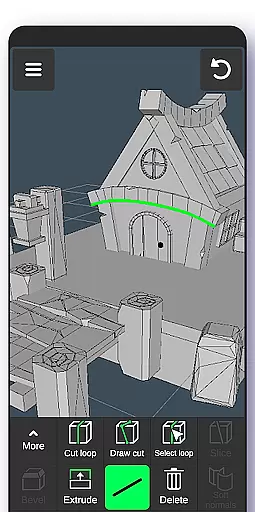
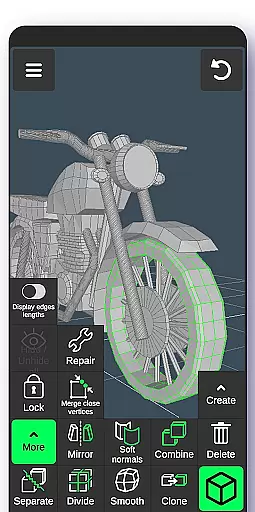
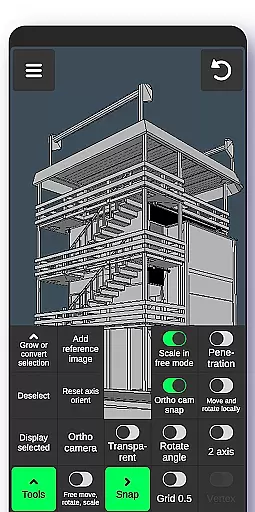
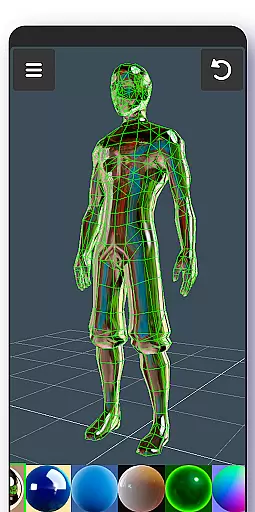
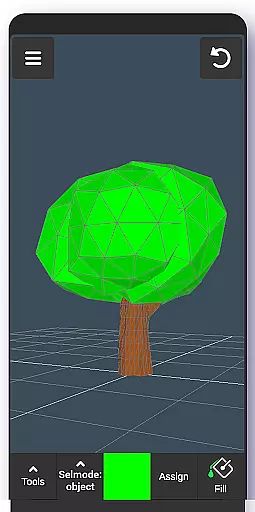
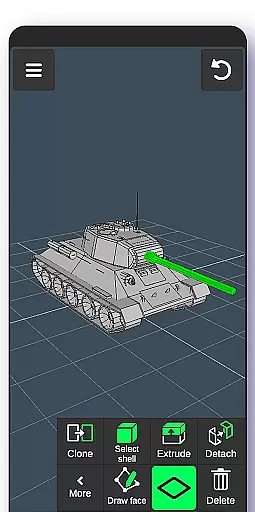
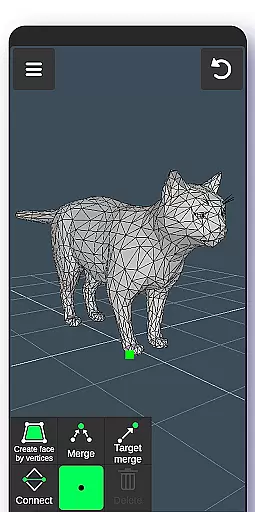
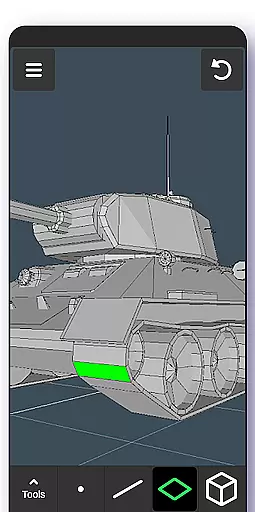
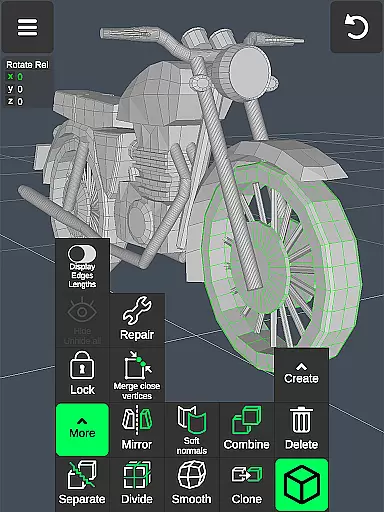
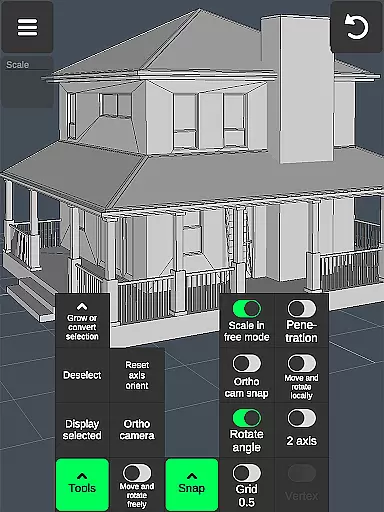
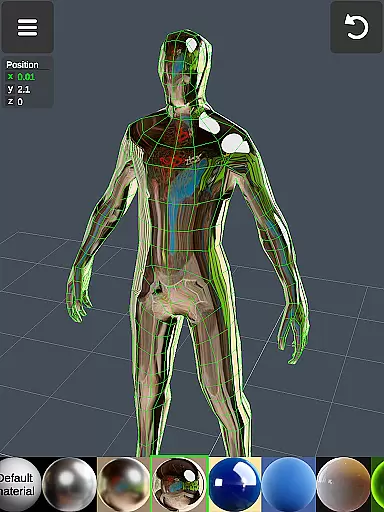
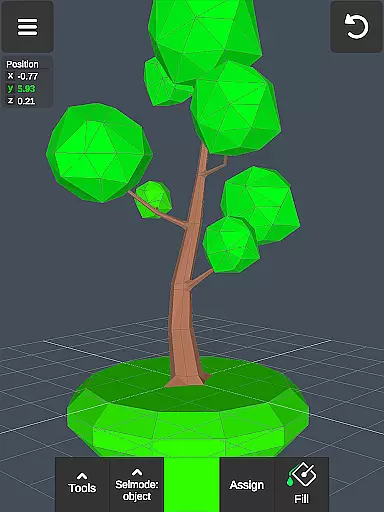
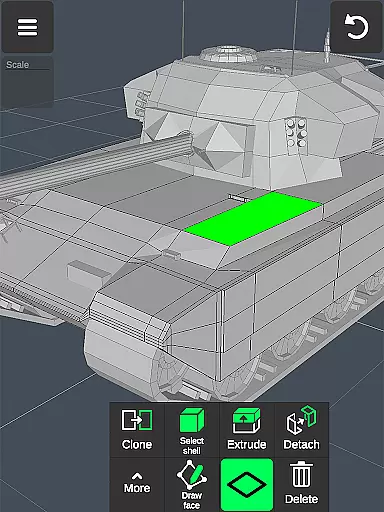
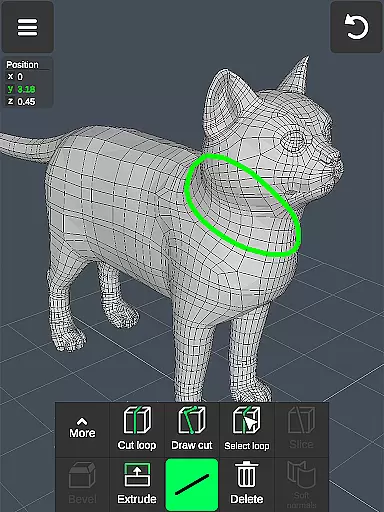
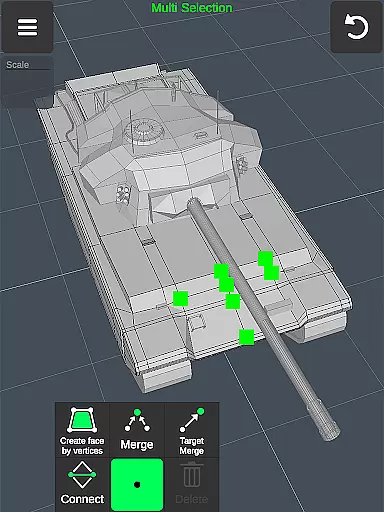
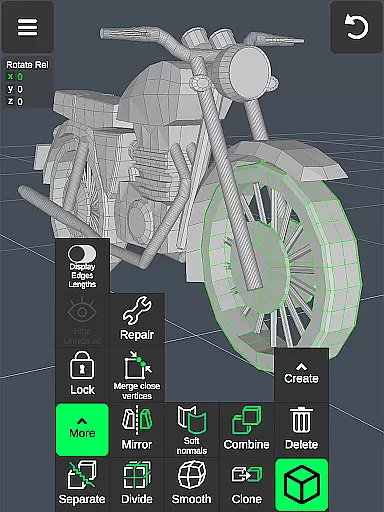
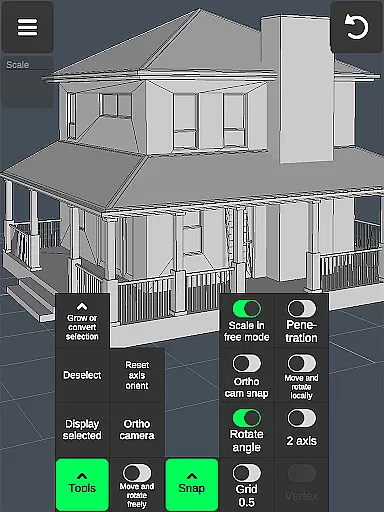

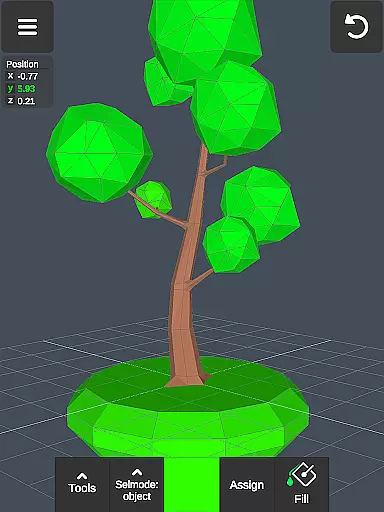
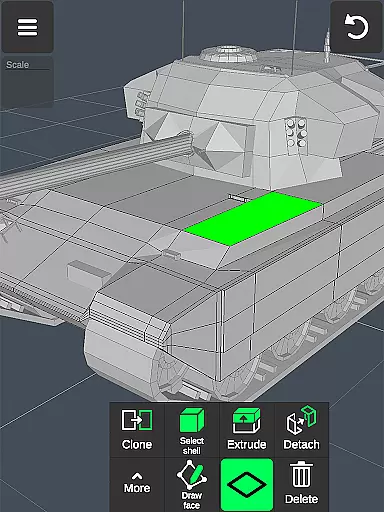
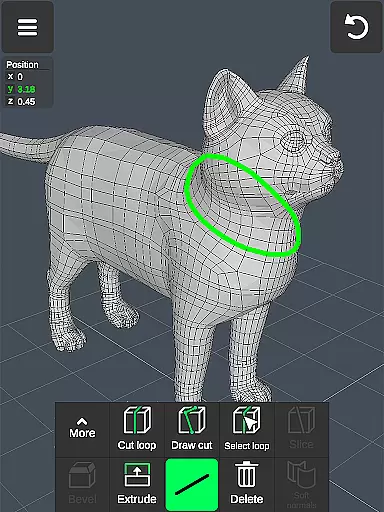
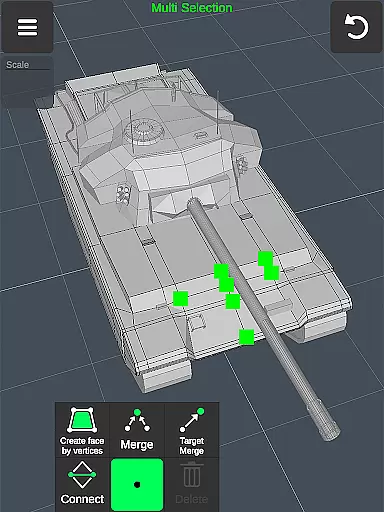
3D Modeling App is a comprehensive mobile solution for creating 3D models, objects, and art using intuitive gestures on your phone or tablet. Designed for professionals and hobbyists alike, this app allows users to create detailed 3D characters, design games, and produce CGI graphics with ease. The application stands out by offering a complete toolkit for various industries including engineering, automotive design, and woodworking.
The app's versatility makes it suitable for business use as well as personal projects. Whether you're an artist looking to sketch and paint in 3D or an engineer needing precise modeling capabilities, this app provides the necessary tools. Its gesture-based controls allow for quick scaling, rotating, and moving of 3D images, while advanced features like vertex merging, edge cutting, and face extrusion cater to complex design needs.
With its wide array of functionalities, 3D Modeling App serves as a digital canvas for creativity. Users can apply up to 20 materials to their creations, sculpt with adjustable brushes, and export/import .obj files compatible with major 3D modeling software. This makes it an invaluable tool for game designers, industrial designers, and digital artists seeking a portable yet powerful 3D editing platform.
3D Modeling App offers an extensive set of features that cater to both beginners and experienced 3D artists. One of its standout characteristics is the fast workflow enabled by gesture controls, allowing users to effortlessly manipulate 3D objects and switch between tools. The ability to multi-select vertices, edges, faces, and entire objects through simple taps or frames significantly speeds up the modeling process.
The app includes specialized tools for every aspect of 3D creation. Vertex tools enable merging, connecting, and face creation, while edge tools provide options for cutting loops and extruding. Face tools allow for detailed modifications such as detaching and cloning, and object tools offer operations like mirroring and smoothing. Additionally, sculpting tools give artists the power to push, pull, and smooth their creations with precision.
Display and customization features further enhance the user experience. Users can toggle wireframes, shadows, and axis visibility, adjust grid settings, and view detailed information about their models. The app supports vertex color painting, material application, and precise value setting for movements and rotations. These robust features make 3D Modeling App an essential tool for anyone involved in 3D design, from casual creators to professional developers.
In the realm of 3D modeling and design, having a comprehensive suite of creative tools is essential for professionals and hobbyists alike. The 3D Modeling App excels in this area by offering an extensive array of features that cater to various aspects of 3D creation. From vertex, edge, and face tools to object manipulation and sculpting capabilities, users are provided with everything needed to bring their visions to life.
The app includes advanced functionalities such as merging vertices, creating edge loops, extruding faces, and mirroring objects, which allow for intricate detailing and complex model building. Sculpting enthusiasts will appreciate the move, smooth, push, and pull brushes that come with adjustable size and strength settings, enabling precise control over the digital clay.
Moreover, display tools enhance the modeling experience by providing options like wireframe view, shadow effects, and axis visibility. These not only aid in accurate modeling but also help visualize projects more realistically. With up to 20 materials that can be applied to objects and support for vertex color painting, artists have the freedom to experiment with textures and colors.
By integrating these robust tools into a mobile platform, 3D Modeling App ensures that whether you're an automotive engineer designing cars or a game developer crafting characters, your toolkit is complete and at your fingertips wherever you go.
A versatile canvas is crucial for unleashing creativity without constraints, especially when working on diverse projects ranging from industrial designs to animated game characters. The 3D Modeling App offers remarkable flexibility in terms of canvas and format compatibility, ensuring that creators can work seamlessly across different mediums and scales.
Users benefit from an orthographic camera view alongside customizable grids with settable sizes and snapping values, allowing them to maintain precision while navigating through their models. Whether it's adjusting move, rotate, or scale operations with exact values or isolating selections for focused edits, every feature contributes towards a highly adaptable workspace.
Furthermore, the ability to export and import .obj files opens up endless possibilities for collaboration and further refinement using industry-standard software. This interoperability extends to CAD programs and popular 3D modeling suites, making it easy to integrate work done on the app into professional pipelines.
With additional file format conversions supported via third-party tools, designers can ensure their creations are ready for any platform or purpose, from virtual reality experiences to physical prototyping. Such versatility empowers users to push boundaries and explore new dimensions in their artistic endeavors.
User-friendly interface
Wide range of tools
Gesture-based controls
Multi-platform compatibility
Professional-grade features
Steep learning curve
High system requirements
Limited free features
Occasional performance issues
Complex UI for beginners

Art of Combination Wear OS Watch faces
 4.4
4.4
AI Face Swap, Video Effects Editor, Realtime Morph, Funny Video FX,AI Filters
3.70
Text to Image, Image to Video & AI Chat
4.20
Logo Generator powered by AI: Create stunning logos effortlessly!
4.70
Photo blender app to create overlay photos & double exposure.
4.40
Create color palette from Image, RGB & RYB Color wheel harmonies, Color Scheme
4.50
Design unique, funny and adorable cat stickers that reflect your own style!
3.80
Draw Trace image sketch by, AR art projector app, Easy to trace any image.
4.50
Photo stitcher for automatically screenshot stitching into a long screenshot
4.70
Novices can also easily complete diamond painting masters
4.70
Discover Cartoon Dream : Unleash Your Creativity with CuttingEdge AI
4.50
The perfect place to start sketching! Use Sketchbook to draw and paint sketches.
4.50
Draw, make movies & animate cartoons easily with our 2D animation maker app
4.40
AI generated images & photos, turn your words into drawing, painting & pictures.
4.30
OneUI 8.5 icons ✨ Smooth, modern & based on the latest Play Store design ??
4.10
Turning simple sketches into captivating tales filled with life and motion
3.90
Meet the magic aı 3d photo generator and smart AI video generator app.
3.20
Premium version of Shimeji-ee app with no ads & no limit active shimeji
4.2
Your Essential Color Theory Guide: Red, Yellow, Blue (RYB)
4.1


User Reviews