
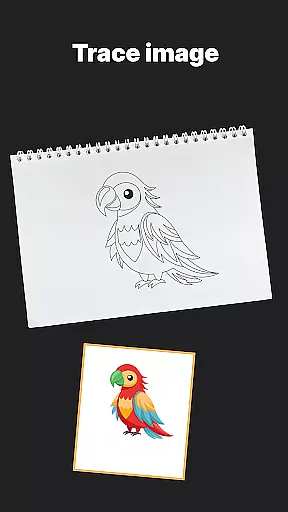
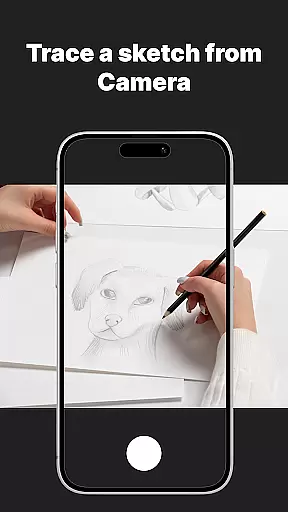
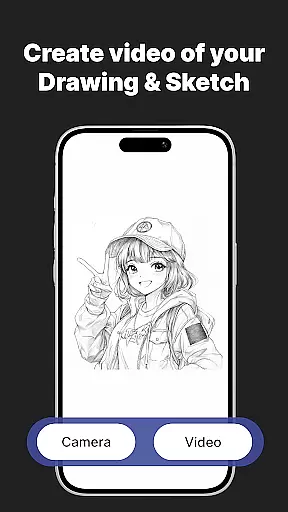
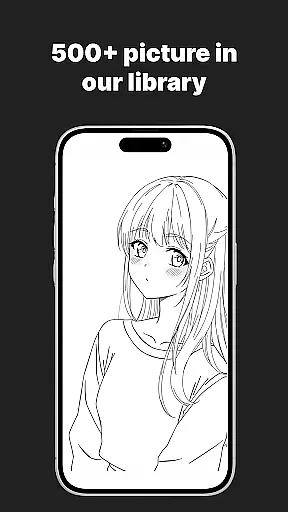
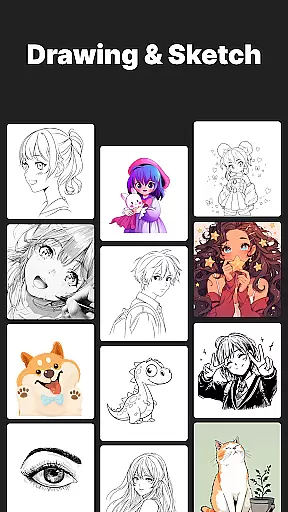
AR Drawing Sketch Painting App is an innovative mobile application that transforms your smartphone into a powerful AR-powered sketchpad. This app allows users to trace drawings, create meme art, and learn to draw step-by-step directly on real paper using augmented reality technology. With its massive template library featuring thousands of designs including anime, portraits, animals, and trending memes, the app caters to artists of all skill levels.
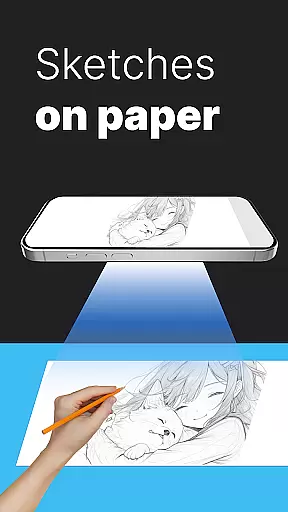
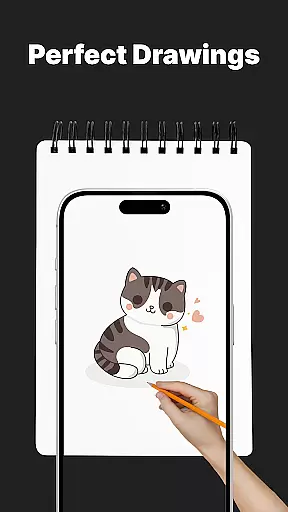
The app's standout feature is its AR Trace Drawing functionality, which projects templates onto paper through the phone's camera, enabling precise tracing. Additional features include guided drawing lessons, customization tools for adjusting opacity and zoom, and time-lapse video capture of the drawing process. These capabilities make it an ideal tool for both beginners looking to learn drawing techniques and professional artists wanting to experiment with new styles.
Whether you're creating artwork for fun or developing your skills as an artist, AR Drawing Sketch Painting App provides a versatile platform for artistic expression. Its user-friendly interface and regular template updates ensure sustained engagement and inspiration for users across all age groups.
AR Drawing Sketch Painting App offers an impressive array of features designed to enhance the drawing experience. The app's most notable capability is its AR Trace Drawing function, which uses augmented reality to project templates onto physical paper, allowing users to trace designs with remarkable accuracy. This feature is particularly beneficial for beginners who want to develop their skills while maintaining creative freedom.
In addition to tracing, the app provides comprehensive drawing lessons suitable for all skill levels. These step-by-step tutorials cover various techniques and styles, from realistic portraits to humorous meme art. Users can also take advantage of advanced customization tools that enable them to adjust image opacity, zoom levels, and rotation angles. The built-in flashlight feature ensures optimal visibility in different lighting conditions.
The app maintains user engagement through weekly template updates, ensuring fresh content and continuous inspiration. Artists can save their work progress, capture time-lapse videos of their drawing sessions, and instantly share their creations on social media platforms. This combination of educational value, creative freedom, and sharing capabilities makes AR Drawing Sketch Painting App a complete solution for modern digital artists.
AR Drawing Sketch Painting App offers a comprehensive suite of creative tools that cater to both beginners and professional artists. The app includes an extensive template library with thousands of options ranging from anime and portraits to animals and trending memes.
One of the standout features is the AR Trace Drawing, which allows users to select a template and trace the lines directly onto paper using their phoneu2019s camera. This functionality bridges the gap between digital convenience and traditional art forms, making it accessible for all skill levels.
In addition to tracing, the app provides step-by-step drawing lessons and customization tools. These tools enable users to adjust opacity, zoom, rotate, and even use a flashlight for better visibility while drawing. Such detailed options ensure that artists can fully express their creativity without limitations.
The ability to save and share time-lapse videos of the drawing process adds another layer of engagement, allowing users to showcase their work and track their progress over time. With weekly updates introducing fresh templates, AR Drawing Sketch Painting App ensures sustained inspiration and continued learning.
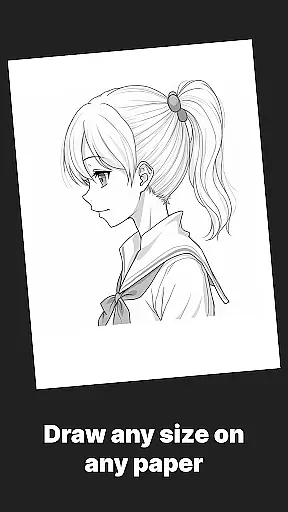
Flexibility in canvas and format options is crucial for any art application, and AR Drawing Sketch Painting App excels in this area. Users can choose from a wide variety of templates or upload their own images, providing unparalleled versatility in project creation.
The app supports multiple styles, from realistic portraits to humorous meme drawings, ensuring that there's something for everyone regardless of age or skill level. Whether you're a student honing your craft, a parent encouraging creativity in children, or a professional illustrator seeking new techniques, the adaptable canvas meets diverse needs.
Moreover, the app facilitates different methods of drawing through its AR technology. By placing the phone on a stand and looking through the camera, users can trace projected lines onto physical paper. This blend of digital guidance with tangible art materials enhances the overall user experience.
Finally, the capability to save, edit, and share final masterpieces not only makes the creative process more interactive but also helps integrate seamlessly into social platforms. Artists can easily distribute their work, gaining recognition and feedback within a broader community, thus enriching their artistic journey.
User-friendly interface
Extensive template library
Augmented reality tracing
Step-by-step tutorials
Regular content updates
Requires stable phone positioning
Limited free templates
Premium subscription needed
Device compatibility issues
Learning curve for beginners

Learn how to draw with step-by-step tutorials, fun lessons & multiplayer drawing
 4.70
4.70
Image/ Text to Video Generator
4.40
Logo Generator powered by AI: Create stunning logos effortlessly!
4.70
Unleash your drawing and painting potential
4.50
Draw on screen: FP sDraw is a simple and lightweight drawing app
4.70
Make your phone cooler and have a fantastic experience
4.80
Resize photos and print photos in exact size with our powerful photo printer!
3.80
Bring One UI 8.5 Icons to life -elegant dark icons with a modern, premium touch.
4.30
Draw, fidget, and spin glow art! Relax and express your creativity with a finger
4.60
Mobile pixel art editor. Simple. Fast. Portable.
4.80
Your AI soulmate — meaningful chats, and unique emotional moments
4.70
The ultimate tool for creating animations
4.60
Video AI: Revolutionize Your Content Creation with Advanced Video Generation
4.50
Nano Banana AI Image Generator, Anime Filter, AI Portrait, AI Photo Generator
4.30
Sketch, plan, take notes and illustrate on an infinite canvas.
4.20
Unleash the artist in you with our AR drawing and tracing tool for photo drawing
4.10
Floor Plan Creator lets you create, edit and share floor plans.
4.00
Easy 3D drawing design maker & creator. Model designing, Sculpting. Create&paint
4.00
Create cute cat emojis & PFPs! Fun, custom avatars for cat lovers.
3.70


User Reviews