



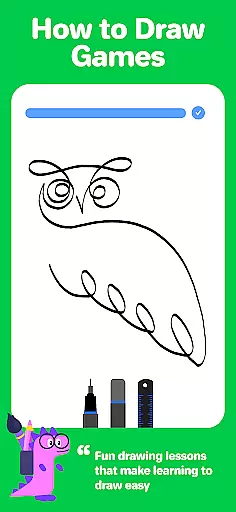
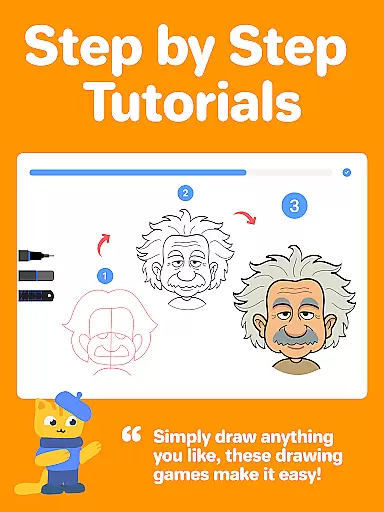


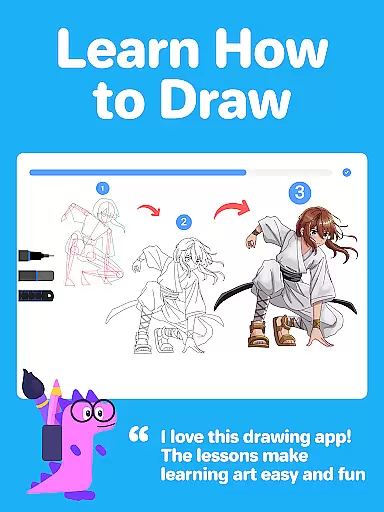
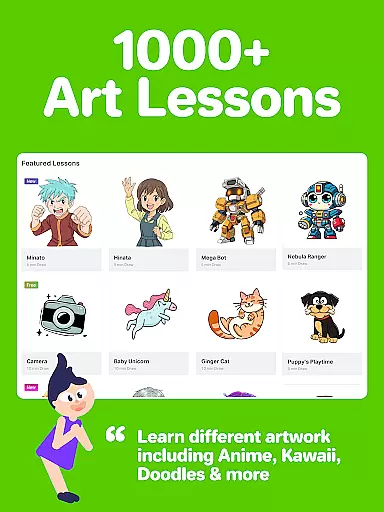
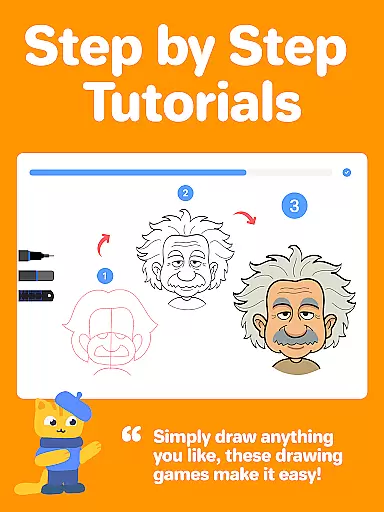
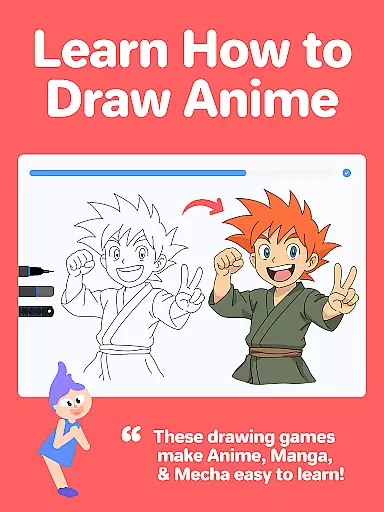


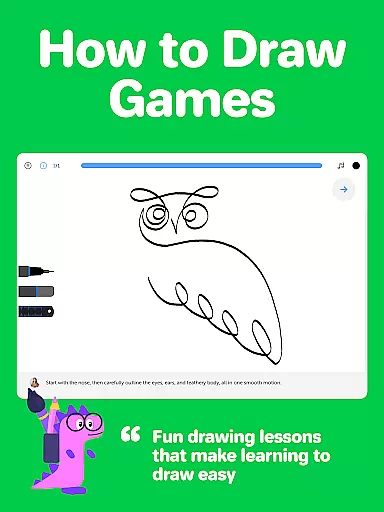
Drawing Desk is a premier digital art application designed for both beginners and advanced artists. With over 70 million users globally, this app offers an extensive suite of drawing and painting tools including pencils, crayons, watercolor brushes, and more. It provides a platform to learn and practice art skills through interactive lessons and masterclasses conducted by professional artists.
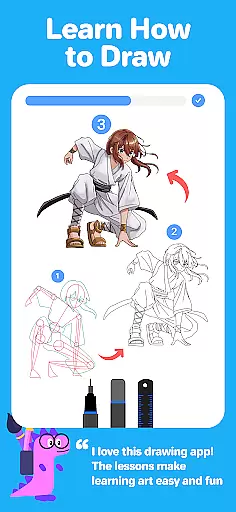
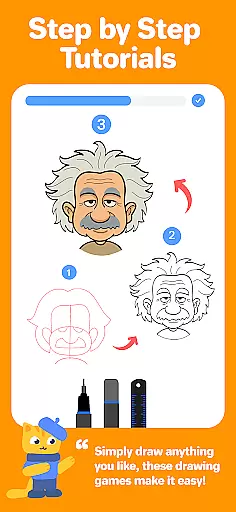
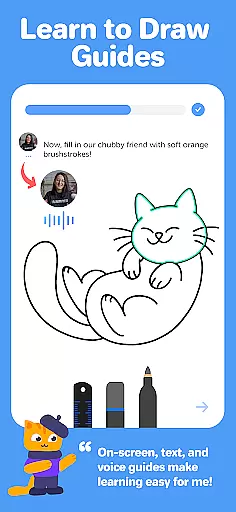
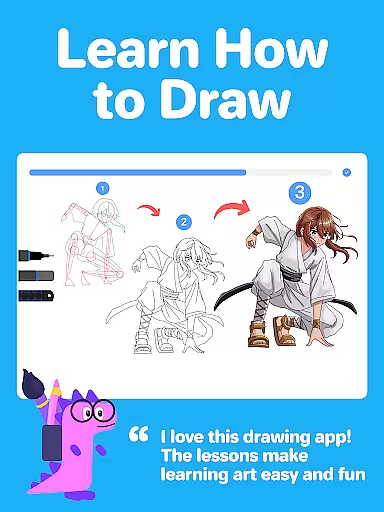
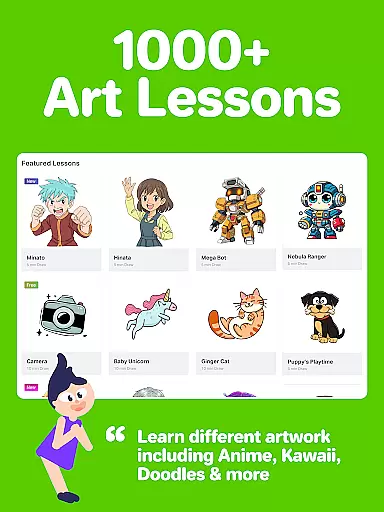
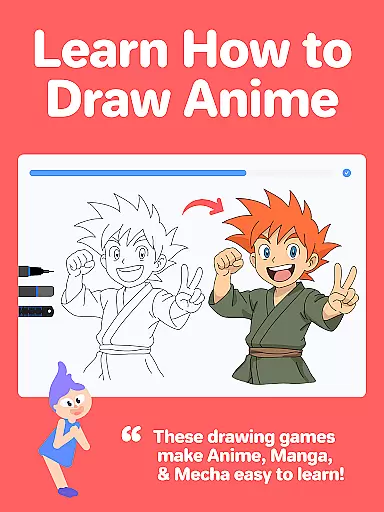
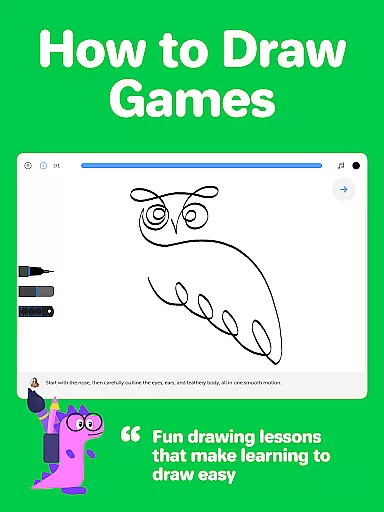
The app features over 1000 step-by-step drawing lessons covering various styles such as Anime, Manga, Kawaii, and more. Users can select specific artistic goals and follow structured learning paths tailored to their needs. Additionally, Drawing Desk includes AI-powered tools like Sketch to Art AI and Auto Colorize, enhancing the creative process.
Whether you're looking to refine your skills or explore new artistic techniques, Drawing Desk offers a comprehensive solution. Its intuitive interface and robust feature set make it suitable for educational purposes as well as professional projects, ensuring a motivating and productive experience for all users.
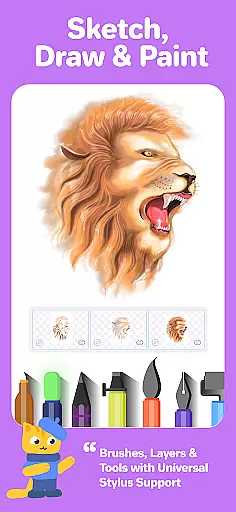
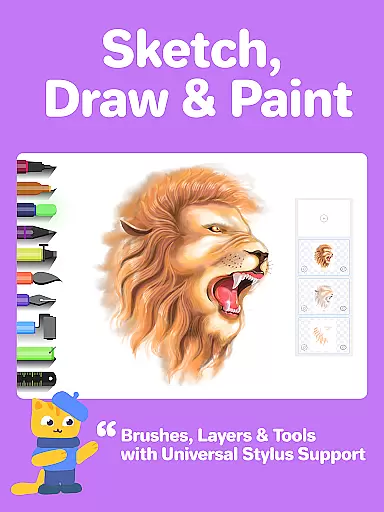
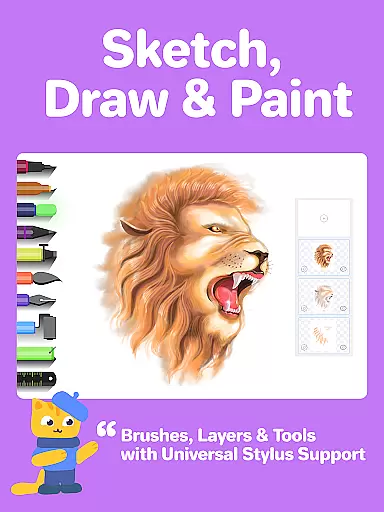
Drawing Desk stands out with its diverse range of features tailored to enhance the digital art experience. The app includes over 25 sketch tools such as pens, pencils, crayons, neon markers, watercolor brushes, and smudge tools. These tools allow users to create detailed and vibrant artworks on various canvas sizes, particularly in the Pad version.
One of the key highlights is the unlimited layers feature, enabling complex artwork creation without limitations. The symmetry tool and quick shape functions further assist in crafting precise designs. Additionally, the app offers 200+ instant shapes and color palettes with gradients, providing extensive customization options.
Drawing Desk also incorporates AI-powered tools like Auto Colorize, which colors sketches in seconds, and background/object removal features. These innovative tools streamline the creative process, making it accessible and enjoyable for users at all skill levels. The combination of traditional art tools with cutting-edge technology ensures a versatile and engaging user experience.
In the realm of digital art, having a comprehensive set of creative tools is essential for artists to fully express their visions. Drawing Desk rises to the occasion by offering an extensive suite of over 25 sketch tools that include various pens, pencils, crayons, watercolor brushes, and even advanced options like smudge and fill bucket with 125+ textures.
Each tool within Drawing Desk has been meticulously crafted to mimic real-world counterparts, providing users with an authentic experience whether they're sketching with a pencil or painting with watercolors. The app also supports drawing quick shapes and includes a symmetry tool, which opens up new possibilities for creating complex designs and patterns.
Furthermore, Drawing Desk doesn't stop at just physical art simulation; it incorporates layers into its frameworku2014a feature highly sought after by digital artists. This allows creators to work on different elements of their artwork without affecting others, thus maintaining flexibility throughout the creative process.
A canvas in the digital world should offer more than just a space to draw; it needs to adapt to the artist's needs. Drawing Desk understands this requirement and provides various canvas sizes, especially when used on a pad, catering to different project scopes from quick sketches to detailed masterpieces.
Beyond static dimensions, Drawing Desk introduces dynamic features such as instant shapesu2014over 200 of themu2014that can be utilized directly within your artwork. These pre-made forms save time and effort while ensuring precision in every stroke, making intricate designs more accessible to artists of all levels.
The inclusion of color palettes and gradients further enhances the formatting capabilities within Drawing Desk. Artists can experiment with fills and shades, knowing that their choices will render beautifully on any project they undertake. Such versatility ensures that no matter what format or style an artist pursues, Drawing Desk is equipped to handle it with ease.
User-friendly interface
Extensive drawing tools
AI-powered features
Structured learning paths
Professional artist tutorials
Some features may require payment
Advanced tools can be complex
Occasional performance issues
Limited offline functionality
High storage requirements

Sketch, trace and master AR drawing with awesome anime art!
 3.30
3.30
Trace, draw, and create art with AR - from memes to masterpieces!
4.30
Photo blender app to create overlay photos & double exposure.
4.40
The perfect place to start sketching! Use Sketchbook to draw and paint sketches.
4.50
Get creative and make art with your Sesame Friends!
4.00
Create Logos, Tattoos, AI Art & more with our AI Photo Generator & Design Editor
4.20
Draw, make movies & animate cartoons easily with our 2D animation maker app
4.40
Multiplayer Drawing game, Coloring, Painting・Sketch, Handwriting・Paint, draw
4.30
All-in-One art, logo & collage maker. Design photos and edit video backgrounds
4.80
See Color, Paint Color
4.90
Photo editor for art, avatars, filters & fun transformations.
4.60
Get an overview over all your embroidery threads, projects and more.
4.60
Discover Cartoon Dream : Unleash Your Creativity with CuttingEdge AI
4.50
Create neon drawing with magic doodle and fun doodle art effects!
4.50
Stylish letters, Stylish Keyboard, Symbols, Emojis, Cool nickname
4.40
Text to Image, Image to Video & AI Chat
4.20
AR Anime Drawing: How to draw anime with AR drawing & sketching apps!
4.00
Paint with oils and sketch with natural tools on a realistic virtual canvas.
3.80
Inky runs Inkscape on Android devices and Chromebooks
2.90


User Reviews