

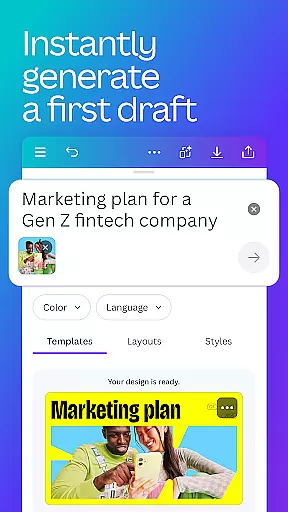
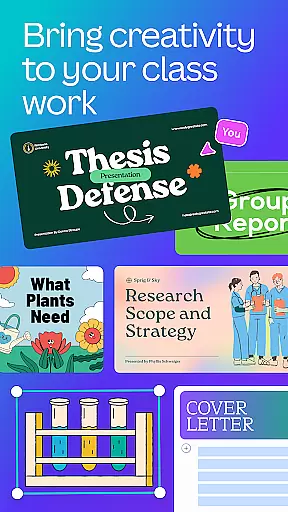
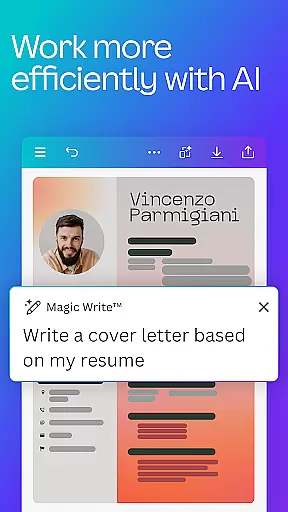
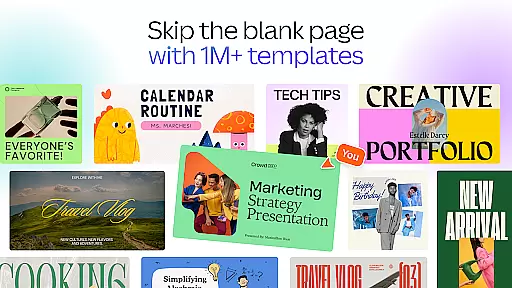
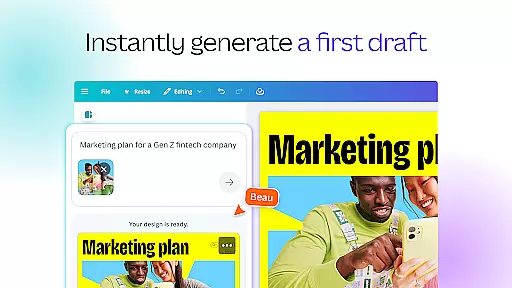
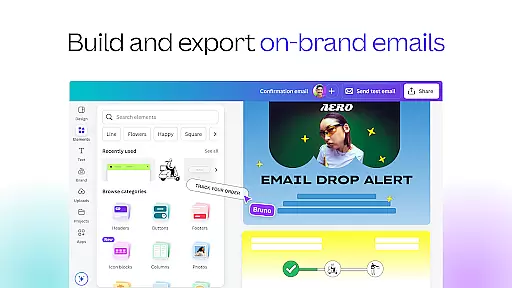
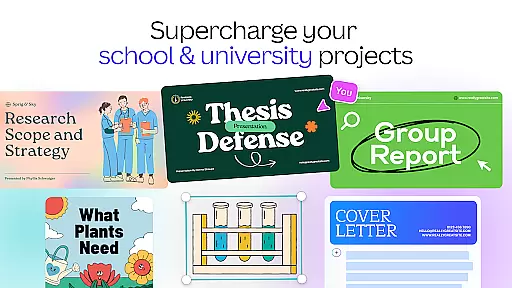
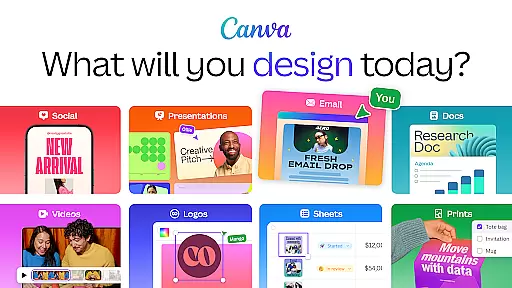
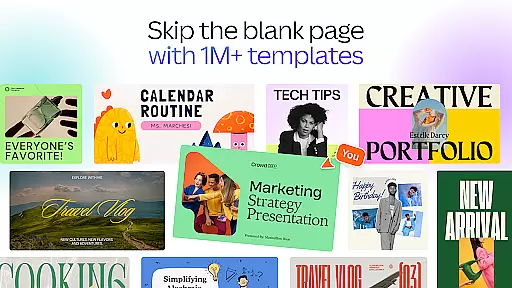
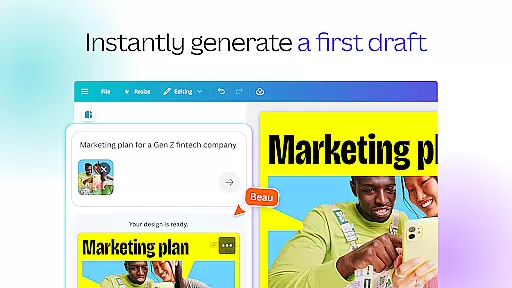
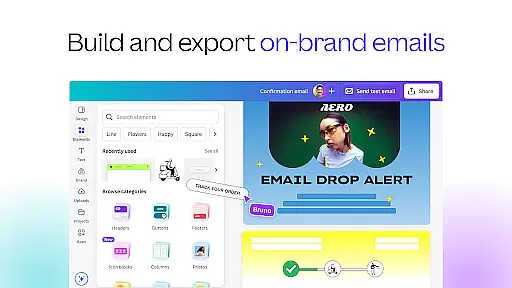
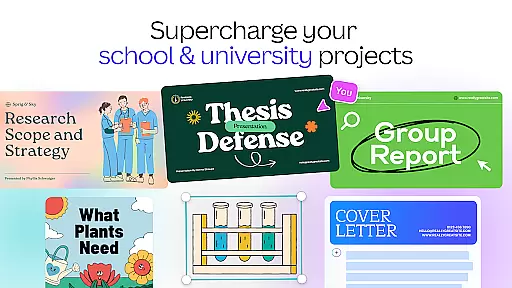
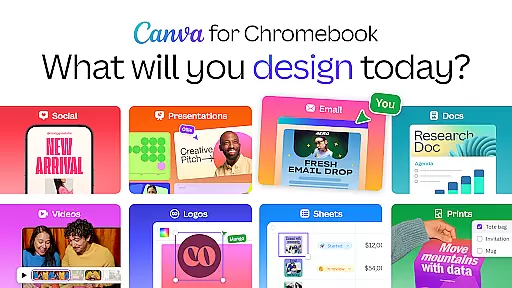
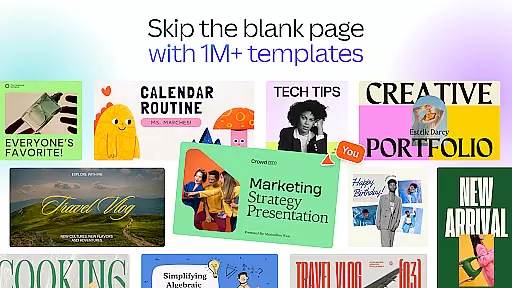
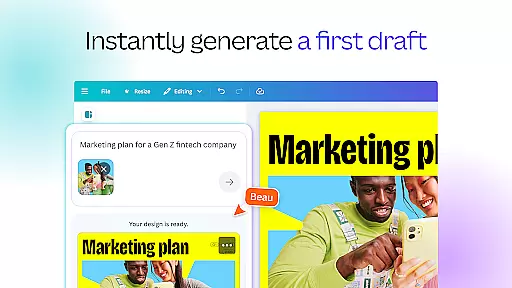
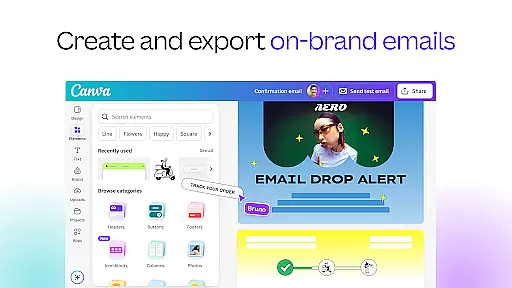
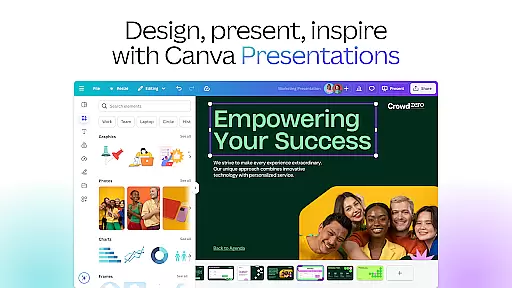
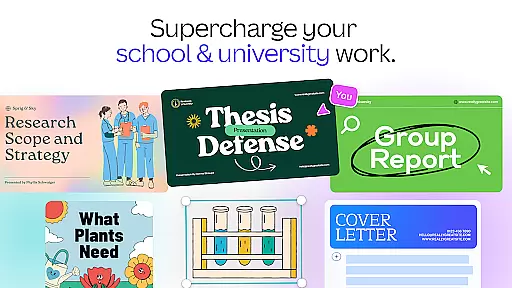
Canva is a versatile design application that combines photo editing, logo creation, collage making, and video editing in one platform. The app features powerful AI tools such as the AI image generator, which allows users to transform text into images quickly. With customizable templates for social media posts, presentations, flyers, and more, Canva enables users to create professional designs effortlessly.
The app's capabilities extend to creating stunning visuals for various platforms like Instagram, Facebook, and LinkedIn. It offers tools for adjusting brightness, contrast, saturation, and adding text to photos. Additionally, its video editing suite provides options for animations, subtitles, and music synchronization. Whether you're a student, entrepreneur, or content creator, Canva caters to a wide range of design needs with ease and efficiency.
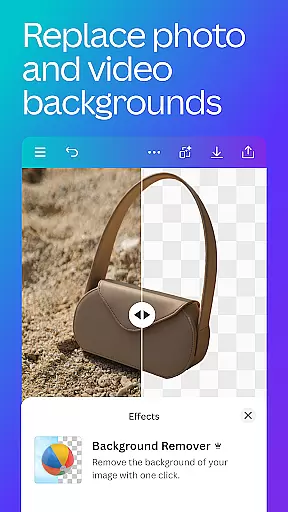
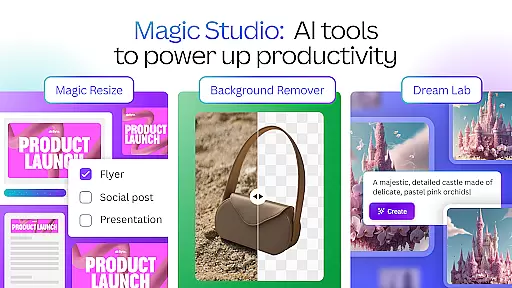
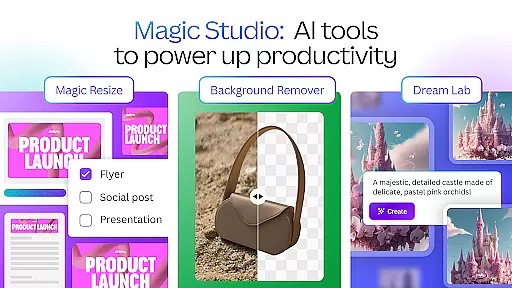
Canva boasts an array of features designed to enhance creativity and productivity. Its AI art generator and photo editor allow users to crop, flip, and adjust images with precision. The background eraser and blur editor help in creating polished visuals, while the Auto Focus feature sharpens subjects and blurs backgrounds for a professional touch.
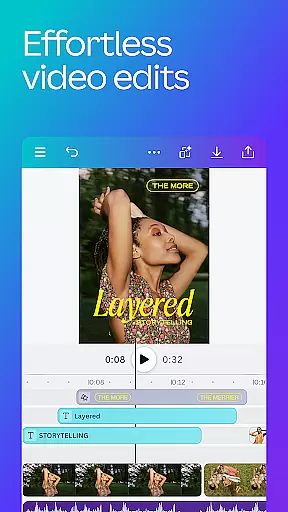
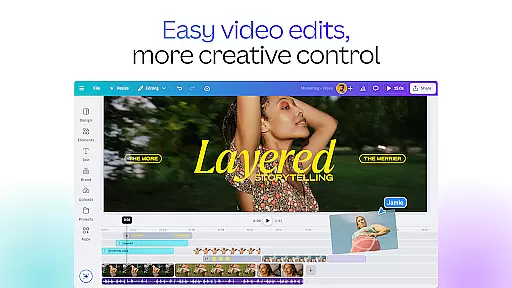
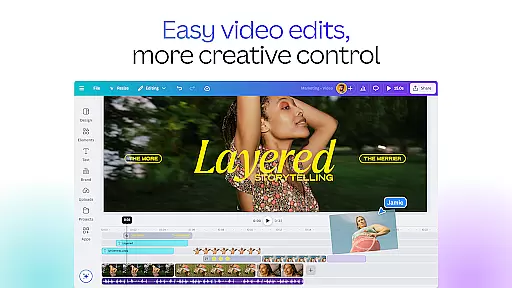
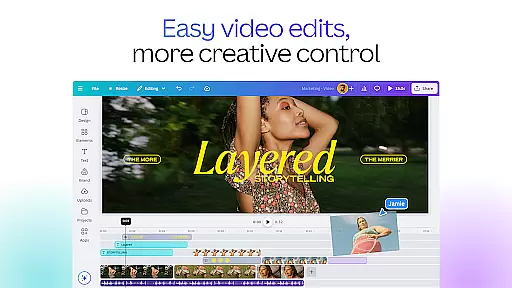
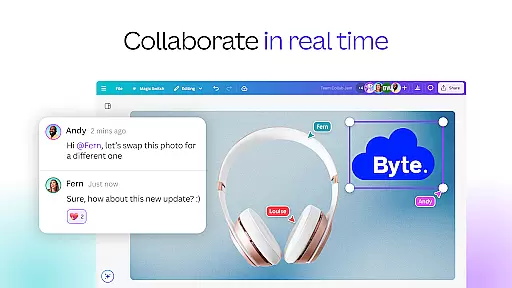
In addition to photo editing, Canva's video editor simplifies video production with cloud storage and real-time collaboration. Users can explore various video layouts, audio tracks, and effects such as slow motion and reverse playback. The app also supports automatic caption translation into over 100 languages and integrates popular music tracks, subject to regional restrictions. These comprehensive tools make Canva an indispensable resource for designers and content creators alike.
In the realm of graphic design and content creation, having access to comprehensive tools is paramount. Canva addresses this need by offering an extensive suite of creative instruments that cater to a myriad of design requirements. From its AI-powered art generator to professional video editing capabilities, Canva ensures that users have everything they need at their fingertips.
Canva's features include an advanced photo editor with functionalities such as cropping, flipping, background erasing, and blurring. Users can adjust brightness, contrast, and saturation while utilizing the Auto Focus feature to sharpen subjects and blur backgrounds. The inclusion of a text tool allows for adding captions or messages directly onto images, enhancing both personal and professional projects.
The platform also excels in video editing, providing users with 5GB of cloud storage and real-time collaboration options. Its intuitive interface supports one-tap animations and page transitions, alongside effects like slow motion and reverse playback. With Beat Sync technology, edits are automatically synchronized to music beats, streamlining the editing process significantly.
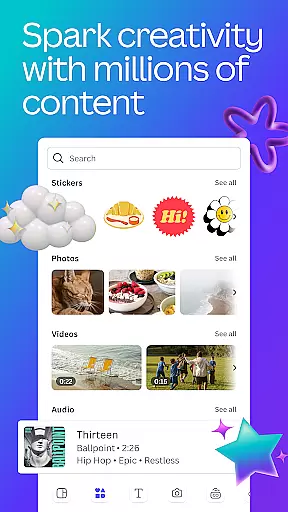
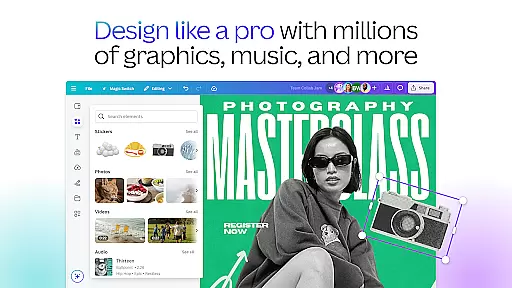
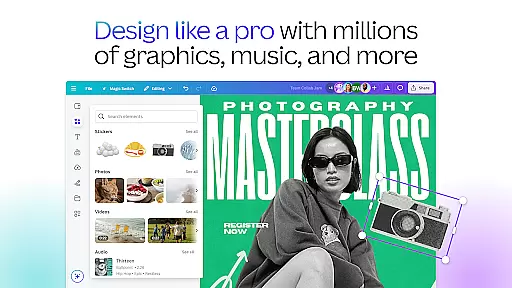
Moreover, Canva offers over 2 million royalty-free images, thousands of watermark-free videos, and 25,000+ pre-licensed audio tracks. These resources empower users to create high-quality designs without worrying about copyright issues. Whether you're crafting social media posts, presentations, or marketing materials, Canva's complete toolkit ensures your creativity knows no bounds.
Flexibility in canvas size and format options is crucial for designers who need to adapt their work across various platforms and mediums. Canva stands out by providing unparalleled versatility in its canvas and format capabilities, allowing users to customize dimensions and layouts according to specific project needs.
With Canva, users can effortlessly switch between different canvas sizes tailored for social media platforms like Instagram, Facebook, and LinkedIn. This adaptability extends to creating presentations, flyers, resumes, and even custom-sized designs for unique projects. Such flexibility ensures that every piece of content is optimized for its intended platform, maximizing impact and engagement.
Additionally, Canva supports a wide array of file formats, enabling seamless import and export of projects. Users can work with popular image formats such as JPEG, PNG, and SVG, as well as video formats like MP4. This compatibility facilitates smooth integration with other software and services, enhancing workflow efficiency.
For those seeking more advanced customization, Canva Pro offers features like Magic Resize, which automatically adjusts designs to fit different formats and devices. This tool is invaluable for businesses and content creators who need to maintain brand consistency across multiple channels. Overall, Canva's flexible canvas and format options empower users to bring their creative visions to life without limitations.
User-friendly interface
Extensive template library
Powerful AI tools
Real-time collaboration
Versatile design options
Limited free features
Pro subscription costly
Occasional bugs
Internet connection required
Learning curve for new users

Draw anime & manga drawing, art with templates to create stunning picture!
 4.50
4.50
Draw on screen: FP sDraw is a simple and lightweight drawing app
4.70
Art of Combination Wear OS Watch faces
4.5
Convert image to JPG PNG HEIC PDF, support almost all kinds of image formats
4.70
Draw beautiful mandala's very easily
4.60
Your AI soulmate — meaningful chats, and unique emotional moments
4.70
Turn your drawings into flipbook-style animations with simple creative tools
4.60
Mobile pixel art editor. Simple. Fast. Portable.
4.80
Unleash your inner artist! Sketchar: AR Drawing for Limitless Creativity
4.40
Just trace a projected picture on paper and color! Draw & Paint with AR drawing
4.40
Stylish letters, Stylish Keyboard, Symbols, Emojis, Cool nickname
4.40
Draw, make movies & animate cartoons easily with our 2D animation maker app
4.40
Floor Plan Creator lets you create, edit and share floor plans.
4.00
AR Anime Drawing: How to draw anime with AR drawing & sketching apps!
4.00
Design your dream room with AI. Get decor ideas & plan home interiors
3.90
Your homescreen as an elegant glass with customized blur, lighting, and visuals.
3.70
Apply cartoon, caricature, and portrait effects to make your photos stand out!
3.60
Create stunning video, photo & magic from text with FlixAI GPT video generator.
3.10
Art of Combination Wear OS Watch Faces
4.0


User Reviews