
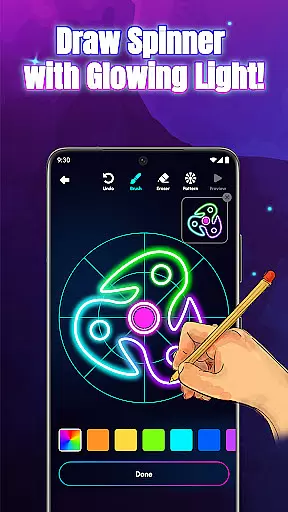
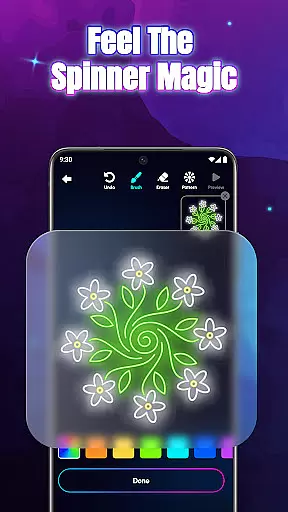
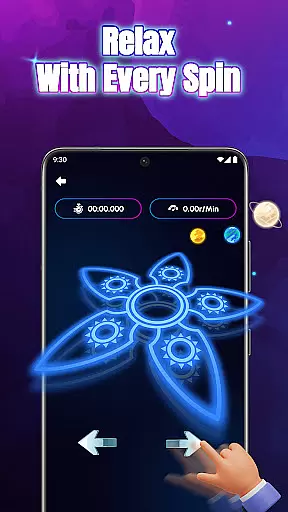
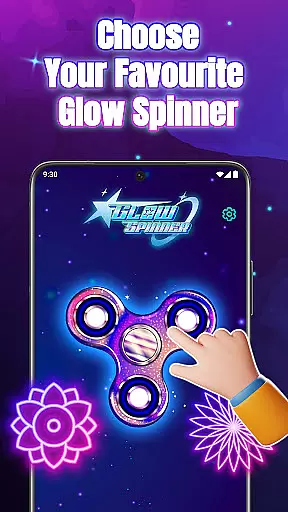
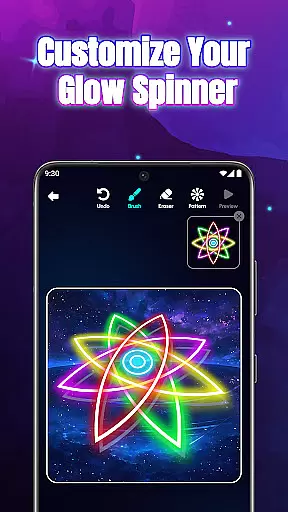
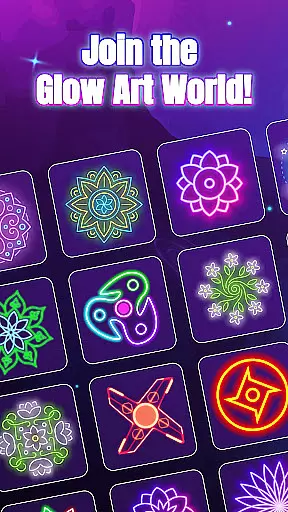
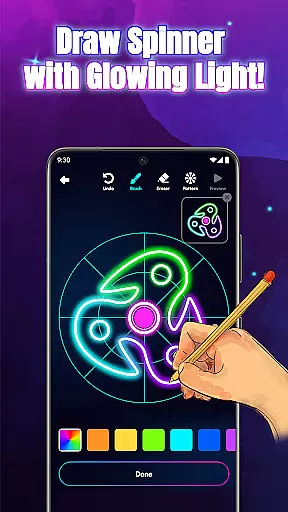
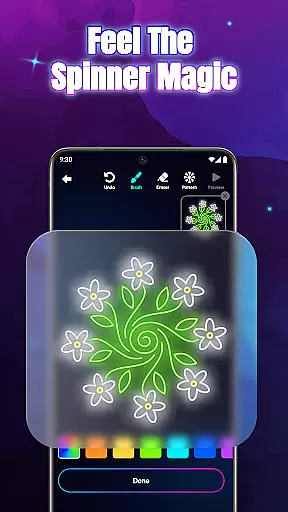
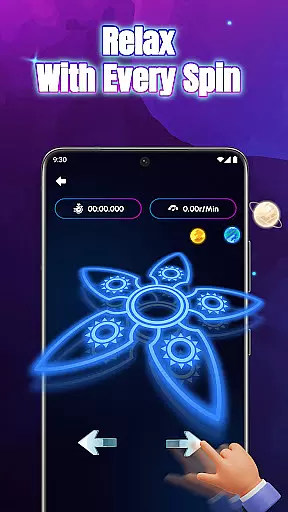
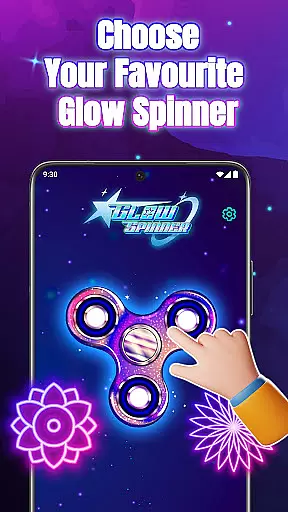
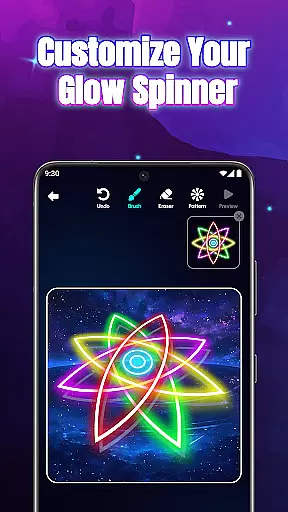
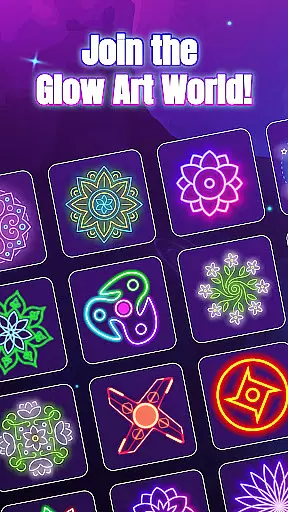
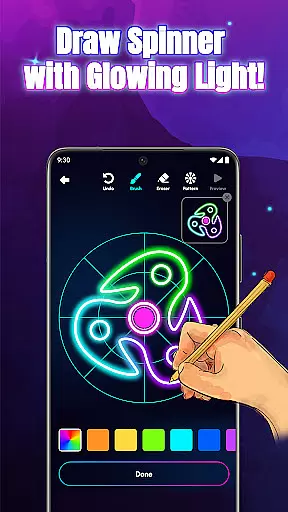
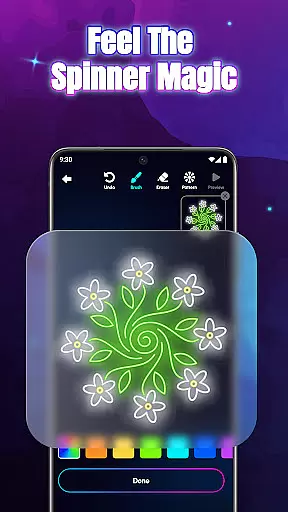
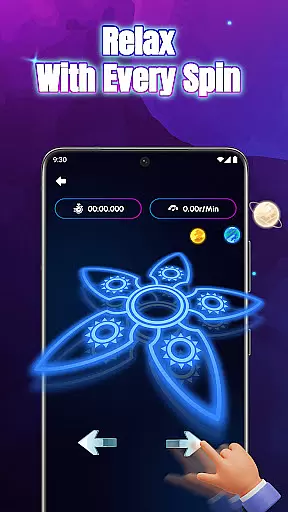
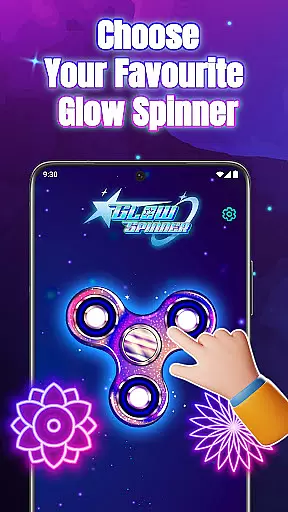
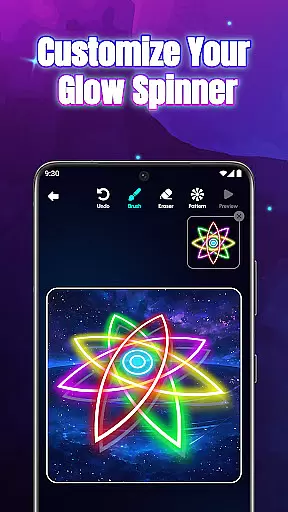
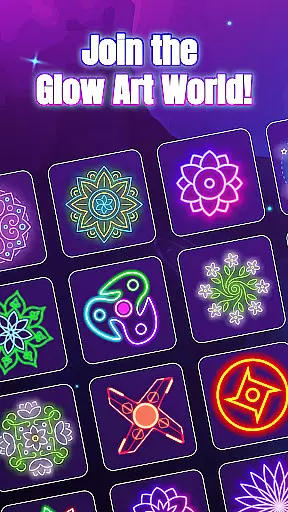
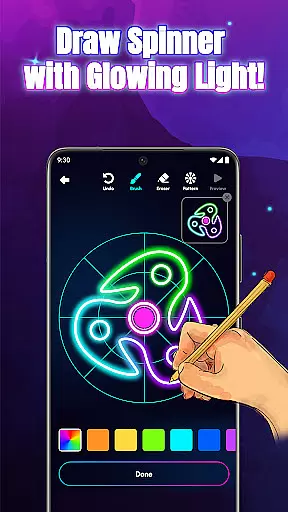
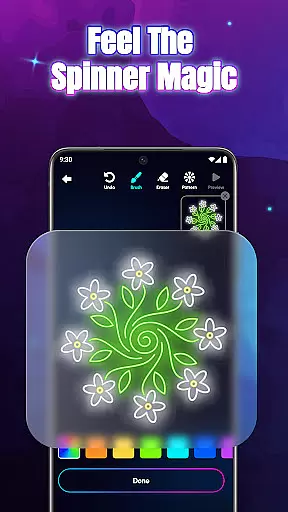
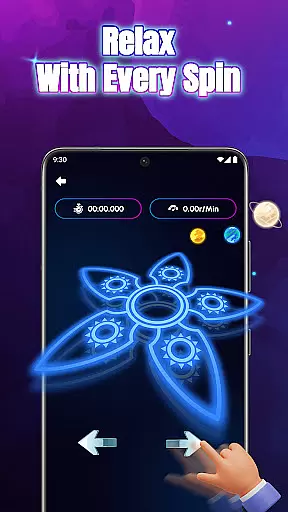
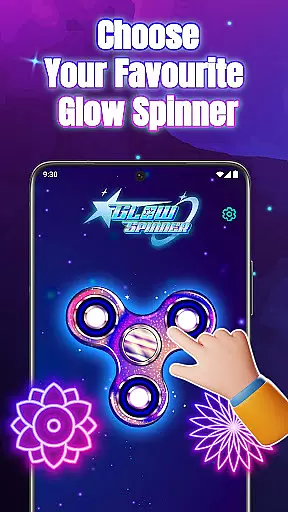
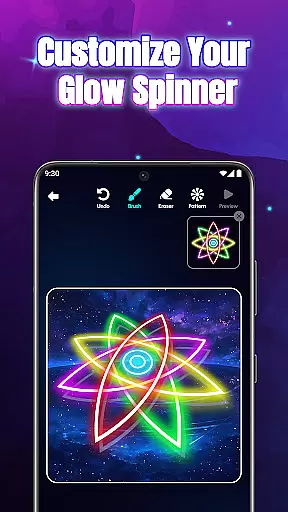
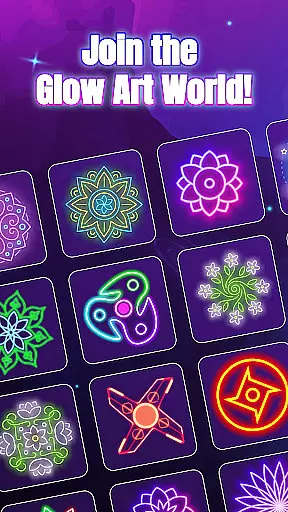
Glow Spinner: Finger Draw Art is an innovative application designed for users who appreciate creativity combined with relaxation. This app allows individuals to craft glowing spinner art using their fingers, offering a unique blend of artistic expression and stress relief. The core function revolves around creating visually appealing spinners that come to life with vibrant lights and smooth motion.
One of the standout features of Glow Spinner is its ability to provide a calming experience through digital art. Users can draw unique spinner shapes, apply neon colors, and watch as their creations spin in realistic 3D motion. The app also includes customizable glow effects, enabling users to select from various styles and patterns that suit their preferences. With intuitive finger drawing capabilities, anyone can easily design spinner art without prior experience.
This app is particularly beneficial for those looking to unwind after a long day or seeking a creative outlet. Its combination of simple fun, stress relief, and artistic exploration makes it suitable for all age groups. By saving favorite creations in a personal gallery, users can revisit their glowing art anytime, making it a valuable tool for both entertainment and relaxation.
Glow Spinner: Finger Draw Art offers a rich set of features that cater to both casual users and digital art enthusiasts. One of the primary highlights is the intuitive finger drawing functionality, which ensures that every swipe translates into smooth, glowing lines. This feature democratizes art creation, allowing users of all skill levels to design intricate spinner art effortlessly.
The app provides extensive customization options, including various glow effects, patterns, and colors. Users can experiment with calm ambient tones or opt for bright neon bursts, depending on their mood or creative vision. Additionally, the 3D spinner design adds depth and realism to each creation, enhanced by lifelike spin physics powered by a responsive physics engine. These elements work together to create an immersive experience that mimics real-world spinner motion.
Beyond its artistic capabilities, Glow Spinner fosters a relaxing environment with soft visuals and gentle soundscapes. The inclusion of an artwork gallery allows users to save, revisit, and even re-spin their favorite designs, building a personal collection of glowing art pieces. This combination of features not only enhances user engagement but also promotes mental well-being through a harmonious blend of art, motion, and tranquility.
In the realm of digital art, having a comprehensive set of creative tools is essential for unleashing one's imagination. Glow Spinner: Finger Draw Art offers an impressive suite of features that cater to both casual doodlers and serious artists.
The app provides intuitive finger drawing capabilities, allowing users to effortlessly create glowing lines and shapes. With customizable glow effects, creators can choose from a spectrum of neon colors and ambient tones, bringing their artwork to life with vibrant luminosity.
Advanced features like 3D spinner design and realistic spin physics elevate the creative experience. The physics engine ensures natural motion, while light reflection and depth simulation create stunning visual effects that enhance artistic expression.
These complete creative tools not only facilitate artistic creation but also offer a therapeutic experience, making Glow Spinner an exceptional platform for stress relief through digital art.
Flexibility in canvas and format options is crucial for digital artists who want to explore different creative dimensions. Glow Spinner: Finger Draw Art excels in providing versatile solutions for various artistic needs.
The application supports dynamic canvas properties, enabling users to create artworks of varying sizes and aspect ratios. This adaptability allows for both quick sketches and elaborate designs without constraint.
With its integrated artwork gallery, users can save their creations in a flexible format that preserves all visual elements, including glow effects and motion properties. This ensures that every piece maintains its intended impact and quality.
The combination of adaptable canvas settings and robust format support makes Glow Spinner an ideal choice for artists seeking to push the boundaries of their digital creations while maintaining professional standards.
Easy-to-use interface
Vibrant glow effects
Realistic 3D motion
Stress-relief focused
Creative freedom
Limited free features
Occasional ads
Device compatibility
Learning curve
Storage requirements

Customizable Outlined Fonts. Watch Face Format. Battery friendly Digital Clock.
 4.20
4.20
Create trending AI photos & videos with powerful effects and 3D styles.
3.20
Easy 3D drawing design maker & creator. Model designing, Sculpting. Create&paint
4.00
Art of Combination Wear OS Watch faces
4.0
Unleash the artist in you with our AR drawing and tracing tool for photo drawing
4.10
Bring One UI 8.5 Icons to life -elegant dark icons with a modern, premium touch.
4.30
Everything you need to create hand drawn animation, anywhere you go!
4.40
Unleash your inner artist! Sketchar: AR Drawing for Limitless Creativity
4.40
AI-powered photo & video creation—fast, fun, and effortless with Quick Actions
4.60
Passport size photo maker, create ID photo and visa photo in seconds
4.80
Novices can also easily complete diamond painting masters
4.70
Photo stitcher for automatically screenshot stitching into a long screenshot
4.70
Draw beautiful mandala's very easily
4.60
Castle is social media for creating and playing games!
4.60
Trace, draw, and create art with AR - from memes to masterpieces!
4.30
800+ Drawing, Painting Lessons App to Practice, Sketch & Paint Art.
4.30
Beauty Camera - Selfie Camera is the ultimate beauty camera and selfie app
4.30
Unleash Your Creativity with Draw Cartoon - AR Drawing App
4.10
AI Face Swap, Video Effects Editor, Realtime Morph, Funny Video FX,AI Filters
3.70


User Reviews