
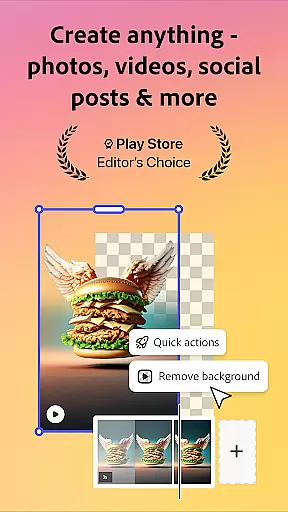
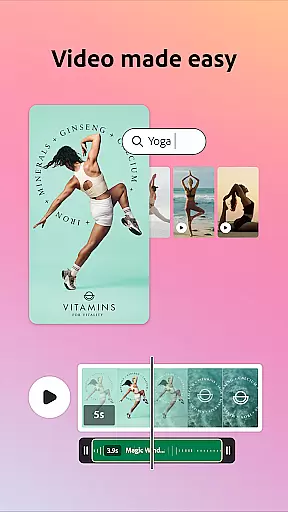
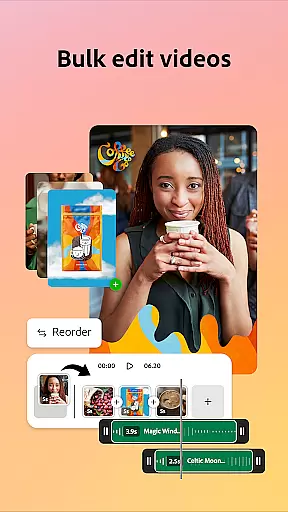
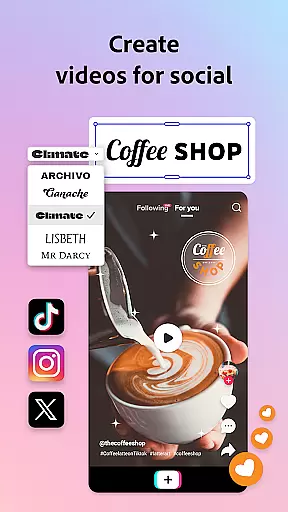

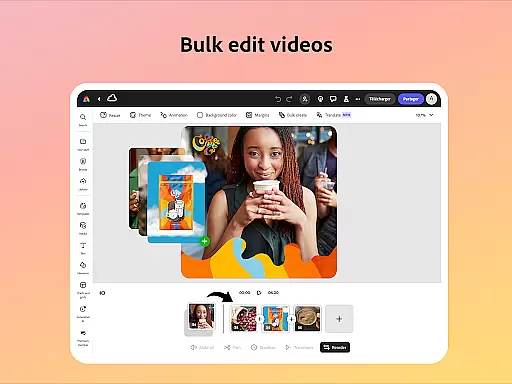
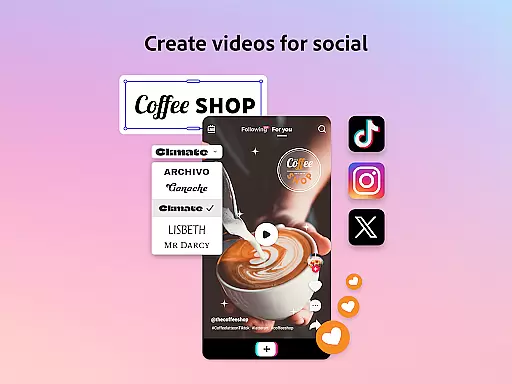
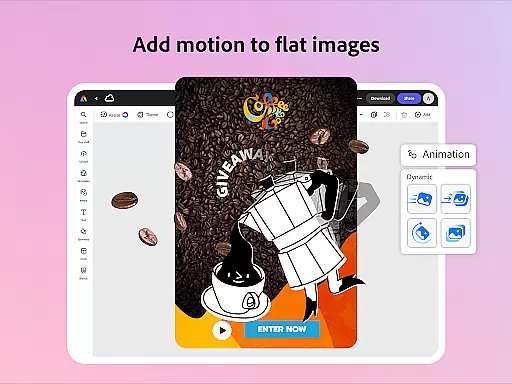
Adobe Express is a versatile design application that empowers users to create professional-quality marketing materials while maintaining brand consistency. The app offers an intuitive interface suitable for both beginners and experienced designers, providing tools for video editing, photo enhancement, background removal, and QR code generation.
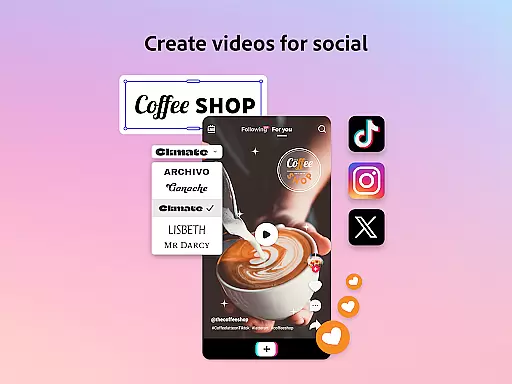
With customizable templates and AI-powered features, users can easily produce engaging content for various platforms. The Brand Kits functionality ensures consistent use of fonts, colors, and logos across all designs. Additional capabilities include PDF editing, file conversion, and Quick Action tools that streamline common design tasks.
This application is particularly valuable for businesses and creative professionals who need to produce high-quality branded content quickly and efficiently. The Premium membership unlocks advanced features including access to Adobe Stock assets and generative credits for creating custom visuals.
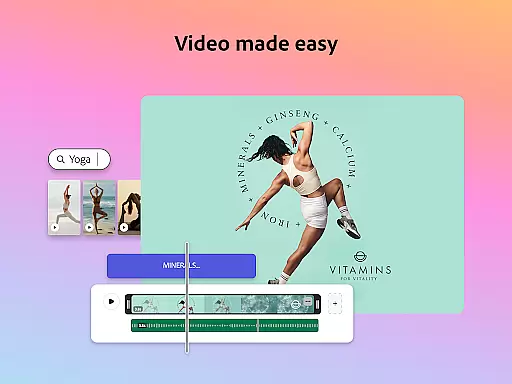
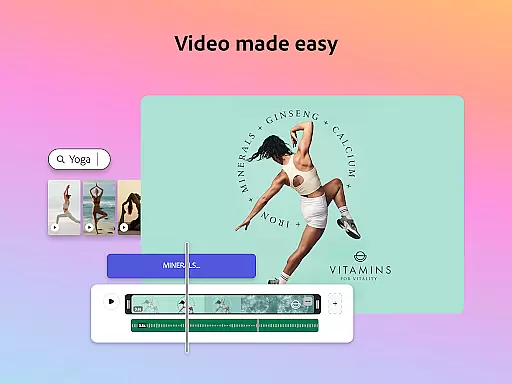
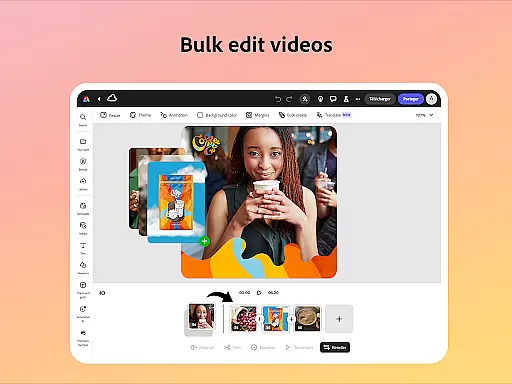
Adobe Express stands out with its comprehensive set of design tools that cater to multiple content formats. The video editing feature includes customizable templates, trimming capabilities, text overlays, music integration, and automatic captioning. Users can enhance their photos using Photoshop-powered filters and AI tools that can add or remove objects from images.
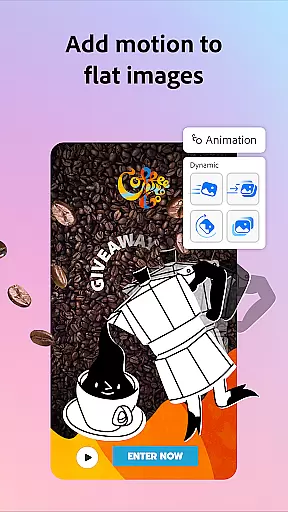
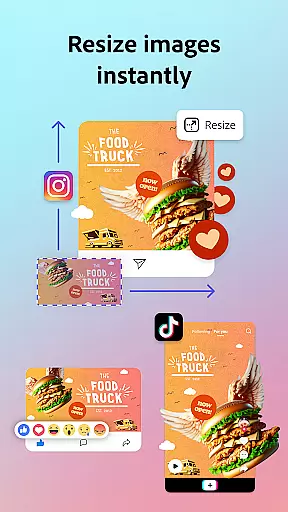
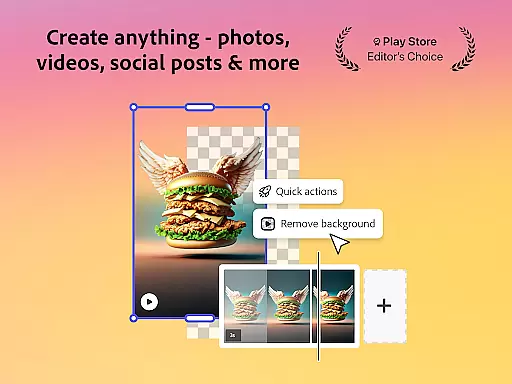
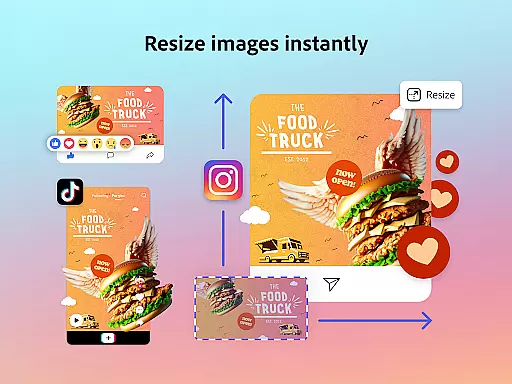
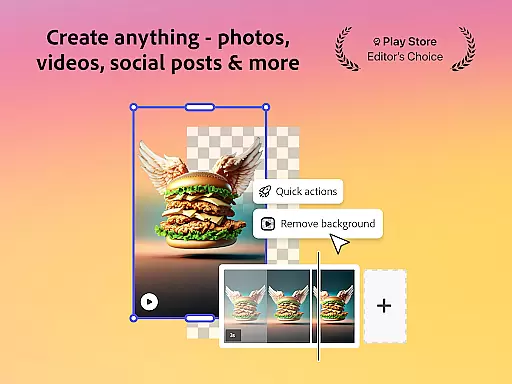
The app's background removal tool works seamlessly with both photos and videos, while the QR code generator allows for brand customization. The Quick Actions panel provides efficient tools for resizing designs, converting file formats, and animating characters. These features are complemented by robust PDF editing capabilities that enable users to update content and apply brand elements with ease.
Premium members gain access to over 200 million royalty-free Adobe Stock assets, 250 generative credits, and advanced features like video background removal and one-click resizing for multiple channels. The application maintains cross-platform consistency, allowing users to work seamlessly across desktop and mobile devices while integrating with Adobe Photoshop Express.
Adobe Express offers a comprehensive suite of creative tools that cater to both beginners and seasoned creators. The app provides customizable templates for video editing, intuitive photo editing features powered by AI, and Quick Actions for effortless background removal and image resizing.
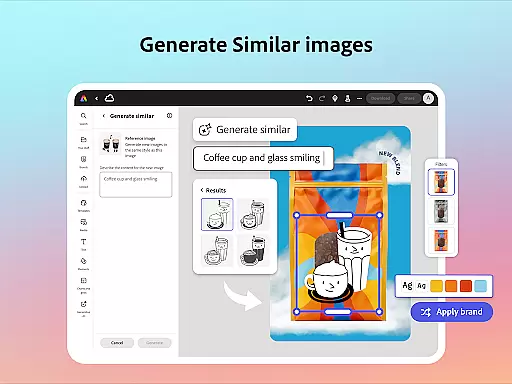
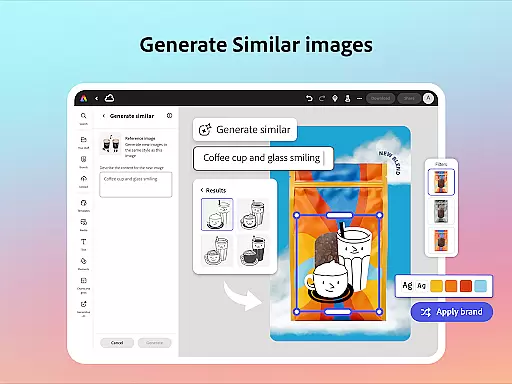
The inclusion of brand kits ensures that users can maintain brand consistency across all their designs. With features like Generate Similar and design refinement options, Adobe Express empowers users to create high-quality marketing materials while keeping their brand identity intact.
For PDF editing, the app allows users to update content, swap images, refine layouts, and apply brand elements with just a few clicks. This versatility makes Adobe Express an invaluable tool for businesses looking to produce professional-grade content quickly and efficiently.
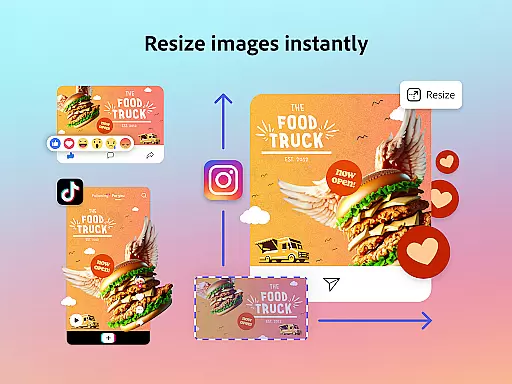
Adobe Express excels in providing canvas and format flexibility, allowing users to adapt their creations for various platforms and uses. The app's Quick Actions enable users to trim and resize designs for any channel, crop photos, and convert image files with ease.
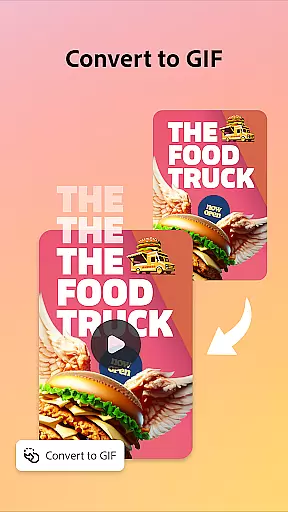
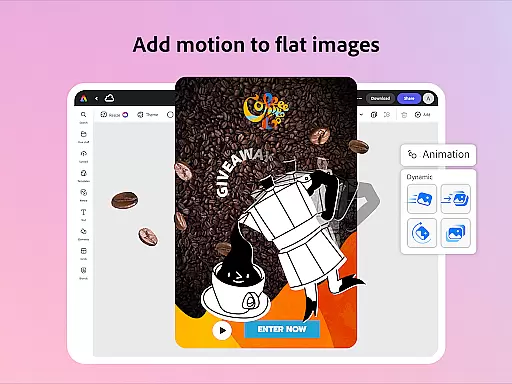
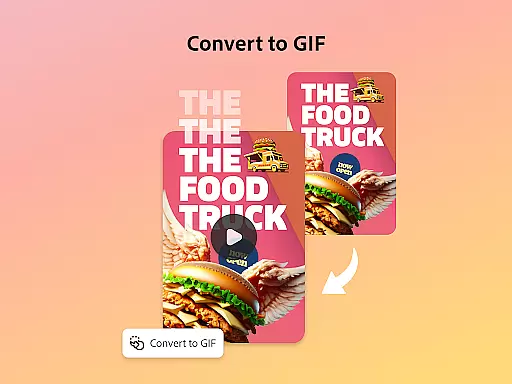
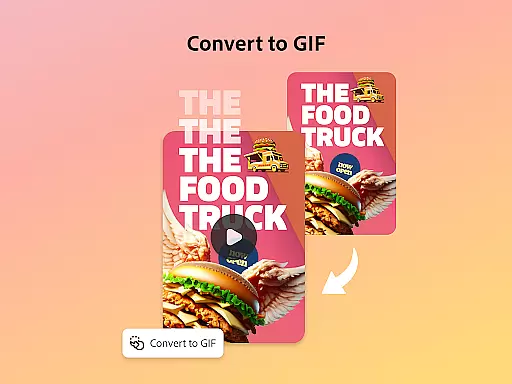
Users can also convert content to GIFs from images and videos, animate characters using voice commands, and import PDFs for quick updates. These capabilities ensure that creatives can tailor their work to suit different formats without compromising on quality or creativity.
While some advanced features may not be available on all devices currently, Adobe is committed to rolling out support over time. This ongoing development demonstrates the app's dedication to offering flexible solutions for all creative needs.
User-friendly interface
Comprehensive design tools
Brand consistency features
AI-powered enhancements
Cross-platform compatibility
Premium features locked
Device support limited
Advanced skills needed
Internet connection required
File size restrictions

Customizable Outlined Fonts. Watch Face Format. Battery friendly Digital Clock.
 4.20
4.20
Image/ Text to Video Generator
4.40
Digital Drawing: Draw & Paint
4.10
Logo Generator powered by AI: Create stunning logos effortlessly!
4.70
See Color, Paint Color
4.90
Digital, Abstract, Classic - all types of color wheels in one app!
4.60
Castle is social media for creating and playing games!
4.60
Draw, make movies & animate cartoons easily with our 2D animation maker app
4.40
Create amazing pictures and unleash your creative genius with AR Drawing Sketch
4.40
Photo editor for art, avatars, filters & fun transformations.
4.60
Create neon drawing with magic doodle and fun doodle art effects!
4.50
Create color palette from Image, RGB & RYB Color wheel harmonies, Color Scheme
4.50
Photo blender app to create overlay photos & double exposure.
4.40
Art of Combination Wear OS Watch faces (for Wear OS 5+ devices)
3.90
Design unique, funny and adorable cat stickers that reflect your own style!
3.80
Create cute cat emojis & PFPs! Fun, custom avatars for cat lovers.
3.70
Art of Combination Wear OS Watch Faces
3.30
Pose and morph realistic male and female models! 3D poser app
3.00
Art of Combination Wear OS Watch Faces
4.4


User Reviews