
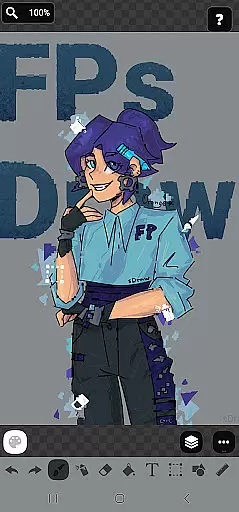
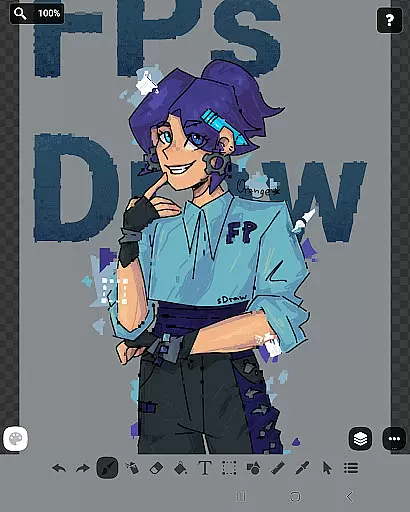
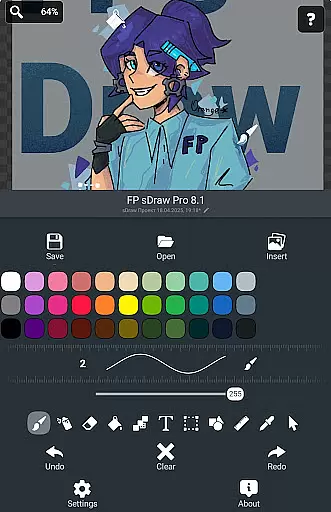
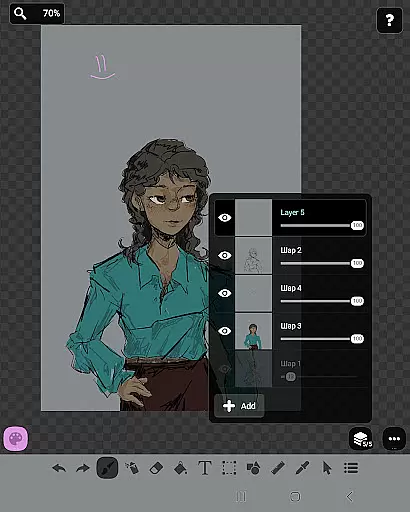
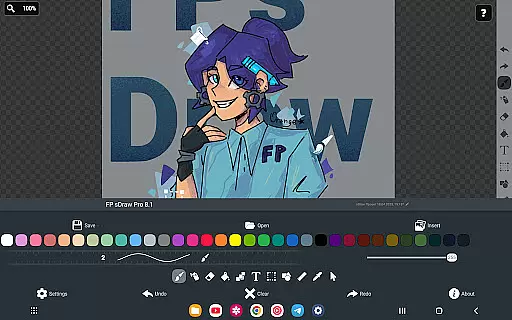
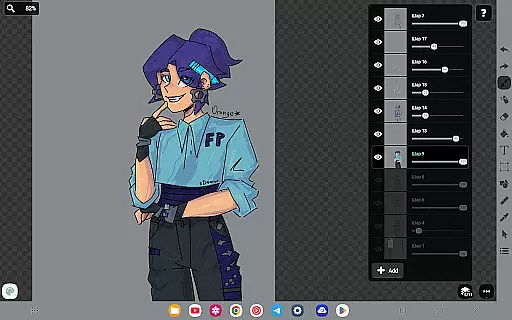
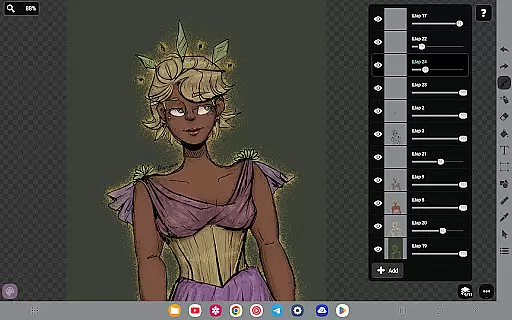
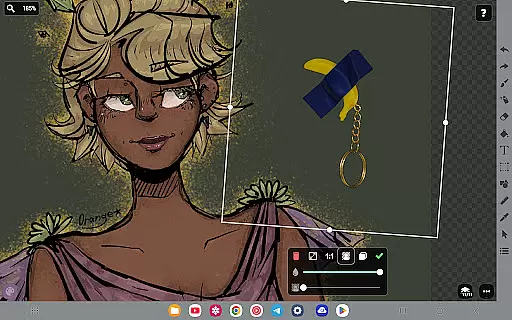
FP sDraw Pro is a streamlined drawing application tailored for users seeking simplicity and efficiency in their creative tasks. This app provides essential drawing tools without the distraction of ads or unnecessary features, making it perfect for quick sketches, annotations, or creating memes. With support for layers, text insertion, shapes, and more, FP sDraw Pro offers flexibility for both casual doodlers and those needing precise control over their artwork.
The app's lightweight design ensures compatibility with older devices while maintaining responsiveness and speed. Its customization options extend to UI elements, allowing users to tailor the interface to their preferences. Additionally, automatic backups and stylus support enhance its utility, ensuring that your work is safe and that you can draw with precision using tools like sPen or Active Pen.
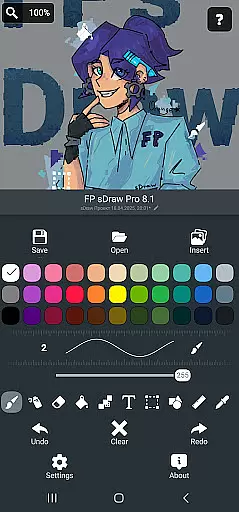
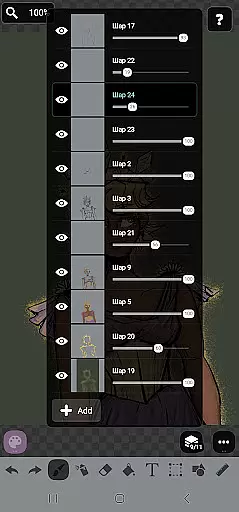
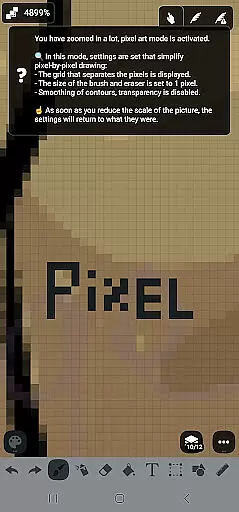
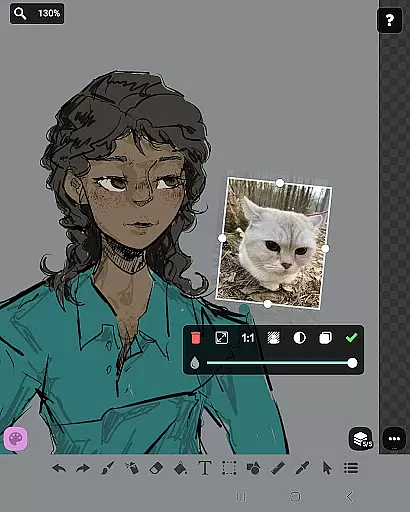
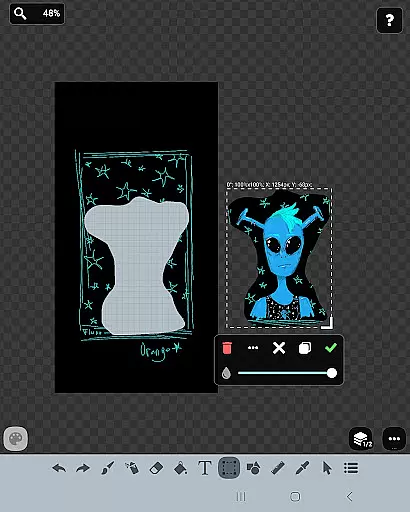
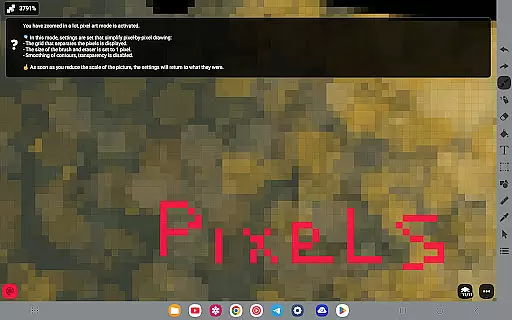
FP sDraw Pro stands out with its comprehensive yet straightforward feature set designed to cater to various drawing needs. The inclusion of layers allows artists to organize complex sketches efficiently, while the brush, eraser, airbrush, fill, and text tools provide versatility in artistic expression. Users can also insert images from their gallery, select specific areas, and apply effects such as mosaic or use the eyedropper for color selection.
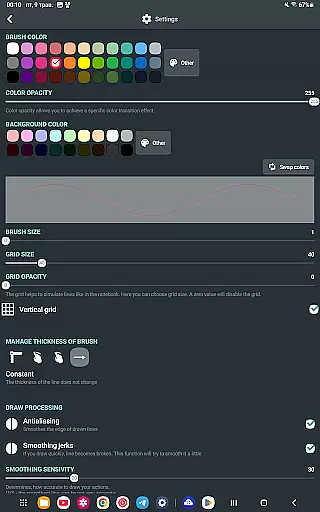
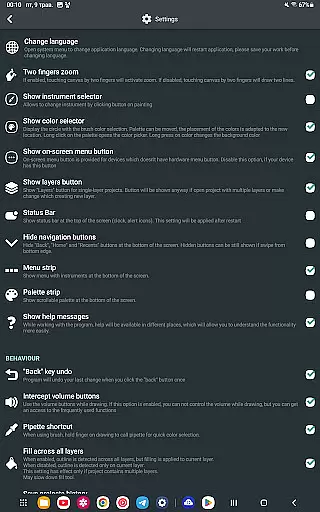
Customization is at the heart of FP sDraw Pro, enabling users to adjust button shapes and utilize volume buttons for quick actions. The app supports styluses, enhancing precision drawing experiences. Furthermore, helpful tips appear contextually, guiding users without overwhelming them. Automatic backups ensure peace of mind, keeping sketches secure. For those upgrading to the Pro version, additional perks include removing branding from saved images and eliminating promotional reminders.
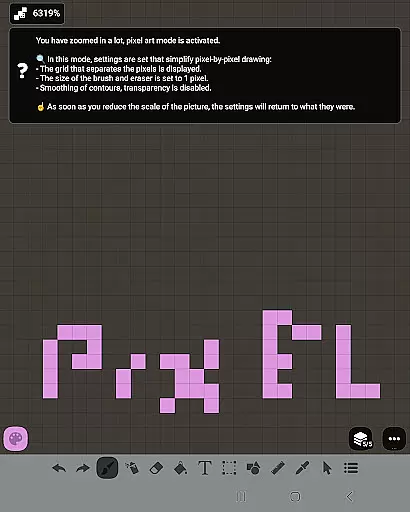
FP sDraw Pro offers a comprehensive suite of creative tools that cater to both casual doodlers and serious artists. The application includes essential features such as layers for organizing complex sketches, a brush and eraser for traditional drawing techniques, and an airbrush for more nuanced shading effects.
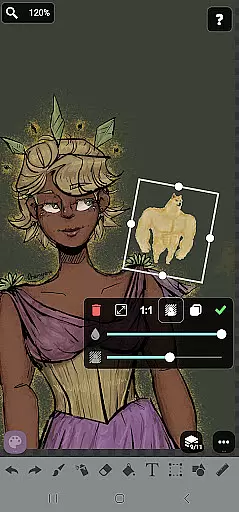
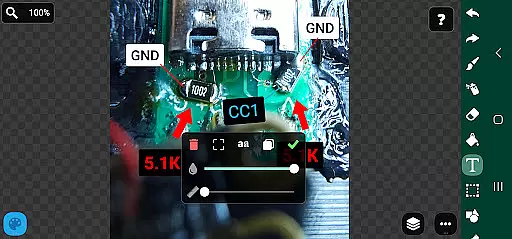
In addition to the basic tools, FP sDraw Pro supports inserting images from the gallery, applying text directly onto your canvas, and using a precision brush for fine details. These features ensure that users have everything they need to create detailed artwork without switching between multiple applications.
The inclusion of advanced options like fill, shapes, ruler, eyedropper, mosaic, and selection tools further enhances the creative process. This wide array of instruments allows users to experiment with different styles and techniques, providing a versatile platform for artistic expression.
By offering all these tools in a simple and lightweight package, FP sDraw Pro ensures that artists can focus on their work without being bogged down by unnecessary clutter or distractions. This makes it an ideal choice for anyone looking to capture quick ideas or develop elaborate designs on the go.
FP sDraw Pro stands out with its flexible canvas and format options, allowing users to customize their workspace according to their specific needs. Whether you're sketching a quick diagram or working on a detailed illustration, the app's adaptable interface ensures that you have complete control over your canvas size and shape.
The app supports stylus input from various devices, including sPen and Active Pen, which enhances precision and ease of use. This compatibility with different drawing tools makes FP sDraw Pro suitable for artists who prefer tactile feedback while they draw.
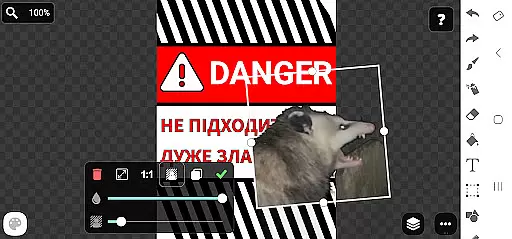
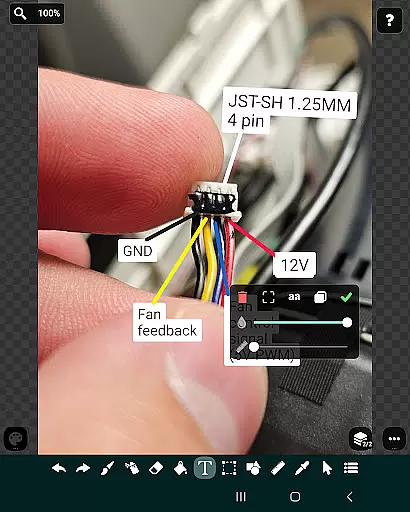
Moreover, the ability to insert images from the gallery and apply modifications directly on them adds another layer of flexibility. Users can easily import photos or other visuals and manipulate them within the app, making it perfect for creating memes or adding annotations to existing images.
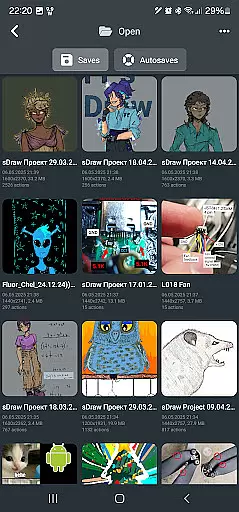
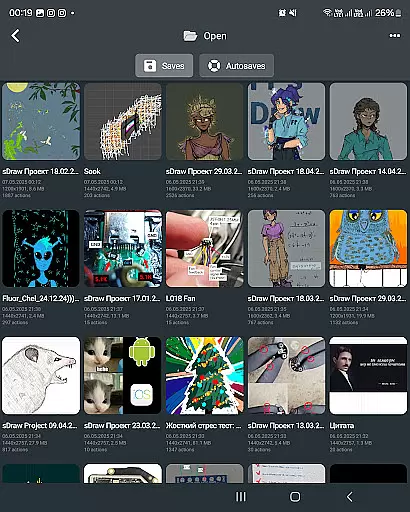
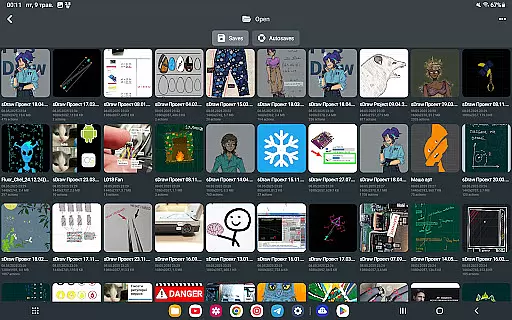
With its automatic backup feature, FP sDraw Pro guarantees that your projects are always safe, regardless of the format or complexity. This reliability, combined with the app's minimalistic design and absence of ads, creates an uninterrupted workflow that empowers artists to bring their visions to life effortlessly.
User-friendly interface
No ads or clutter
Lightweight and fast
Automatic backup feature
Stylus support for precision
Limited advanced features
Basic UI customization
No cloud sync option
Small developer community
Less than 1MB size limit

Vidu is an AI video generator made for creators and aspiring makers.
 3.30
3.30
AI Assistant, powered by ChatGPT GPT-4 & GPT-4o. Your intelligent companion.
3.50
Passport size photo maker, create ID photo and visa photo in seconds
4.80
800+ Drawing, Painting Lessons App to Practice, Sketch & Paint Art.
4.30
Powerful home decoration & house design that allows you to design dream home.
3.80
Unleash the artist in you with our AR drawing and tracing tool for photo drawing
4.10
Bring One UI 8.5 Icons to life -elegant dark icons with a modern, premium touch.
4.30
Beauty Camera - Selfie Camera is the ultimate beauty camera and selfie app
4.30
Video AI: Revolutionize Your Content Creation with Advanced Video Generation
4.50
Create stunning art with AI.
4.80
Castle is social media for creating and playing games!
4.60
Draw glowing spinners, relax, and spin your creative art
4.60
Turn your drawings into flipbook-style animations with simple creative tools
4.60
Create and Design Custom Logos in Seconds with AI-Powered Tools!
4.40
Create Logos, Tattoos, AI Art & more with our AI Photo Generator & Design Editor
4.20
Digital Drawing: Draw & Paint
4.10
Your homescreen as an elegant glass with customized blur, lighting, and visuals.
3.70
Pose and morph realistic male and female models! 3D poser app
3.00
Retouch photos. Create or edit images. Endless capabilities.
2.70


User Reviews