
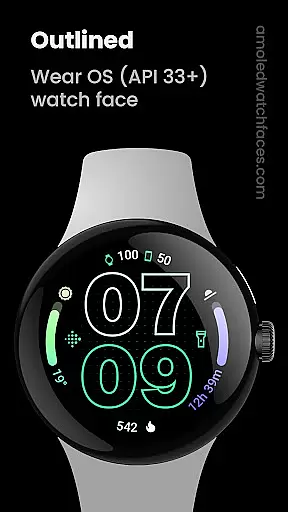
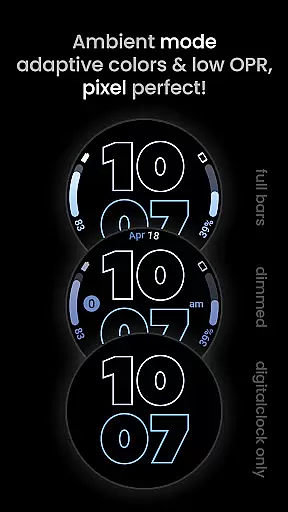
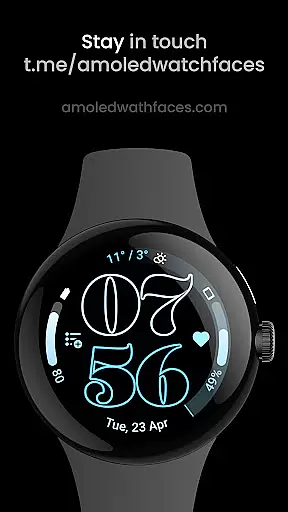
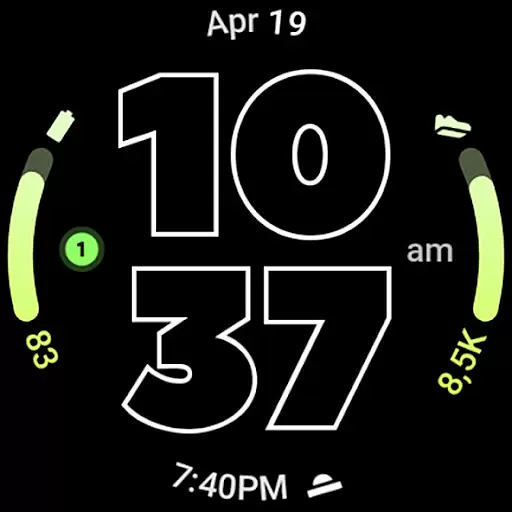
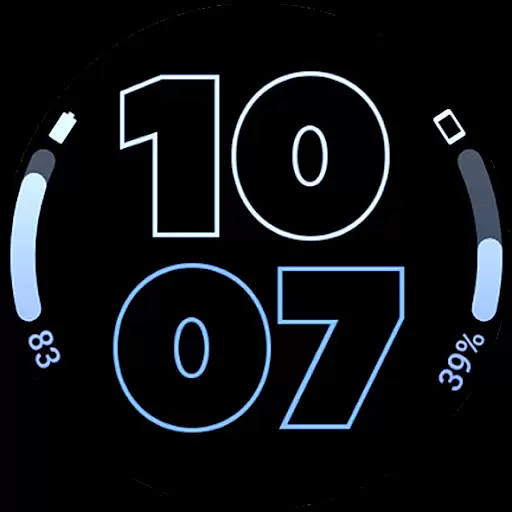
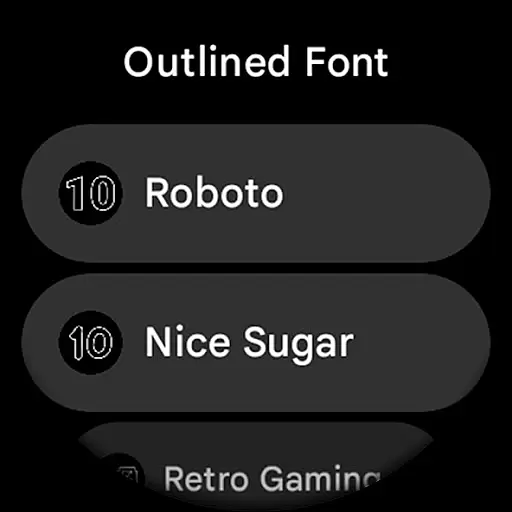
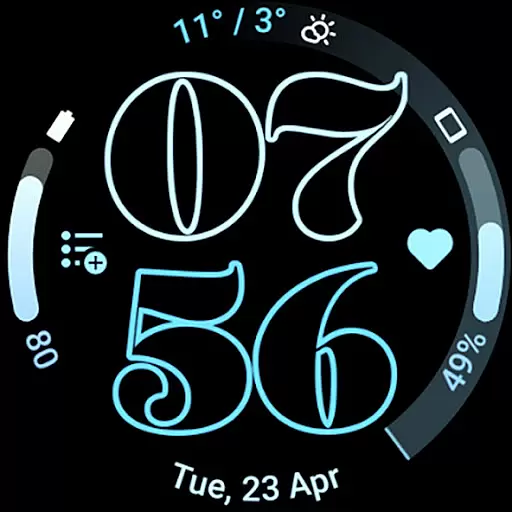
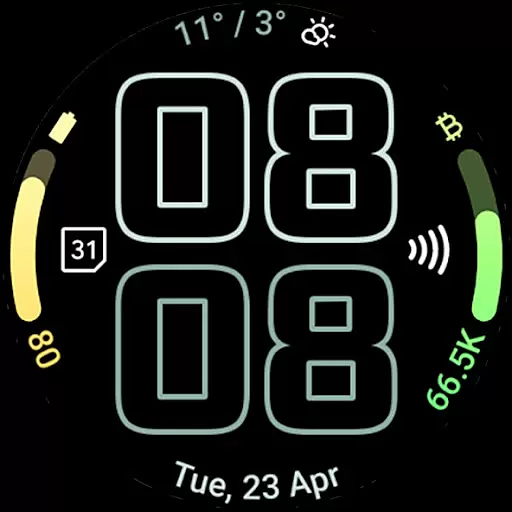
Outlined Watch Face is a premium wearable application designed exclusively for Wear OS 4+ devices, offering users an elegant and customizable watch face experience. This app stands out with its unique outlined digital clock fonts and gradient arc complications, providing both aesthetic appeal and functional utility. The watch face supports combined phone and watch battery displays, includes burn-in protection, and offers three Always-On Display (AOD) styles that help conserve battery life while maintaining usability.
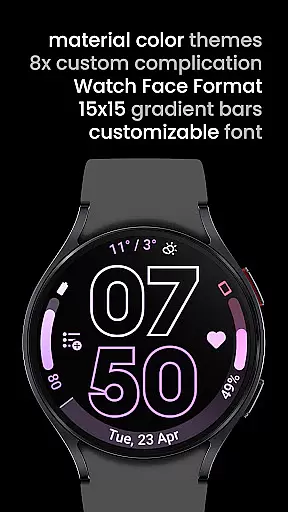
The design is optimized for high-resolution displays and features battery-friendly characteristics through its true black background and efficient use of the device's resources. With compatibility across modern smartwatches like the Pixel Watch 2 and Galaxy Watch6, this app allows users to personalize their wearable technology extensively. Users can adjust settings such as material themes, am-pm slots, and wave-styled second indicators to create a personalized daily companion tailored to individual preferences.
Outlined Watch Face boasts a rich set of features powered by the Watch Face Format, ensuring a versatile and interactive user interface. It includes two gradient arc complication slots and supports combined watch/phone battery complications, which display essential information at a glance. Unique outlined Digital Clock fonts allow for clear readability, while the true black background enhances the visual experience on AMOLED screens and improves battery efficiency.
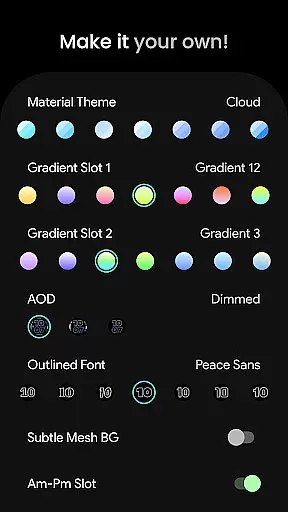
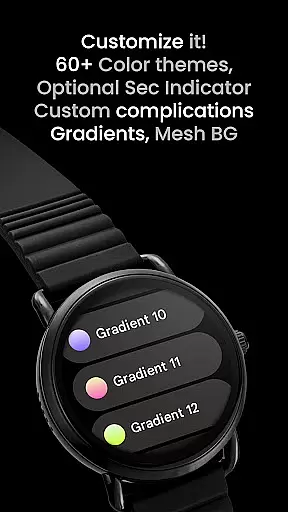
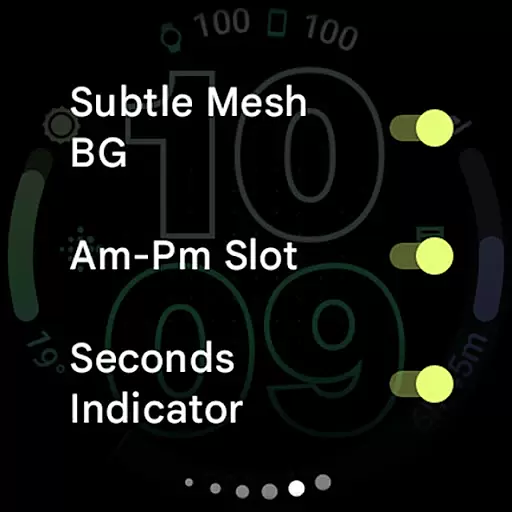
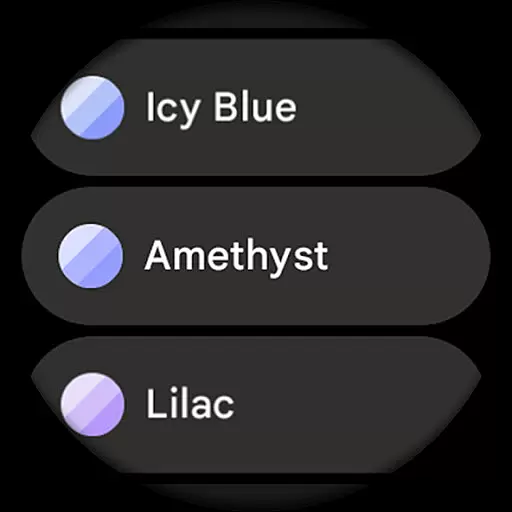
Customization options are abundant, enabling users to modify each progress bar gradient individually when using ranged value complications. Additional features include burn-in protection, optional wave-styled seconds indicators, and various AOD styles that offload processing to the MCU for extended battery life. User configurations range from selecting among sixty-plus material themes to toggling subtle mesh backgrounds and monochromatic icon tinting, allowing for extensive personalization.
In the realm of digital art and design, having a comprehensive suite of creative tools is essential for unleashing an artist's full potential. Outlined Watch Face offers a rich palette of features that cater to both amateur designers and professional artists alike. With over 60 material themes, users can select from a vast array of design aesthetics to match their personal style or project requirements.
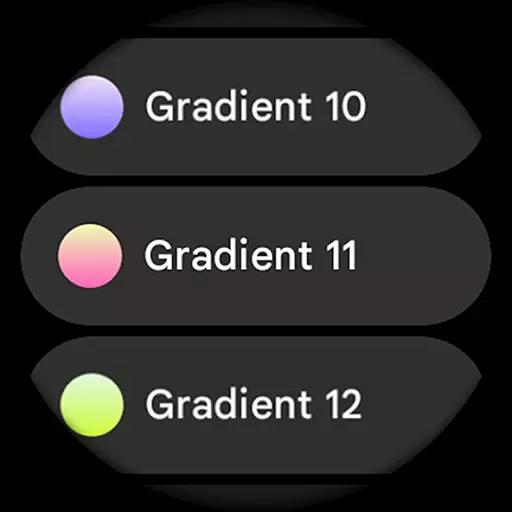
The application provides two gradient arc complication slots with 19 different gradients, white, and tint options, allowing for intricate customization of visual elements. This level of detail ensures that each creation can be finely tuned to the designer's specifications, providing a personalized touch to every piece.
Moreover, unique outlined Digital Clock fonts and fully customizable progress bar gradients when using ranged value complications offer additional avenues for creativity. These features enable users to craft distinctive designs that stand out on Wear OS 4+ devices, ensuring that their work is not only seen but remembered.
With high-res design capabilities and compatibility with the latest smartwatch models like Pixel Watch 2 & Galaxy Watch6, this app guarantees that your artistic visions are rendered with precision and clarity. The inclusion of burn-in protection and optional wave-styled seconds indicators further demonstrates the app's commitment to offering a complete and considerate toolkit for watch face designers.
Flexibility in canvas and format options is crucial for designers who wish to explore various creative avenues without being constrained by the medium. Outlined Watch Face excels in this area by providing a versatile platform that adapts to the needs of its users. Its true black background and battery-friendly design ensure that artwork looks stunning while maintaining optimal device performance.
This application supports a wide range of user configurations, including three Always-On Display (AOD) styles with an option to use only the Digital Clock and fully offload to MCU for enhanced battery life. Such flexibility allows creators to balance visual appeal with practical considerations, tailoring their designs to be both beautiful and functional.
Designers can also choose from multiple material themes, gradient slots, and font options, making it easy to adjust their work to fit specific artistic visions or client requests. The ability to customize each element, from subtle mesh backgrounds to AM-PM slots and seconds indicators, provides unparalleled control over the final appearance of the watch face.
Furthermore, Outlined Watch Face includes support for custom complications and app shortcuts, enabling users to integrate additional functionality into their designs seamlessly. By offering extensive customization possibilities and supporting different settings for a unique daily companion, this app empowers designers to push the boundaries of what's possible on wearable technology platforms.
User-friendly customization
Battery-efficient design
High-resolution visuals
Unique outlined fonts
Wide device compatibility
Limited to Wear OS 4+
Not for rectangular watches
Premium cost involved
Complex setup process
Fewer features without custom apps

AI generated images & photos, turn your words into drawing, painting & pictures.
 4.30
4.30
Text to Image, Image to Video & AI Chat
4.20
Logo Generator powered by AI: Create stunning logos effortlessly!
4.70
Art of Combination Wear OS Watch Faces
4.5
Draw beautiful mandala's very easily
4.60
AR Anime Drawing: How to draw anime with AR drawing & sketching apps!
4.00
Get creative and make art with your Sesame Friends!
4.00
Share the joy of painting with ibis Paint! Drawing anime and manga art.
4.50
Retouch photos. Create or edit images. Endless capabilities.
2.70
Create stunning art with AI.
4.80
Learn how to draw with step-by-step tutorials, fun lessons & multiplayer drawing
4.70
Your AI soulmate — meaningful chats, and unique emotional moments
4.70
Photo stitcher for automatically screenshot stitching into a long screenshot
4.70
Photo editor for art, avatars, filters & fun transformations.
4.60
Painting, drawing, & sketching
4.50
Video AI: Revolutionize Your Content Creation with Advanced Video Generation
4.50
Create Logos, Tattoos, AI Art & more with our AI Photo Generator & Design Editor
4.20
Unleash Your Creativity with Draw Cartoon - AR Drawing App
4.10
Pose and morph realistic male and female models! 3D poser app
3.00


User Reviews