
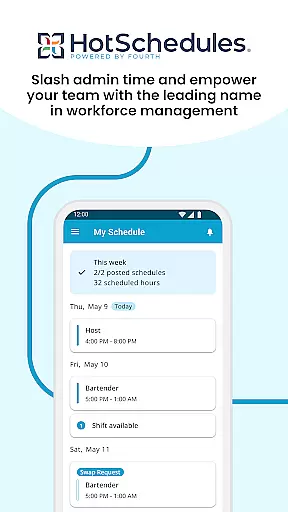
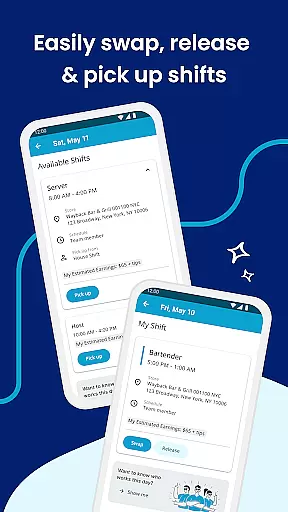
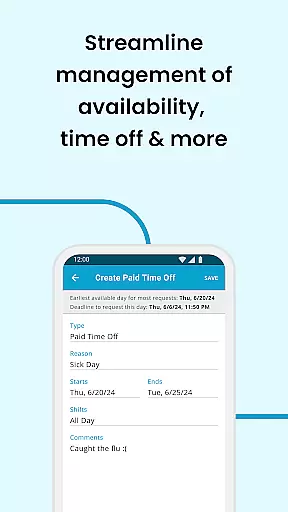
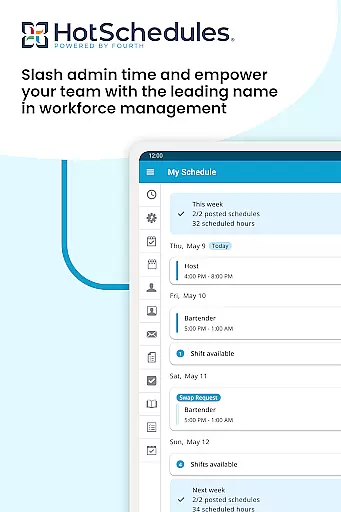
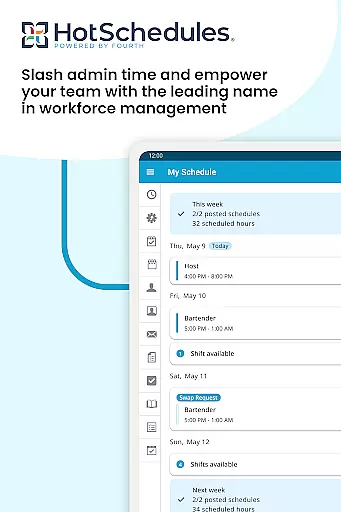
HotSchedules is a leading productivity app designed specifically for workforce management in businesses. The app's core functionality revolves around employee scheduling, offering both team members and managers an efficient way to manage work shifts. For employees, the app allows easy shift swapping, automatic shift pickups based on availability, and seamless time-off requests. Managers benefit from advanced features like one-click shift change approvals and 75% faster schedule creation. Additionally, the app provides real-time business performance monitoring through sales and labor snapshots, keeping managers connected even when they're away from the office.
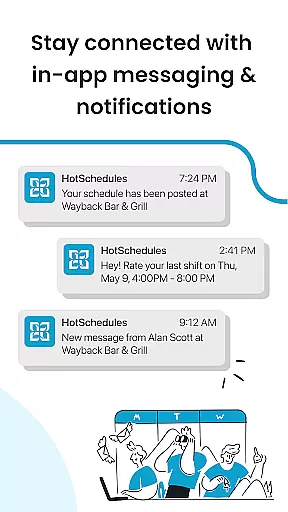
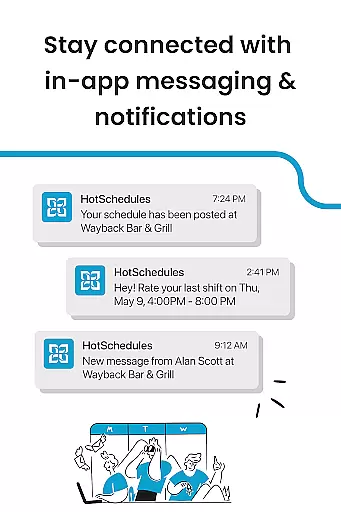
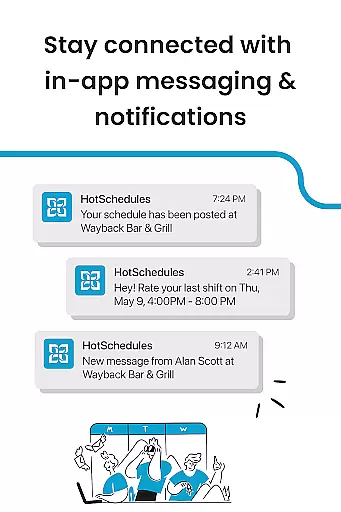
The app also emphasizes communication and synchronization. It automatically updates schedules to users' phones with manager-approved changes, thanks to its calendar sync feature. Notifications ensure that everyone stays informed about their shifts. This makes HotSchedules not just a scheduling tool but also a communication platform that fosters a productive team culture. Its requirement of a valid employer-provided account ensures security and tailored access for each business.
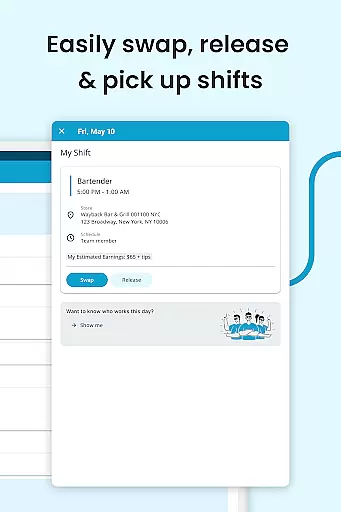
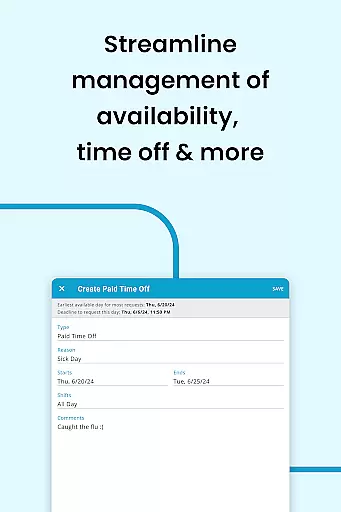
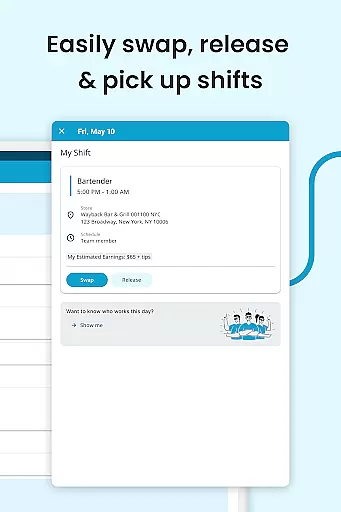
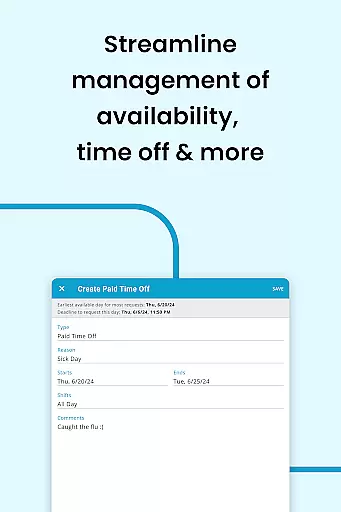
HotSchedules stands out due to its comprehensive set of features tailored for both employees and managers. For team members, the app offers one-click shift swapping, pickup, and release functionalities, making it incredibly easy to manage work-life balance. Automatic shift pickups help employees gain more working hours when needed, while time-off requests allow them to maintain personal commitments effortlessly. Calendar sync and instant notifications keep everyone updated with any changes approved by managers, ensuring no important shift information is missed.
For managers, HotSchedules provides significant time savings—up to 75%—in building schedules and approving shift changes with just a single click. The app also includes tools for monitoring business performance remotely, offering sales and labor snapshots accessible from anywhere. This keeps managers engaged with their teams rather than being tied to the back office. Furthermore, the app facilitates communication through broadcast and one-to-one messaging, promoting a cohesive and motivated team environment. These features collectively enhance productivity and streamline operations within businesses.
HotSchedules excels in core task management by providing a comprehensive suite of tools designed to streamline scheduling and team communication. The app allows for quick shift swaps, pickups, and releases with just one click, making it effortless for team members to manage their work-life balance.
For managers, the app offers significant time savings, reducing the time spent on building schedules by 75%. This efficiency is achieved through intuitive design and features like one-click approvals for shift changes, ensuring that managers can focus more on business performance rather than administrative tasks.
The ability to monitor sales and labor snapshots from anywhere further enhances productivity. Managers can stay connected with their teams through broadcast and one-to-one messaging, fostering a productive and cohesive team culture. These features collectively ensure that HotSchedules stands out in task management within the productivity category.
Cross-device synchronization is a critical feature of HotSchedules, ensuring that all schedule updates and roster changes are reliably synced across all devices. This means that whether you're using a smartphone, tablet, or computer, your data remains consistent and up-to-date.
Calendar sync and notifications play a vital role in maintaining this reliability. Any manager-approved changes to schedules are automatically updated on your phone, ensuring that you never miss an important update. This seamless integration helps maintain work-life balance by keeping users informed about their shifts and time-off requests.
Furthermore, the app's robust notification system ensures that users are promptly alerted to any changes, providing peace of mind and allowing for better personal time management. With reliable cross-device synchronization, HotSchedules ensures that both employees and managers have access to real-time information, enhancing overall productivity and communication within the team.
User-friendly interface
Efficient shift management
Real-time updates
Comprehensive reporting
Enhanced team communication
Requires employer account
Limited to business use
No standalone version
Premium features may cost extra
Dependent on internet connectivity

A simple, portable logger for POTA, SOTA, Field Day, and more
 4.5
4.5
⏰ Finally a timer app which can run multiple timers simultaneously on your watch
3.90
Pwnagotchi companion app
4.20
Calendar 2023 widget for Android. Appointment scheduler, planner, and reminder
4.60
* block pre-roll ads, pop-up and forced redirect ads * Samsung certification app
4.00
Great calculator for Android named one of USA TODAY's "25 Essential Apps".
4.90
Okta MFA
4.70
Daily processing of PDF documents.
4.40
Set up, print, and get support—in one place
4.20
Seamlessly integrate data and reports to build your presentation to impress
4.80
QuickBooks Workforce lets teams view pay info and track time in one place.
4.70
Scan paperwork into PDF/JPG, generate your own e-signature and send fax or email
4.70
Tally and goal counter for Wear OS & mobile
4.50
Access, manage and transfer files on Android, PC, Mac, NAS and cloud storages.
4.30
A customizable calendar for your Wear OS watch
4.20
Unlock AutoNotification
4.00
Customizable calendar widget for seamless event sync, planning & scheduling.
4.00
Code on-the-go with VScode for Android. Edit,debug and collaborate from mobile!!
3.10
The upgraded version of Name Wheel with AI and the power to add your own wheels.
4.2


User Reviews