




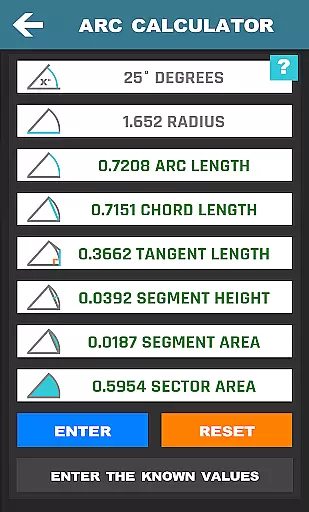
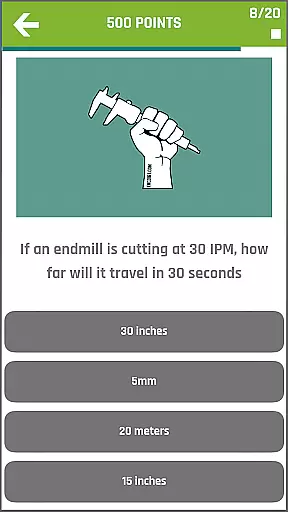
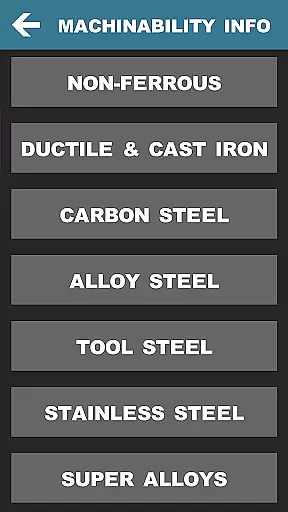
CNC Machinist Calculator Pro is a comprehensive productivity tool designed specifically for professionals in the manufacturing and machining industry. This app serves as an essential companion for CNC programmers, machinists, and engineers who require quick and accurate calculations on the shop floor.
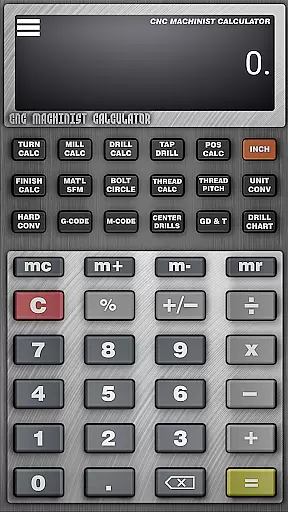
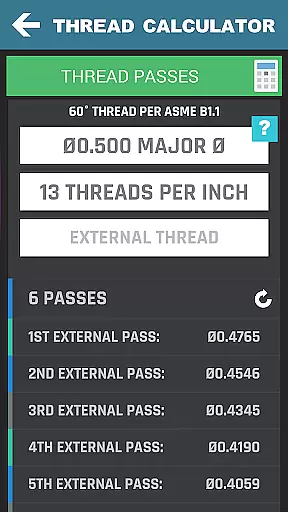
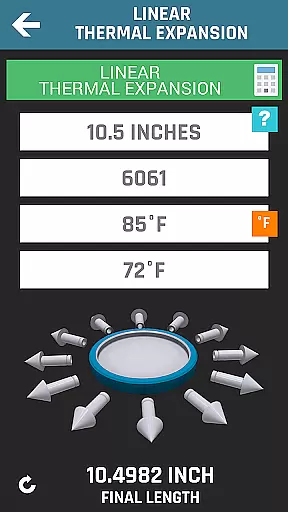
The application offers over 35 specialized calculators and tools covering turning, milling, drilling, thread calculations, and more. With features like cutting speed calculations, cycle time estimations, and geometric tolerance descriptors, it ensures precision and efficiency in every machining operation. Its intuitive interface allows users to seamlessly switch between different calculation modules, making it suitable for both experienced professionals and hobbyists.
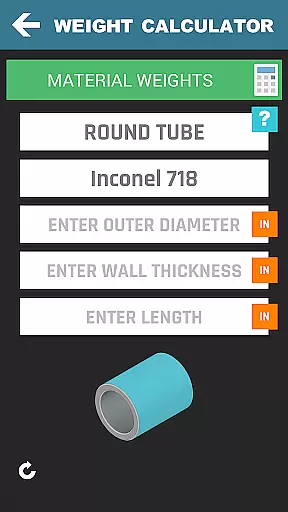
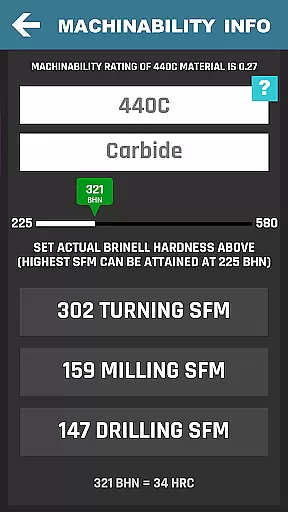
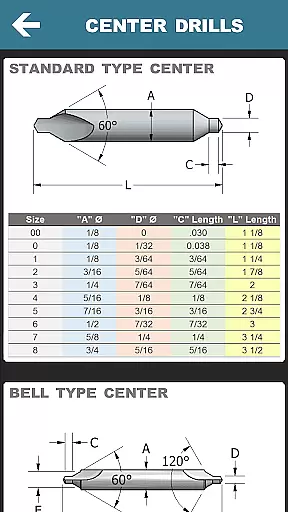
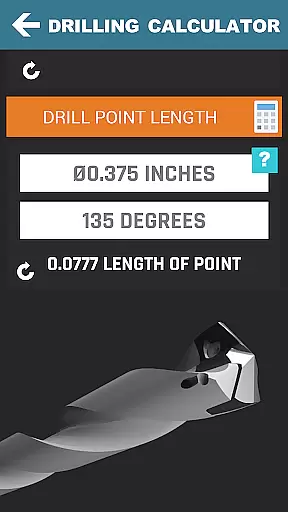
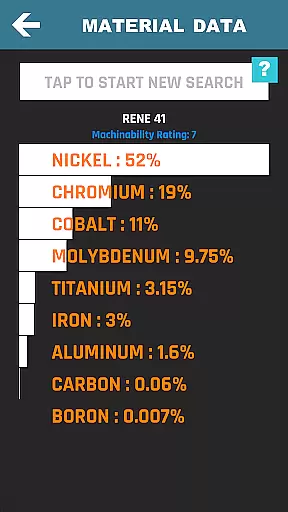
Whether you're calculating feed rates for a complex milling operation or determining drill point lengths for a precise hole, this app provides reliable data to optimize your workflow. The inclusion of material property search and hardness conversions makes it an indispensable tool for quoting new projects and improving overall productivity.
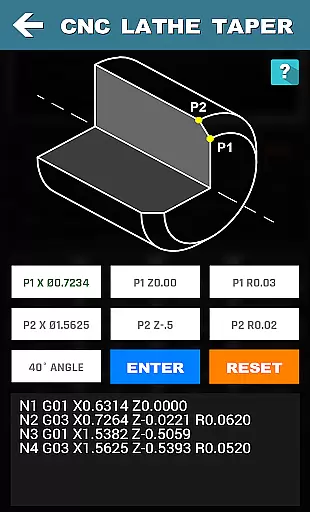
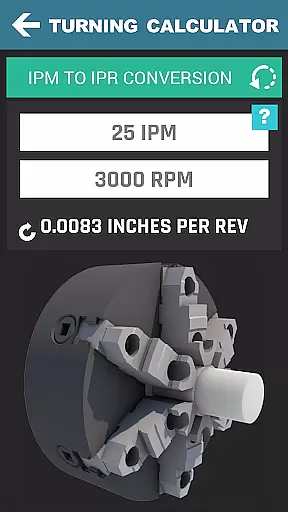
This productivity app stands out with its extensive range of specialized calculators tailored for CNC machining operations. The Turning Calculators module provides essential functions such as cutting speed calculations, cycle time estimations for rough turning and grooving operations, plus crucial speed and feed conversions.
The Milling Calculators section offers advanced features including radial chip thinning calculations, metal removal rate estimations, and circle milling calculations for both inner and outer profiles. The app's Drilling and Gun Drilling Calculators help optimize drilling operations through precise cutting speed and cycle time calculations.
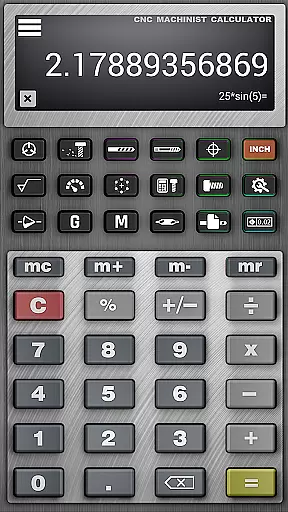
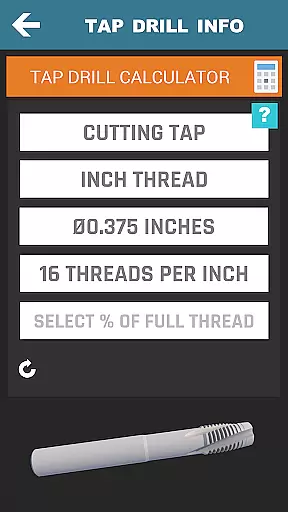
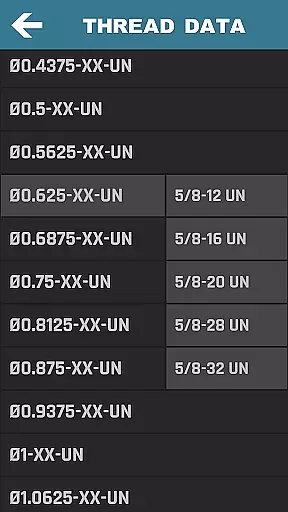
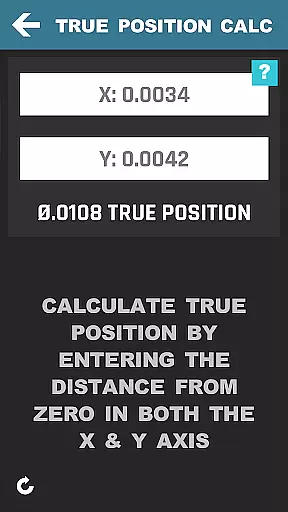
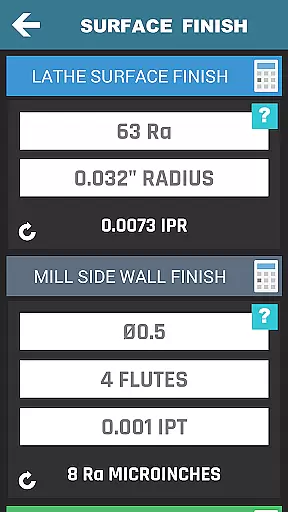
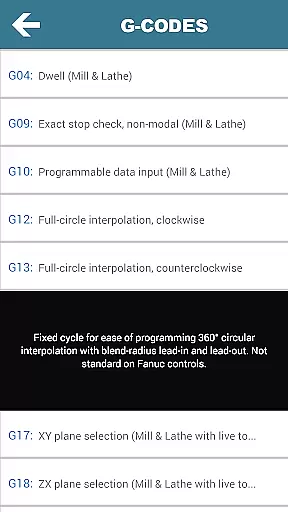
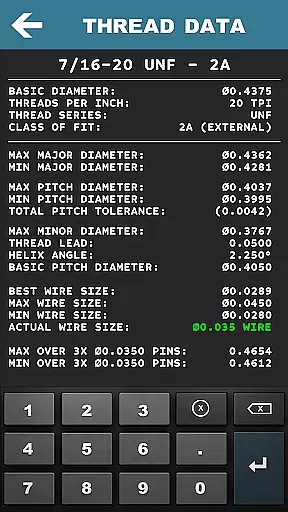
Beyond these core features, the app includes valuable tools like True Position Calculators, Surface Finish Calculators, and comprehensive Thread Data references. The inclusion of a scientific calculator, G-code/M-code references, and a Machinist Forum creates a complete ecosystem for machining professionals. These features collectively enable users to perform complex calculations quickly and accurately, ultimately saving time and reducing errors in their machining processes.
CNC Machinist Calculator Pro excels in core task management by offering a comprehensive suite of calculators tailored for manufacturing professionals. This productivity tool consolidates over 35 distinct calculation features, each designed to streamline specific machining operations.
The application's turning and milling calculators provide machinists with precise cutting speed, cycle time, and feed rate computations. These features ensure optimal tool usage and efficient machining processes, directly impacting productivity. The inclusion of specialized functions like radial chip thinning and metal removal rate calculations demonstrates the app's depth in addressing complex machining scenarios.
For drilling operations, the calculator offers essential computations including cutting speed by material and cycle time analysis. The gun drilling module further extends these capabilities, providing specialized calculations that are crucial for high-precision boring tasks.
All calculation modules are strategically organized, allowing users to quickly access the required tools without unnecessary navigation. This thoughtful arrangement of features enhances workflow efficiency, making it an indispensable companion for both professional machinists and hobbyists who demand accurate and rapid calculations on the shop floor.
While CNC Machinist Calculator Pro operates as a standalone productivity solution, its reliability extends beyond simple calculation functions. The application ensures consistent performance across various Android devices, maintaining accurate computation standards regardless of hardware specifications.
The app's robust architecture guarantees that all calculations produce uniform results across different devices. This consistency is particularly crucial in manufacturing environments where precision and reliability are paramount. Users can confidently utilize the calculator on their preferred device, knowing that the computed values will remain accurate and trustworthy.
Although the application doesn't feature cloud synchronization, its local processing capabilities ensure that all functions work seamlessly offline. This design choice actually enhances reliability in workshop environments where network connectivity might be limited or inconsistent.
The calculator's interface maintains perfect compatibility with various screen sizes and resolutions, ensuring that all technical data remains clearly visible and accessible. This cross-device consistency in display and functionality makes it a reliable tool for engineers and machinists working across multiple devices in different locations.
Comprehensive machining calculators
User-friendly interface
Extensive material database
Regular feature updates
Offline functionality
Premium price point
Steep learning curve
Occasional calculation errors
Limited customer support
No iOS version

Client for Nextcloud Deck
 4.60
4.60
Auto-shutoff Alarm with Sunrise, Sunset & Fixed Options.
3.50
Wake up & get tasks done! Add alarms & reminders on the Clock Launcher.
4.00
The upgraded version of Name Wheel with AI and the power to add your own wheels.
4.5
The Pro Version of Android's tiniest Notepad app. Just 0.3MB but feature-packed!
4.60
App lock - lock apps with fingerprint, password, pin or pattern, protect privacy
4.70
Simple and reliable communication between inmates, friends and family
3.20
A comprehensive suite of tools designed specifically for Lactation Consultants
4.1
Ultimate Virtual AI Character for immersive Roleplay Chat. Perfect Companion
3.90
Seamlessly integrate data and reports to build your presentation to impress
4.80
QuickBooks Workforce lets teams view pay info and track time in one place.
4.70
Quickly and easily keep track of your work shifts
4.70
All document reader, all in one file viewer read PDF, DOCX, XLS, PPT, TXT files.
4.60
Subscribe to Webcal & .ics calendars and keep them up-to-date!
4.50
When you Focus, so will your Bean in this cozy focus timer
4.30
Make apps & sites with natural language prompts
4.10
Unlock AutoNotification
4.00
Code on-the-go with VScode for Android. Edit,debug and collaborate from mobile!!
3.10
Experience and share your SolidWorks designs on your Android® phone and tablet.
2.50


User Reviews