
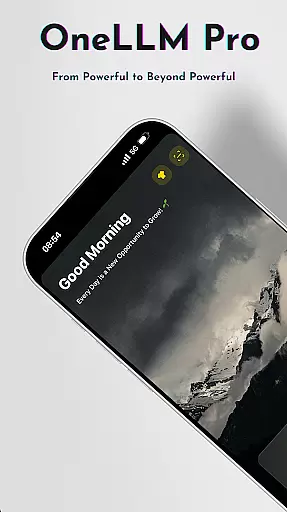
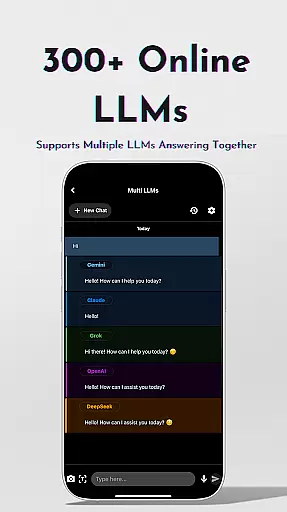
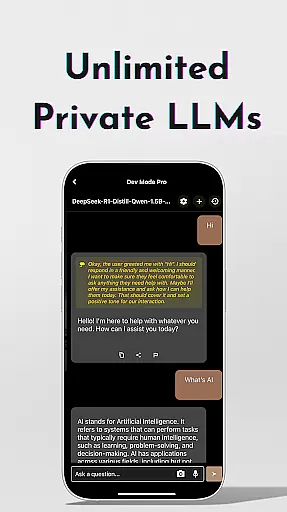
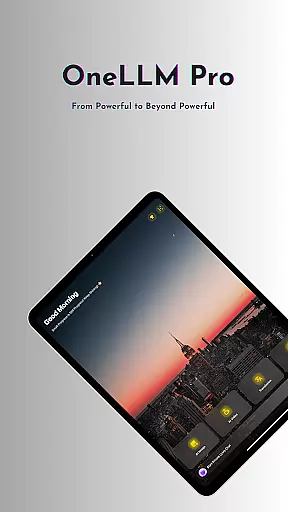
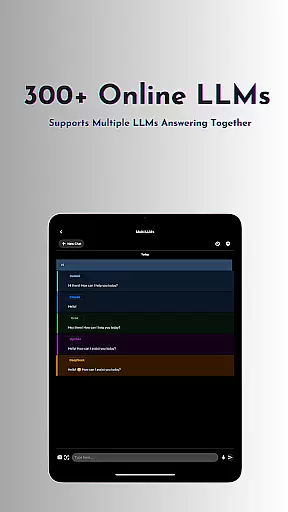
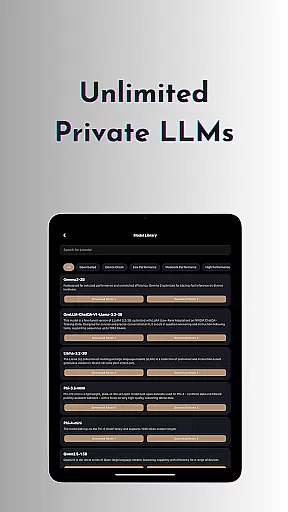
OneLLM Pro is a powerful productivity tool that seamlessly integrates local and cloud AI capabilities, offering users the best of both worlds. Whether you're offline or online, this app provides exceptional performance across all devices, from entry-level to flagship models. The core feature set includes unlimited private and local LLMs, as well as access to over 300 leading online LLMs, ensuring maximum privacy while delivering cutting-edge intelligence.
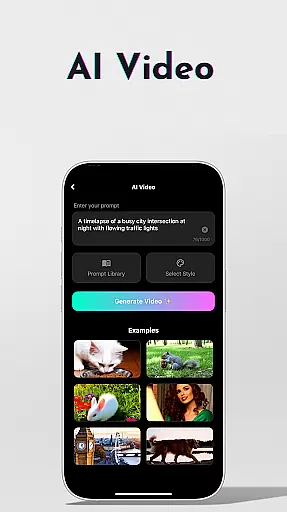
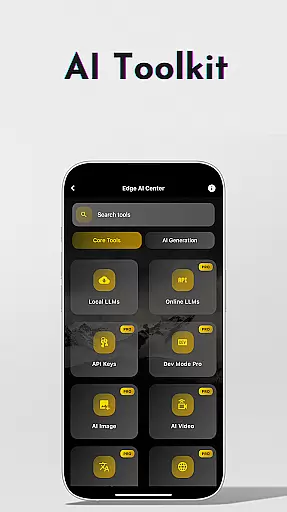
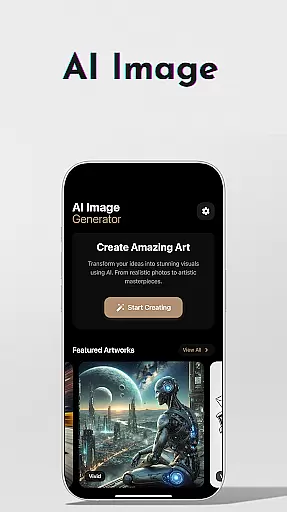
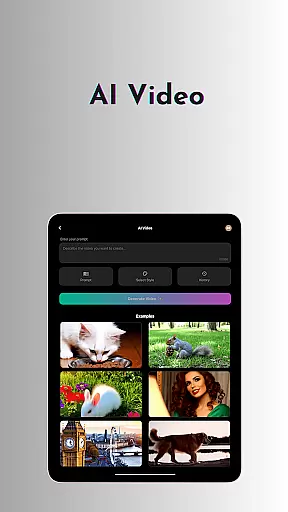
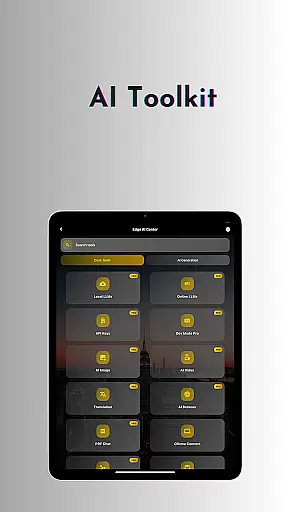
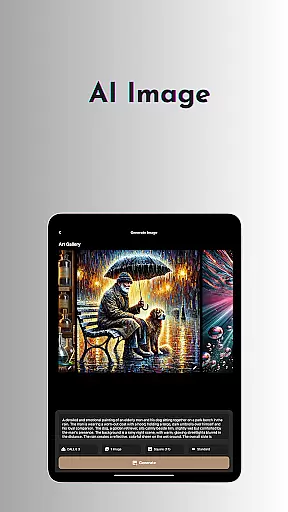
The application's extensive toolkit covers a wide range of use cases, including AI video generation, image creation through Stable Diffusion/DALL·E 3, offline OCR document scanning, and more. With specialized tools like Ollama Connect, Private Speech-to-Text Transcription, and an AI Browser, OneLLM Pro caters to diverse professional needs. Users can also benefit from advanced features such as LLM Dev Mode for developers and Multi-LLM Simultaneous Response Mode for streamlined workflows.
OneLLM Pro is particularly valuable for professionals who require secure, private AI processing for sensitive tasks while still having the option to leverage cloud power for more demanding operations. Its ad-free experience and intelligent device optimization make it an ideal solution for those seeking a distraction-free, high-performance AI environment.
OneLLM Pro stands out with its comprehensive feature set designed to maximize productivity and user control. The app offers nearly double the number of on-device AI tools compared to its predecessor, covering a wider range of use cases. Its unique Smart LLMs Matching system intelligently recommends models optimized for your specific device configuration, ensuring peak performance while conserving storage and battery resources.
The application excels in providing both local and cloud-based AI solutions. Local processing ensures maximum privacy through features like Private Speech-to-Text Transcription and offline OCR document scanning. At the same time, users can access top-tier cloud models including o1, ChatGPT 4o, Claude, and DeepSeek. The integration with Hugging Face allows for easy model customization and downloading, while the LLM Dev Mode offers advanced users precise control over parameters and configurations.
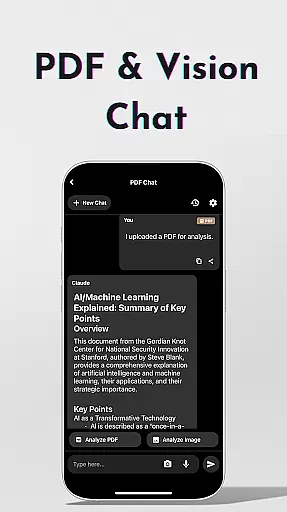
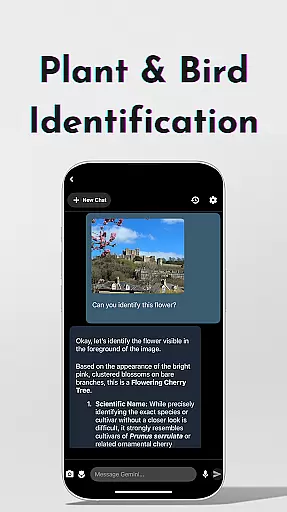
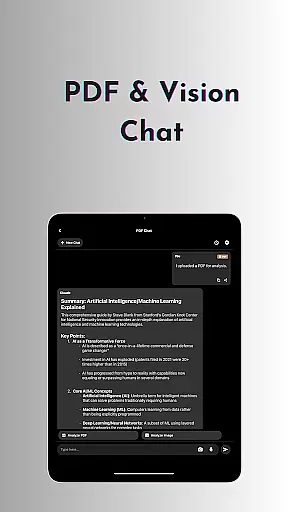
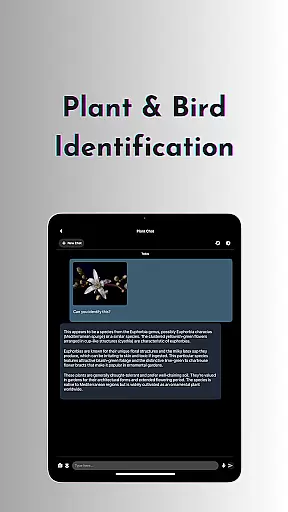
OneLLM Pro's innovative features extend to practical applications such as plant and bird identification, study assistance with multiple input methods, and seamless interaction with PDFs and images. The app's ability to handle simultaneous responses from multiple LLMs streamlines complex workflows, while its password generator and AI translation tools add extra layers of utility. These features collectively create a versatile productivity environment that adapts to various professional needs.
Task management is a cornerstone of productivity applications, and OneLLM Pro excels in this area by offering users an extensive suite of AI-driven tools designed to streamline workflows. The app's core task management feature allows users to organize their daily activities through advanced functionalities such as the Study Assistant, which supports text input, photo capture, or image uploads for seamless learning.
OneLLM Pro provides a unique Multi-LLM Simultaneous Response Mode that lets users receive instant answers from leading Large Language Models with just one click. This eliminates the need to switch between different apps, thus enhancing efficiency and saving valuable time when managing multiple tasks.
Furthermore, the LLM Dev Mode caters to advanced users and developers who require fine-tuned control over their AI interactions. With per-model history management and customizable configurations, users can optimize their experience based on detailed parameter explanations and recommended ranges, ensuring they have the right setup for every project.
The integration of local processing with cloud performance means that whether you're handling sensitive data offline or leveraging powerful online capabilities, OneLLM Pro adapts to your needs while maintaining privacy and security. This dual capability ensures maximum flexibility in task management across various scenarios.
Cross-device synchronization is vital for maintaining workflow continuity, and OneLLM Pro delivers reliable performance by ensuring that all user data remains consistent across different devices. Whether you're switching from a mobile device to a PC or vice versa, the application guarantees that your AI configurations, chat histories, and document analyses are always up-to-date.
Ollama Connect is a standout feature that enables users to link their mobile devices with large LLMs running on PCs or servers. This connectivity ensures that complex computations can be offloaded to more powerful hardware without disrupting the user experience, providing a seamless transition between devices.
In addition to Ollama Connect, OneLLM Pro offers an ad-free environment that keeps distractions at bay, allowing users to focus on their tasks without interruptions. The smart LLMs matching system intelligently recommends models optimized for each deviceu2019s specifications, ensuring peak performance regardless of the hardware being used.
With built-in privacy controls and no external data sharing, OneLLM Pro gives users peace of mind knowing that their information remains secure during cross-device synchronization. This level of reliability empowers professionals and casual users alike to manage their digital lives confidently and efficiently.
Comprehensive AI toolkit
Strong privacy protection
Device optimization
Cloud and local options
Developer-friendly features
Complex for beginners
Requires API setup
High resource usage
Premium pricing
Limited free features

Auto-shutoff Alarm with Sunrise, Sunset & Fixed Options.
 3.50
3.50
Pwnagotchi companion app
4.20
Simple and reliable communication between inmates, friends and family
3.20
Activate Two Factor Authentication (2FA or Multi OTP), Password manager and more
4.10
A beautiful digital clock with autostart and many other functions
4.70
A simple Whisper AI keyboard for reliable speech transcription and rewording
4.60
Quickly and easily keep track of your work shifts
4.70
Share files & memories safely. Keep your photos and videos secure.
4.40
Simple notepad & memo. Take notes, to-do list, shopping list with reminders.
4.80
Mind Map and brainstorm, note taking and idea collection
4.80
QuickBooks Workforce lets teams view pay info and track time in one place.
4.70
The Pro Version of Android's tiniest Notepad app. Just 0.3MB but feature-packed!
4.60
Absolutely the best CNC machinist speed and feed calculator around. fswizard.com
4.60
Experience Reading - Night Mode for Documents
4.40
All in One PDF Reader: Manage, Read and Edit your Documents
4.20
Device's storage information in a simple and clear graphical form (infographics)
4.10
Mega cloud explorer plugin for Solid Explorer
3.80
Find and delete junk files & block unwanted notifications & manage files
3.70
The upgraded version of Name Wheel with AI and the power to add your own wheels.
4.0


User Reviews