



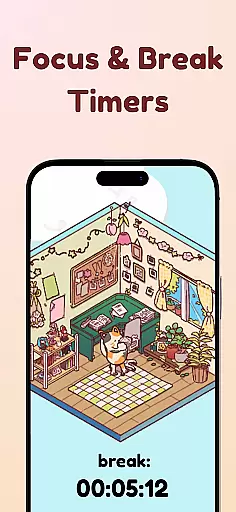
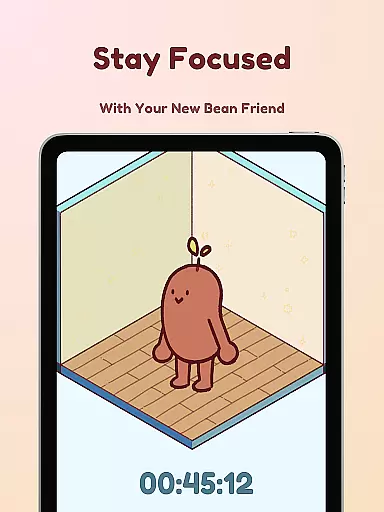
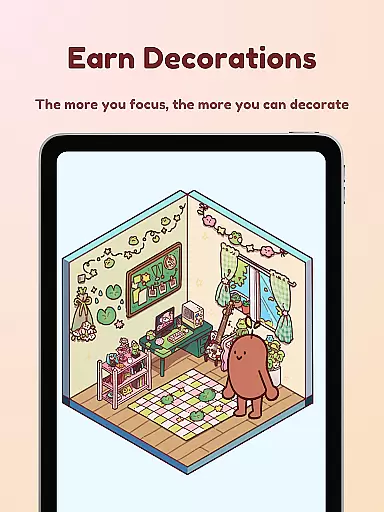

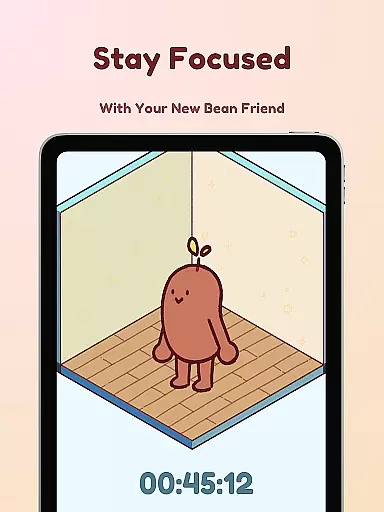
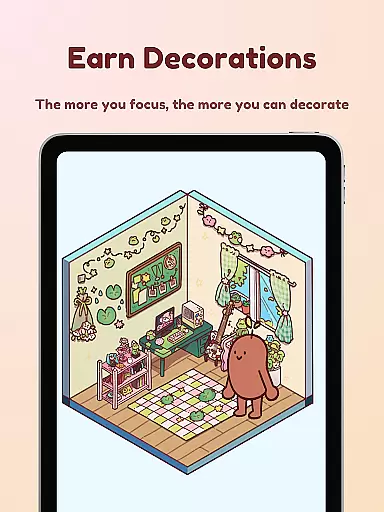

Focus Friend is a unique productivity app that combines focus timers with gamification elements to help users maintain concentration. Developed by online educator Hank Green, this app features a cute Bean character that mirrors the user's focus sessions. When you stay on task, your Bean friend stays happy and rewards you with prizes to decorate its virtual room. The app is particularly beneficial for students and professionals who struggle with maintaining long periods of concentration.
The app offers various productivity-enhancing features such as Deep Focus Mode that locks distracting apps, break timers based on the Pomodoro technique, and live activity updates even when the phone is locked. With hundreds of decoration options and customizable Bean skins, users can personalize their experience while building productive work habits. This combination of functionality and fun makes Focus Friend an innovative solution in the productivity app space.
Focus Friend stands out with its engaging gamification system. Users complete focus sessions to earn rewards that can be used to decorate the Bean's room. The app offers over a hundred decoration items across different themes, allowing for extensive personalization. Unique Bean skins let users choose from various characters, including Coffee Bean, Edamame Bean, and even representations of Hank and John Green.
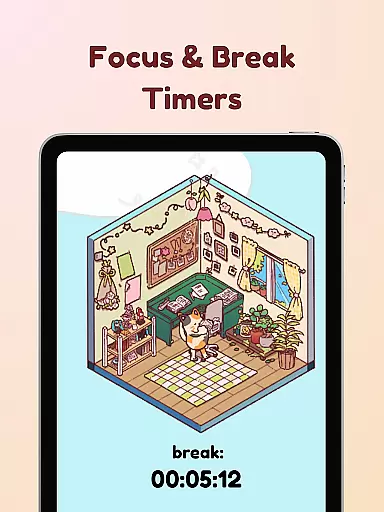
The app incorporates several productivity-boosting features. Its Deep Focus Mode helps users avoid distractions by locking non-essential apps during work sessions. The integration of break timers follows the proven Pomodoro method, promoting healthy work-rest cycles. Additionally, the Live Activity feature lets users track their progress even when the phone is locked. These comprehensive features create an immersive experience that makes productivity both effective and enjoyable.
At the heart of Focus Friend lies its ability to help users manage tasks effectively through a unique blend of gamification and time management. This productivity app, created by Hank Green, turns focus sessions into an engaging experience with your Bean Friend.
The app provides features like Live Activity, which allows you to track your timer's progress even when your phone is locked, ensuring continuity in your focus sessions. Additionally, the Deep Focus Mode helps eliminate distractions by locking apps that may interrupt your concentration, allowing for uninterrupted work or study periods.
Users will find that completing tasks becomes more satisfying as their Bean Friend rewards them with prizes. These prizes can be used to purchase decorations, enhancing the Bean's room and providing a sense of accomplishment and progression.
Focus Friend excels in offering reliable cross-device synchronization, which means users can maintain their focus sessions and Bean Friend's state across multiple devices seamlessly. This feature ensures that whether you're on your phone or tablet, your progress is saved and up-to-date.
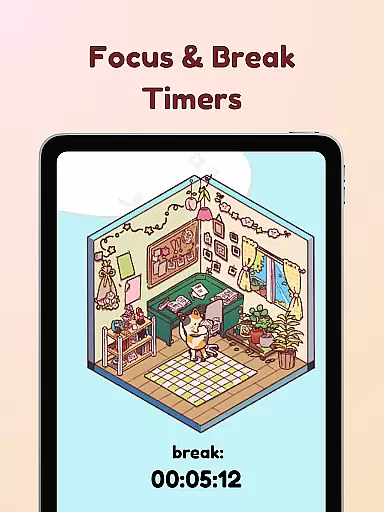
With Break Timers based on the Pomodoro technique, users are encouraged to take regular breaks and can even decorate their Bean's room during these intervals. This promotes a healthy balance between work and rest, crucial for maintaining long-term productivity.
Moreover, the app offers hundreds of decoration options and various Bean Skins, allowing for extensive personalization. Whether you prefer a Coffee Bean or even a Hank and John Bean, the ability to customize keeps the experience fresh and entertaining, further encouraging consistent use of the app for managing daily tasks.
User-friendly interface
Effective gamification
Customizable options
Productivity-focused tools
Engaging reward system
Limited free decorations
Premium content costs
Occasional bugs
Specific aesthetic appeal
Requires consistent use

Professional calendar app for Google Calendar, MS Outlook & Exchange
 4.20
4.20
8 custom complications. Custom Time Fonts. Beautiful color schemes. A++ Design.
5.00
The upgraded version of Name Wheel with AI and the power to add your own wheels.
4.3
Device's storage information in a simple and clear graphical form (infographics)
4.10
Absolutely the best CNC machinist speed and feed calculator around. fswizard.com
4.60
Cloud storage, automatic phone backup, and more.
4.10
Quickly and easily keep track of your work shifts
4.70
Experience and share your SolidWorks designs on your Android® phone and tablet.
2.50
Scientific calculator for Android - looks and operates like the real thing!
4.90
Native client for Forgejo and Gitea
5.00
Secure your apps with lock screens, use custom themes and different features.
4.40
Easily read and manage all your PDF files
4.10
Make apps & sites with natural language prompts
4.10
Access your phone's notifications, calls, apps, photos & texts on your PC
3.90
Ultimate Virtual AI Character for immersive Roleplay Chat. Perfect Companion
3.90
A Revolutionary All-in-One Artificial Intelligence Tools
3.80
All in one sketching tool. Technical and General drawing. Online Maps support.
3.70
Remotely view listen control and record cameras.
3.70
Make your handwriting beautiful, even more than pen on paper.
3.60


User Reviews