
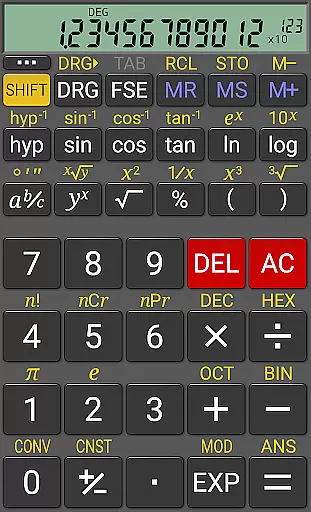
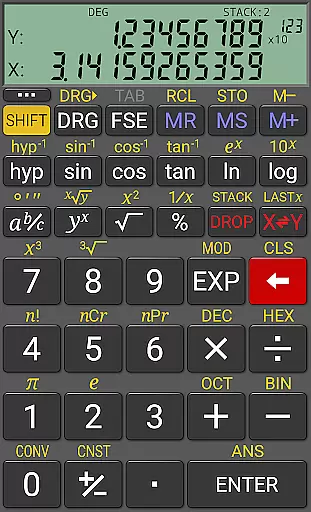
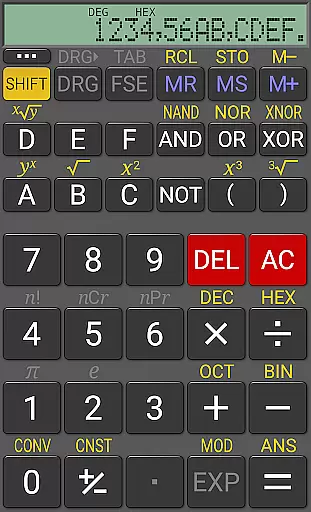
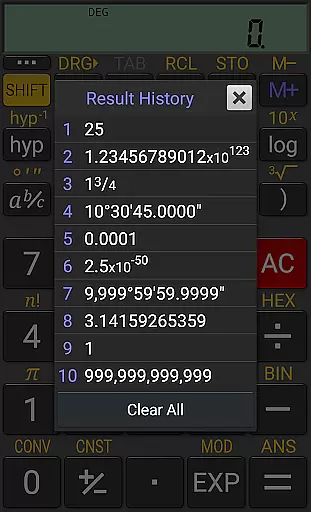
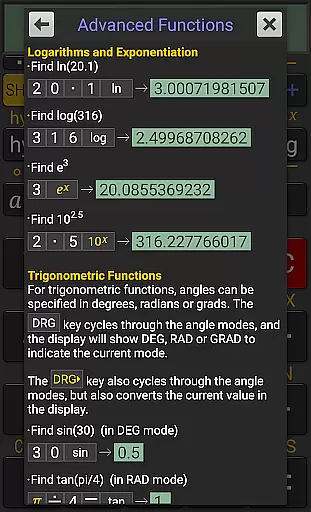
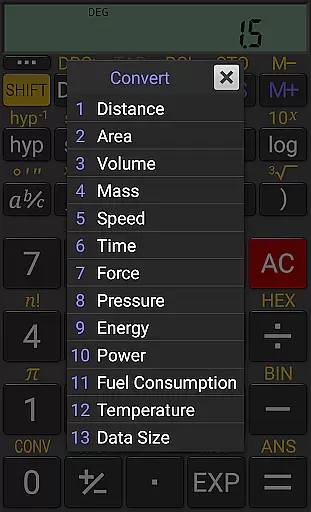
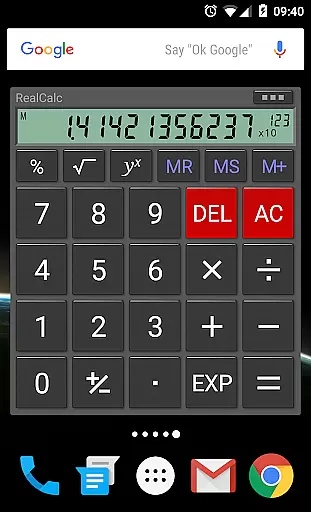
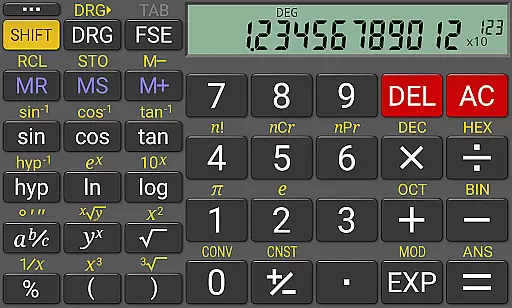
RealCalc Plus is the advanced version of RealCalc, a leading scientific calculator on Android. It mirrors the functionality of a real hand-held calculator and includes all standard scientific functions along with additional capabilities such as fraction calculations, degrees/minutes/seconds conversions, history tracking, customizable unit conversions, and constants. The app offers multiple display styles and formats, supports binary, octal, and hexadecimal calculations, and provides an optional RPN mode. With its 12-digit display, extended internal precision (32-digit), and full help documentation included, RealCalc Plus is designed for users who need precise and versatile calculation tools.
This application is ideal for students, engineers, and professionals who require accurate mathematical computations on their mobile devices. Its user-friendly interface and customizable features make it suitable for both simple and complex calculations, enhancing productivity in various professional and educational settings.
RealCalc Plus stands out with its comprehensive feature set tailored to meet diverse calculation needs. The app supports both traditional algebraic and RPN operations, catering to different user preferences. Fraction calculations and conversions to/from decimal, along with degrees/minutes/seconds calculations, provide specialized tools for precise measurements and conversions. The inclusion of 10 memories and result history ensures that users can easily track and reuse previous calculations.
Customization is at the heart of RealCalc Plus, allowing users to tailor unit conversions and constants to their specific requirements. The app's support for binary, octal, and hexadecimal calculations, alongside trigonometric functions in degrees, radians, or grads, makes it indispensable for technical and engineering tasks. Additionally, features like multi-window support with drag & drop, external keyboard support, and configurable digit grouping enhance usability, making RealCalc Plus a powerful tool for productivity.
RealCalc Plus excels in core task management by offering a comprehensive suite of scientific calculation tools. The app includes traditional algebraic or RPN operation modes, allowing users to choose their preferred method for entering calculations.
With features like fraction calculations, degrees/minutes/seconds conversions, and trigonometric functions in degrees, radians, or grads, RealCalc Plus ensures that users can perform a wide array of scientific computations with ease.
The inclusion of 10 memories and result history provides an organized approach to managing complex calculations over time, ensuring that users can revisit previous work effortlessly.
Cross-device synchronization is not a primary feature of RealCalc Plus as it operates mainly as a standalone productivity tool. However, the app offers a consistent experience across different Android devices through its multi-window support and external keyboard compatibility.
Users can rely on RealCalc Plus's landscape mode and configurable digit grouping and decimal point settings to tailor the calculatoru2019s interface according to their preferences on any device they use.
While it doesn't sync data between devices, the homescreen widget with RPN support and full built-in help ensure that users have quick access to the calculator's functionalities regardless of the device in hand.
User-friendly interface
Highly customizable
Comprehensive scientific functions
Supports RPN mode
Extended precision calculations
Paid version only
No graphing capabilities
Limited visual design options
Advanced features may overwhelm beginners
Occasional performance lags

Easily read and manage all your PDF files
 4.10
4.10
The Pro Version of Android's tiniest Notepad app. Just 0.3MB but feature-packed!
4.60
Make your handwriting beautiful, even more than pen on paper.
3.60
Make apps & sites with natural language prompts
4.10
Great calculator for Android named one of USA TODAY's "25 Essential Apps".
4.90
A comprehensive suite of tools designed specifically for Lactation Consultants
4.1
Intelligent AI Assistant
4.10
Scan paperwork into PDF/JPG, generate your own e-signature and send fax or email
4.70
Okta MFA
4.70
Quickly and easily keep track of your work shifts
4.70
All document reader, all in one file viewer read PDF, DOCX, XLS, PPT, TXT files.
4.60
Calendar 2023 widget for Android. Appointment scheduler, planner, and reminder
4.60
Share files & memories safely. Keep your photos and videos secure.
4.40 4.20
4.20
A customizable calendar for your Wear OS watch
4.20
Create and edit presentations with Google Slides, part of Google Workspace.
4.00
A Revolutionary All-in-One Artificial Intelligence Tools
3.80
ID.me Authenticator is a simple and free Two Factor Authentication solution
3.50
The upgraded version of Name Wheel with AI and the power to add your own wheels.
4.1


User Reviews