
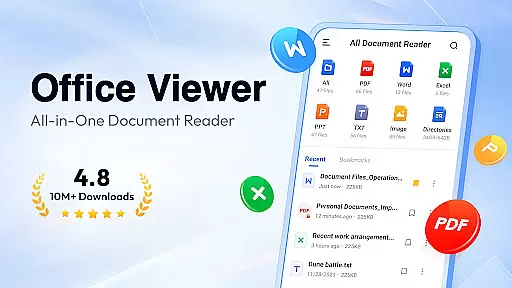
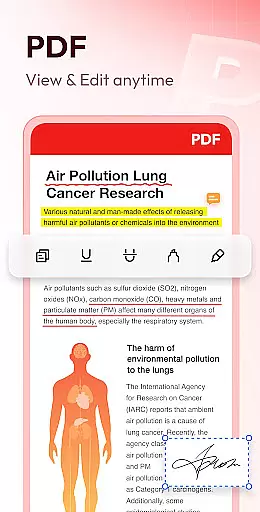
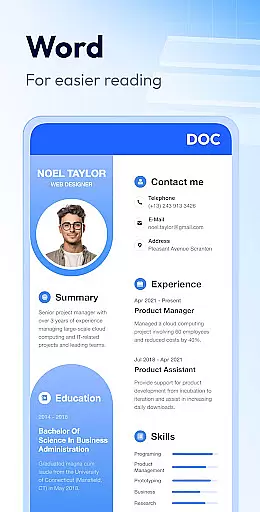
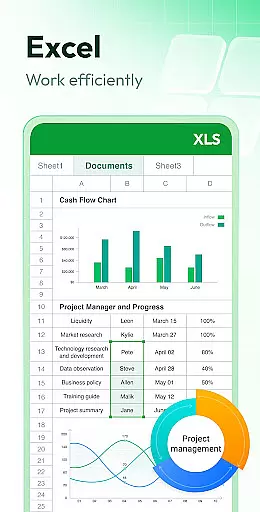
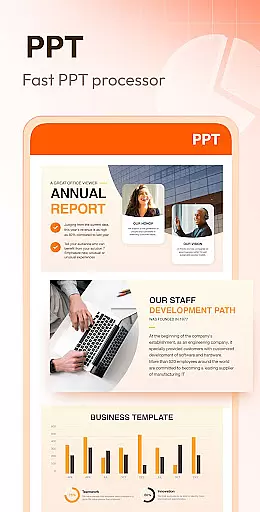
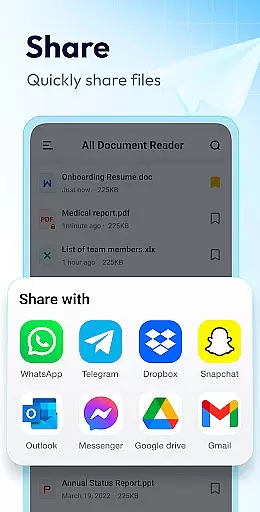
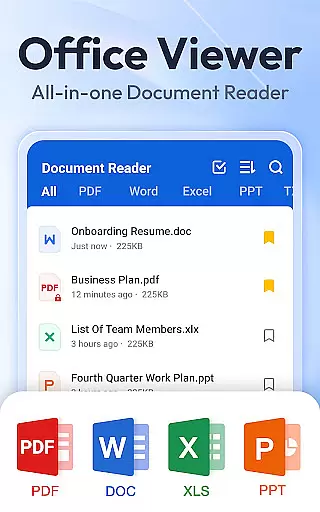
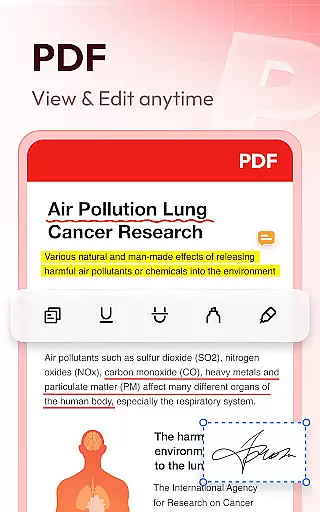
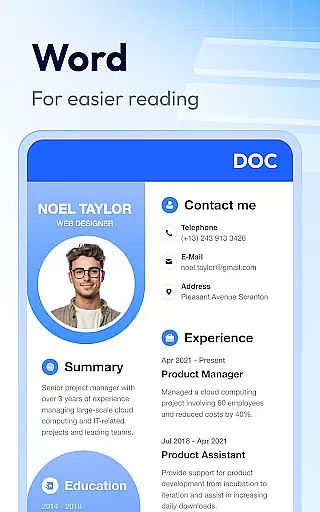
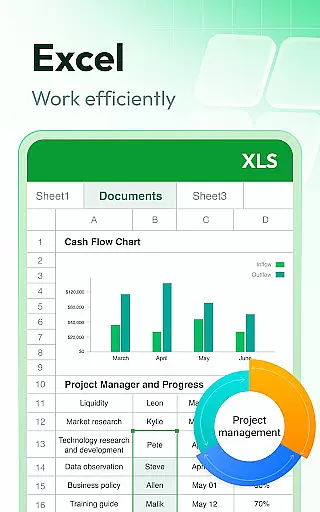
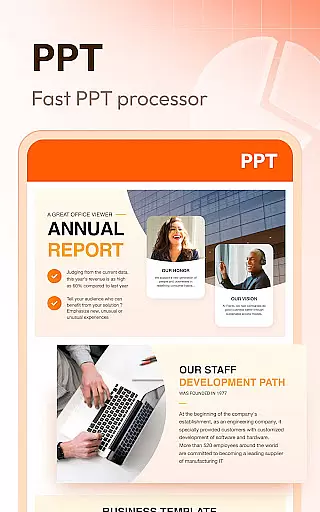

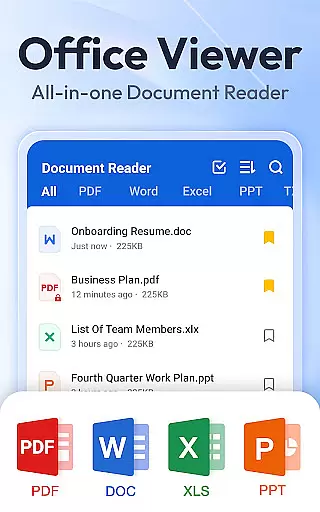
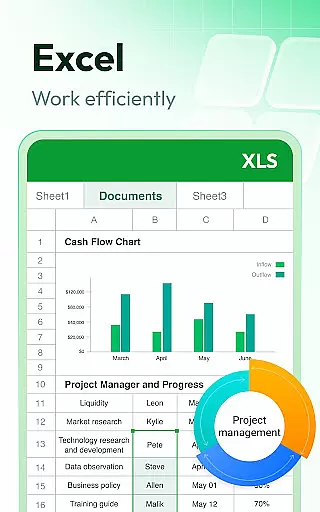
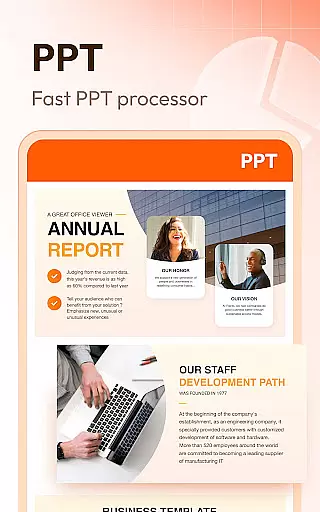

Document Reader & PDF Editor is a versatile productivity tool designed to streamline document management across various formats. This all-in-one solution supports PDF, Word, Excel, PPT, TXT, and more, ensuring users can open, read, and manage files effortlessly. The app's intuitive interface organizes documents into well-structured folders, enabling quick search and easy access.
Beyond basic viewing capabilities, Document Reader offers advanced features like bookmarking for quick retrieval, offline reading without internet dependency, and multiple viewing modes. Users can zoom in/out, switch between landscape and portrait orientations, and sort files by various parameters. Its lightweight design and cross-format compatibility make it an essential tool for professionals and students alike.
This application proves particularly valuable for individuals who frequently work with multiple document types. Whether you need to review PDF contracts, edit Word reports, analyze Excel data, or present PPT slides, Document Reader provides a unified platform that enhances productivity while maintaining document integrity and accessibility.
Document Reader distinguishes itself through its comprehensive feature set tailored for efficient document handling. The application's core functionality includes robust support for numerous file formats, ranging from standard PDF and Office documents to images and specialized formats. Its intelligent file management system automatically categorizes documents, making navigation intuitive and time-efficient.
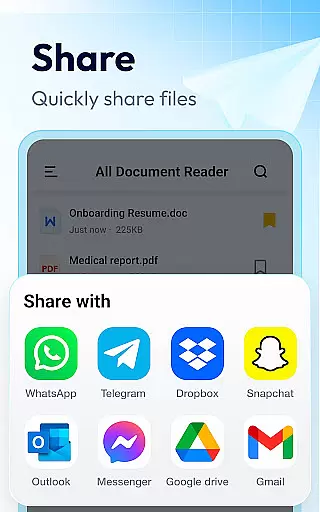
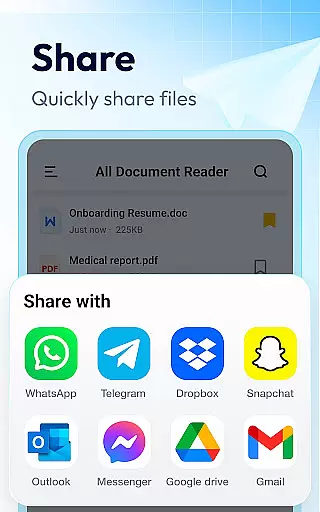
The app implements several innovative features that enhance user experience. These include advanced search capabilities that allow users to locate specific content within documents, customizable sorting options by file attributes, and seamless integration with printing and sharing functions. The recently added permission management system for Android 11+ devices demonstrates the developer's commitment to both functionality and security.
Looking ahead, Document Reader is poised to expand its capabilities with upcoming features such as image-to-PDF conversion, enhanced editing tools, and support for additional formats including RAR, ZIP, and MOBI. The planned night mode and improved text search functionality will further solidify its position as a comprehensive document management solution.
Document Reader & PDF Editor excels in core task management by offering an all-in-one solution for handling various document formats. This app supports PDF, DOC, DOCX, XLS, XLXS, PPT, TXT, and more, ensuring that users can manage all their files within a single platform.
The application provides features such as bookmarking documents for quick access and organizing files in a simple and clear manner. Users can sort documents by file path, size, name, or last edit date, which streamlines the process of searching and managing files efficiently.
With its offline functionality, Document Reader allows users to read documents without an internet connection, making it highly reliable and accessible anytime, anywhere. This feature is particularly beneficial for individuals who need to access their documents on the go or in environments with limited connectivity.
Cross-device synchronization is a crucial aspect of productivity apps, and Document Reader & PDF Editor ensures reliable performance across different devices. By allowing users to access their documents from any device, the app facilitates seamless transitions between work environments, whether at home, in the office, or on the move.
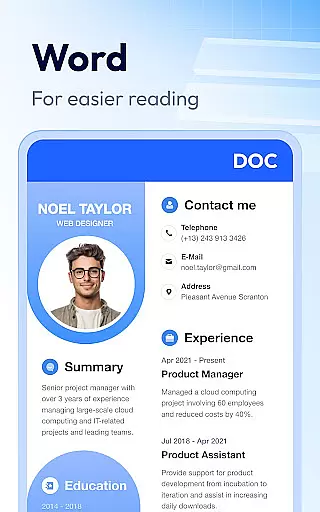
The app's compatibility with all office formats means that users can open Word, Excel, PowerPoint, and PDF files with just one click, regardless of the device they are using. This universality enhances the user experience by providing consistent access to necessary tools without compatibility issues.
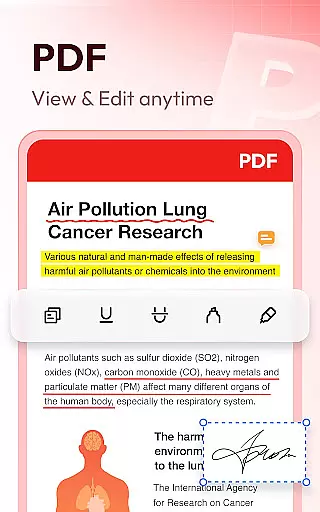
Furthermore, Document Reader & PDF Editor offers advanced features like zooming in and out, switching between landscape and portrait modes, and printing and sharing PDFs directly from the app. These capabilities ensure that users have a versatile and dependable tool for managing their documents across multiple platforms.
User-friendly interface
Multi-format support
Offline functionality
Quick search feature
Lightweight design
Limited editing tools
Advanced features locked
Occasional lag
Ads in free version
Complex permissions

Ads Free App! Editor, Hide File, Copy, Move, Delete and Rename.. all facility av
 1.70
1.70
Mind Map and brainstorm, note taking and idea collection
4.80
We're working to become the best machining app on the market! www.cncdirt.com
4.80
aCalendar+ makes your day, week and month
4.70
Translate text/voice/photos in 150+ languages. Offline & fast translator app.
4.50
* block pre-roll ads, pop-up and forced redirect ads * Samsung certification app
4.00
Best Tool for the professionals Electrician, Electrical contractors, etc.
4.90
Secure your apps with lock screens, use custom themes and different features.
4.40
AI Chatbot and AI writing assistant powered by ChatGPT.
4.60
Native client for Forgejo and Gitea
5.00
Protect and view your important info on your phone and tablet with eWallet®
4.80
The long-awaited modern gallery app for your Nextcloud server
4.70
Quickly and easily keep track of your work shifts
4.70
Total remote control for your Android device, PC and cloud services (IFTTT)!
4.20
Todo reminder
4.10
Intelligent AI Assistant
4.10
Experience real multitasking on your Android!
4.00
The ultimate file manager for rooted devices. The original and still the best.
4.00
Take control of your clipboard with Clipper!
3.90


User Reviews