
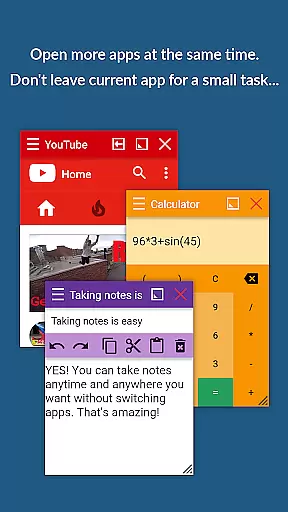
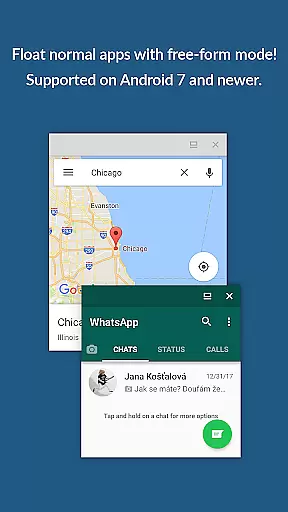
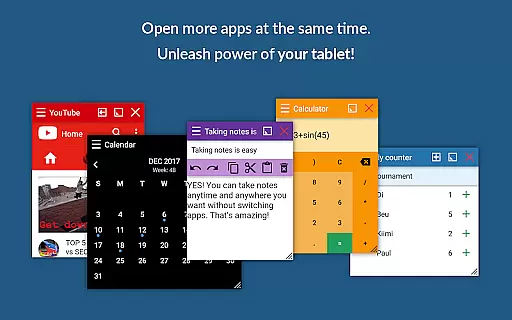
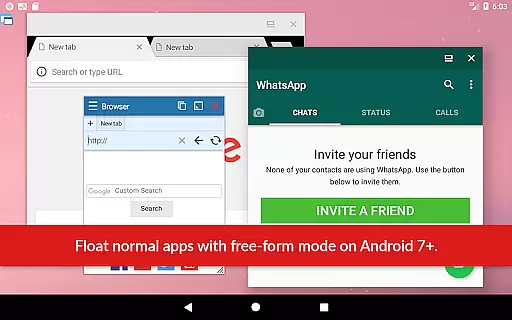
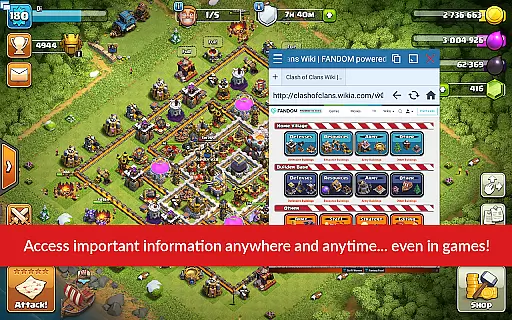
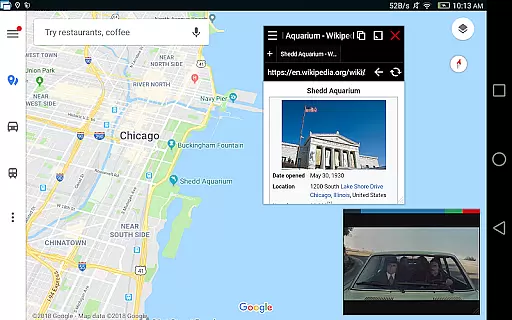
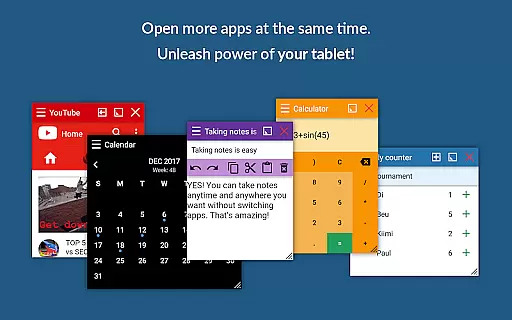
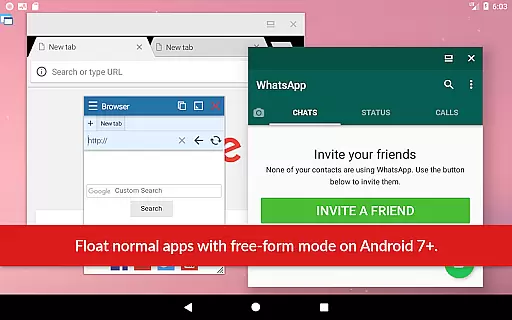
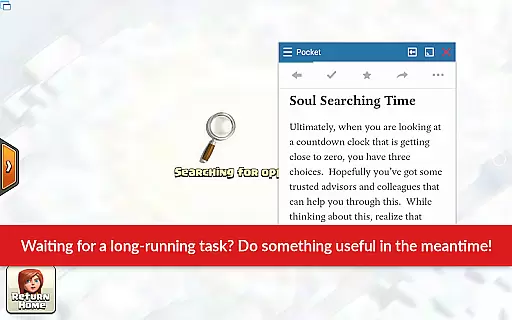
Floating Apps revolutionizes multitasking on Android devices by enabling users to run multiple apps simultaneously in floating windows. This productivity tool allows seamless integration of functions without the need to switch contexts, such as watching videos while working or taking notes during a call.
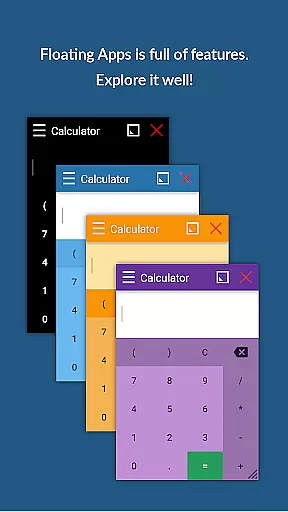
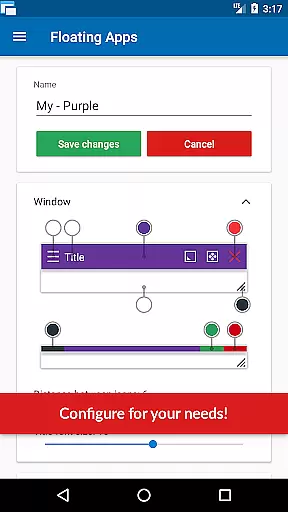
With over 41 built-in floating apps ranging from browsers and media players to document viewers and social media platforms, it caters to diverse user needs. Its customization options and support for multiple languages make it accessible worldwide, enhancing efficiency and convenience.
The app boasts an extensive array of features designed to maximize productivity. Users can create custom floating apps from home screen widgets and URLs, providing unparalleled flexibility. The movable and resizable quick launch icon ensures one-tap access to floating apps, streamlining workflows.
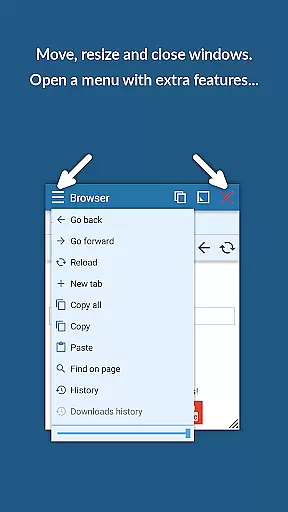
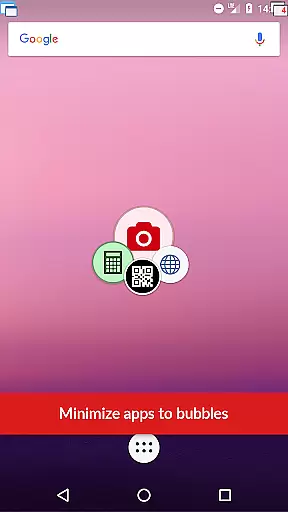
Advanced functionalities include window management through dragging and resizing, maximizing or minimizing windows, and controlling transparency. These features collectively deliver a user experience akin to Samsung's multi-view or split-screen mode but optimized for all Android devices.
Floating Apps revolutionizes the way users handle multiple tasks on their Android devices through its innovative floating window system. This feature allows for real multitasking, enabling users to open and manage more than one app simultaneously without the need to switch contexts constantly.
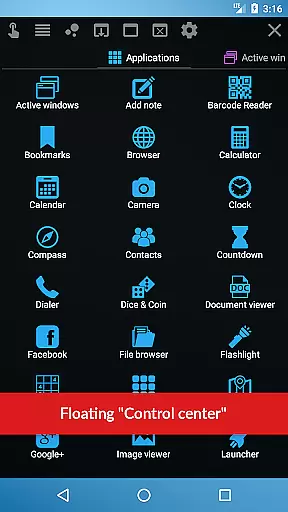
The app provides over 41 built-in floating apps, ranging from a floating browser, document viewer, YouTube, calculator, and many more. Each mini-app operates within its own movable and resizable window, allowing users to customize their multitasking environment according to their preferences and needs.
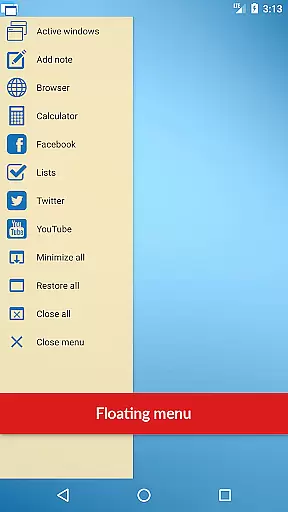
With functionalities such as the Floating Menu and Quick Launch, accessing different floating apps becomes seamless and efficient. Users can easily tap into various applications with minimal disruption to their current activities, thus streamlining workflow and enhancing productivity.
This core task management capability ensures that whether you're watching videos, taking notes, or working with documents, you can do so while still engaging with other apps. The result is an uninterrupted, fluid user experience that maximizes efficiency and convenience.
Cross-device synchronization is essential for users who operate across multiple devices and seek a reliable, consistent experience. Floating Apps addresses this by offering features that ensure your floating apps and settings are consistently available, regardless of the device you're using.
While the primary function of Floating Apps centers around multitasking on a single device, it supports creating custom floating apps from home screen widgets and URLs. This means personalized configurations and app selections can be replicated across devices, providing a tailored experience on each one.
Although direct cross-device sync isn't explicitly detailed in the app's description, its extensive customization options allow users to mirror their preferred multitasking environments on any Android device. By manually setting up each device with the same floating apps and configurations, users can achieve a synchronized experience.
Ultimately, the flexibility and adaptability of Floating Apps lead to a reliable cross-device experience. Whether you're on a phone or tablet, the ability to maintain a consistent multitasking setup enhances both productivity and user satisfaction, making daily tasks more manageable and efficient.
User-friendly interface
Extensive language support
Versatile floating apps
Customizable options
Enhanced multitasking
Potential battery drain
Learning curve for new users
Occasional app instability
Limited iOS availability
Subscription fees may apply

AI Video AI Image Private LLM AI Browser Llama Gemma Ollama Connect LLM Studio
 4.0
4.0
Seamlessly integrate data and reports to build your presentation to impress
4.80
Total remote control for your Android device, PC and cloud services (IFTTT)!
4.20
Remotely view listen control and record cameras.
3.70
IP Camera Viewer - Android TV : RTSP Surveillance camera viewer for Android TV
4.0
CalenGoo is a very flexible and feature-rich calendar app
4.40
All in One PDF Reader: Manage, Read and Edit your Documents
4.20
App Lock with fingerprint, password: Lock apps & hide photos with lock screens
4.60
This small app MUST BE INSTALLED after purchase, else license won't work
4.40
Multilingual translator for text, voice, and image translation!
4.90
Use powerful, industry-leading AI tools to generate visual charts from any data
4.80
Direct Chat without saving contacts & Dual WA Account on Single Device
4.70
PDF scanner & converter for files, photos, lottery, QR codes. One swipe away!
4.50
Translate text/voice/photos in 150+ languages. Offline & fast translator app.
4.50
Docker, Kubernetes management over Portainer Mobile
4.40
The ultimate file manager for rooted devices. The original and still the best.
4.00
Mega cloud explorer plugin for Solid Explorer
3.80
A simple, portable logger for POTA, SOTA, Field Day, and more
4.5
A comprehensive suite of tools designed specifically for Lactation Consultants
4.3


User Reviews