
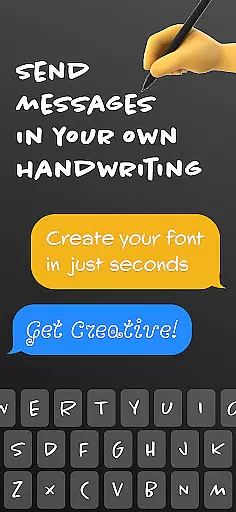
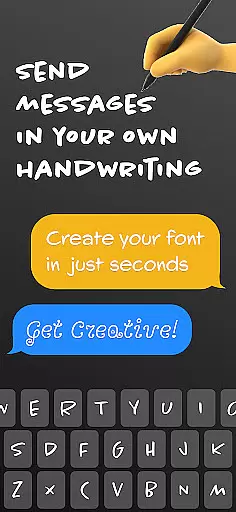
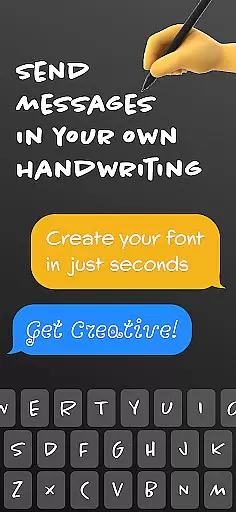
Fontmaker is a productivity app designed to help users create personalized cursive and handwritten fonts for their messaging needs. This unique tool allows you to design custom fonts that reflect your individual style, making your text stand out on platforms like Messenger, Instagram, Snapchat, TikTok, and Facebook.
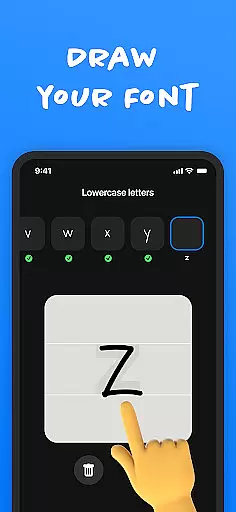
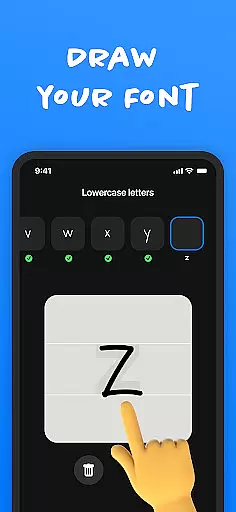
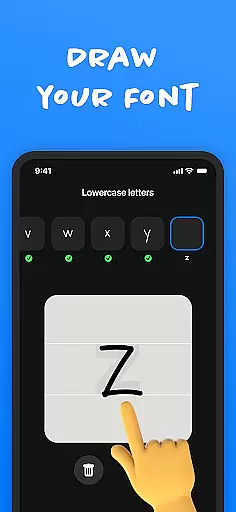
The app's core feature is its font creator, which lets you generate fonts using your own handwriting. Once created, these fonts can be used across social media and messaging apps through the integrated font keyboard. Whether you're looking to enhance your online presence or express your creativity, Fontmaker provides the tools to make your content truly unique.
Ideal for those wanting to add a personal touch to their digital communication, Fontmaker empowers users to revolutionize their text customization. By creating a more authentic voice through personalized fonts, users can elevate their messaging game and make their content more memorable.
Fontmaker offers several key features that set it apart in the productivity category. The app's font creator functionality enables users to craft custom handwriting fonts with ease. This feature not only supports creative expression but also allows for greater personalization of digital content.
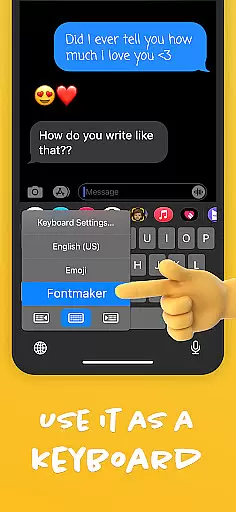
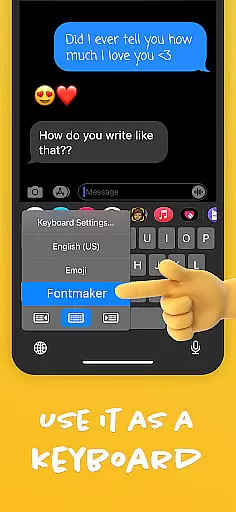
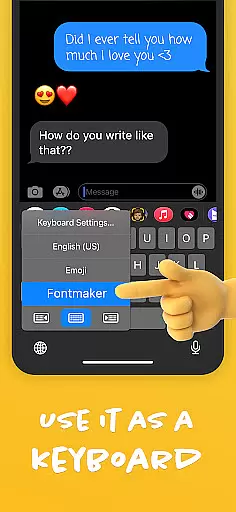
A standout aspect is the app's custom font keyboard integration. Once users have created their unique fonts, they can immediately apply them across various social media platforms and messaging apps. This seamless implementation helps maintain consistency in personal style throughout different communication channels.
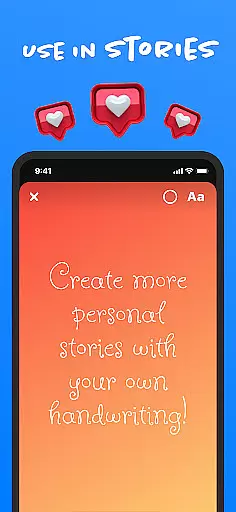
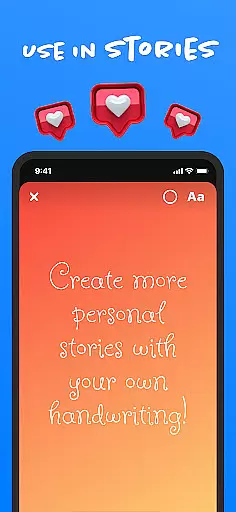
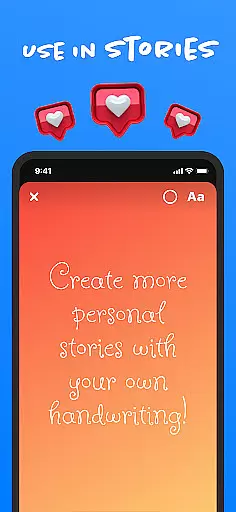
The app particularly excels in enhancing online presence. By allowing users to showcase their own handwriting and cursive styles, Fontmaker helps create more authentic and engaging content. This capability is especially valuable for social media influencers, content creators, and anyone looking to make their digital communication more distinctive and memorable.
Fontmaker - Font Keyboard App revolutionizes the way users manage their text customization tasks by offering a seamless font creation experience. This app allows you to create unique cursive and handwritten fonts, which is essential for anyone looking to stand out in their digital communication.
The core task management feature of Fontmaker lies in its intuitive font creator tool. With this functionality, users can easily design custom fonts using their own handwriting. The process is streamlined to ensure that even those with minimal design experience can navigate and create their personalized fonts with ease.
Users benefit from having their personal handwriting as a font option across various platforms such as Messenger, Instagram, Snapchat, TikTok, and Facebook. This not only enhances their online presence but also adds an authentic touch to every message or post they make.
Cross-device synchronization is a pivotal feature for any productivity app, ensuring that your customized fonts are available wherever you choose to communicate. Fontmaker - Font Keyboard App excels in providing reliable synchronization across multiple devices.
Once you've created your custom fonts, the app ensures these fonts are synced efficiently across all your devices. Whether you're typing on a smartphone or tablet, your unique font library is at your fingertips, ready to be used on various social media platforms and messaging apps.
This synchronization assures users of a consistent experience, allowing them to express themselves with their custom fonts regardless of the device they are using. It eliminates the redundancy of recreating fonts for each device and provides peace of mind that their creations are securely stored and accessible.
User-friendly interface
Unique font creation
Cross-platform support
Enhanced creativity
Authentic style expression
Limited free features
Requires manual input
Premium subscription needed
Learning curve present
Occasional bugs reported

 4.20
4.20
Seamlessly integrate data and reports to build your presentation to impress
4.80
The Pro Version of Android's tiniest Notepad app. Just 0.3MB but feature-packed!
4.60
Secure, fast, open-source, Remote Desktop Client for Windows and Linux with SSH
4.60
⏰ Finally a timer app which can run multiple timers simultaneously on your watch
3.90
Create and edit presentations with Google Slides, part of Google Workspace.
4.00
To do list widget with a notebook organizer, checklist, simple shopping list
4.60
Simple notepad & memo. Take notes, to-do list, shopping list with reminders.
4.80
AT&T Internet customers can use this app to personalize their Wi-Fi network.
4.40
We're working to become the best machining app on the market! www.cncdirt.com
4.80
A beautiful digital clock with autostart and many other functions
4.70
The AI assistant that thinks with you - write, code, and solve complex tasks
4.60
Tally and goal counter for Wear OS & mobile
4.50
A Pixel Art watchface inspired by other iconic 90s designs for Wear OS devices!
4.40
Enjoy classic gameplay with customizable features and retro-style graphics.
4.30
Pwnagotchi companion app
4.20
* block pre-roll ads, pop-up and forced redirect ads * Samsung certification app
4.00
Take control of your clipboard with Clipper!
3.90
Auto-shutoff Alarm with Sunrise, Sunset & Fixed Options.
3.50


User Reviews