

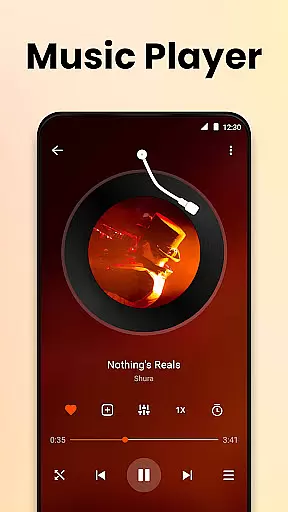
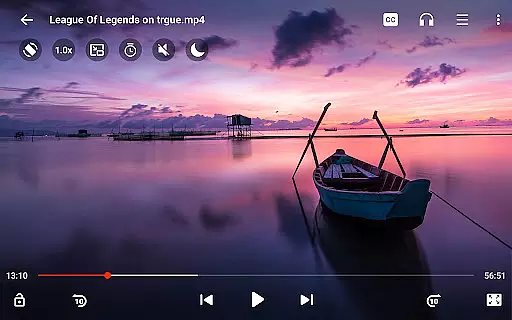
Video Player All Format HD is a versatile video player designed for Android devices, offering support for all major video formats including MKV, MP4, AVI, and more. With its compact size and rich feature set, this app provides an exceptional video playback experience in resolutions up to 4K and 1080p.
The application stands out with its user-friendly interface and advanced functionalities such as popup play, background playback, and speed control. These features make it possible to multitask while watching videos or optimize the viewing experience according to individual preferences. Whether you're commuting, working, or relaxing at home, Video Player All Format HD ensures high-quality playback and smooth performance.
For users seeking a lightweight yet powerful video player that maximizes both functionality and convenience, this app proves to be an excellent choice. It combines essential media management tools with innovative playback options, making it suitable for casual viewers and tech-savvy users alike.
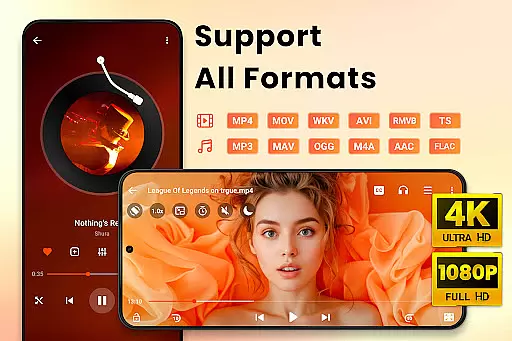
Video Player All Format HD boasts an impressive array of features tailored to enhance your multimedia experience. One standout capability is its comprehensive format support, accommodating virtually every video type like MKV, MP4, AVI, and others without requiring additional codecs. This ensures seamless playback regardless of file type.
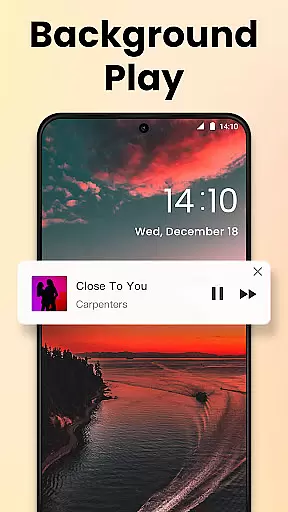
Another key feature is the popup play functionality, which allows users to watch videos in a floating window while performing other tasks on their device. Combined with background playback, this makes it easy to enjoy content hands-free or listen to audio tracks even when the screen is off. Additionally, the adjustable playback speed from 0.5x to 2x caters to diverse viewing needs, whether you're studying tutorials or simply speeding through content.
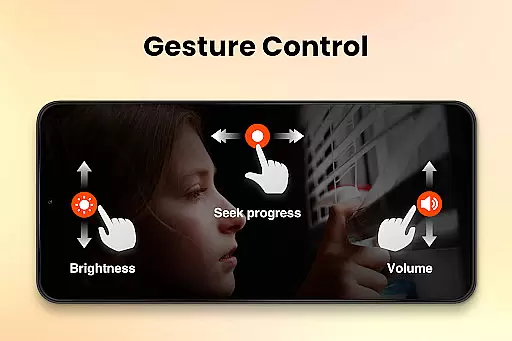
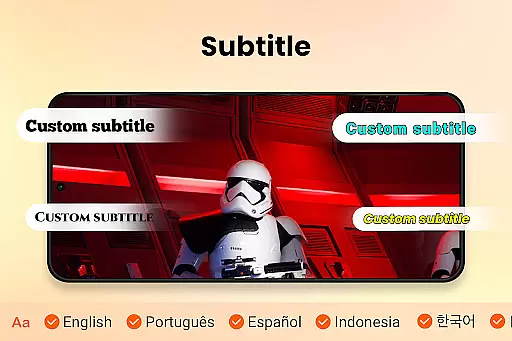
Other notable features include gesture controls for quick navigation, a five-band equalizer for superior sound customization, and integrated subtitle downloading. The app also supports grid and list views, night mode for comfortable late-night viewing, and instant search functionality to locate videos effortlessly. Together, these features create a robust platform for managing and enjoying digital media.
Video Player All Format HD stands out for its exceptional video format compatibility, ensuring users can play virtually any video file they encounter. This feature is crucial in a world where video formats can vary significantly depending on the source.
The application supports an extensive range of formats including MKV, MP4, M4V, AVI, MOV, 3GP, FLV, WMV, RMVB, TS, and more. Such comprehensive support means that users no longer need to worry about converting files or dealing with unsupported formats.
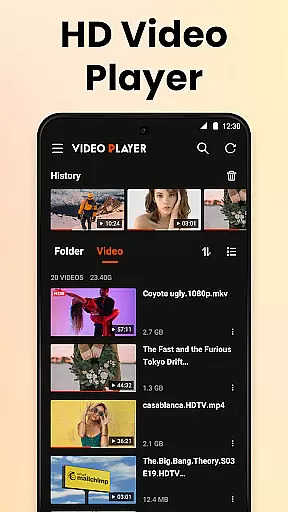
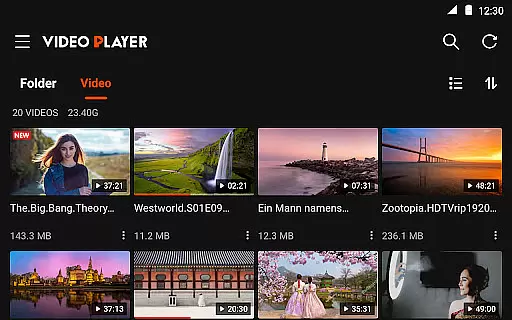
By auto-detecting video files and folders on both internal storage and SD cards, the app simplifies media management. Users can easily manage their videos by deleting or renaming files directly within the app.
This versatility ensures that whether you're watching high-definition 4K videos or standard 1080p content, Video Player All Format HD provides a seamless experience across all supported formats.
While primarily a video player, Video Player All Format HD incorporates AI-powered editing features that enhance the user's interaction with their media. These intelligent tools help streamline video management and playback customization.
One notable feature is the automatic detection and organization of video files, which utilizes AI algorithms to categorize and present content in a user-friendly manner. The grid view and list view options further augment this by providing flexible browsing experiences.
The inclusion of advanced functionalities like speed control from 0.5x to 2x and gesture controls demonstrates the app's commitment to leveraging technology for improved usability. Users can effortlessly adjust playback speed or skip through videos using intuitive gestures.
Additionally, the five-band equalizer with bass boost exemplifies how AI-driven audio processing can elevate the overall viewing experience. These features collectively ensure that Video Player All Format HD not only plays videos but also enhances them through smart editing capabilities.
User-friendly interface
Wide format compatibility
Lightweight design
Advanced playback options
Efficient media management
Limited iOS availability
No cloud integration
Basic editing tools
Occasional ads
Restricted premium features

The smartest M3U IPTV Player your playlists have ever seen.
 4.4
4.4
Video Downloader is an utility that can save videos and music from web sites
4.20
This app was created to edit the metadata of music files.
4.20
AirMirror is Receiver for Screen Mirroring and Casting from Apple Devices.
3.60
Pro video editor app for Instagram, edit video with song, AI, effect & slowmo.
4.80
Add date and time watermark to photos and videos
4.50
Cast movies, tv shows and live streams to Chromecast, Roku, DLNA, Fire TV & more
4.60
Screen recorder with audio to take live videos & Screenshot in high quality!
4.70
Make videos you’re proud to share with Edits, a video editor for creators.
4.70
Download videos and play them offline
4.70
Create photo video with music & template. AI video maker for stunning slideshow.
4.60
Auto video maker with music & exclusive filters. Video editing made simple.
4.50
All format media Player, no need video converter any more!
4.00
Stream Web Videos to Chromecast, Samsung, LG, Sony, Roku, Fire TV, DLNA + more
4.00
Explore the largest library of free GIFs, Stickers & Memes - or create your own!
3.90
Cast to Smart TV, Fire TV. Cast video, photo - Fast & Stable!
3.90
Manage your IPTV live channels and VOD playlists (no playlist included)
3.80
Livestream, news, & gaming content. Watch, chat, and upload. Join Rumble today!
3.80
All in one multi protocols stream receiver for AirPlay, Cast and DLNA.
3.60


User Reviews