
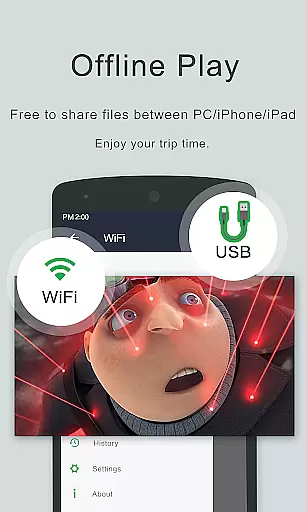
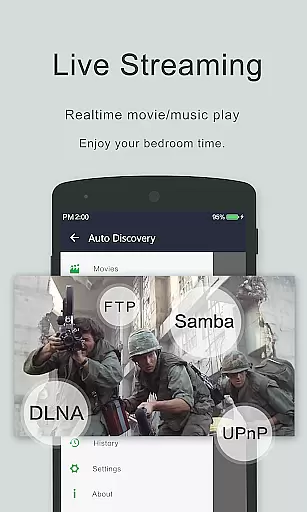
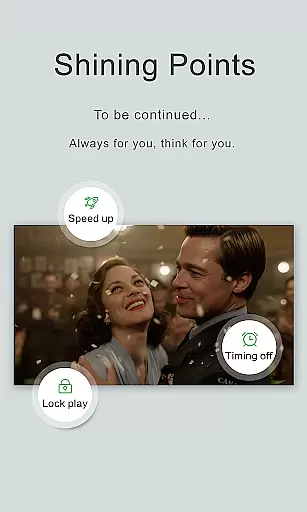
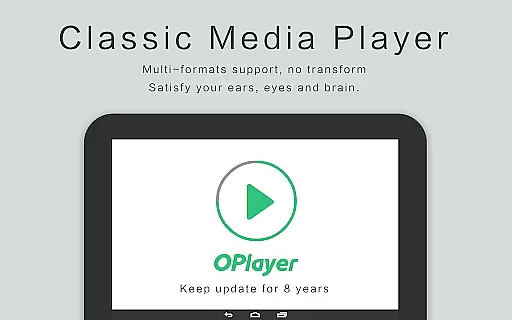
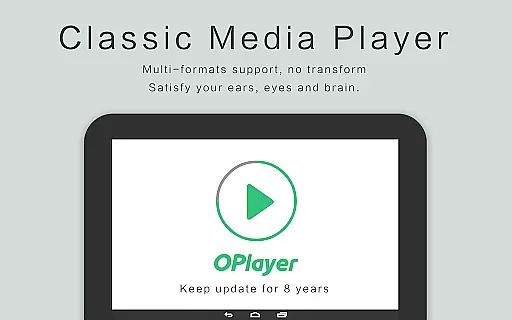
OPlayer is a professional media playback tool that has been under development for 12 years, offering support for DTS and DivX formats. It stands out as one of the best HD video players for Android devices, compatible with almost all media formats including MKV, MP4, AVI, and more.
As an Ultra HD video player, it supports 4K resolution and hardware acceleration, ensuring smooth playback. Its features like gesture unlock for video safety, Chromecast support, subtitle downloader, pop-up window, split screen, background play, night mode, and quick mute make it versatile for various viewing preferences.
The app's comprehensive file manager allows users to manage or share videos easily, identifying all video files on the device and SD Card automatically. With multi-playback options such as auto-rotation and aspect-ratio settings, OPlayer caters to both Android tablets and phones, providing a full-fledged entertainment experience.
OPlayer boasts an extensive array of features that cater to diverse media consumption needs. As a professional media playback tool, it supports a wide range of video formats including MKV, MP4, AVI, and WMV, positioning itself as an all-in-one solution for video playback.
The application provides Ultra HD and 4K video support with hardware acceleration, ensuring high-quality visuals. Users can enjoy additional functionalities such as casting videos to TV with Chromecast, playing videos in a pop-up window or split-screen mode, and even background playback for multitasking.
With its integrated file manager, OPlayer simplifies video management by automatically detecting all video files on your device and SD Card. The easy-to-use interface allows for seamless control over volume, brightness, and playback progress, making it an ideal choice for both casual viewers and tech-savvy users.
Video format compatibility is a crucial feature for any video player, determining its ability to play various file types seamlessly. OPlayer excels in this area by supporting an extensive range of video formats including MKV, MP4, AVI, and many more.
The application's support extends to Ultra HD and 4K videos, ensuring that users can enjoy high-quality content without worrying about format restrictions. This wide-ranging compatibility is powered by advanced hardware acceleration, which optimizes video playback performance on Android devices.
For users, this means the freedom to play videos from different sources without conversion hassles. Whether it's downloaded movies, TV shows, or personal recordings, OPlayer handles them all with ease.
Additionally, the built-in file manager automatically detects all video files on both internal storage and SD cards. This comprehensive format support makes OPlayer a versatile choice for users who work with diverse video collections.
While primarily a video player, OPlayer incorporates basic AI-powered editing features that enhance the viewing experience. The application uses intelligent algorithms to optimize video playback settings based on content type and device capabilities.
One notable feature is the automatic subtitle downloader, which utilizes AI to match and fetch appropriate subtitles for your videos. This functionality saves users time and effort in manually searching for subtitle files.
The player also includes smart playback options such as automatic aspect ratio adjustment and screen orientation detection. These features work together to provide optimal viewing conditions regardless of device position or video resolution.
Furthermore, OPlayer's background play mode demonstrates AI-based resource management, allowing users to multitask while maintaining smooth video playback. Although not a full-fledged video editor, these intelligent features make OPlayer a sophisticated media solution for Android users.
Wide format support
4K video playback
Chromecast integration
Pop-up video feature
Comprehensive file manager
No built-in equalizer
Limited audio effects
Occasional bugs reported
Interface not modern
Some features need purchase

Video Player - Unlimited features, 30 days money back guarantee.
 4.60
4.60
Your media, on your terms.
4.10
?100% FREE! Download & save videos? safely in this app. All formats supported.
4.60
KineMaster, Your Ultimate Video Editor!
4.40
Fast video downloader & private browser. Save HD clips to watch offline.
4.40
High-Quality USB Camera Viewer & HDMI Display
4.70
Watch IPTV on your Android device
4.60
Flud is a simple and beautiful BitTorrent client for Android.
4.80
Web Browser for LG TV to stream webvideos, online movies and livestreams in HD
4.20
GENRAL PRO - General Pro is the best video player that fully supports all formats.
4.70
A Quick and Pro Video Editor
4.70
Search & download videos from net with all video downloader, auto-detect & safe.
4.60
Fast & easy HD video downloader for all formats, support 4K playback & download.
4.60
Auto video maker with music & exclusive filters. Video editing made simple.
4.50
Create & edit videos with AI
4.30
Fast private browser with secure, seamless access & supported video downloads!
4.00
Online Videos Player
3.90
Livestream, news, & gaming content. Watch, chat, and upload. Join Rumble today!
3.80
A full editing room to accompany your Insta360 cameras and handheld gimbals.
3.30


User Reviews