
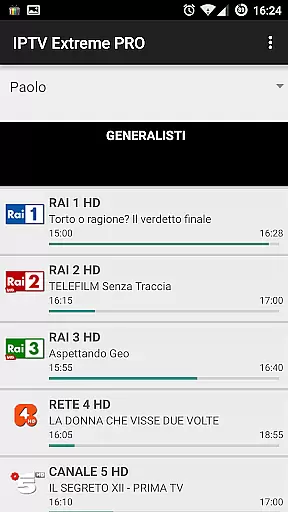
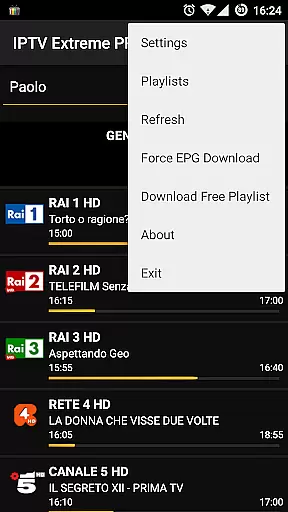
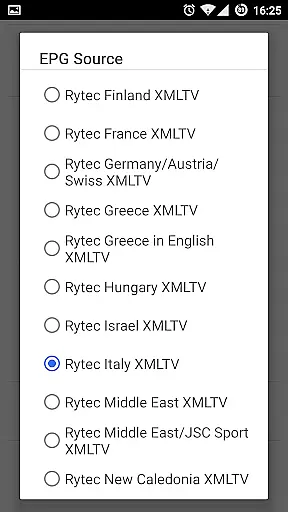

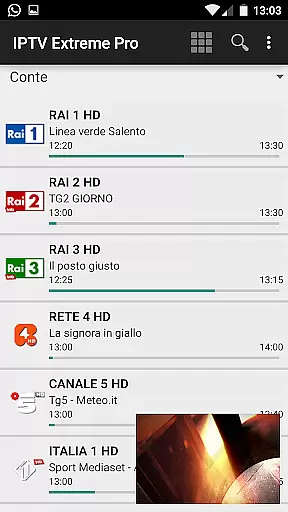


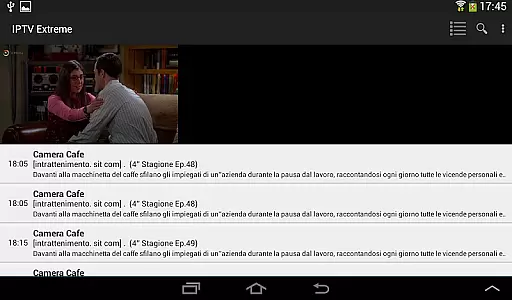

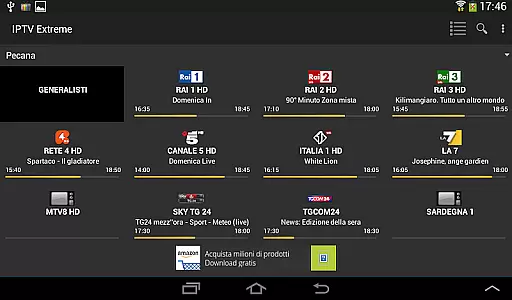

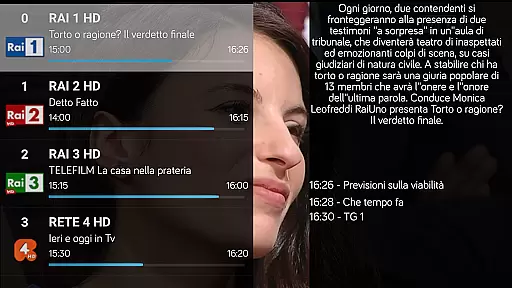
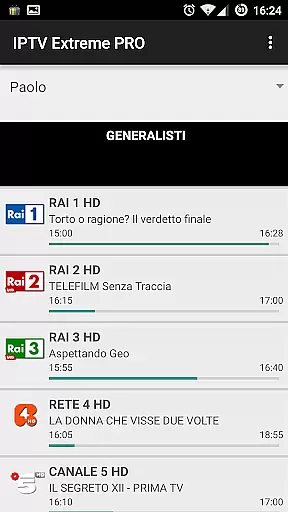
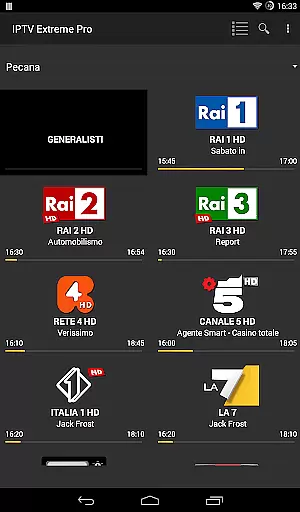
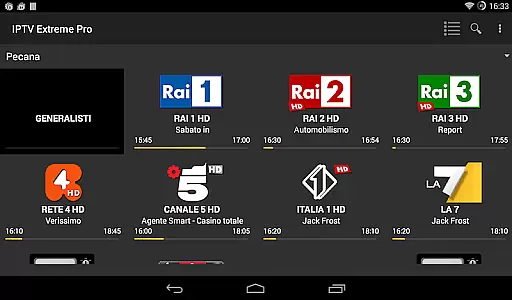
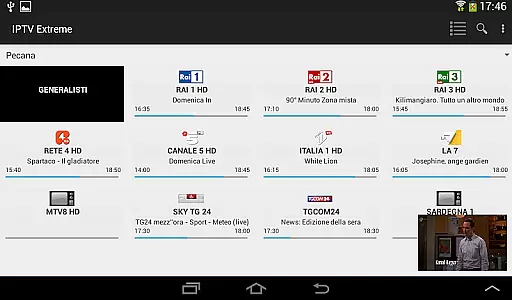


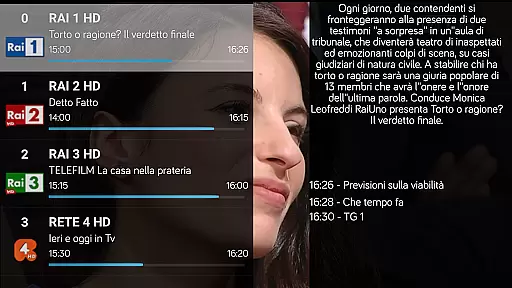
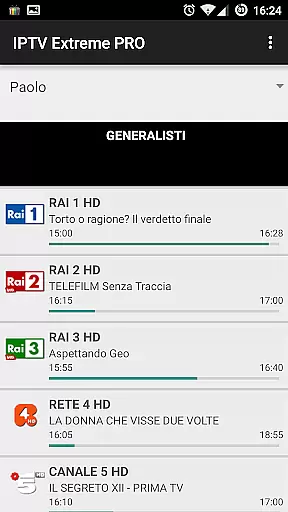
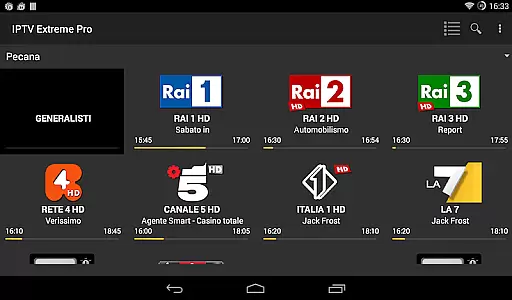
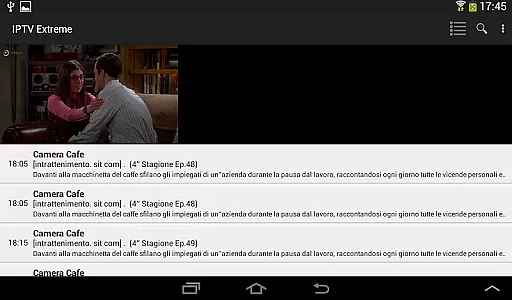
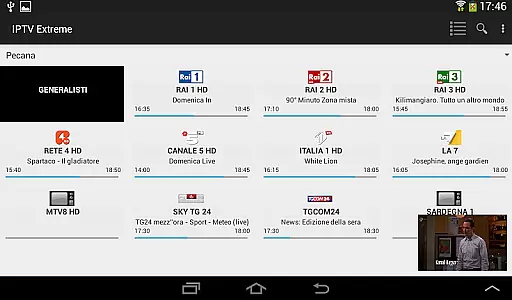


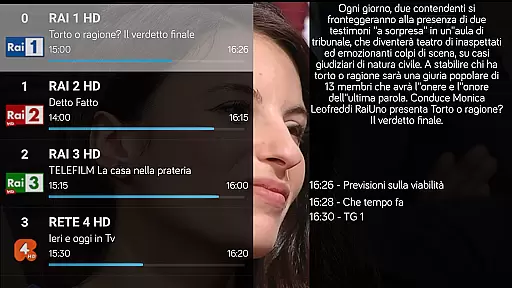
IPTV Extreme Pro is a feature-rich playlist manager designed for users who want to organize and enjoy their IPTV content efficiently. The app offers advanced playback options, including an integrated player with both advanced and light modes, ensuring smooth streaming experiences across devices.
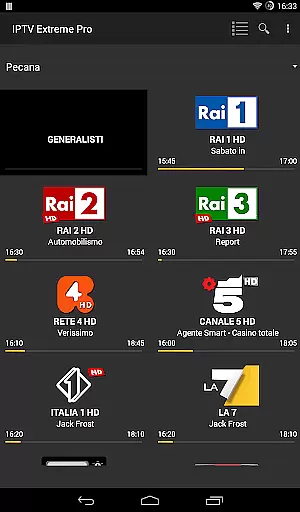
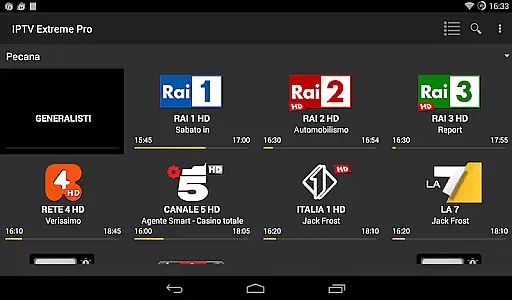
One of the standout features is its extensive support for various functionalities such as Chromecast, parental controls, and remote controller compatibility. Additionally, it provides comprehensive EPG (Electronic Program Guide) support with auto-updates and alias management, making it easy to navigate through TV schedules. With over 10 customizable themes and picon support in different sizes, users can personalize their interface to suit their preferences.
The Pro version enhances the experience by offering an ad-free environment and additional capabilities like on-demand program downloads and live stream recording with time limits. This application is perfect for users seeking a reliable tool to manage their legal IPTV playlists while enjoying a high degree of customization and control.
IPTV Extreme Pro boasts a wide array of features that cater to diverse user needs. The integrated player comes in two modes: advanced and light, allowing users to choose based on their device's performance and personal preference. Chromecast support enables seamless streaming on larger screens, while parental controls ensure safe viewing environments for families.
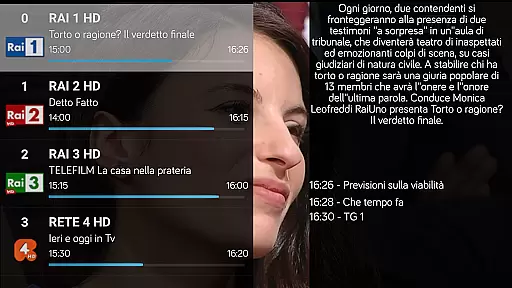
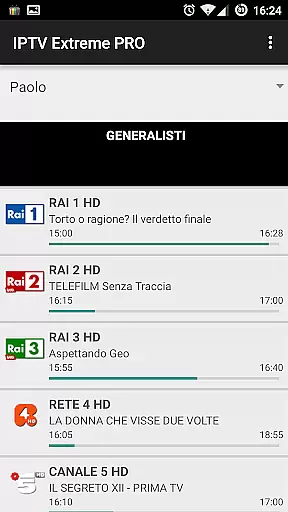
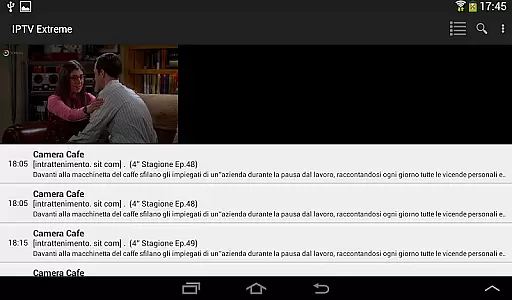
For those who require detailed TV guides, the app supports multi-EPG with automatic updates and alias management, providing accurate and up-to-date scheduling information. Users can also manage timers and set memo functions for events within the EPG, enhancing their ability to plan viewing sessions effectively. Furthermore, the sliding EPG time feature allows for easy navigation through different time slots.
The Pro version stands out with its ad-free experience and exclusive features like downloading on-demand programs and recording live streams with specified time limits. With more than 10 themes available, users can customize the appearance of their app, and picon support adds a visual element to channel listings. These robust features make IPTV Extreme Pro a versatile tool for managing IPTV content legally and efficiently.
Video format compatibility is a crucial aspect of any video player application, ensuring that users can enjoy a wide range of media content without technical hindrances. IPTV Extreme Pro supports M3U playlists and various EPG (Electronic Program Guide) formats, making it versatile for different types of video streams.
The app's integrated player comes in two versions: Advanced and Light, catering to varying device capabilities and user preferences. This ensures smooth playback across multiple devices, regardless of their specifications. Additionally, the support for MAG devices extends its compatibility, allowing users to stream content from popular set-top boxes.
With features like Picons support in different sizes and the ability to download on-demand programs, IPTV Extreme Pro enhances the viewing experience by providing visual aids and flexible content access. Users can also record live streaming with time limits, adding another layer of convenience.
Overall, the comprehensive format support in IPTV Extreme Pro empowers users to manage and enjoy their playlists seamlessly, making it an excellent choice for those seeking a versatile and reliable video player.
While IPTV Extreme Pro focuses primarily on playlist management and video playback, it incorporates several advanced features that enhance the user experience through intelligent functionalities. Although not a traditional video editor, the app leverages AI-powered tools to streamline content management and accessibility.
One standout feature is the Auto EPG update, which uses algorithms to fetch and update TV guides automatically. This reduces manual input and ensures users always have the latest program information at their fingertips. The EPG alias management further simplifies navigation by allowing personalized naming conventions for channels.
Additionally, the app offers a Time Recording function and Timers Management, enabling users to schedule recordings efficiently. These features utilize smart predictions based on user behavior, ensuring no favorite show is missed. The ability to search for similar events on the TV guide adds another layer of intuitive control.
By integrating these AI-driven capabilities, IPTV Extreme Pro provides a sophisticated yet user-friendly interface that optimizes how users interact with their video content, setting it apart from conventional players.
User-friendly interface
Extensive EPG support
Customizable themes
Parental controls
Chromecast integration
No built-in channels
Requires manual playlist setup
Advanced features need Pro version
Limited free options
Complex for beginners

Video Player - Unlimited features, 30 days money back guarantee.
 4.60
4.60
Photo and Music Video Creator into Stunning Videos—Effortlessly
4.40
AirMirror is Receiver for Screen Mirroring and Casting from Apple Devices.
3.60
Download videos easily & play them all in one smart, powerful video manager.
3.40
An easy-to-use and all-round screen recorder with audio
4.80
Fast & easy HD video downloader for all formats, support 4K playback & download.
4.60
Add date and time watermark to photos and videos
4.50
Browser for Samsung TV to stream webvideos, online movies and livestreams in HD
4.10
Screen recorder with audio to take live videos & Screenshot in high quality!
4.70
AI Video Editor with Music, Filter, Slideshow, Effect, Merge & Trim Video.
4.80
Find, download, and play torrents with the official BitTorrent® Pro app
4.70
All in one HD video downloader & player for multiple formats with full privacy
4.70
Cast Videos from Web Browser, IPTV to Roku, Chromecast, DLNA, Smart TV +more
4.60
Support 1000+ Video Format, Subtitle Download, mp3 & Background Play, Cast On TV
4.60
IPTV Loader, loads your own Playlist. DOES NOT CONTAIN ANY LIST OR CHANNELS
4.60
Watch IPTV on your Android device
4.60
Video player with 4K & 1080P support, popup play, background play and subtitle.
4.20
IPTV Player - Watch live TV from m3m & m3u8 playlist, stream IPTV on mobile
3.30
Client application for NextPVR software
3.00


User Reviews