


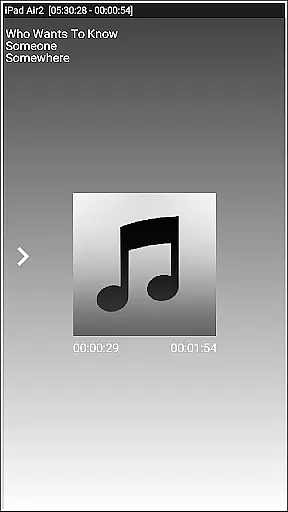
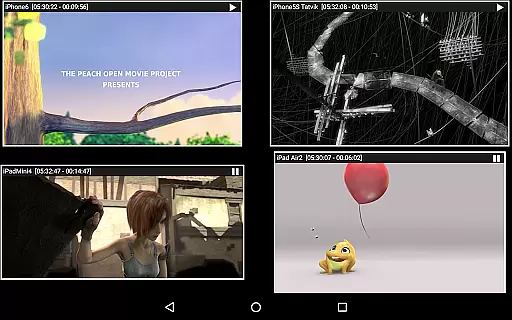


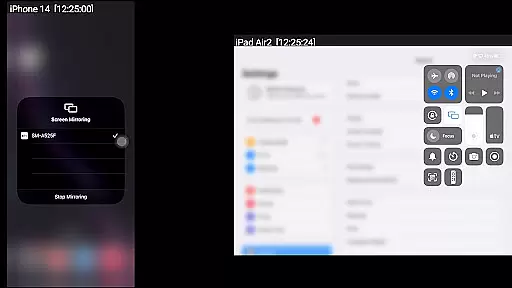
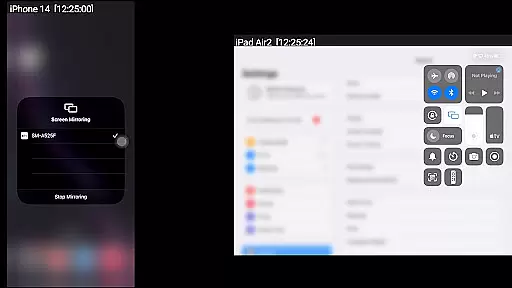
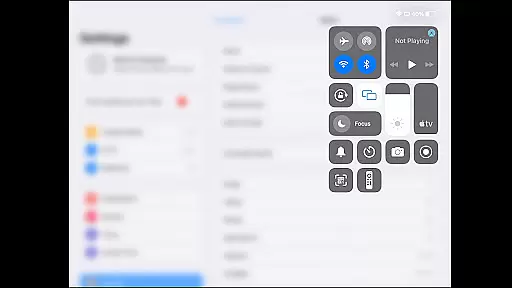
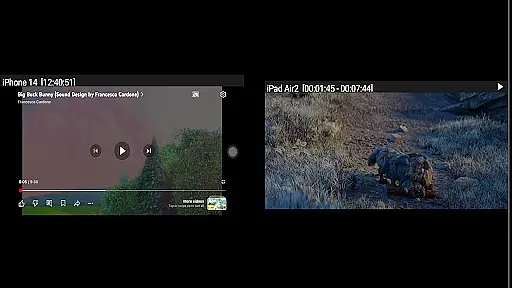
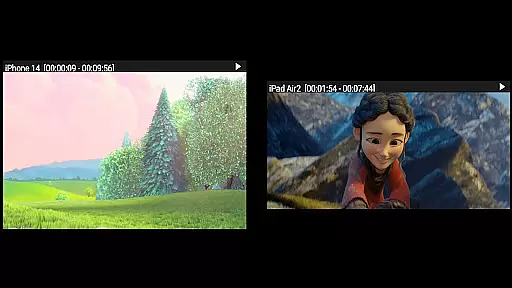

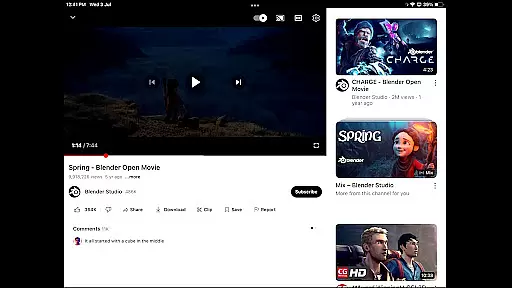
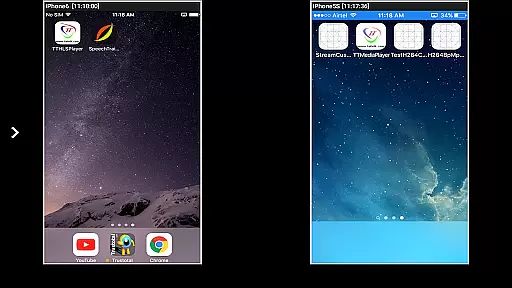

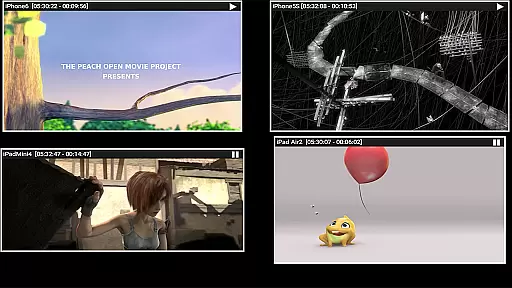
AirMirror is an innovative receiver application designed specifically for Android devices, enabling seamless screen mirroring and casting from Apple devices. Compatible with iPhones, iPads, MacBooks, and iMacs, this app allows users to mirror screens, play back media content, and share YouTube links over a local network. With support for iOS versions 9 to 15, AirMirror facilitates simultaneous connections from up to four Apple devices.
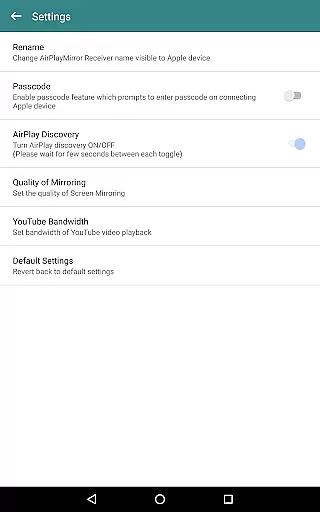
The application's versatility extends beyond simple screen sharing. Users can enjoy features like media playback, photo slideshows, and even game screen sharing while playing on their Apple devices. The inclusion of a passcode feature ensures secure sharing by restricting unauthorized access. Additionally, the app offers flexible window resizing and movement options, enhancing user control during presentations or casual sharing sessions.
Particularly useful in professional settings, AirMirror enables users to effectively present their Apple device's content to colleagues, clients, or business partners. Whether it's for collaborative work sessions, educational purposes, or entertainment, this application bridges the gap between Apple and Android ecosystems, making cross-platform sharing both intuitive and efficient.
AirMirror distinguishes itself through its comprehensive feature set tailored for versatile screen sharing needs. One of its standout capabilities is the simultaneous mirroring support for up to four Apple devices, allowing multiple users to connect and share content concurrently. This feature proves invaluable in meeting rooms or classroom settings where various participants need to showcase their work.
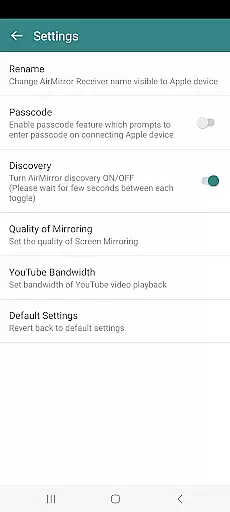
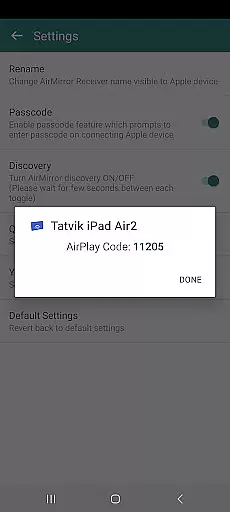
The application incorporates advanced security measures through its passcode feature, ensuring that only authorized users can initiate screen sharing sessions. This functionality is particularly crucial in professional environments where sensitive information might be displayed. Furthermore, AirMirror supports Bluetooth Low Energy based advertising, enabling device discovery across different subnets within a local network infrastructure.
Usability enhancements include customizable mirroring quality settings, adjustable YouTube bandwidth preferences, and flexible window management options. Users can easily resize and reposition the mirroring window according to their viewing requirements. The application also provides comprehensive control through its semi-transparent control-screen interface, where users can manage connected devices, adjust settings, and control mirroring parameters efficiently.
One of the key strengths of AirMirror is its ability to handle various video formats, making it a versatile tool for screen mirroring and media playback. The app supports mirroring from Apple devices running iOS versions 9 to 15, ensuring broad compatibility with different generations of devices.
The application facilitates simultaneous casting from up to four Apple devices, allowing users to share diverse content types including audio, video, and photos. This feature is particularly beneficial in collaborative environments where multiple users need to present their content on a single display.
AirMirror also enables YouTube video playback from linked Apple devices, enhancing its utility as a multimedia sharing platform. However, it's important to note that DRM-protected content from services like Netflix or paid iTunes videos are not supported due to legal restrictions.
Users can adjust the quality of mirroring and set YouTube bandwidth through the app's settings, providing control over streaming performance based on network conditions. This flexibility ensures optimal viewing experiences across different network environments.
While AirMirror primarily focuses on screen mirroring capabilities, it incorporates several intelligent features that enhance the user experience beyond basic video playback. The app utilizes advanced algorithms to manage multiple device connections and optimize media streaming performance.
A notable feature is the automatic resizing and repositioning of mirroring windows within the app interface. This functionality allows users to customize their viewing experience by adjusting window sizes and positions according to their preferences or specific use cases.
The application employs Bluetooth Low Energy technology for cross-subnet device discovery, demonstrating its sophisticated networking capabilities. This feature expands the app's usability beyond traditional local network limitations, enabling broader connectivity options.
Additionally, AirMirror implements security measures through its passcode protection system, which prevents unauthorized access to the mirroring session. While not strictly an AI-powered editing feature, this authentication mechanism contributes to the overall intelligent management of media sharing sessions.
User-friendly interface
Multi-device support
Secure sharing options
Flexible window management
Cross-platform compatibility
No DRM content support
Limited live TV capability
Network dependency
iOS version restrictions
Occasional connectivity issues

Kodi media center, a free and open source cross-platform entertainment hub
 3.60
3.60
Client application for NextPVR software
3.00
You can play SWF format file!
2.50
IPTV-Smarters Player Pro M3U - Watch Live Stream TV Channels with Chromecast
4.00
Create photo video with music & template. AI video maker for stunning slideshow.
4.60
Support 1000+ Video Format, Subtitle Download, mp3 & Background Play, Cast On TV
4.60
1)AirPlay/DLNA Mirroring/Streaming, up to 4 connections; 2)Samba/NAS/DMS Player.
4.00
Watch IPTV on your Android device
4.60
Photo editor & video maker with music and slideshows.
4.10
An easy-to-use and all-round screen recorder with audio
4.80
Play ALL formats in 4K & HD. Video downloader, MP3 player, Chromecast & more.
4.80
Watch a large amount of high-definition short drama content
4.60
Snaptubè Video Downloader app allows to download videos and music in Snaptube. .
4.60
Fast & Private HD Video Downloader with Built-in Proxy Browser and Video Player.
4.50
Viddo: Generate Action Figure, AI Anime, AI kiss, AI hug Video from image & text
4.40
This app was created to edit the metadata of music files.
4.20
Capture images & record videos for USB Camera, Webcam, Microscopes, Endoscopes
3.80
Save photos and videos from social apps in one tap.
3.60
Play and download HD videos from all sources — fast, simple, and all-in-one.
4.5


User Reviews