

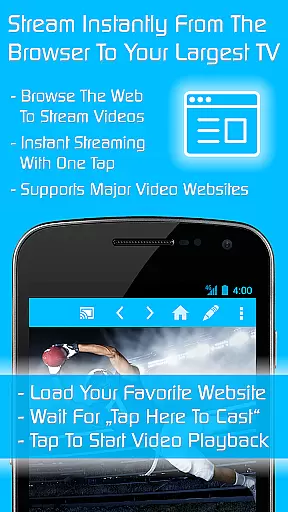
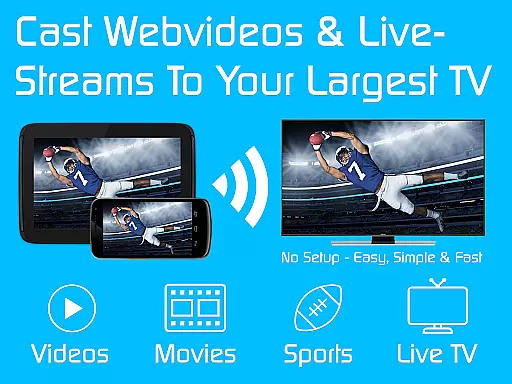
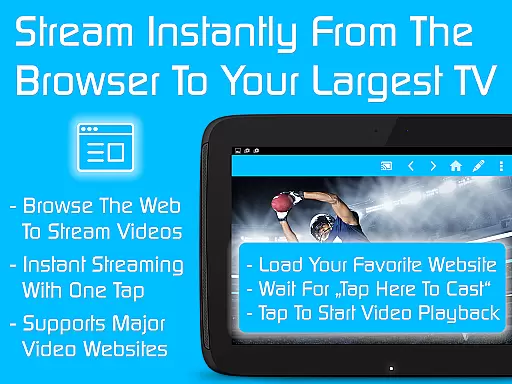
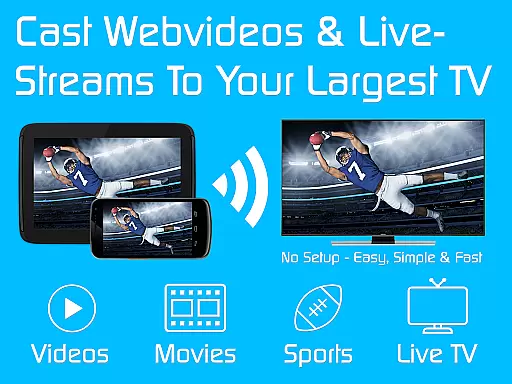
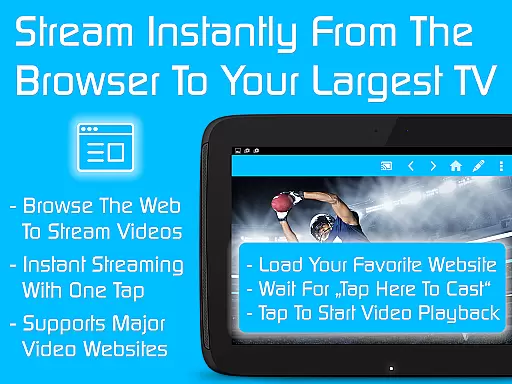
TV Cast is an advanced streaming browser app designed for seamless video streaming across multiple devices including Chromecast, Samsung TV, LG TV, and more. With over 10 million users, it offers an efficient way to watch web videos, online movies, livestreams, and live TV shows.
The app serves as a license key unlocking premium features in all free Video & TV Cast editions on Android. By installing TV Cast, users gain access to ad-blocking, remote control functionalities, personalized homepages, desktop mode, and unlimited bookmarks. These features enhance user experience by providing uninterrupted streaming and customizable options tailored to individual preferences.
Whether you're streaming content on a big screen or managing your favorite channels, TV Cast ensures high-quality performance and ease of use. Its compatibility with various devices makes it a versatile tool for home entertainment systems.
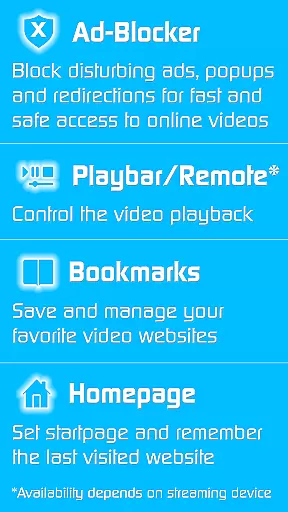
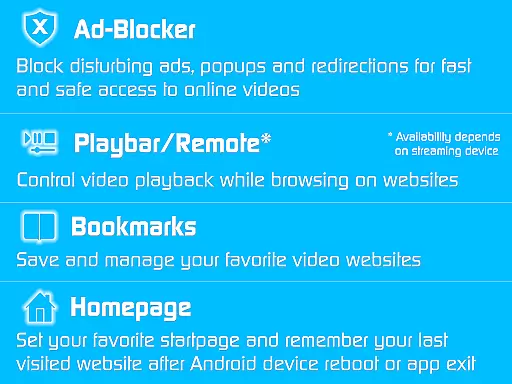
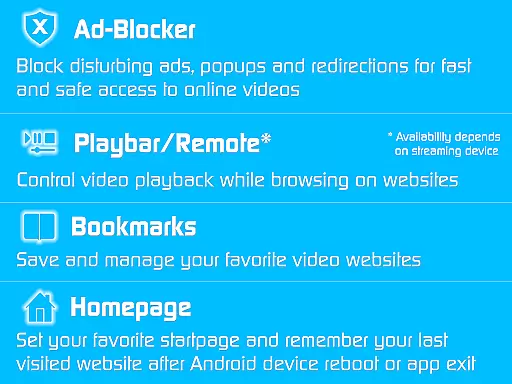
TV Cast stands out with its comprehensive set of features tailored for avid streamers. One notable feature is the built-in ad-blocker, which eliminates all advertisements, pop-ups, and redirections from visited websites, ensuring a smooth viewing experience without interruptions.
Another highlight is the playbar/remote functionality, allowing users to fast forward, rewind, and scrub through videos directly from their browsing interface. This depends on the capabilities of the connected streaming device but significantly enhances navigation convenience.
Additionally, TV Cast offers customization options such as setting a personal homepage, enabling desktop mode for better video link detection, and managing unlimited bookmarks. These aspects collectively contribute to a highly personalized and efficient streaming environment, catering to diverse user needs and preferences.
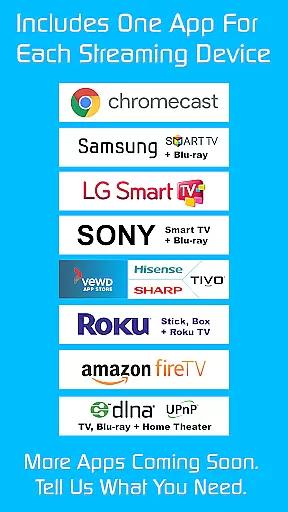
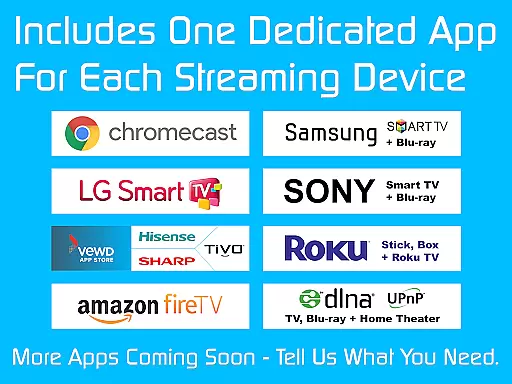
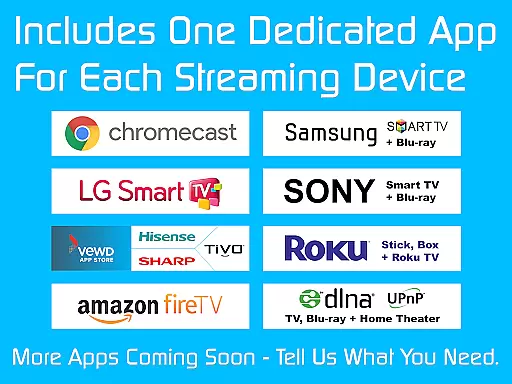
Video format compatibility is a crucial feature for any video player or editor, ensuring that users can access and play their desired content without technical limitations. TV Cast demonstrates exceptional versatility in this area by supporting a wide range of streaming devices including Chromecast, Samsung TV, LG TV, Sony TV, Hisense TV, Sharp TV, TiVo, Roku, Fire TV, DLNA, and Google Cast-powered devices.
The app's broad device support means it can handle various video formats across different platforms, making it an ideal choice for users who want to stream web videos, online movies, livestreams, and live TV shows seamlessly. Whether you're using a smart TV from a major brand or a gaming console with media capabilities, TV Cast ensures your content will play smoothly.
By unlocking Premium Features through the Ultimate app, users gain access to enhanced functionalities like an Ad-Blocker for websites, which removes distractions and interruptions caused by ads during playback. This comprehensive compatibility not only enhances user experience but also provides peace of mind knowing that whatever device or format you choose, TV Cast has got you covered.
AI-powered editing features represent the cutting edge of video player and editor technology, offering users advanced tools to enhance their viewing experience effortlessly. With TV Cast, these innovative features are integrated into its design to provide a seamless interaction between users and their multimedia content. The inclusion of functionalities such as fast forward, rewind, and video scrubbing via the Playbar/Remote feature exemplifies how AI can be leveraged to give users more control over their media consumption.
Moreover, TV Cast goes beyond basic playback controls by allowing users to customize their browsing environment. For instance, the ability to change the homepage and enable desktop mode showcases the appu2019s commitment to personalization and adaptability. These AI-driven enhancements ensure that whether you're cloaking your device as a desktop PC or managing unlimited bookmarks, the app caters to diverse user preferences and needs.
Ultimately, the combination of broad device compatibility and intelligent editing features positions TV Cast as a leader in the realm of video players and editors. Users benefit from both the assurance of format flexibility and the empowerment of sophisticated editing tools, all within a single, intuitive platform designed to elevate their digital entertainment experience.
User-friendly interface
Wide device compatibility
Ad-free experience
Premium features included
Regular updates
Requires constant internet
Premium cost
Device-specific issues
Limited offline functionality
Occasional bugs

You can play SWF format file!
 2.50
2.50
HD video & music player - All format support with floating & PIP mode!
3.80
Video Trimmer, Video to MP3 Converter. Extract music from video, Easy & Fast.
4.80
Capture images & record videos for USB Camera, Webcam, Microscopes, Endoscopes
3.80
AirMirror Receiver - Screen mirroring/cast web videos to Android TV by AirPlay.
4.40
Download website videos fast&privacy
4.40
GENRAL PRO - General Pro is the best video player that fully supports all formats.
4.70
Movie maker & video editing app with AI effects and green screen
4.30
Find, download, and play torrents with the official BitTorrent® Pro app
4.70
Tik & Story Saver-Download ALL social media videos, photos & reels no watermark.
4.80
High-Quality USB Camera Viewer & HDMI Display
4.70
All in one HD video downloader & player for multiple formats with full privacy
4.70
Create photo video with music & template. AI video maker for stunning slideshow.
4.60
1)AirPlay/DLNA Mirroring/Streaming, up to 4 connections; 2)Samba/NAS/DMS Player.
4.00
Make your own Animations, Video and Photo Edits, Visual Effects, and more!
4.00
Save photos and videos from social apps in one tap.
3.60
The essential companion to your Blue Iris PC software
2.50
The smartest M3U IPTV Player your playlists have ever seen.
4.3
Powerful HD video player with support for all formats & subtitles.
4.2


User Reviews