
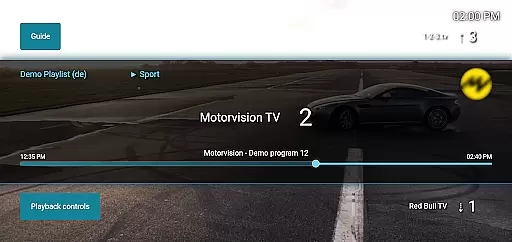
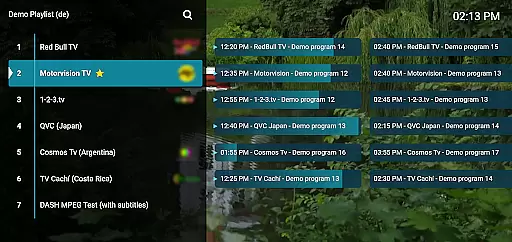
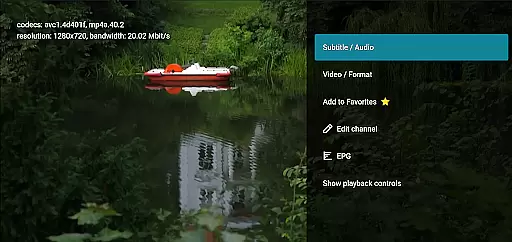
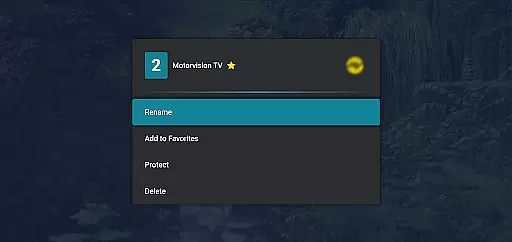
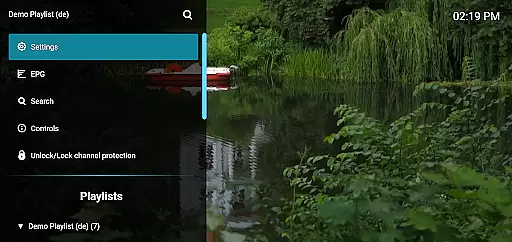
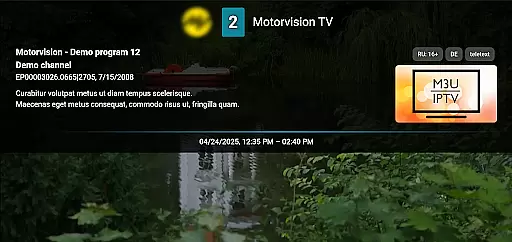
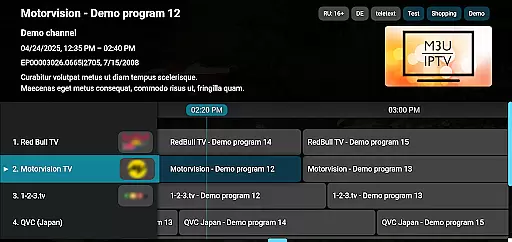
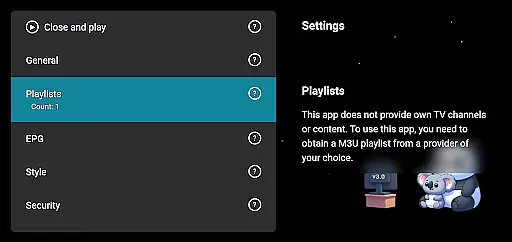
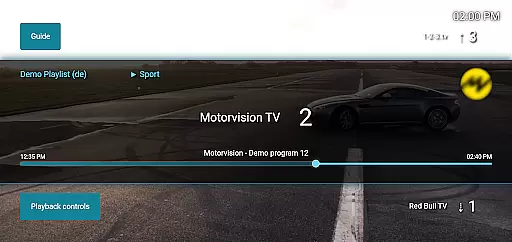
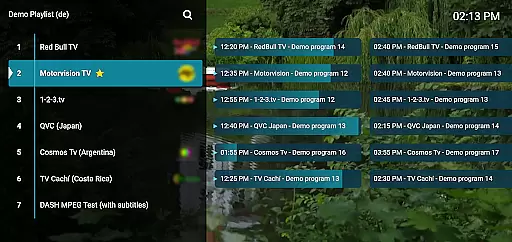
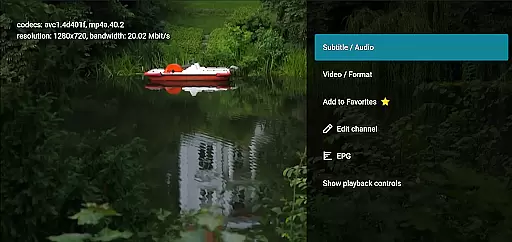
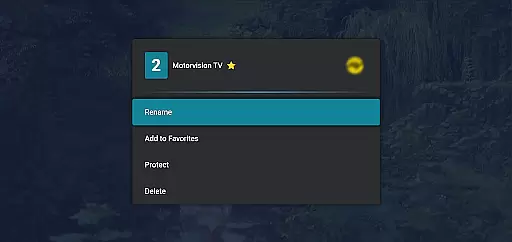
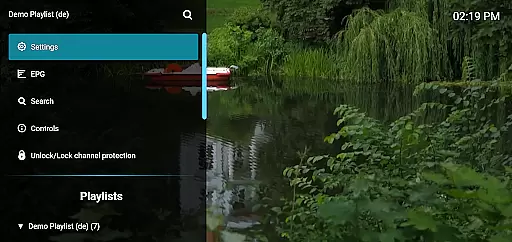
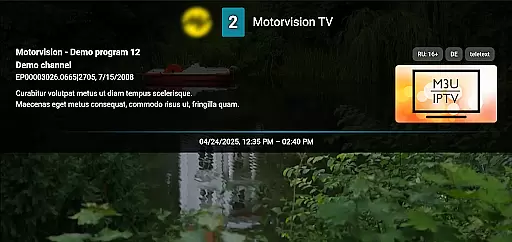
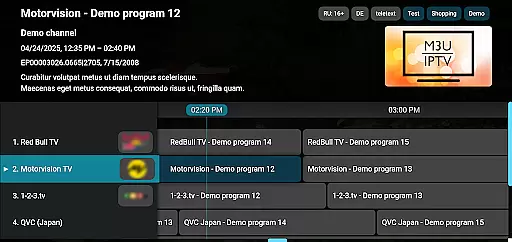
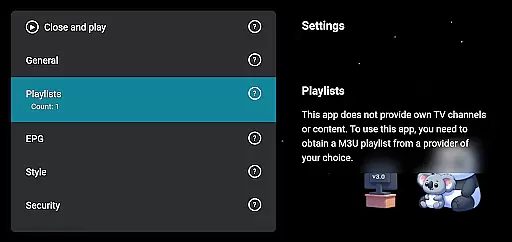
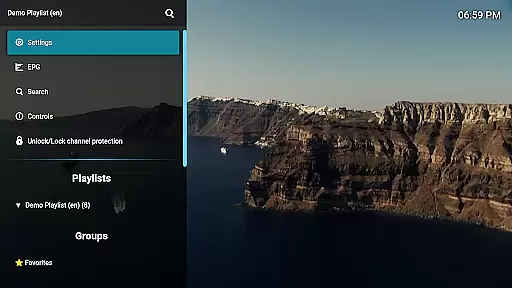
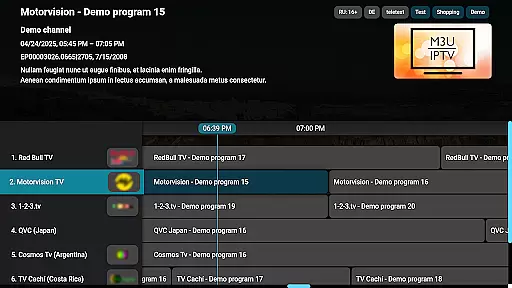
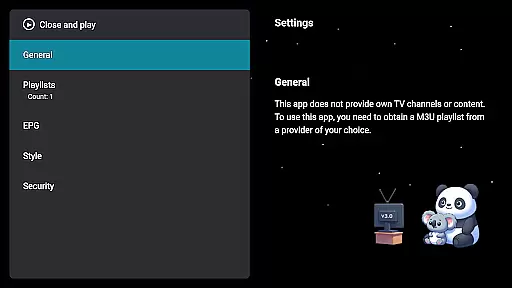
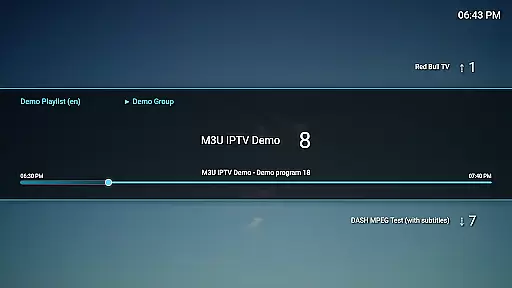
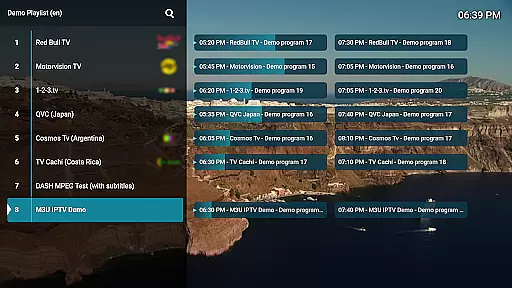
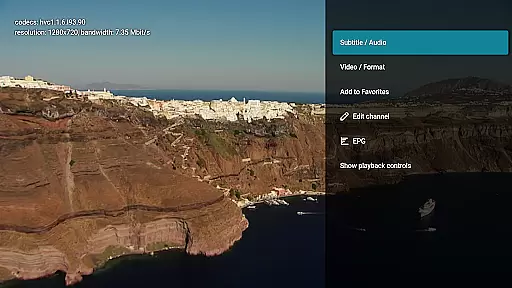
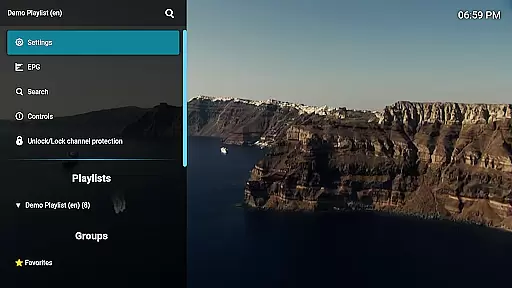
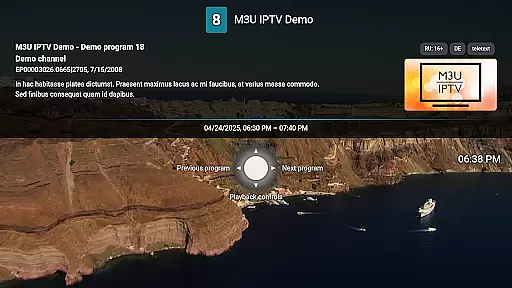
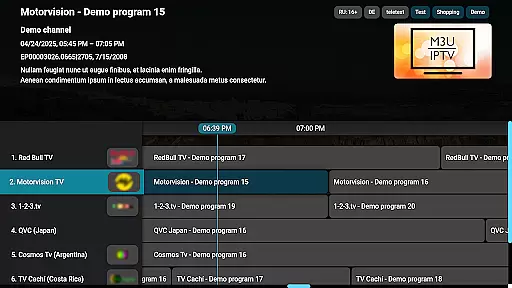
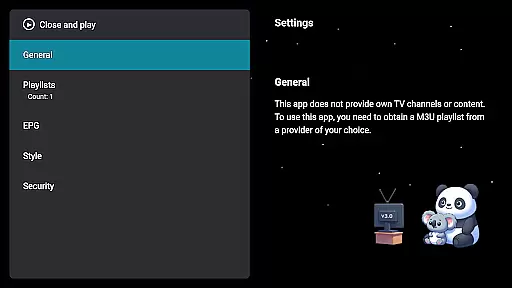
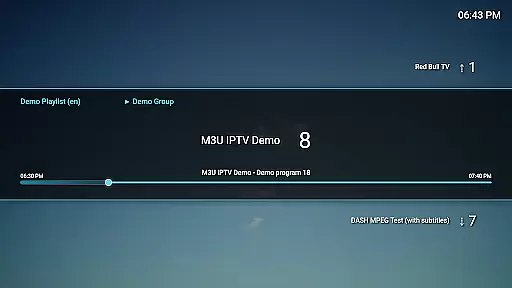
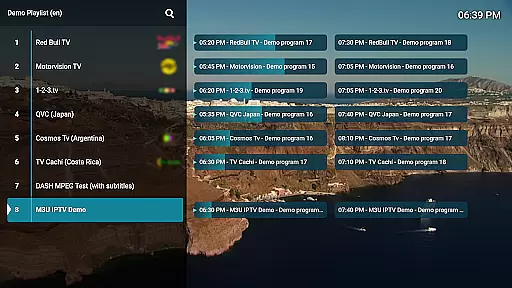
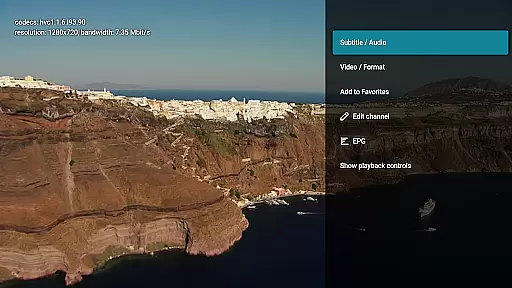
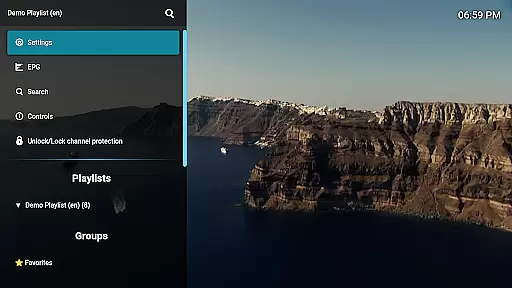
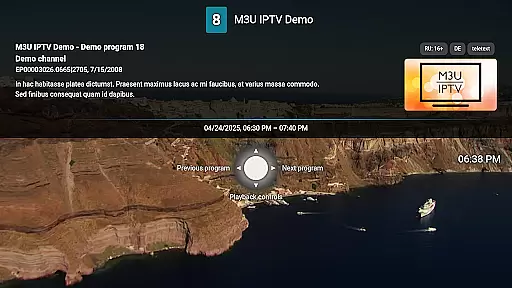
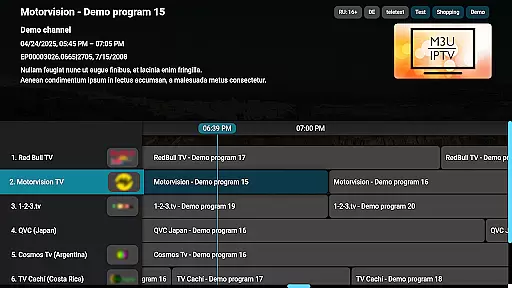
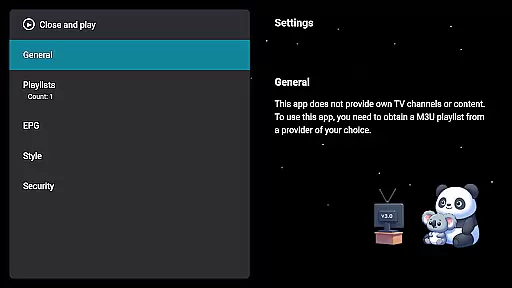
M3U IPTV Premium is a top-tier IPTV player designed for users seeking an ad-free, fully customizable streaming experience. This premium version builds upon the popular free edition by unlocking advanced features and enhanced performance.
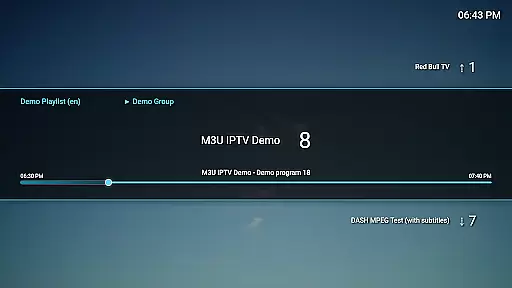
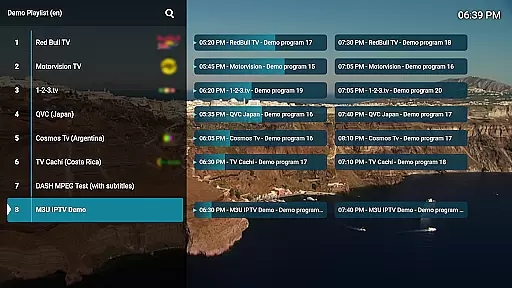
With support for M3U playlists, EPG integration, and unlimited playlists, users can stream their own IPTV content while enjoying a clean, user-friendly interface. The app also offers advanced playback controls, catch-up functionality, and channel protection for privacy.
Ideal for IPTV enthusiasts and power users, M3U IPTV Premium provides everything needed for an uninterrupted and personalized streaming experience across various devices.
M3U IPTV Premium stands out with its comprehensive feature set tailored for ultimate user control. The app includes all functionalities from the free version but removes ads entirely, ensuring uninterrupted viewing pleasure.
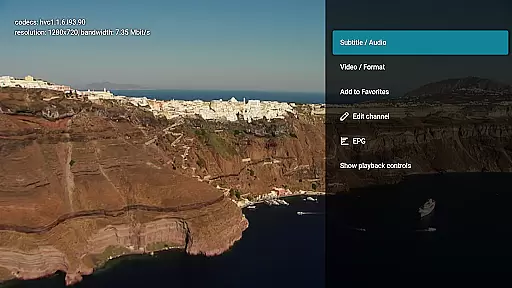
Users benefit from unlimited M3U playlist support, EPG integration for TV schedules, and customizable UI options. Advanced playback controls allow easy navigation through streams, while catch-up and archive playback enable rewatching missed content if supported by the service provider.
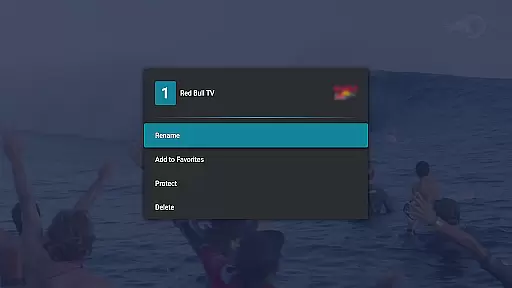
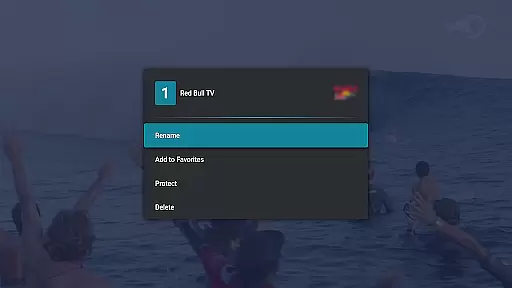
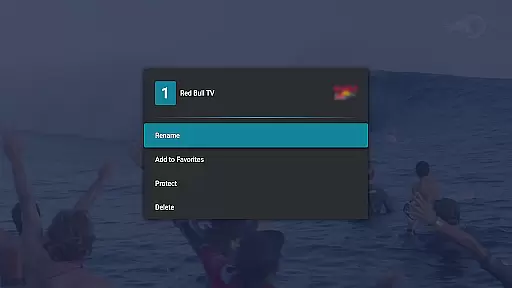
Additional features include a channel editor for organizing channels, PIN-protected channels for privacy, making it an indispensable tool for managing personal IPTV content efficiently.
Video format compatibility is a crucial feature for any video player, ensuring that users can enjoy content in various formats without technical hindrances. M3U IPTV Premium excels in this area by supporting an extensive range of video formats commonly used in IPTV streaming.
The application's robust decoding capabilities allow it to handle both standard and high-definition streams effortlessly. This means you can stream content from different sources without worrying about format issues, making your viewing experience seamless and enjoyable.
For users, this translates into the freedom to explore diverse content libraries without limitations. Whether you're streaming live TV, movies, or series, M3U IPTV Premium ensures that all your media files play smoothly, providing a truly versatile entertainment hub.
While primarily an IPTV player, M3U IPTV Premium incorporates AI-powered editing features that enhance the overall user experience. These intelligent tools help optimize stream quality, automatically adjust playback settings, and provide smart recommendations based on viewing habits.
The application's advanced algorithms work behind the scenes to improve video clarity and stability. It can detect and compensate for network fluctuations, ensuring consistent stream quality even during peak usage times. Additionally, the AI-driven interface suggests personalized channel arrangements and content categories.
These smart features not only save time but also create a more intuitive and responsive viewing environment. Users benefit from a customized IPTV experience that adapts to their preferences and technical requirements, setting a new standard for premium video players.
Ad-free experience
Unlimited playlists
Advanced playback controls
Customizable UI
Channel protection
No included content
Requires technical knowledge
Premium cost
Limited to M3U playlists
Dependent on external EPG sources

Connect 2 UVC devices for recording and broadcast video/audio stream
 3.90
3.90
Create & edit videos with AI
4.30
IPTV Player - Watch live TV from m3m & m3u8 playlist, stream IPTV on mobile
3.30
IPTV Loader, loads your own Playlist. DOES NOT CONTAIN ANY LIST OR CHANNELS
4.60
The essential companion to your Blue Iris PC software
2.50
#1 Torrent App on Android ** No Ads Ever + Battery Saver **
4.80
Browser + Remote for Roku to stream webvideos, online movies and livestreams
4.60
Fast private browser with secure, seamless access & supported video downloads!
4.00
Enjoy your favorite videos and channels with the official YouTube app.
3.90
Download Hub, easy and private way to download and enjoy your videos offline
4.80
?100% FREE! Download & save videos? safely in this app. All formats supported.
4.60
Fast & Private HD Video Downloader with Built-in Proxy Browser and Video Player.
4.50
Fast video downloader & private browser. Save HD clips to watch offline.
4.40
AirMirror Receiver - Screen mirroring/cast web videos to Android TV by AirPlay.
4.40
Fast & Private Video Downloader App. Save all videos easily from the Internet.
4.40
Kodi media center, a free and open source cross-platform entertainment hub
3.60
Watch full episodes of your favorite Cartoon Network and Cartoonito shows!
3.50
You can play SWF format file!
2.50
Video player with powerful streaming playback and various convenient features.
2.10


User Reviews