
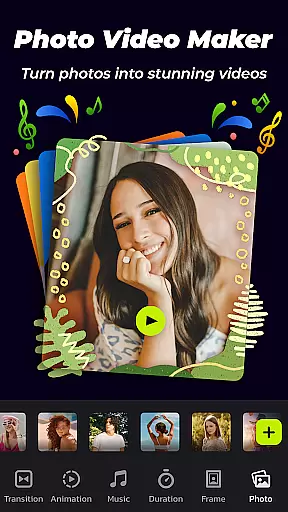
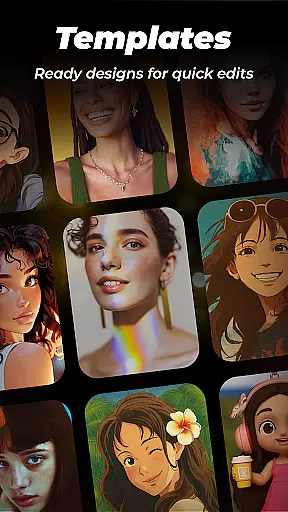
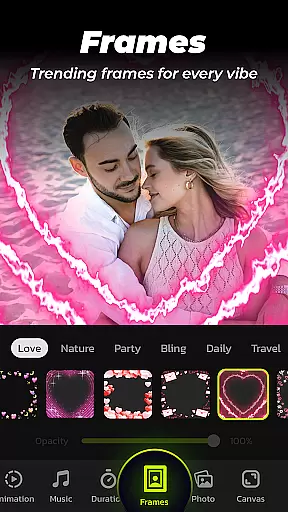

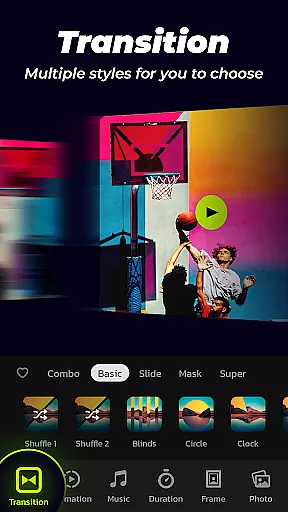

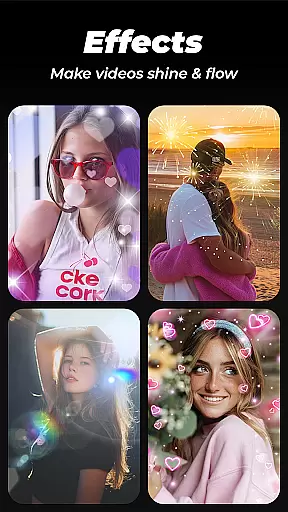
Photo Video Maker with Music - InSlide is a versatile video editing tool designed for creating professional-quality slideshows, presentations, and music albums. The app allows users to transform photos and videos into stunning visual stories through customizable transitions, animations, frames, and music integration.
With its user-friendly interface, the app caters to both casual creators and professionals. Users can easily create holiday greetings, preserve life memories, or produce engaging content for social media platforms like Instagram, TikTok, and YouTube. Its rich content library and advanced customization options ensure that every project stands out.
The app's standout feature is its ability to streamline the creative process without compromising quality. Whether you're making a vacation album, tutorial video, or promotional content, Photo Video Maker empowers users to achieve polished results quickly and effortlessly.
Photo Video Maker offers an impressive range of features tailored for creative professionals and hobbyists alike. One of its core strengths is the ability to add music tracks from a vast online library or upload custom audio files. This flexibility ensures that every slideshow matches the desired mood and theme.
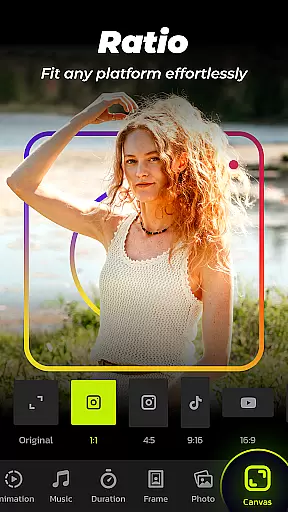
The app provides over 50 transition effects, multiple frame styles, and aspect ratio adjustments, allowing users to customize their projects extensively. With support for resolutions up to 2K, creators can export high-definition videos suitable for various platforms such as YouTube, TikTok, and Instagram. Additionally, the intuitive four-step creation process simplifies complex tasks while maintaining professional-grade output.
Other notable features include customizable transition durations, watermark removal, and a built-in video library for saving and managing completed projects. These tools collectively enhance productivity and creativity, making it easier than ever to produce captivating multimedia content.
Photo Video Maker with Music - InSlide stands out in its ability to handle a wide range of video formats, making it versatile for various user needs.
The app supports multiple resolutions from 480P to 2K, allowing users to tailor their output according to specific requirements. Whether it's for easy sharing on mobile devices or high-quality presentations on larger screens, the resolution flexibility ensures that your videos maintain visual quality across platforms.
With compatibility for YouTube, TikTok, Facebook, Instagram, WhatsApp, and Twitter, this tool enables seamless uploads without worrying about format issues. This broad platform support makes it simple to share your creations directly after editing.
Additionally, the option to adjust aspect ratios means you can optimize videos specifically for each social media outlet, ensuring professional-looking results every time. These features collectively make InSlide an excellent choice for anyone looking to create and share polished video content effortlessly.
InSlide incorporates advanced AI-powered editing features that streamline the video creation process while enhancing overall quality.
One standout feature is the one-click transition effect, which uses AI to automatically select and apply suitable transitions between images. This eliminates manual selection and speeds up slideshow assembly, providing visually appealing results without requiring expert knowledge.
The app also offers intelligent customization options such as automatic music suggestions based on themes like Pop, Bollywood, Love, and more. Users can further enhance their projects by uploading personal audio tracks or choosing from recommended songs tailored to specific occasions.
Moreover, AI-driven tools assist in optimizing animations, frames, and other effects, ensuring professional-grade outputs even from novice creators. By leveraging these smart functionalities, Photo Video Maker simplifies complex editing tasks, empowering users to produce stunning videos efficiently.
User-friendly interface
Extensive music library
High-resolution exports
Customizable transitions
Rich frame collection
Limited free features
Occasional ads
Paid subscription required
Heavy on storage
Learning curve for beginners

The smartest M3U IPTV Player your playlists have ever seen.
 4.1
4.1
Video Player - Unlimited features, 30 days money back guarantee.
4.60
A Quick and Pro Video Editor
4.70
Tik & Story Saver-Download ALL social media videos, photos & reels no watermark.
4.80
Add date and time watermark to photos and videos
4.50
Screen recorder with audio to take live videos & Screenshot in high quality!
4.70
Video player with 4K & 1080P support, popup play, background play and subtitle.
4.20
Photo editor & video maker with music and slideshows.
4.10
convenient, safe and fast at Video Downloader & Player
4.60
Flud is a simple and beautiful BitTorrent client for Android.
4.80
Seamlessly connect and control your smart devices, anytime, anywhere with ease.
4.60
Fast, private downloading, video saving, social media
4.50
Viddo: Generate Action Figure, AI Anime, AI kiss, AI hug Video from image & text
4.40
KMPlayer Plus (Divx Codec) officially support Divx codec.
4.30
Turn your phone into a wireless camera!
4.20
Browser for Samsung TV to stream webvideos, online movies and livestreams in HD
4.10
IPTV-Smarters Player Pro M3U - Watch Live Stream TV Channels with Chromecast
4.00
AI Video Editor:AI Music, Text to Video,Text to Speech,Auto Caption,Video Effect
4.00
Make your own Animations, Video and Photo Edits, Visual Effects, and more!
4.00


User Reviews