
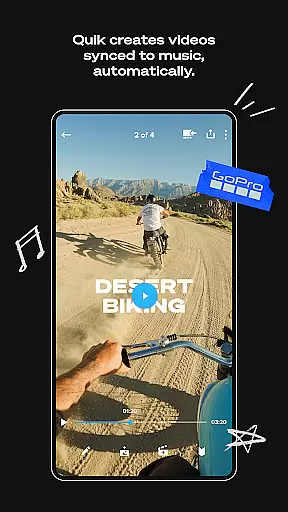
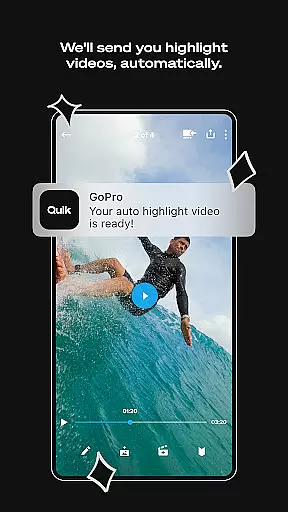
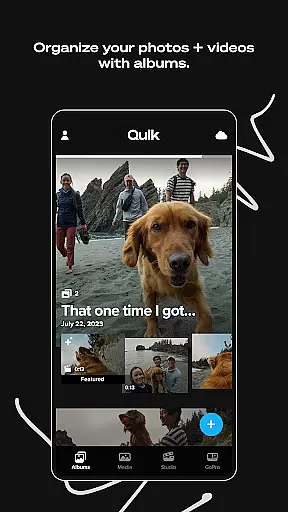
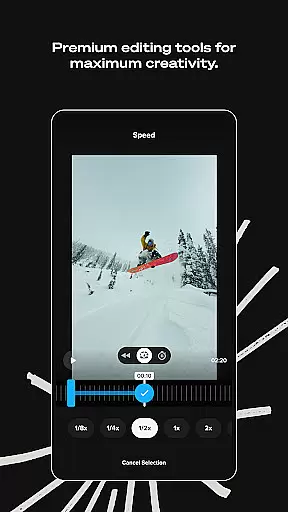
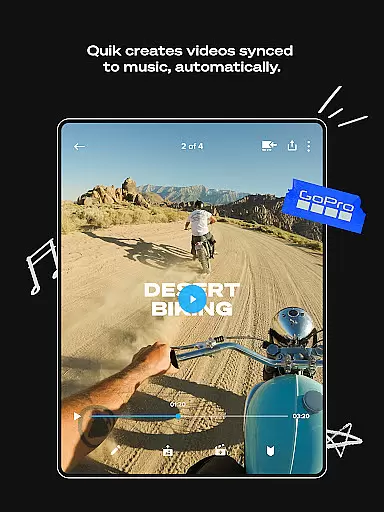
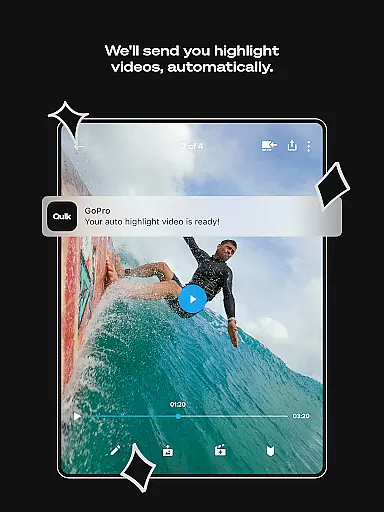
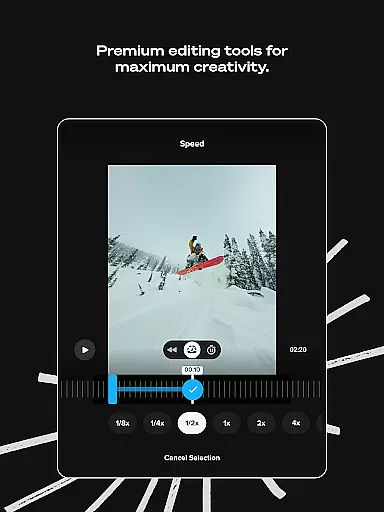
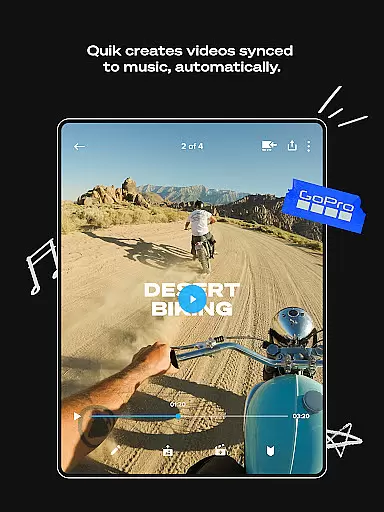
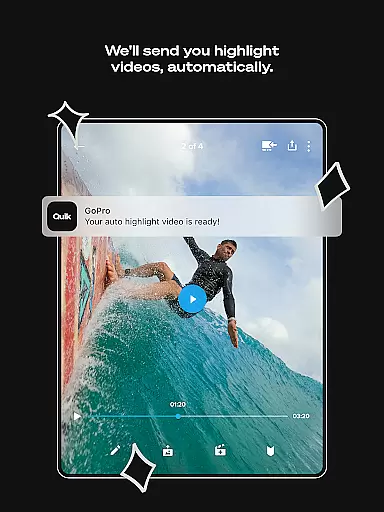
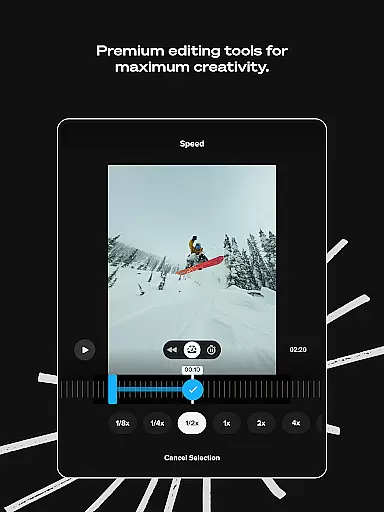
GoPro Quik is a powerful video editing application designed to simplify the process of creating professional-quality videos. The app's standout feature is its automatic highlight video generation, which intelligently selects your best moments, syncs them to music, and adds polished transitions. This makes it exceptionally easy for users to produce engaging content without requiring advanced editing skills. Beyond basic editing, the app offers premium tools that allow for detailed customization, including color adjustments, trimming, and creative effects.
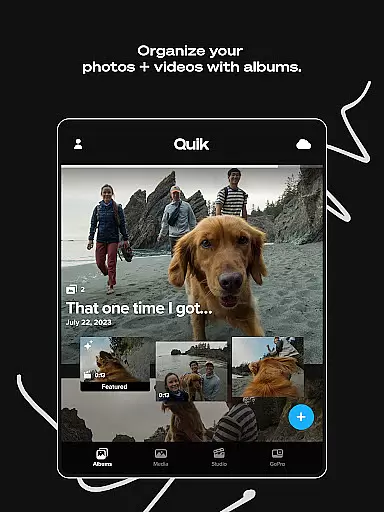
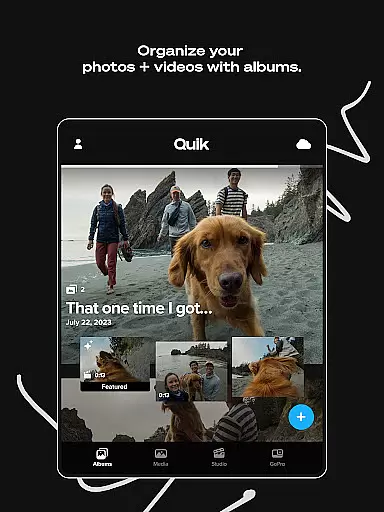
One of the key advantages of GoPro Quik is its seamless cloud integration. With a Premium or Premium+ subscription, users gain access to unlimited cloud storage at full quality for GoPro footage, plus substantial storage for other camera content. This ensures that all your media is securely backed up and accessible across devices, enabling effortless cross-platform editing. Whether you're an action sports enthusiast or a casual videographer, GoPro Quik provides the tools needed to transform raw footage into compelling stories.
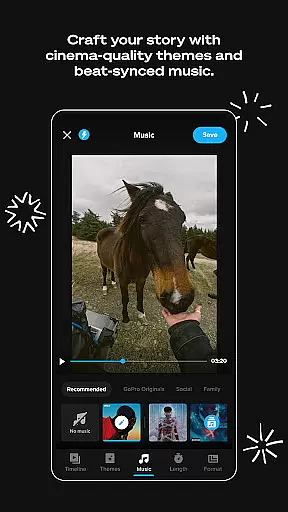
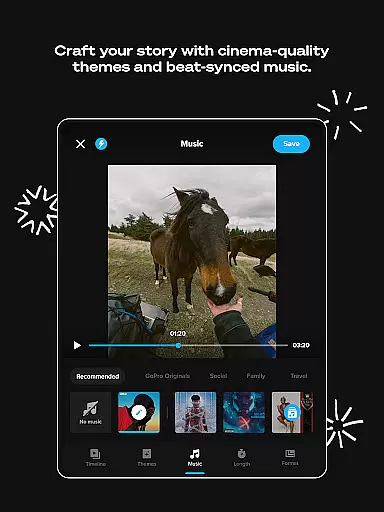
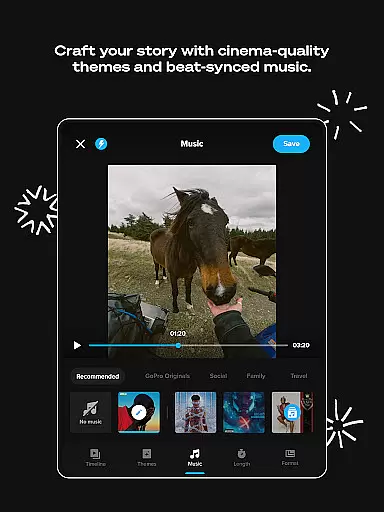
GoPro Quik stands out with its comprehensive suite of editing features tailored for both novice and experienced users. At its core, the app offers Automatic Edits, which uses intelligent algorithms to identify the most captivating moments in your footage, synchronize them with music beats, and apply smooth transitions. This feature alone significantly reduces the time and effort required to create dynamic videos. Additionally, the Beat Sync functionality ensures that every cut and effect aligns perfectly with your chosen soundtrack, adding a professional touch to each project.
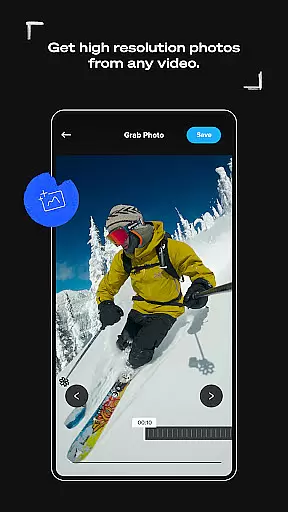
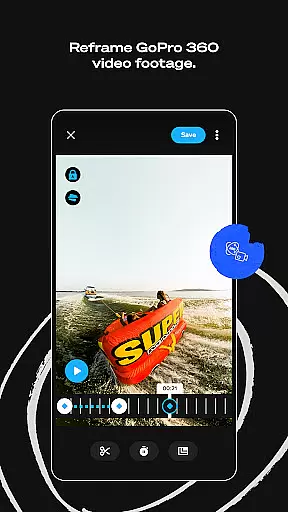
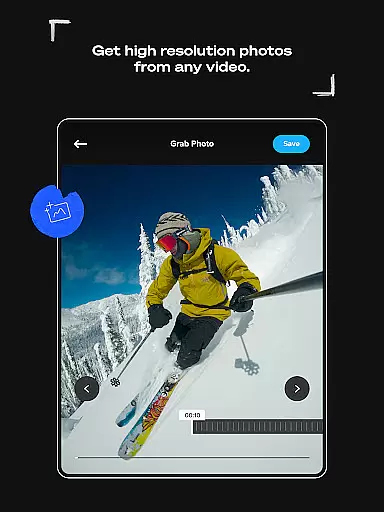
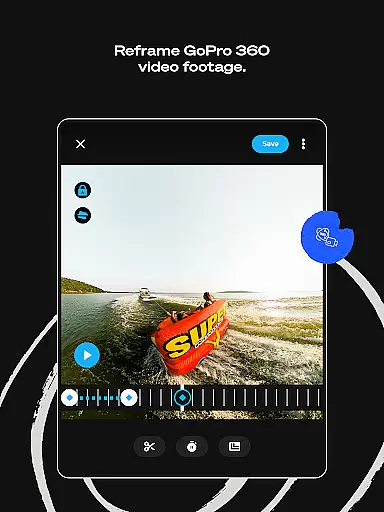
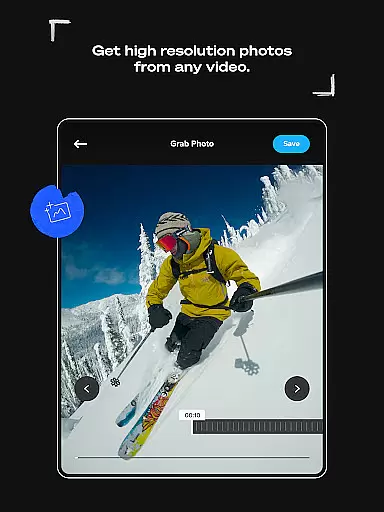
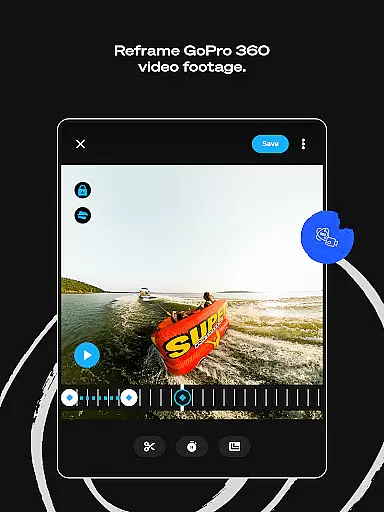
The app also includes advanced tools like Reframe, which allows users to extract traditional video or high-resolution photos from 360-degree footage. This opens up creative possibilities by enabling experimentation with different perspectives and angles. Other notable features include customizable themes, exclusive filters optimized for specific environments, and precise frame adjustments. These tools collectively empower users to fine-tune every aspect of their videos, from color grading to aspect ratios, ensuring that the final output matches their creative vision.
GoPro Quik offers extensive video format compatibility, ensuring that users can work with a wide range of file types. The app supports footage captured not only from GoPro cameras but also from other devices, making it versatile for various user needs.
The application's strength lies in its ability to handle different formats while maintaining 100% quality, especially when paired with a Premium or Premium+ subscription. This feature allows creators to focus on their content without worrying about format restrictions or quality loss during the editing process.
With cloud storage capabilities, users can upload and access videos in supported formats from multiple devices. This cross-device sync ensures that no matter where you are or what device you're using, your projects remain consistent and accessible.
This compatibility extends to both local and cloud media management, providing a unified workspace. Whether you're editing action-packed sports footage or creating cinematic travel videos, GoPro Quik's format flexibility empowers users to produce professional-quality results effortlessly.
GoPro Quik incorporates advanced AI-powered editing features that revolutionize the video creation process. The app automatically identifies your best shots, syncing them to music beats and adding polished transitions, resulting in professional-looking videos with minimal effort.
The AI technology extends to various editing tools, including Beat Sync, which perfectly aligns video cuts with audio rhythms. This intelligent feature creates dynamic, engaging content that would typically require extensive manual editing expertise.
Automatic Highlight videos represent another impressive AI capability, where the app selects key moments from your footage and compiles them into compelling narratives. These smart editing features save time while delivering impressive results that might otherwise demand significant technical skill.
Additionally, the AI-driven Reframe tool transforms 360-degree footage into traditional video formats, experimenting with countless perspectives. Users can select optimal shots and create cinematic transitions through simple keyframe selections, democratizing sophisticated editing techniques for all skill levels.
User-friendly interface
Powerful editing tools
Seamless cloud integration
Automatic video creation
Cross-device synchronization
Premium features locked
Subscription fees apply
Limited free storage
Advanced tools complex
Occasional sync issues

Full HD Video mp3 Player, MP4 player play 1080p, File manager, Video Downloader
 4.40
4.40
Live TV, anywhere in your home
3.80
1)AirPlay/DLNA Mirroring/Streaming, up to 4 connections; 2)Samba/NAS/DMS Player.
4.00
High-Quality USB Camera Viewer & HDMI Display
4.70
Stream Web Videos to Chromecast, Samsung, LG, Sony, Roku, Fire TV, DLNA + more
4.00
Download videos easily & play them all in one smart, powerful video manager.
3.40
Browser for Sony TV to stream web videos, online movies and live tv
3.20
Flud is a simple and beautiful BitTorrent client for Android.
4.80
Video&Drama Player All Format is a HD video player, music player
3.00
A Quick and Pro Video Editor
4.70
?100% FREE! Download & save videos? safely in this app. All formats supported.
4.60
Cast to Chromecast, Xbox, Fire Stick, Roku, DLNA, Smart TV & No Feature Limited!
4.50
KineMaster, Your Ultimate Video Editor!
4.40
AirMirror Receiver - Screen mirroring/cast web videos to Android TV by AirPlay.
4.40
Fast & Private Video Downloader App. Save all videos easily from the Internet.
4.40
Video Downloader is an utility that can save videos and music from web sites
4.20
Make your own Animations, Video and Photo Edits, Visual Effects, and more!
4.00
Explore the largest library of free GIFs, Stickers & Memes - or create your own!
3.90
Capture images & record videos for USB Camera, Webcam, Microscopes, Endoscopes
3.80


User Reviews