
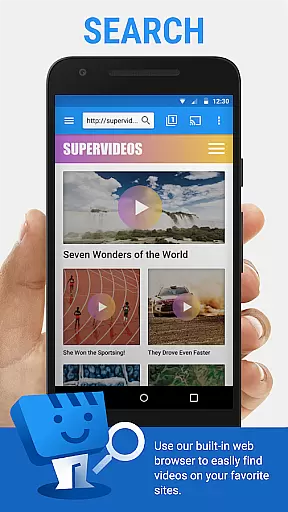
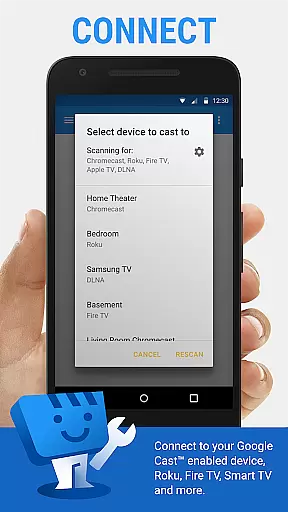
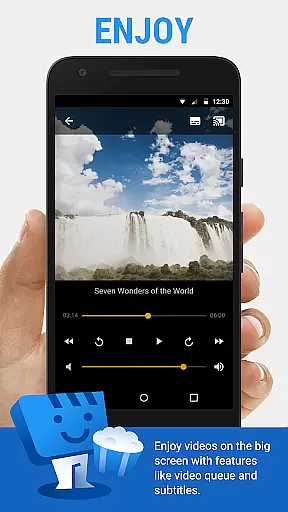
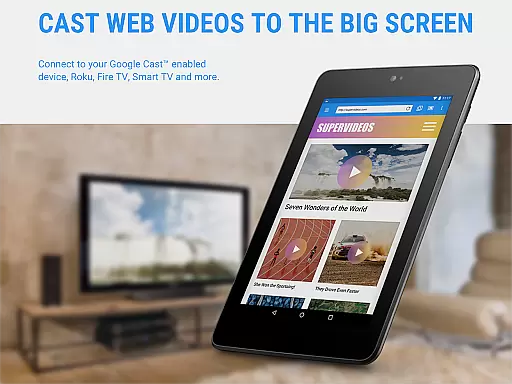
Web Video Cast is a versatile streaming application that allows users to cast videos, photos, and audio files from their mobile devices to various streaming devices. The app supports popular platforms like Chromecast, Roku, Amazon Fire TV, and Smart TVs from major manufacturers. With its ability to detect subtitles on web pages and integrate with OpenSubtitles.org, it offers an enhanced viewing experience for movie enthusiasts.
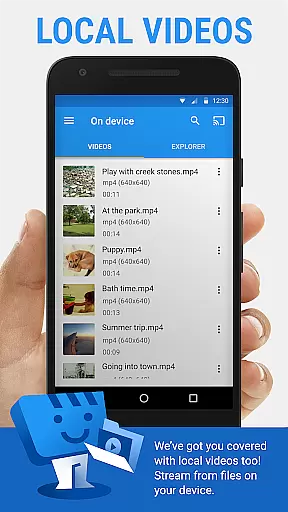
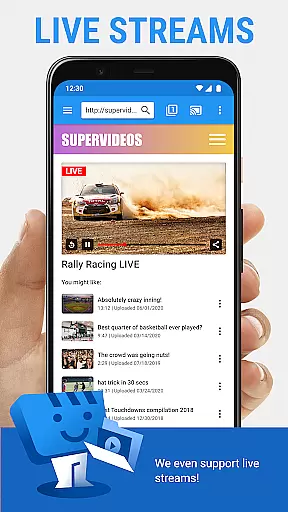
The application's key strength lies in its broad format compatibility, supporting HLS live streams, MP4 videos, and HTML5 content. Users can browse the web or local storage to find media content and cast it directly to their TV. While offering premium features like bookmarks and video history, Web Video Cast maintains transparency about its limitations and required permissions, ensuring users understand its capabilities and restrictions.
Web Video Cast distinguishes itself through its comprehensive feature set tailored for streaming enthusiasts. The app's primary advantage is its wide device compatibility, working seamlessly with most major streaming platforms including Chromecast, Roku, and various smart TV brands. This versatility allows users to stream content regardless of their preferred hardware ecosystem.
A notable technical achievement is the app's ability to handle different media formats without performing any decoding or transcoding itself. By leveraging the streaming device's native capabilities, it maintains optimal performance while supporting HLS streams, MP4 videos, and HTML5 content. The implementation of subtitle detection and integration with OpenSubtitles.org demonstrates the developer's attention to detail in enhancing user experience.
The application also offers practical premium features such as bookmark management, home page customization, and video history tracking. These enhancements, combined with essential permissions for Wi-Fi connection management and phone state monitoring, create a robust streaming solution that balances functionality with user control.
Web Video Cast offers extensive video format compatibility, ensuring users can cast a wide range of media to their TV. The app supports popular formats like MP4 and M3U8 for live streams, provided the streaming device can decode these formats.
One of the key strengths is its ability to handle HTML5 videos, allowing users to stream content from most websites directly to their television. This makes it versatile for watching movies, TV shows, live news, and sports without worrying about format restrictions.
The application also supports photos and audio files, including music, making it a comprehensive solution for all media casting needs. By covering multiple media types, Web Video Cast ensures that users can enjoy their favorite content on the big screen without compatibility issues.
It's important to note that while the app doesn't perform any video or audio decoding itself, its intelligent system detects supported formats and works with compatible devices to deliver seamless streaming experiences.
While primarily a casting application, Web Video Cast incorporates helpful features akin to AI-powered editing tools. The app's advanced subtitle detection system automatically identifies subtitles embedded in web pages, enhancing accessibility for users who require or prefer them.
The integrated OpenSubtitles.org search function demonstrates smart capabilities by helping users find appropriate subtitles for their content. This feature saves time and effort compared to manual searching, showing an understanding of user needs similar to AI-driven applications.
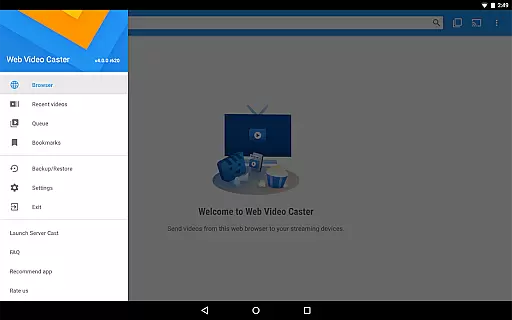
Additionally, the premium version offers organizational features that work like intelligent assistants. Bookmarks, video history, and queue management help users efficiently manage their viewing preferences and patterns.
Though not traditional editing tools, these smart features contribute to a more personalized and convenient viewing experience, demonstrating how intelligent design can enhance basic functionality in video player applications.
User-friendly interface
Wide device compatibility
Subtitle support
Premium features available
Local file casting
No tab casting support
Limited server control
Device compatibility issues
Ads in free version
Premium purchase required

Video player, file manager for all formats, 4K/HD media player supports subtitle
 4.30
4.30
You can play SWF format file!
2.50
Support 1000+ Video Format, Subtitle Download, mp3 & Background Play, Cast On TV
4.60
KMPlayer Plus (Divx Codec) officially support Divx codec.
4.30
GENRAL PRO - General Pro is the best video player that fully supports all formats.
4.70
The essential companion to your Blue Iris PC software
2.50
This app is an emulator of some specific IPTV boxes
3.50
A Simple app to download Video & Music from the Internet.
4.70
Photo editor & video maker with music and slideshows.
4.10
Video Trimmer, Video to MP3 Converter. Extract music from video, Easy & Fast.
4.80
Fast & easy HD video downloader for all formats, support 4K playback & download.
4.60
HD video maker with no watermark, no ads & vlog maker with music, PIP, text
4.50
Viddo: Generate Action Figure, AI Anime, AI kiss, AI hug Video from image & text
4.40
Web Browser for LG TV to stream webvideos, online movies and livestreams in HD
4.20
Video player with 4K & 1080P support, popup play, background play and subtitle.
4.20
Explore the largest library of free GIFs, Stickers & Memes - or create your own!
3.90
Manage your IPTV live channels and VOD playlists (no playlist included)
3.80
All in one multi protocols stream receiver for AirPlay, Cast and DLNA.
3.60
Watch full episodes of your favorite Cartoon Network and Cartoonito shows!
3.50


User Reviews