
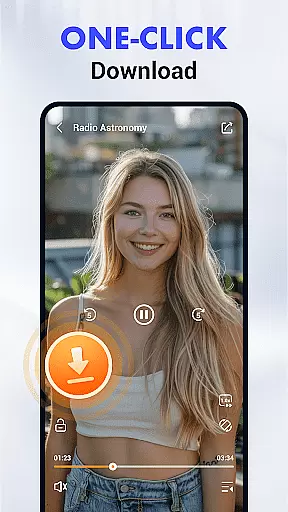

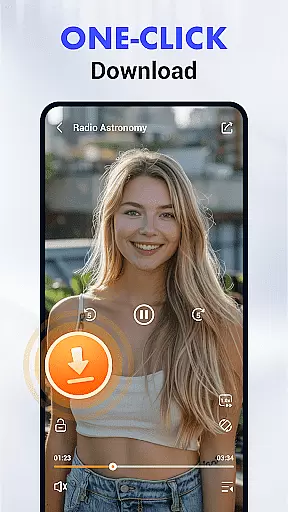

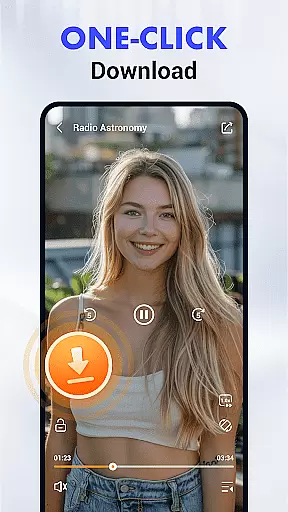

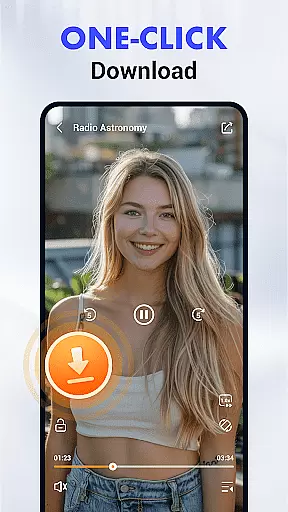

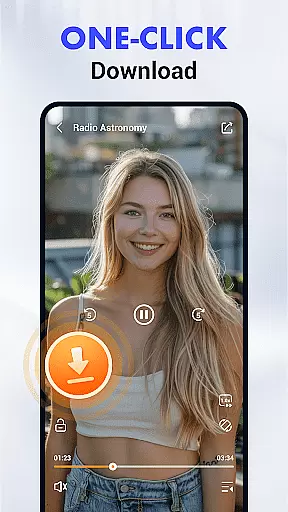

Video Downloader & Player is a feature-rich Android application that revolutionizes the way users download and manage video content. Designed for convenience and versatility, this app allows seamless downloading from major social media and video platforms while supporting multiple formats including MP3, MP4, HD, and 4K resolutions.
What sets Video Downloader & Player apart is its user-centric design combined with advanced functionalities like an intuitive download manager, private folder encryption, and background downloading. Whether you're saving videos for offline viewing or organizing your media library, this app ensures a smooth, secure, and high-quality experience tailored to modern multitasking needs.
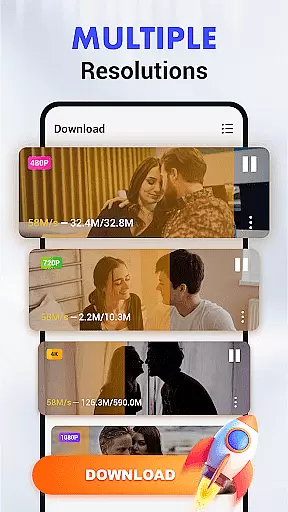
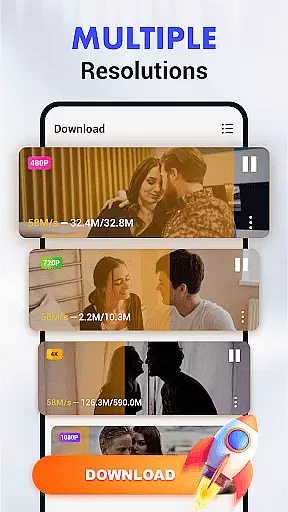
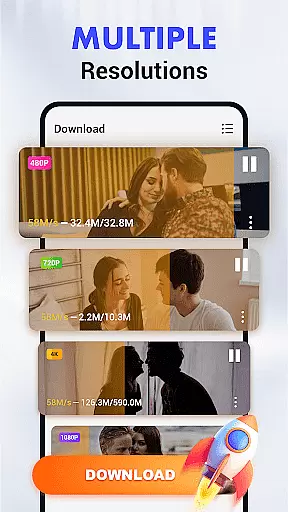
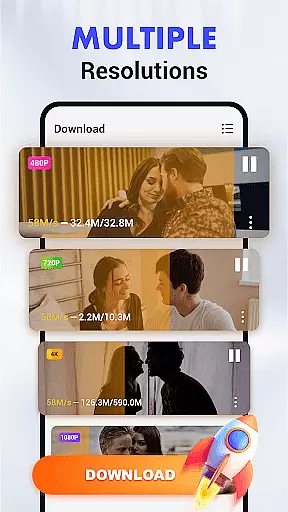
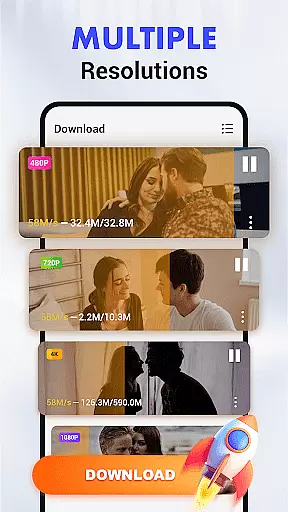
Video Downloader & Player boasts a comprehensive suite of features designed to enhance every aspect of video downloading and playback. The app integrates effortlessly with popular platforms, enabling users to download videos in their preferred format and resolution, ranging from standard quality to stunning 4K.
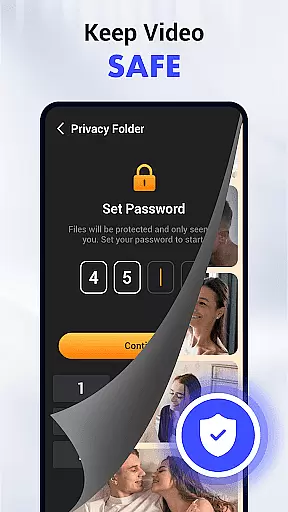
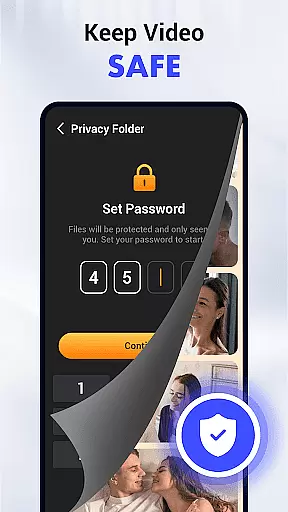
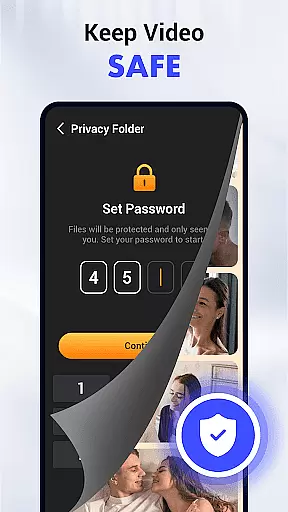
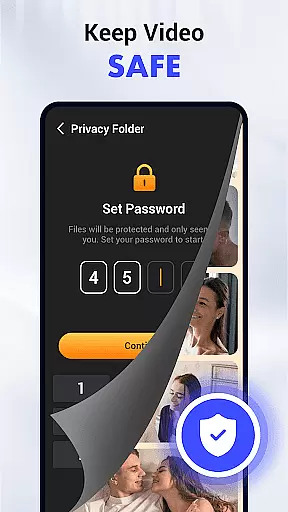
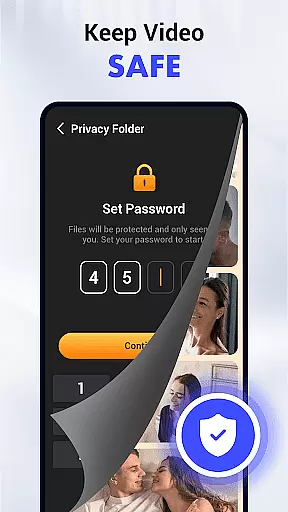
Its standout functionalities include a smart download manager for scheduling and resuming downloads, a pop-up player for multitasking, and gesture controls for streamlined navigation. Additionally, privacy-focused tools such as password-protected folders ensure your downloaded content remains secure. With support for SD card storage and auto-detection technology, managing and accessing videos has never been easier.
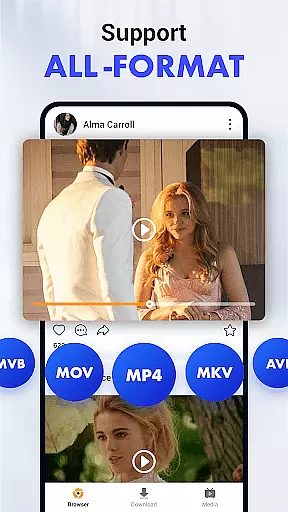
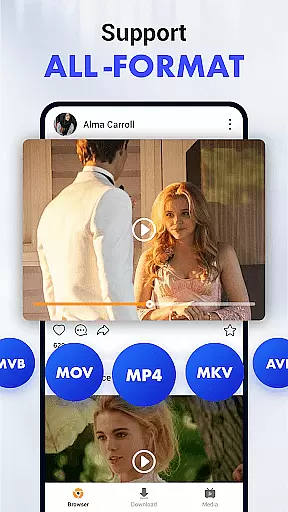
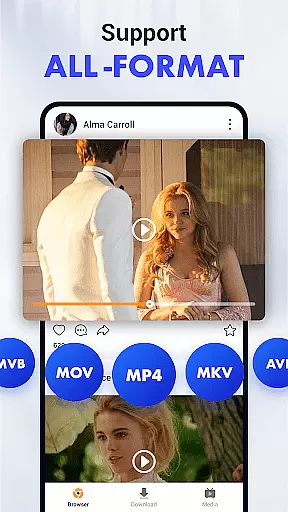
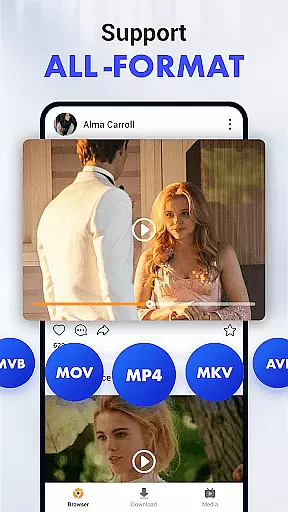
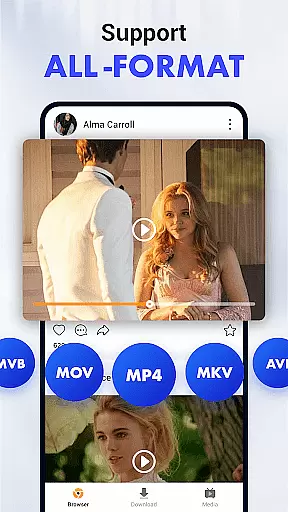
Video format compatibility is a crucial feature for any video player and editor, ensuring that users can enjoy content in various formats without technical hindrances. Video Downloader & Player excels in this area by supporting an extensive range of video and audio formats including MP3, MP4, HD, and 4K resolutions.
This app's multi-format support ensures that no matter the source or original format of your video files, you will be able to download and play them on any device with optimal quality. Whether you're downloading from social media platforms or other video hosting sites, Video Downloader & Player adapts seamlessly to provide unmatched flexibility.
Users benefit greatly from this feature as it eliminates the need for additional conversion software, saving both time and storage space on their devices. The ability to handle different file types also means that users are not limited in their choices of video sources, making it easier to compile a diverse library of content.
Moreover, the inclusion of high-definition and ultra-high-definition options like HD and 4K allows users to future-proof their libraries against advances in display technology. This guarantees an enduring playback experience that maintains its appeal over time.
AI-powered editing features represent the cutting edge of video player and editor technology, providing users with tools that enhance their content through intelligent automation. Video Downloader & Player incorporates such innovations to offer smart functionalities like auto-detection technology which simplifies the process of identifying downloadable videos on web pages.
The intuitive gesture controls for playback are another example of AI enhancement within the app, allowing users to streamline their interaction with video content effortlessly. These controls contribute to a more engaging user experience by enabling smooth transitions between functions without interrupting the viewing flow.
Additionally, Video Downloader & Player's smart download manager exemplifies AI's role in improving task efficiency. By enabling users to schedule, pause, and resume downloads at will, it ensures that they maintain control over their content acquisition process while optimizing bandwidth usage.
By integrating these advanced AI capabilities into its framework, Video Downloader & Player not only facilitates ease of use but also empowers users with sophisticated tools that were once exclusive to professional editing suites. This positions the app as a leader in democratizing access to high-quality video management solutions.
User-friendly interface
Multi-format and HD support
Private folder encryption
Background downloading
Pop-up video player
No direct platform affiliation
Limited free features
Requires permissions
Ads in free version
Occasional slow downloads

Cast Videos from Web Browser, IPTV to Roku, Chromecast, DLNA, Smart TV +more
 4.60
4.60
Tik & Story Saver-Download ALL social media videos, photos & reels no watermark.
4.80
Full HD Video mp3 Player, MP4 player play 1080p, File manager, Video Downloader
4.40
Capture images & record videos for USB Camera, Webcam, Microscopes, Endoscopes
3.80
This app was created to edit the metadata of music files.
4.20
Movie maker & video editing app with AI effects and green screen
4.30
Browser for Sony TV to stream web videos, online movies and live tv
3.20
Cast movies, tv shows and live streams to Chromecast, Roku, DLNA, Fire TV & more
4.60
Video&Drama Player All Format is a HD video player, music player
3.00
Fast, private downloading, video saving, social media
4.50
HD video maker with no watermark, no ads & vlog maker with music, PIP, text
4.50
Browser for Fire TV to stream webvideos, online movies, livestreams in HD
4.40
Viddo: Generate Action Figure, AI Anime, AI kiss, AI hug Video from image & text
4.40
Video player, file manager for all formats, 4K/HD media player supports subtitle
4.30
KMPlayer Plus (Divx Codec) officially support Divx codec.
4.30
Video Downloader is an utility that can save videos and music from web sites
4.20
Cast to Smart TV, Fire TV. Cast video, photo - Fast & Stable!
3.90
Connect EasyCap or UVC devices for recording and broadcast video/audio stream
3.60
The smartest M3U IPTV Player your playlists have ever seen.
4.0


User Reviews