
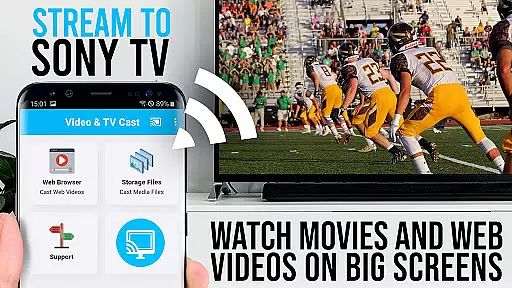
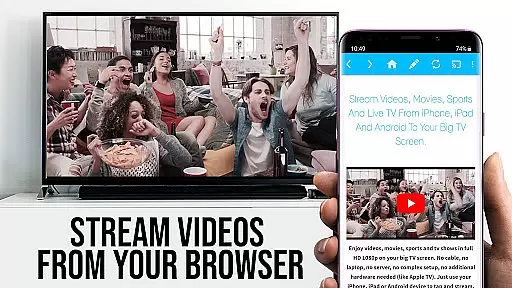
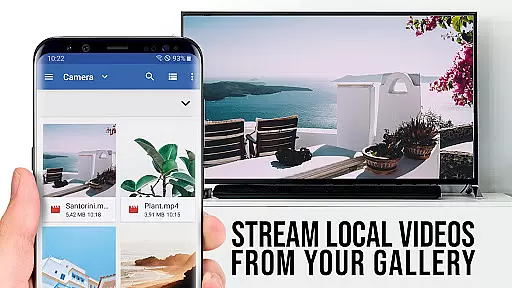
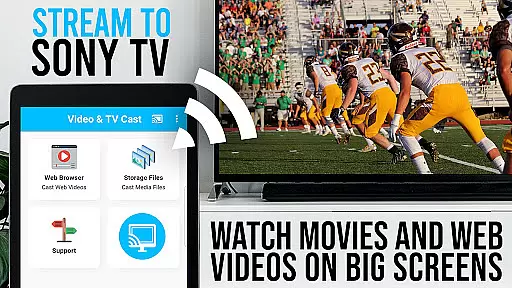
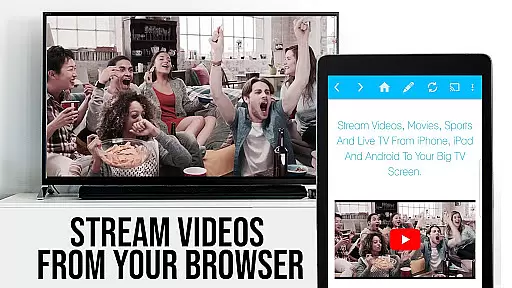
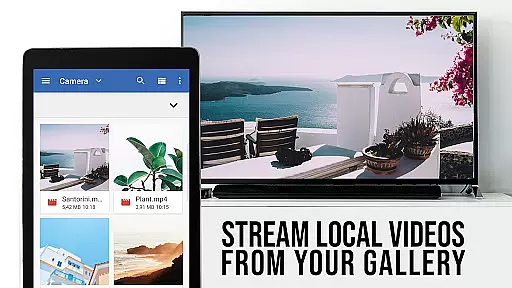
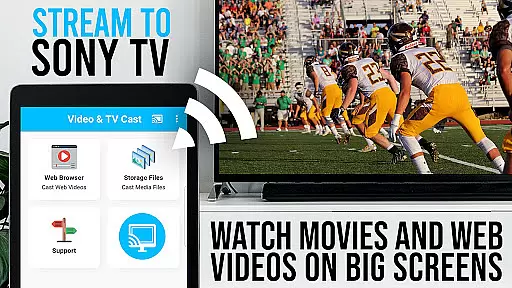
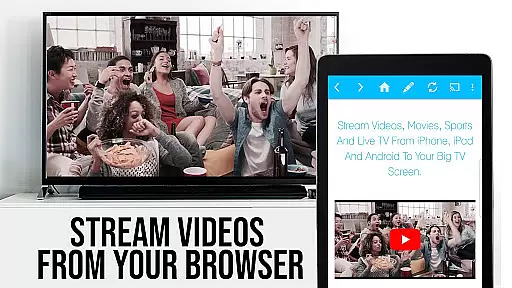
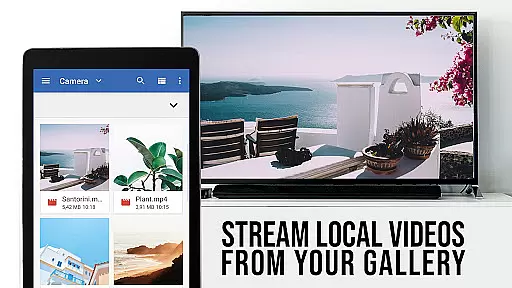
TV Cast Pro for Sony TV is a premier application designed to enhance your viewing experience by streaming web videos, online movies, livestreams, and live-TV shows directly on Sony TVs. This app eliminates the need for an additional streaming box, supporting formats like mp4, m3u8, hls livestreams, video over https, and Full HD content. It's tailored for Sony TVs equipped with the built-in Video & TV Cast app, offering seamless integration and control.
The PRO edition boasts all premium features unlocked, allowing users to browse the web and cast any video with ease. By simply navigating to your preferred website and tapping on the embedded video, you can effortlessly stream content on your Sony TV. The app also provides advanced functionalities such as remote playbar, ad-blocker, bookmarks, desktop mode, and customizable homepage settings, ensuring a personalized and uninterrupted entertainment experience.
TV Cast Pro stands out with its comprehensive feature set tailored for Sony TV owners. One of its key capabilities is the ability to browse the web and cast videos directly from websites, making it versatile for various content sources. The app supports multiple video formats including mp4, m3u8, and hls livestreams, catering to diverse user preferences and needs.
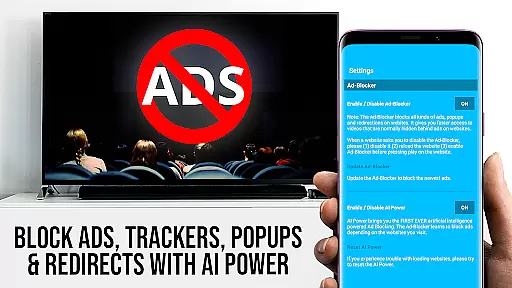
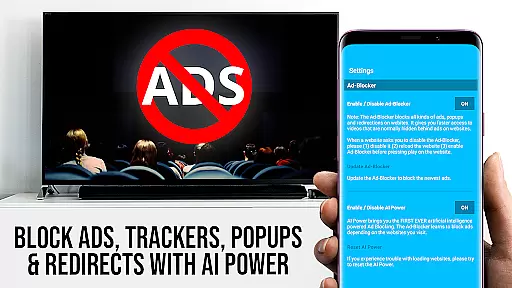
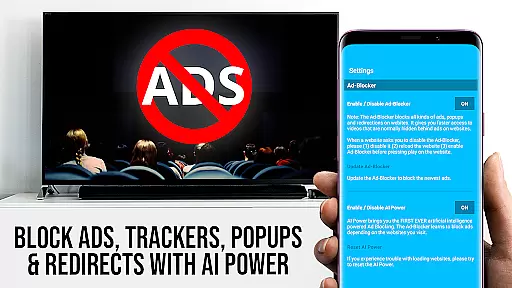
Advanced features in the PRO version include a remote playbar that allows users to control video playback with options like scrubbing, forward, rewind, play, pause, and stop. An integrated ad-blocker ensures an uninterrupted viewing experience by blocking ads and popups on most websites. Additionally, users can manage bookmarks, switch to desktop mode for accessing desktop versions of websites, and customize their homepage for quick access to favorite sites. These features collectively offer a superior and flexible streaming solution for Sony TV users.
TV Cast Pro for Sony TV offers extensive video format compatibility, ensuring users can enjoy a wide range of content without limitations. The app supports popular formats like Mp4, m3u8, and HLS livestreams, making it versatile for various streaming needs.
One of the key advantages is its ability to handle video over https, which is crucial for secure streaming from many modern websites. This feature ensures that users can access content from different sources without worrying about protocol restrictions.
The app's Full HD support takes the viewing experience to the next level, providing crisp and clear visuals on Sony TVs. This high-definition capability makes it ideal for enjoying premium content on large screens.
For user convenience, the app allows direct URL input for mp4, m3u8, or other video files, enabling quick playback on Sony TVs. This straightforward approach eliminates complicated setup processes and lets users focus on enjoying their content.
While TV Cast Pro focuses primarily on streaming capabilities, it incorporates intelligent features that enhance the overall user experience. The app's advanced video detection system automatically identifies embeddable web videos, streamlining the casting process.
The PRO edition includes an Ad-Blocker that utilizes smart filtering technology to remove ads and popups from most websites. This AI-driven feature creates a cleaner viewing environment by blocking unwanted content during browsing sessions.
Desktop Mode demonstrates another form of intelligent adaptation, allowing users to switch between mobile and desktop website views. This feature helps in accessing content that might be restricted to desktop browsers, expanding the range of viewable material.
The app's bookmarking system employs smart management features, enabling users to organize and access their favorite streaming sites efficiently. These AI-powered organizational tools help maintain a personalized and optimized streaming library.
User-friendly interface
Wide format compatibility
Ad-free experience
Remote control functionality
Customizable settings
Limited to Sony TVs
No support for DRM videos
Requires built-in app
Connection issues possible
Advanced features at cost

The smartest M3U IPTV Player your playlists have ever seen.
 4.2
4.2
Online Videos Player
3.90
Fast, private downloading, video saving, social media
4.50
AirMirror is Receiver for Screen Mirroring and Casting from Apple Devices.
3.60
Fast & Private Video Downloader App. Save all videos easily from the Internet.
4.40
IPTV Loader, loads your own Playlist. DOES NOT CONTAIN ANY LIST OR CHANNELS
4.60
Browser for Fire TV to stream webvideos, online movies, livestreams in HD
4.40
A Simple app to download Video & Music from the Internet.
4.70
Photo editor & video maker with music and slideshows.
4.10
Fast video downloader & private browser. Save HD clips to watch offline.
4.40
Powerful Video Editor & Photo Editing App —— Quick Edits & Stunning Effects!
4.30
Web Browser for LG TV to stream webvideos, online movies and livestreams in HD
4.20
Video player with 4K & 1080P support, popup play, background play and subtitle.
4.20
VLC for Android is the best open source video and music player, fast and easy!
4.10
Powerful, professional, versatile teleprompter. Developed by an active film crew
4.00
AI Video Editor:AI Music, Text to Video,Text to Speech,Auto Caption,Video Effect
4.00
Kodi media center, a free and open source cross-platform entertainment hub
3.60
Save photos and videos from social apps in one tap.
3.60
This app is an emulator of some specific IPTV boxes
3.50


User Reviews