
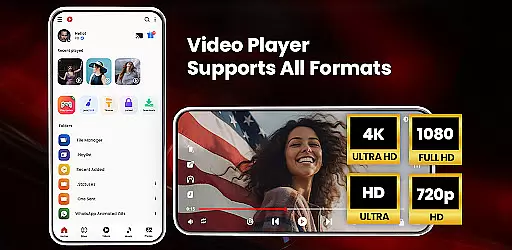
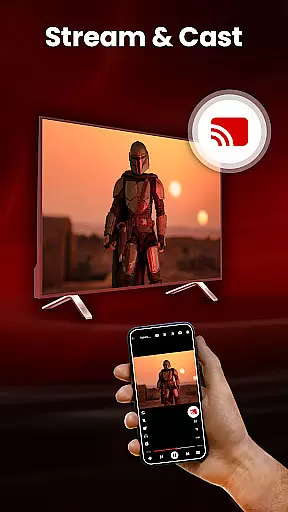
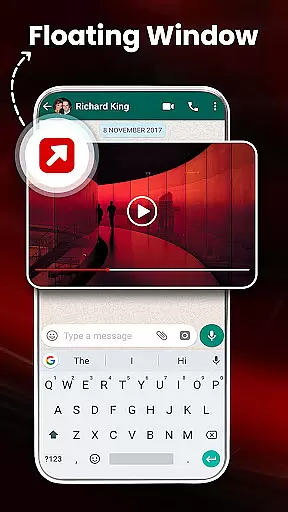
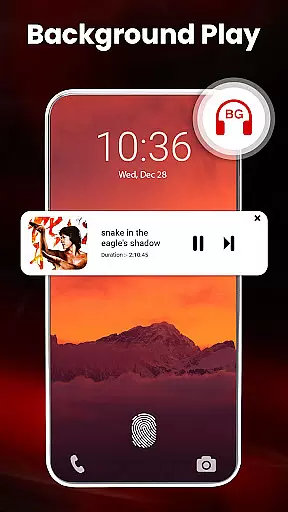
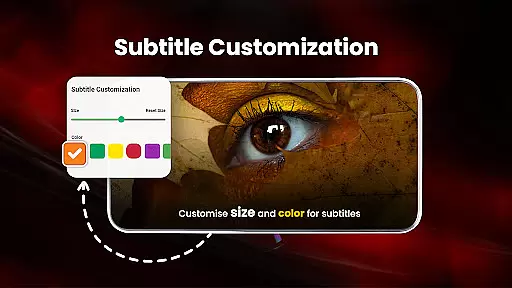
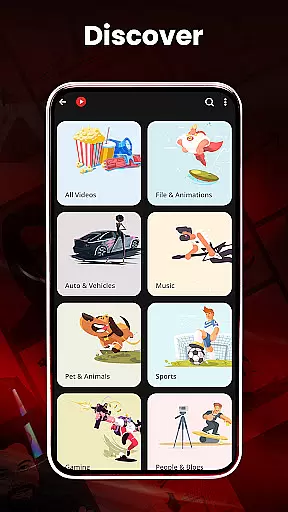
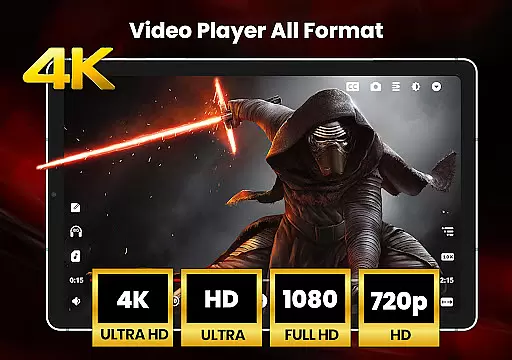
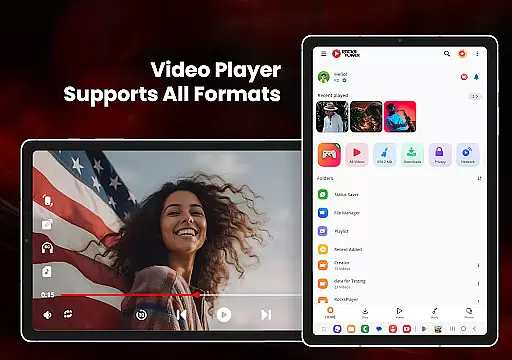
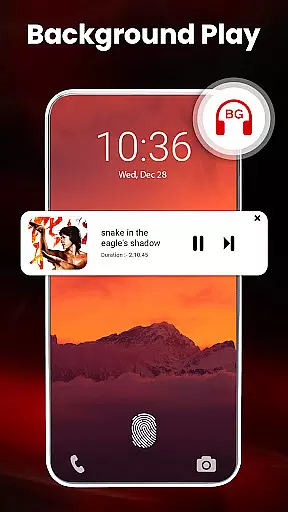
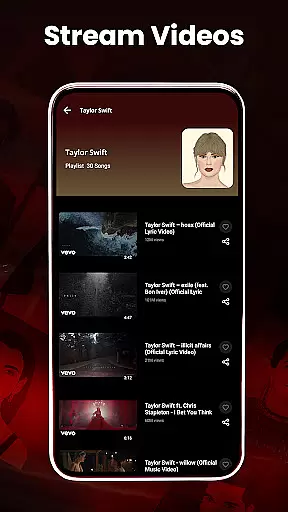
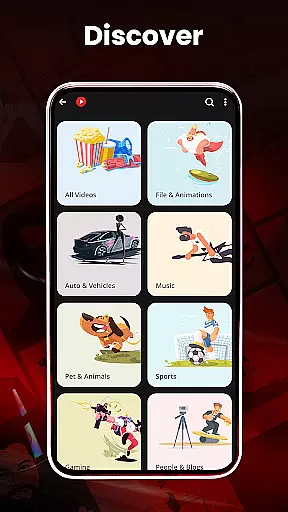
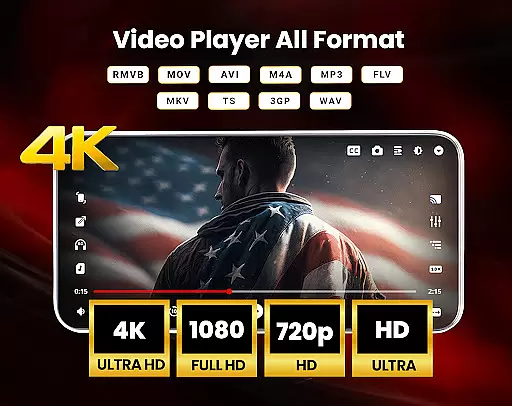
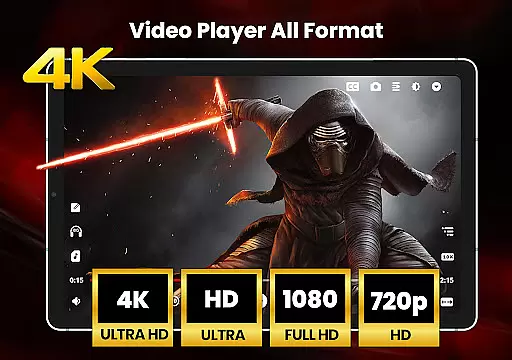
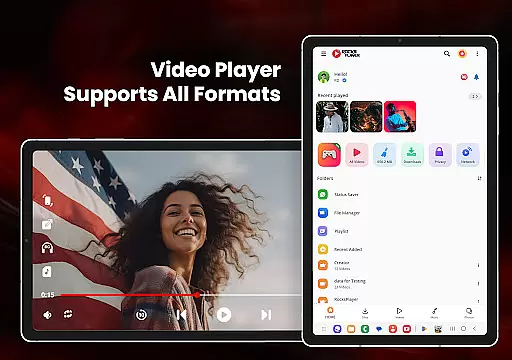
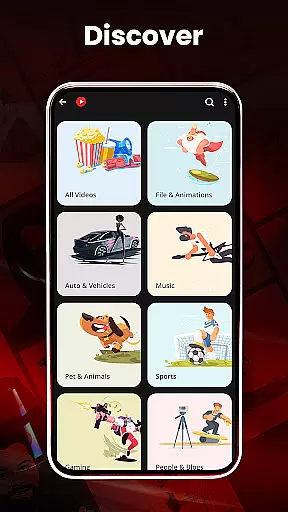
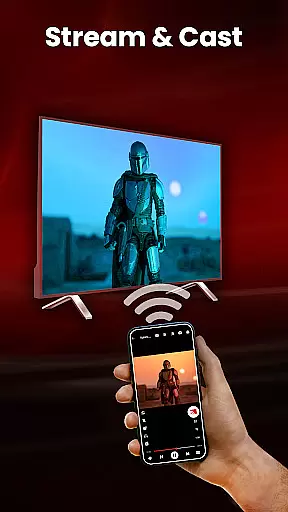
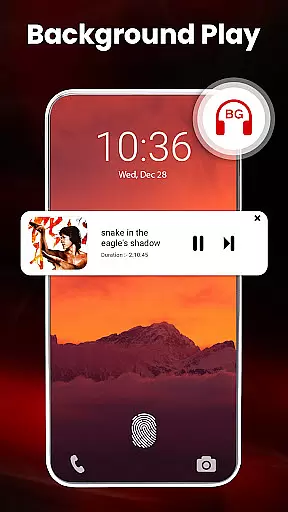
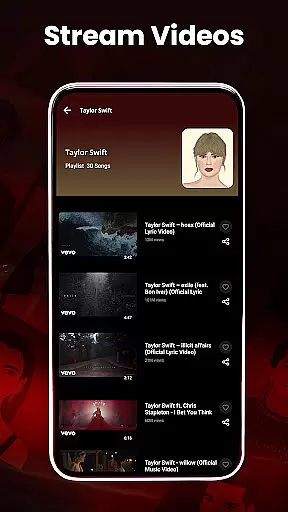
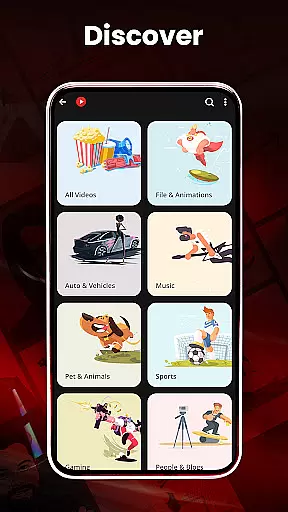
HD Video Player All Formats is a versatile media player designed for Android users who need comprehensive support for various video and audio formats. This powerful application supports playback of HD, Full HD, 4K, and Ultra HD video files, including popular formats like MKV, MP4, MOV, and more. Beyond basic playback, the app offers advanced features such as casting videos to TV, playing in pop-up windows, and background audio mode.
The app also includes practical tools like a file manager, duplicate file scanner, and video hider, making it an all-in-one solution for managing media files. With hardware acceleration through the new HW+ decoder, users can enjoy smooth playback even with high-resolution files. The inclusion of a built-in video downloader for social media platforms and a powerful equalizer for audio enhances its utility further. Whether you're looking to organize your media library or enjoy uninterrupted playback, this app provides a complete package for all your video and music needs.
HD Video Player All Formats stands out with its extensive feature set tailored for both casual viewers and power users. One of its key strengths is the support for multiple video formats, including MKV, MP4, M4V, MOV, and others, ensuring that users can play virtually any file type without compatibility issues. The built-in video downloader allows users to save videos from platforms like Facebook and Instagram directly to their device, while the mp3 and mp4 player functionalities offer seamless audio and video playback.
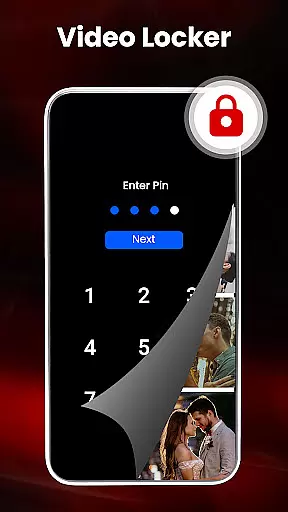
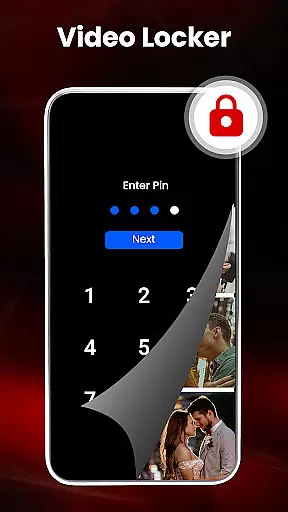
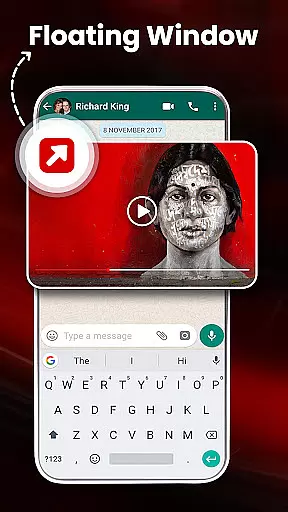
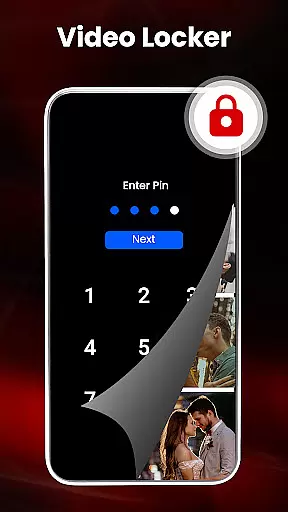
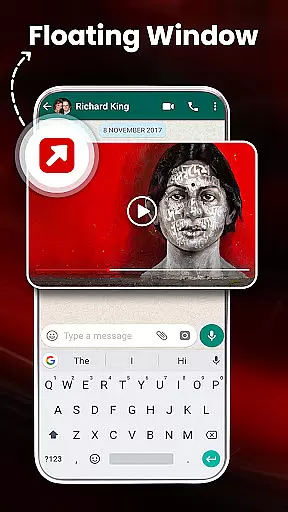
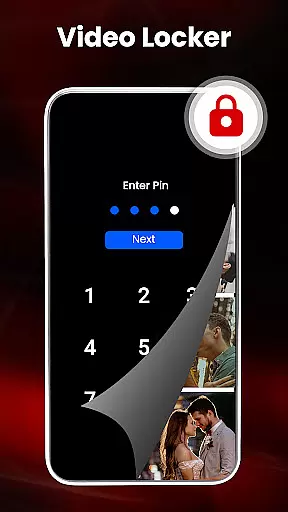
Beyond playback, the app provides several innovative features. Users can cast videos to their TV directly from their phone, use the floating player for multitasking, and control playback with smart gestures. The app also includes a video locker and hider for private files, a sleep timer for convenience, and a night mode to reduce eye strain. With options like pinch-to-zoom, customizable themes, and a secure pin for file protection, this app ensures a personalized and secure media experience.
Additional tools like the file manager, duplicate file filter, and playlist creator make media management effortless. The app's ability to scan and organize files automatically, coupled with its fast and secure performance, makes it a reliable choice for anyone seeking a robust media player. These features collectively enhance user engagement by providing both entertainment and utility in one comprehensive package.
Video format compatibility is a crucial feature for any video player, ensuring that users can enjoy their media files without restrictions. HD Video Player All Formats supports an extensive range of formats including MKV, MP4, M4V, MOV, 3GP, FLV, WMV, TS, MP3, and MPG. This wide compatibility allows users to play videos and songs in various resolutions, from standard definition to Ultra HD 4K.
The application's ability to handle Full HD, 4K, and even 1080p video files ensures smooth playback without compromising quality. Whether you're watching high-resolution movies or listening to music tracks, this video player provides a seamless experience across all supported formats. The inclusion of advanced hardware acceleration through the new HW+ decoder further enhances performance, making it one of the best options available for Android users.
With this level of video format support, users can confidently manage their media libraries, knowing that their files will play correctly regardless of the source or original format. Additionally, features like pop-up windows, split-screen viewing, and background audio playback make it versatile for multitasking and enjoying content in different scenarios.
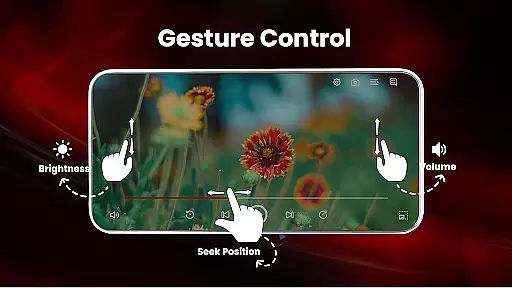
While HD Video Player All Formats focuses primarily on playback capabilities, it also integrates AI-powered editing features that enhance user interaction with media files. These smart functionalities include gesture controls for volume adjustment, playing progress, and brightness settings, which provide intuitive ways to interact with your content. Pinch-to-zoom and auto-rotation options offer flexible viewing experiences tailored to individual preferences.
The app goes beyond basic playback by offering tools such as a built-in video downloader and social media integration, allowing users to download and manage online content efficiently. Its powerful equalizer with bass boost and virtualizer transforms the mp3 player into a sophisticated audio management tool, enhancing sound quality during playback sessions.
Moreover, the video hider and gallery vault ensure privacy protection while managing personal media collections. By incorporating these intelligent features alongside traditional playback functions, HD Video Player All Formats not only meets but exceeds expectations for modern video players, providing both convenience and security in handling multimedia files.
User-friendly interface
Wide format support
Advanced playback options
Secure file management
Integrated video downloader
Occasional ads
Storage permissions required
Limited iOS availability
Premium features locked
Complex for beginners

Fast video downloader & private browser. Save HD clips to watch offline.
 4.40
4.40
Play ALL formats in 4K & HD. Video downloader, MP3 player, Chromecast & more.
4.80
Video player with powerful streaming playback and various convenient features.
2.10
Stream Web Videos to Chromecast, Samsung, LG, Sony, Roku, Fire TV, DLNA + more
4.00
Manage your IPTV live channels and VOD playlists (no playlist included)
3.80
LumaFusion: The Ultimate Storytelling Experience for Video Editing
4.10
A Simple app to download Video & Music from the Internet.
4.70
Powerful video player with advanced hardware acceleration and subtitle supports
4.20
AI Video Editor with Music, Filter, Slideshow, Effect, Merge & Trim Video.
4.80
A Quick and Pro Video Editor
4.70
Cast Videos from Web Browser, IPTV to Roku, Chromecast, DLNA, Smart TV +more
4.60
Watch a large amount of high-definition short drama content
4.60
Create photo video with music & template. AI video maker for stunning slideshow.
4.60
Cast to Chromecast, Xbox, Fire Stick, Roku, DLNA, Smart TV & No Feature Limited!
4.50
Fast & Private Video Downloader App. Save all videos easily from the Internet.
4.40
Save photos and videos from social apps in one tap.
3.60
Watch full episodes of your favorite Cartoon Network and Cartoonito shows!
3.50
IPTV Player - Watch live TV from m3m & m3u8 playlist, stream IPTV on mobile
3.30
The smartest M3U IPTV Player your playlists have ever seen.
4.4


User Reviews