
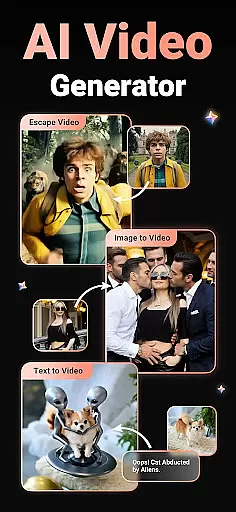
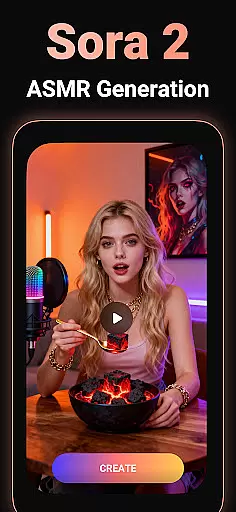
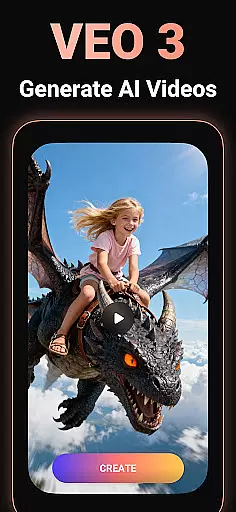
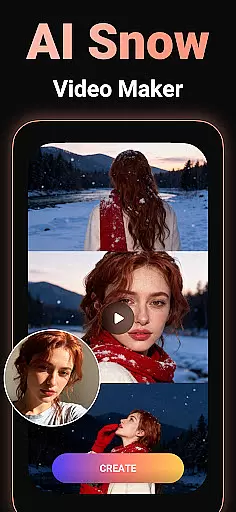
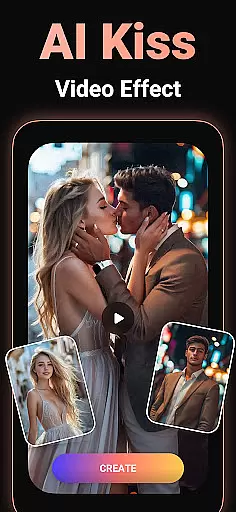
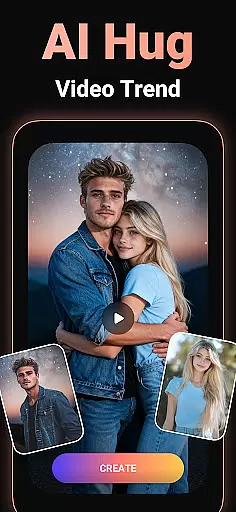
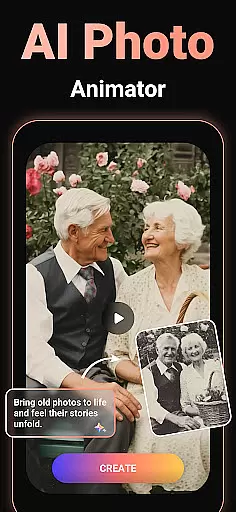
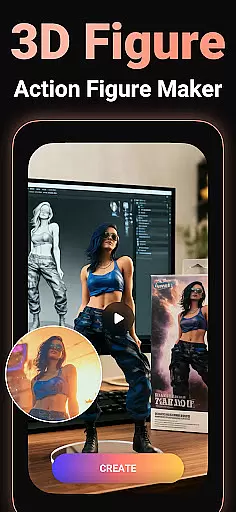
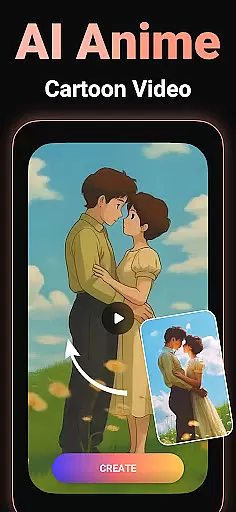
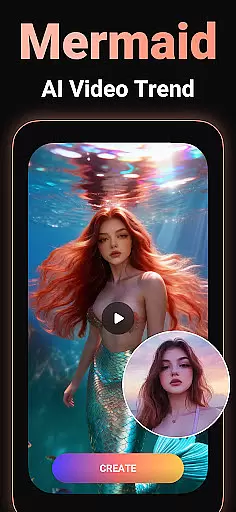
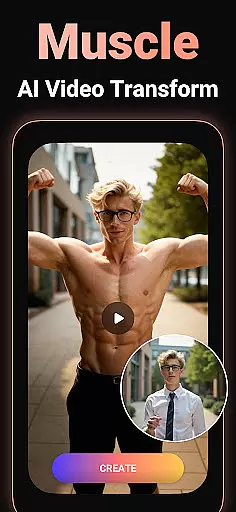
Viddo - AI Video Generator is a revolutionary video creation tool that leverages advanced AI technology to transform images, text, and simple prompts into stunning, high-quality videos. With features like Image-to-Video conversion, Text-to-Video generation, and unique AI effects such as Action Figure transformations, Anime-style videos, and viral sensations like AI Hug and AI Kiss, the app opens up endless creative possibilities.
Designed for both casual users and content creators, Viddo makes it easy to produce professional-grade videos with minimal effort. Whether you're looking to create fun animations for social media or crafting personalized video messages for special occasions, this app delivers an intuitive, fast, and enjoyable experience. Its powerful Pixverse AI technology ensures ultra-realistic results that stand out in the crowded space of video editing tools.
Viddo offers a comprehensive suite of AI-powered video creation tools that cater to diverse needs. The Image-to-Video feature allows users to upload photos and turn them into lifelike animations, complete with customizable prompts to guide the AI's output. Similarly, the Text-to-Video functionality enables effortless script-to-screen transformation, ideal for storytelling and marketing content.
One standout aspect is its collection of trending AI effects, including AI Dance, AI Anime, and surreal transformations like flying landmarks or melting objects. These features are inspired by popular trends on platforms like TikTok and Instagram but go beyond by offering truly unique creations. Additionally, the Keyframe Video Generator lets users define start and end points for smooth transitions, making complex animations accessible even to beginners.
The app also emphasizes shareability, allowing instant uploads to major social networks directly from the interface. This seamless integration ensures that your creative work reaches a wider audience without unnecessary steps. Overall, Viddo combines innovation, ease of use, and versatility to redefine how videos are made.
Video format compatibility is a crucial feature for any video player and editor, ensuring that users can work with a wide range of file types without conversion hassles. Viddo - AI Video Generator supports an extensive array of video formats, allowing creators to upload and edit videos in their preferred format effortlessly.
The application leverages advanced AI technology to automatically detect and adapt to different video formats. This means whether you're working with MP4, AVI, MOV, or other common formats, Viddo ensures smooth processing and editing. The system's versatility eliminates the need for prior format conversion, saving valuable time for content creators.
For users, this translates into seamless video creation and editing experiences. You can import videos from various sources, including social media platforms and personal archives, and start editing right away. This flexibility empowers creators to focus on their content rather than technical limitations.
Ultimately, Viddo's broad video format compatibility enhances productivity and creativity. By removing barriers related to file type restrictions, it enables users to produce high-quality AI-powered videos that are ready to share across multiple platforms instantly.
AI-powered editing features represent the cutting-edge advancement in video editing technology, providing users with tools that significantly enhance the creative process. Viddo - AI Video Generator incorporates sophisticated AI algorithms to offer a suite of intelligent editing options that simplify complex tasks and elevate video quality.
One standout feature is the AI Keyframe Video Generator, which allows users to create stunning transitions by uploading only the first and last frames of a desired sequence. The AI then generates smooth intermediate frames, enabling effects like transforming a cat into a tiger or visualizing fun outfit changes with remarkable realism.
Viddo also includes specialized AI effects such as AI Hug, AI Kiss, and AI Anime, inspired by popular trends. These features let users experiment with viral video styles and unique animations, making content more engaging and entertaining. Additionally, the Text-to-Video AI Creator converts written scripts into dynamic visual stories, ideal for social media and professional content creation.
By integrating these advanced AI-powered tools, Viddo not only streamlines the editing process but also opens up new possibilities for creativity. Users can achieve professional-grade results without needing extensive technical expertise, democratizing high-quality video production and sharing.
User-friendly interface
Advanced AI capabilities
Viral trend support
High-quality outputs
Instant sharing options
Limited free features
Subscription costs
Occasional glitches
Learning curve
Privacy concerns

VLC Remote lets you control your VLC Media Player on Mac, PC or Linux.
 4.60
4.60
Stream Web Videos to Chromecast, Samsung, LG, Sony, Roku, Fire TV, DLNA + more
4.00
Pro video editor app for Instagram, edit video with song, AI, effect & slowmo.
4.80
Powerful Video Editor & Photo Editing App —— Quick Edits & Stunning Effects!
4.30
Watch IPTV on your Android device
4.60
Cast movies, tv shows and live streams to Chromecast, Roku, DLNA, Fire TV & more
4.60
Video player with 4K & 1080P support, popup play, background play and subtitle.
4.20
Manage your YouTube channel on the go
4.40
Make videos you’re proud to share with Edits, a video editor for creators.
4.70
Flud is a simple and beautiful BitTorrent client for Android.
4.80
Video Trimmer, Video to MP3 Converter. Extract music from video, Easy & Fast.
4.80
High-Quality USB Camera Viewer & HDMI Display
4.70
A Simple app to download Video & Music from the Internet.
4.70
Fast & easy HD video downloader for all formats, support 4K playback & download.
4.60
Fast, private downloading, video saving, social media
4.50
Explore the largest library of free GIFs, Stickers & Memes - or create your own!
3.90
AirMirror is Receiver for Screen Mirroring and Casting from Apple Devices.
3.60
All in one multi protocols stream receiver for AirPlay, Cast and DLNA.
3.60
The smartest M3U IPTV Player your playlists have ever seen.
4.0


User Reviews