
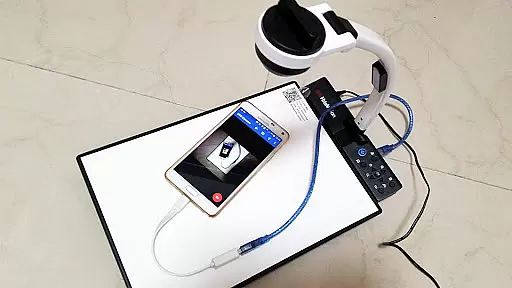
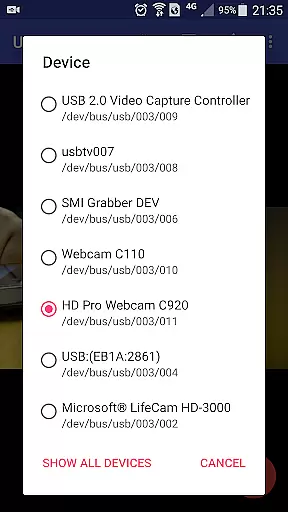
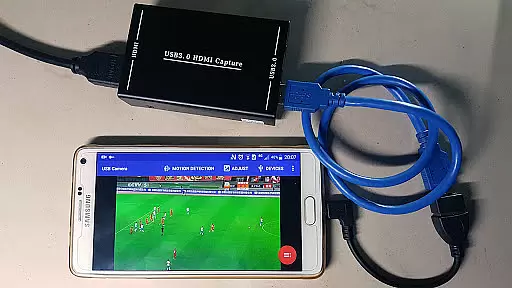
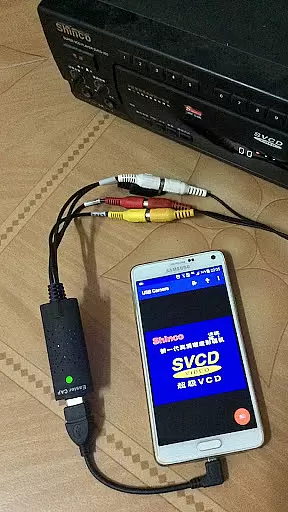
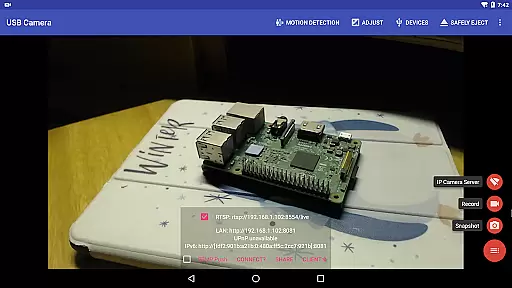
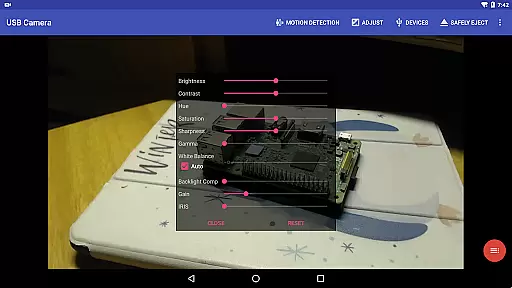
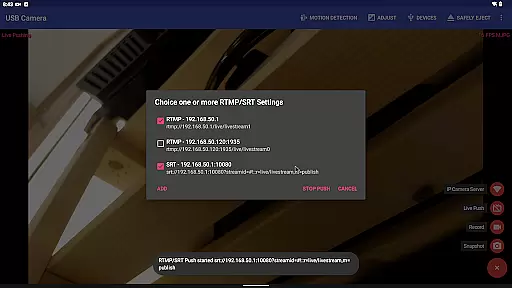
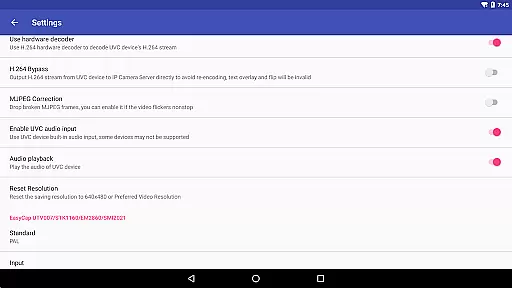
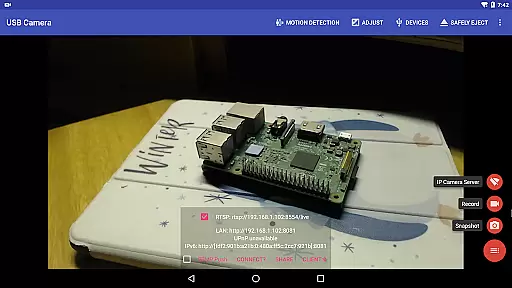
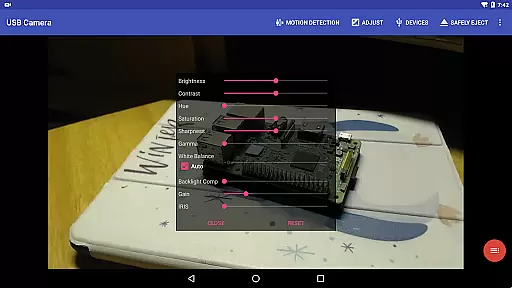
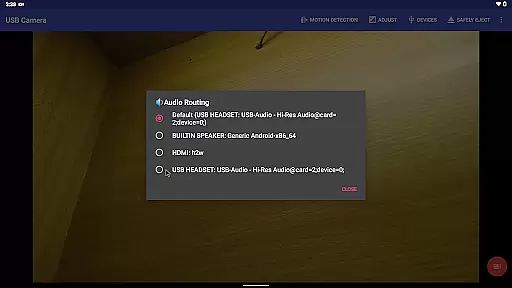
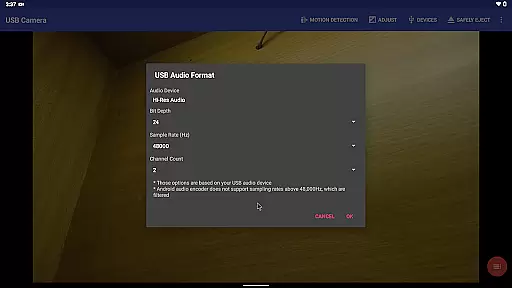
USB Camera Pro is a versatile application that transforms your Android device into a wireless IP camera using USB WebCam or video capture cards. It supports various devices including UVC WebCams, video grabbers, and non-UVC devices like USB Endoscopes. The app allows users to record videos, capture snapshots, and even stream content via RTSP and HTTP servers for security monitoring with bi-directional audio support.
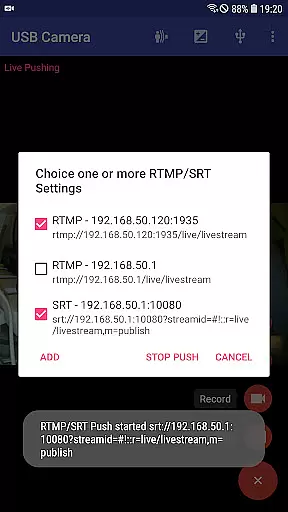
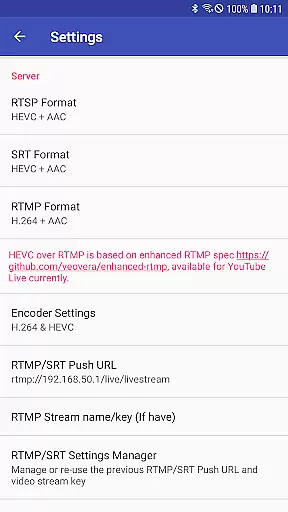
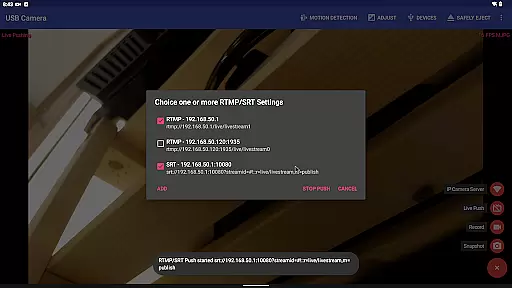
The app's key features include the ability to mix USB audio with built-in microphones or system audio, overlay internal camera/screen video onto external camera feeds, and push video/audio to RTMP/SRT live media servers for network broadcasting. With support for HEVC/AV1 over RTMP, it can be used for YouTube Live streaming. Additionally, the Side by Side (SBS) view works seamlessly with FPV goggles, making it ideal for drone enthusiasts and security professionals alike.
USB Camera Pro offers an extensive range of features tailored for both casual users and professionals. One standout feature is its capability to add timestamps, GPS data, speed information, and more directly onto video frames during recording sessions. Users can also utilize their headsets or Bluetooth headsets to capture snapshots and record videos effortlessly.
The app supports loop-recording, allowing automatic segmentation when recording and auto-deletion of old video archives when storage space becomes limited—perfect for use as a dashcam. Another innovative aspect is seamless switching between foreground and background operations without interrupting recordings. Furthermore, motion detection-based auto video recording ensures efficient storage usage while enabling automatic uploads to FTP servers and email notifications.
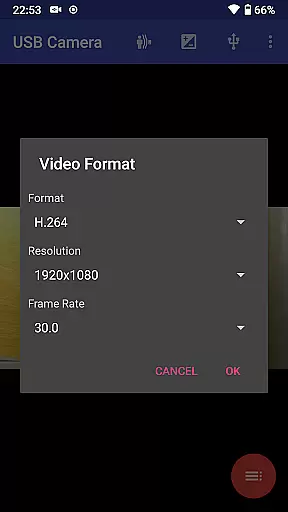
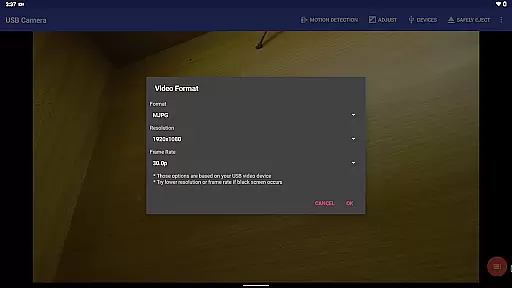
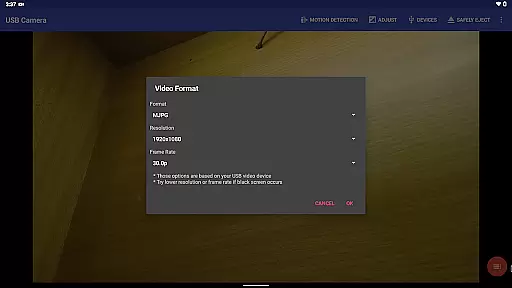
USB Camera Pro demonstrates exceptional versatility in video format compatibility, making it a powerful tool for both casual users and professionals. The application supports an extensive range of video formats including H.264, H.265, HEVC, MJPG, YUY2, P010, and NV12 among others. This wide array of supported formats ensures that users can connect various types of USB WebCams and video capture devices without facing limitations.
The app's ability to handle progressive and interlaced video up to 4K resolution via HDMI is particularly noteworthy. Whether you're using UVC WebCams with microphones or external USB audio inputs, USB Camera Pro maintains high-quality video and audio transmission. The inclusion of support for Windows Hello Cameras and IR Cameras further expands its utility across different devices and use cases.
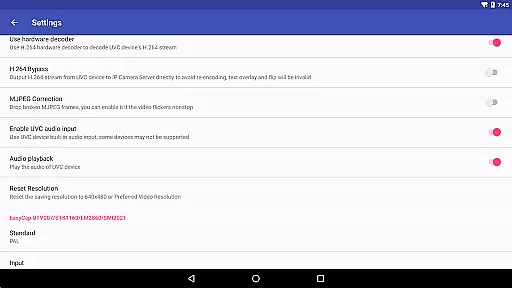
For users working with specialized equipment such as EasyCap devices featuring UTV007, HTV600, or HTV800 chipsets, the application provides seamless integration. It also accommodates non-UVC devices like USB Endoscopes, ensuring broad compatibility. By supporting advanced codecs like HEVC and AV1 on appropriate Android versions, USB Camera Pro enables high-efficiency video recording and streaming, catering to the needs of modern content creators.
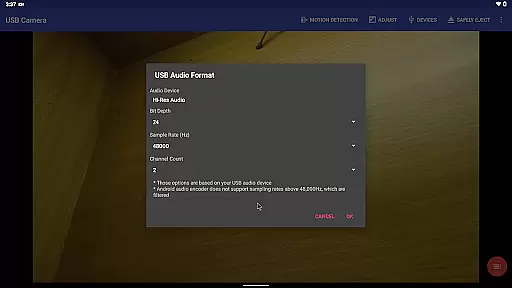
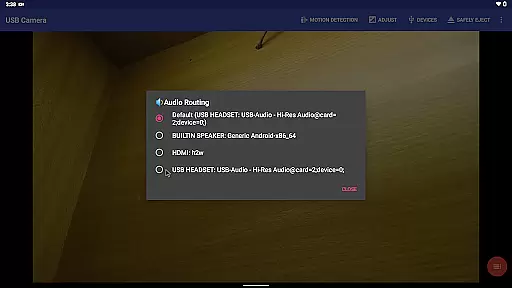
While USB Camera Pro primarily focuses on video capture and streaming capabilities, it incorporates several AI-powered features that enhance the overall user experience. One of the key innovations is its ability to mix USB Audio with built-in microphones or system audio, creating professional-grade audio outputs without requiring complex external equipment. This feature is particularly valuable for content creators who need to maintain consistent audio quality across different recording environments.
The application's intelligent video overlay functionality allows users to combine multiple video sources seamlessly. Users can overlay built-in camera footage or screen recordings onto external camera video, enabling creative picture-in-picture effects and multi-angle presentations. This capability is especially useful for tutorial creators, educators, and live streamers who want to engage their audience with dynamic visual content.
USB Camera Pro also implements smart motion detection technology that triggers automatic video recording and FTP uploads. When combined with timestamp, GPS, and speed information overlays, this feature creates comprehensive security monitoring solutions. The application's ability to maintain uninterrupted recording while switching between foreground and background operations showcases its sophisticated resource management powered by intelligent algorithms. These AI-driven enhancements make USB Camera Pro not just a video capture tool, but a complete multimedia solution for various professional applications.
User-friendly interface
Wide device compatibility
Advanced video editing tools
Efficient power management
Reliable performance
Limited third-party app integration
Requires specific permissions
Premium version needed for full features
Occasional connectivity issues
Steep learning curve for beginners

Client application for NextPVR software
 3.00
3.00
Play ALL formats in 4K & HD. Video downloader, MP3 player, Chromecast & more.
4.80
AirMirror is Receiver for Screen Mirroring and Casting from Apple Devices.
3.60
Pro video editor app for Instagram, edit video with song, AI, effect & slowmo.
4.80
Movie maker & video editing app with AI effects and green screen
4.30
Make your own Animations, Video and Photo Edits, Visual Effects, and more!
4.00
This app is an emulator of some specific IPTV boxes
3.50
LumaFusion: The Ultimate Storytelling Experience for Video Editing
4.10
Enjoy your favorite videos and channels with the official YouTube app.
3.90
Find, download, and play torrents with the official BitTorrent® Pro app
4.70
Download videos and play them offline
4.70
Seamlessly connect and control your smart devices, anytime, anywhere with ease.
4.60
Browser + Remote for Roku to stream webvideos, online movies and livestreams
4.60
Photo and Music Video Creator into Stunning Videos—Effortlessly
4.40
Video player, file manager for all formats, 4K/HD media player supports subtitle
4.30
KMPlayer Plus (Divx Codec) officially support Divx codec.
4.30
Live TV, anywhere in your home
3.80
Mix with Virtual DJ directly from your phone or tablet !
3.10
The smartest M3U IPTV Player your playlists have ever seen.
4.0


User Reviews