
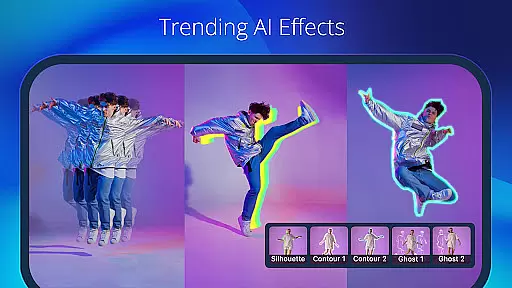
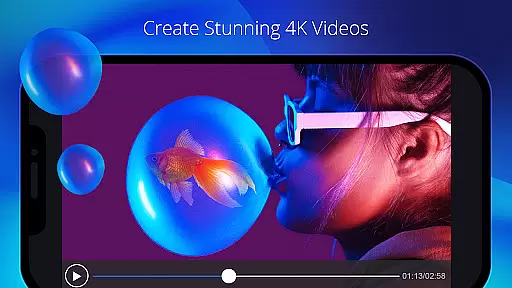
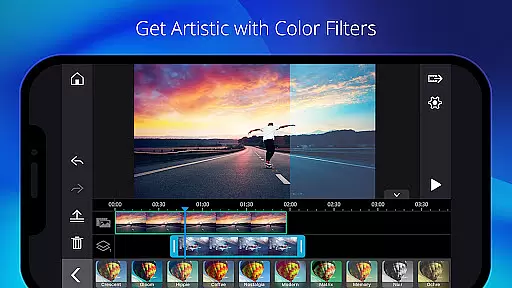
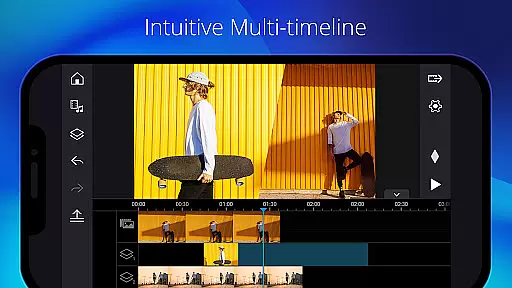
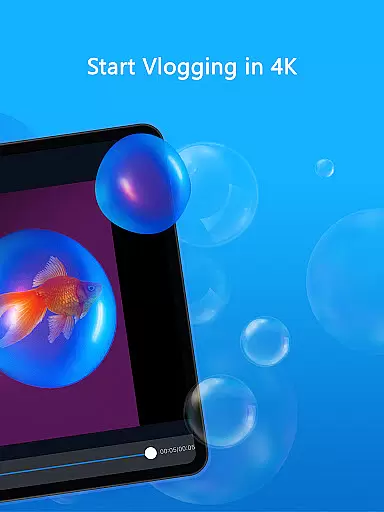
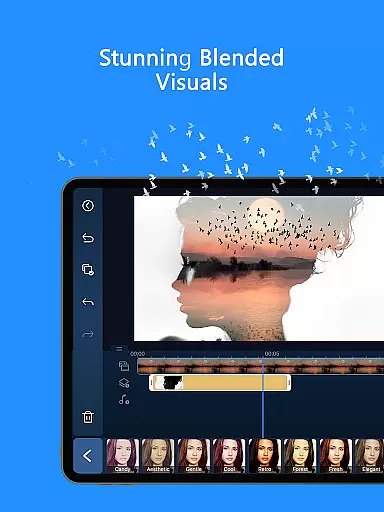
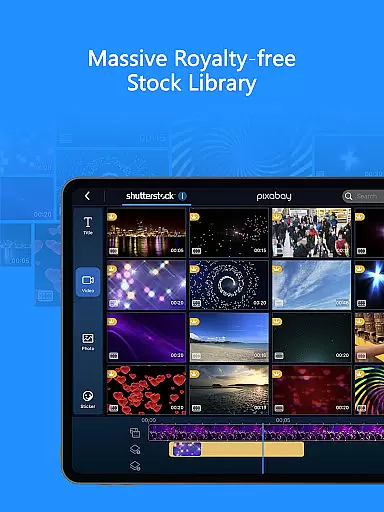
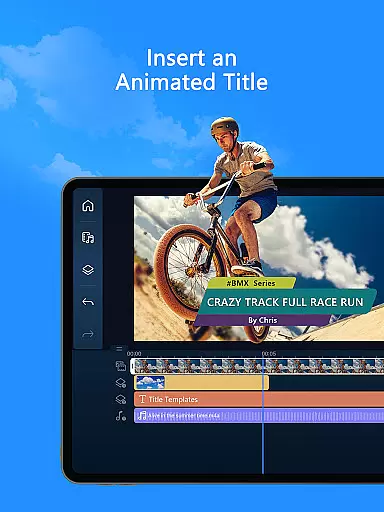
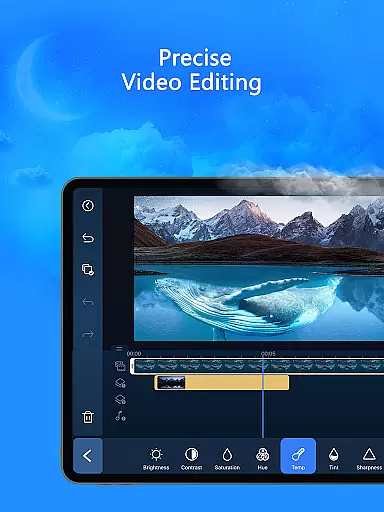
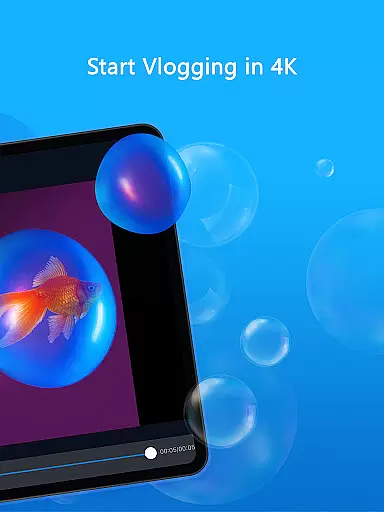
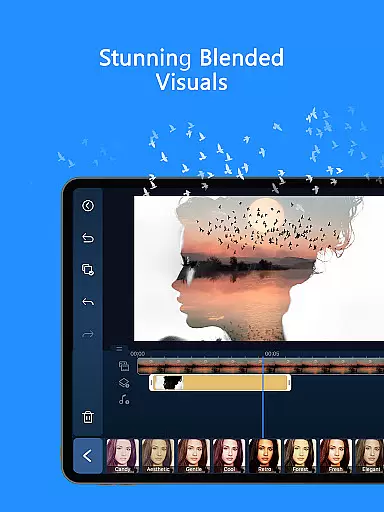
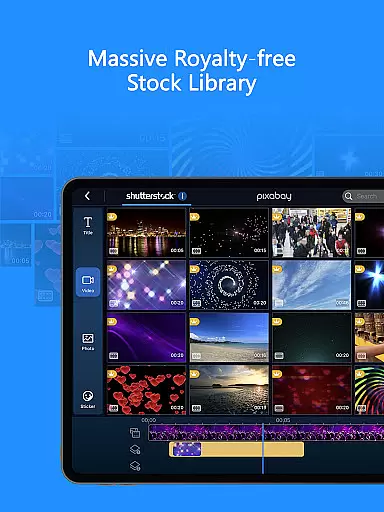
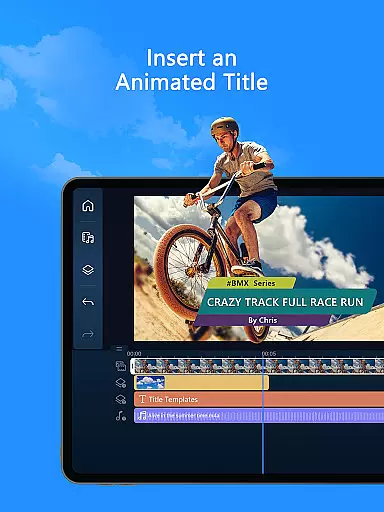
PowerDirector is a comprehensive AI-powered video editing application designed for both novice and professional content creators. This versatile tool allows users to create high-quality videos with ease, offering an extensive range of features including animation filters, AI Auto Edit tools, and various creative templates.
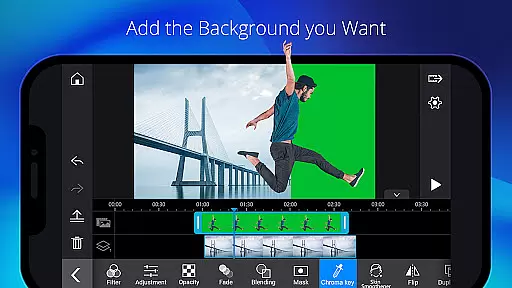
The app stands out with its specialized AI editing capabilities such as AI Image-to-Video, AI Portrait filters, and AI Video Enhancer. These features enable users to transform regular footage into engaging social media content or viral TikTok clips. With support for advanced editing techniques like green screen editing, video stabilization, and keyframe controls, PowerDirector caters to all experience levels while providing professionals with the tools needed for sophisticated projects.
Whether you're creating simple video collages or working on complex multimedia productions, PowerDirector's intuitive interface and robust feature set make it an invaluable tool for producing polished, professional-grade videos across multiple platforms.
PowerDirector distinguishes itself through its rich collection of AI-powered editing tools and user-friendly features. The AI Auto Edit function automatically detects the best moments in your footage and applies suitable templates, streamlining the editing process. Users can explore creative possibilities with features like AI Image-to-Video, which includes specialized templates for AI Dance and AI Kissing effects, and AI Portrait filters that transform images into Ghibli or Disney-style animations.
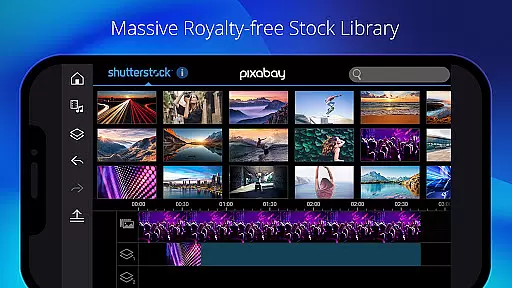
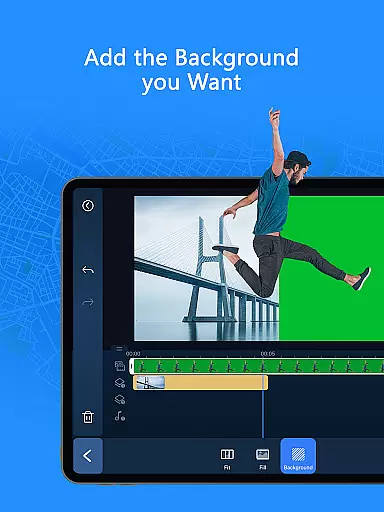
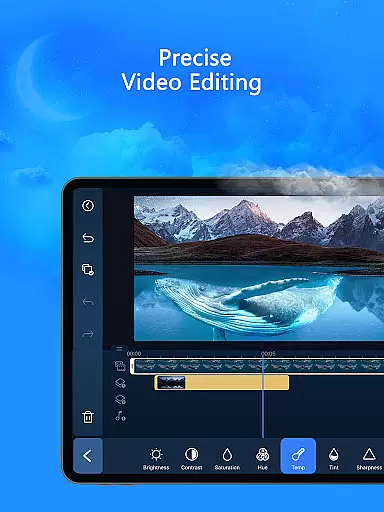
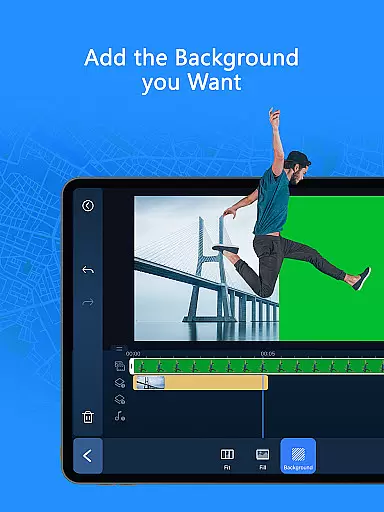
For those seeking more control, the app provides professional-grade tools such as green screen editing, video stabilizer, and keyframe controls. These allow precise adjustments to brightness, color, transparency, and position. The built-in stock library offers customizable templates and royalty-free assets including music, photos, and sound effects, making it easier to enhance projects without additional costs.
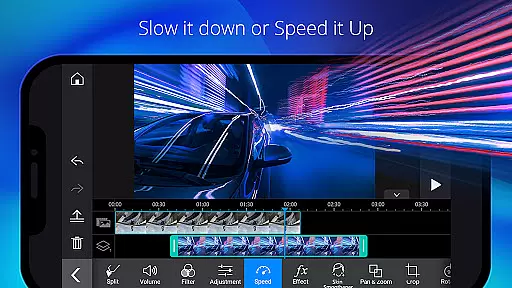
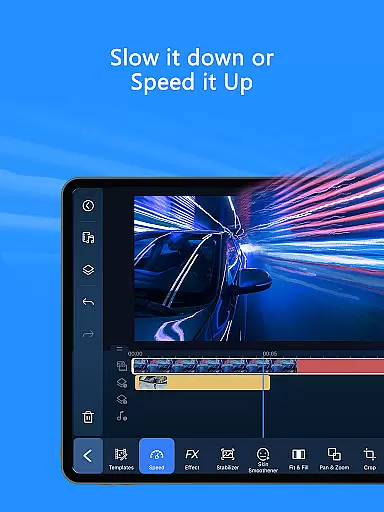
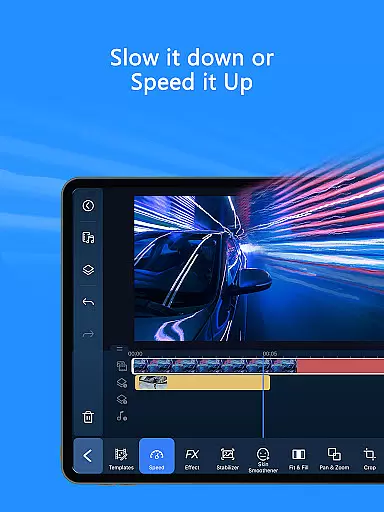
Additional notable features include body tracking effects, background removal, speed adjustment for slow or fast motion, and a variety of transitions and effects. With its premium subscription, users gain access to exclusive content, ad-free editing, and unlimited use of a massive royalty-free stock library powered by Getty Images, ensuring professional results for both personal and commercial projects.
Video format compatibility is a crucial feature for any video editor, ensuring that users can work with a wide range of file types without conversion hassles. PowerDirector excels in this area by supporting an extensive array of video formats, from common ones like MP4 and AVI to more specialized codecs such as ProRes and HEVC.
The app's comprehensive format support allows creators to import footage from different devices seamlessly. Whether you're editing videos from your smartphone, DSLR, or action camera, PowerDirector ensures that all files are recognized and ready for editing without the need for pre-conversion.
For content creators who distribute their work across various platforms, this versatility is invaluable. The ability to export projects in multiple resolutions and formats guarantees that your final product will meet the technical requirements of any social media platform or video hosting service.
Moreover, PowerDirector's format flexibility extends to its built-in stock library, enabling users to integrate royalty-free assets without worrying about compatibility issues. This cohesive ecosystem empowers creators to focus on their artistic vision rather than technical limitations.
AI-powered editing features represent a significant advancement in video editing technology, and PowerDirector stands at the forefront of this innovation. The application offers a suite of artificial intelligence tools designed to streamline the editing process while maintaining professional-quality results.
Among these features, AI Auto Edit automatically identifies the most compelling moments in your footage and assembles them into polished videos using professionally designed templates. This function is particularly beneficial for social media content creators who need to produce engaging clips quickly.
The AI capabilities extend to various creative effects, including AI Portrait filters that transform subjects into Ghibli or Disney-style characters, and AI Background Removal that enables sophisticated compositing without traditional green screen setups. These tools democratize advanced editing techniques, making them accessible to editors of all skill levels.
Furthermore, PowerDirector's AI Speech Enhancement and AI Super Slow Motion demonstrate how artificial intelligence can enhance audio clarity and create dramatic visual effects respectively. Such features not only save time but also open new creative possibilities for video producers.
Extensive AI tools
User-friendly interface
Professional editing features
Vast template library
Cross-platform support
Premium subscription required
High device requirements
Complex for beginners
Limited free features
Occasional performance issues

Save photos and videos from social apps in one tap.
 3.60
3.60
HD video & music player - All format support with floating & PIP mode!
3.80
Your media, on your terms.
4.10
Play ALL formats in 4K & HD. Video downloader, MP3 player, Chromecast & more.
4.80
Play and download HD videos from all sources — fast, simple, and all-in-one.
4.1
IPTV Player - Watch live TV from m3m & m3u8 playlist, stream IPTV on mobile
3.30
AI Video Editor:AI Music, Text to Video,Text to Speech,Auto Caption,Video Effect
4.00
LumaFusion: The Ultimate Storytelling Experience for Video Editing
4.10
Download Hub, easy and private way to download and enjoy your videos offline
4.80
An easy-to-use and all-round screen recorder with audio
4.80
GENRAL PRO - General Pro is the best video player that fully supports all formats.
4.70
HD Video player all format, HD Videos, Cast & Subtitle. No annoying ads.
4.60
Create photo video with music & template. AI video maker for stunning slideshow.
4.60
Full HD Video mp3 Player, MP4 player play 1080p, File manager, Video Downloader
4.40
VLC for Android is the best open source video and music player, fast and easy!
4.10
Connect 2 UVC devices for recording and broadcast video/audio stream
3.90
Capture images & record videos for USB Camera, Webcam, Microscopes, Endoscopes
3.80
Manage your IPTV live channels and VOD playlists (no playlist included)
3.80
All in one multi protocols stream receiver for AirPlay, Cast and DLNA.
3.60


User Reviews