
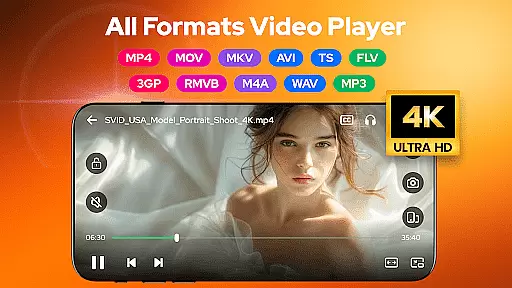
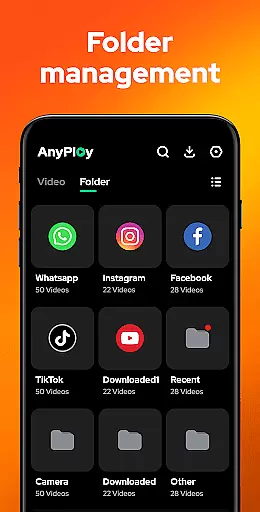
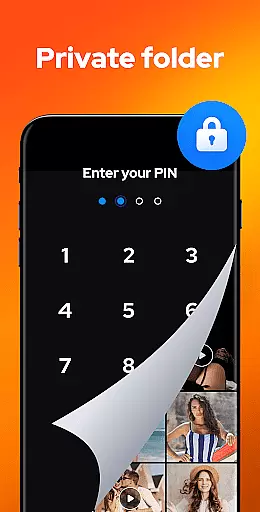

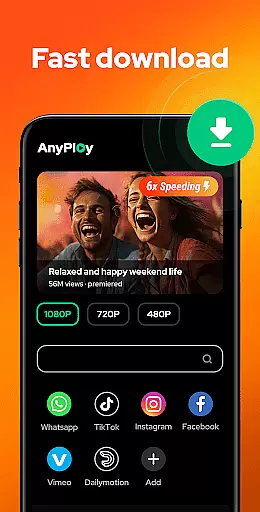
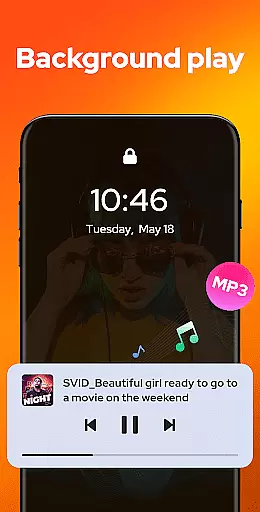
Video Player - AnyPlay is a versatile media solution for Android, combining an all-in-one video player, file manager, and video downloader. This app supports videos in all formats, providing users with a comprehensive tool for managing and enjoying their media files. With features like customizable subtitles, gesture control, and pop-up playback, it caters to diverse viewing preferences.
The application also includes a powerful file manager that auto-detects and organizes media files on your device, making it easy to find and manage your content. Additionally, its HD video downloader allows users to download videos from any website or social media platform directly to their device. Whether you're looking to enjoy high-quality video playback, manage your media library, or download online content, AnyPlay offers a complete package for all your media needs.
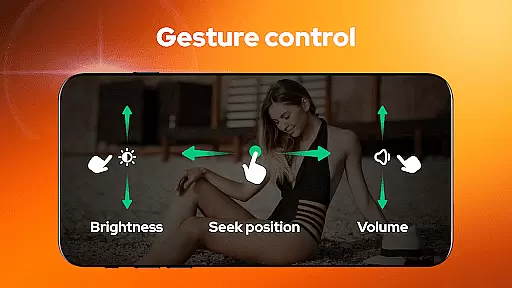
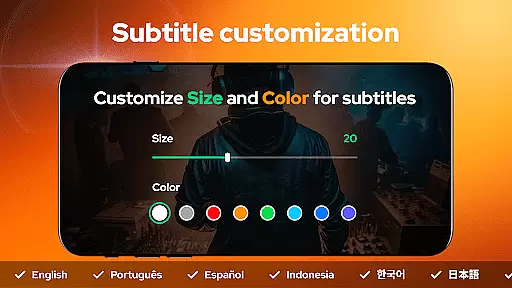
AnyPlay stands out with its extensive feature set tailored for media enthusiasts. The HD video player supports all formats and provides customizable subtitle options, allowing users to import local subtitles or download them online. Gesture controls enable intuitive navigation, while the pop-up playback feature lets you multitask by playing videos in a floating window.
The integrated file manager automatically detects and categorizes media files on both your phone and SD card. It presents files in clear lists and allows sorting by various parameters. As a video downloader, AnyPlay includes a built-in browser for seamless web browsing and downloading of HD videos from different sources. Users can select video resolutions and bookmark favorite sites for quick access. These robust features make AnyPlay an indispensable tool for managing and enjoying digital media.
Video Player - AnyPlay stands out with its exceptional video format compatibility, ensuring users can enjoy all types of video files without any hassle. The app supports a wide range of formats including MKV, MP4, AVI, and many more, making it a versatile choice for any Android device owner.
The importance of this feature lies in its ability to eliminate the need for multiple apps or format conversions. Whether your videos are stored on your phone or SD card, AnyPlay automatically detects and organizes them, presenting them clearly in lists for easy access.
This comprehensive compatibility not only simplifies media management but also enhances user experience by providing seamless playback. With support for both hardware and software decoders, users can expect smooth performance regardless of their device's specifications.
By incorporating such extensive format support, Video Player - AnyPlay ensures that users never miss a moment of their favorite content, regardless of its source or original format.
While primarily known for its playback capabilities, Video Player - AnyPlay also incorporates AI-powered editing features that enhance the overall media experience. These intelligent tools help users optimize their video content through automated enhancements and smart editing options.
The significance of these AI features lies in their ability to simplify complex editing tasks. From automatic subtitle generation to intelligent scene detection, the app empowers users to create professional-looking content without requiring advanced technical skills.
These smart editing capabilities extend to audio enhancement as well, with built-in equalizers and reverb effects that adapt to different content types. This ensures optimal sound quality regardless of the original recording conditions.
By integrating these AI-powered tools, Video Player - AnyPlay offers users not just a viewing platform, but a comprehensive media solution that adapts to various content creation needs while maintaining ease of use.
User-friendly interface
Comprehensive format support
Powerful file management
HD video downloading
Customizable playback options
May consume significant storage
Some features require premium
Occasional compatibility issues
Ads in free version
Complex for beginners

The smartest M3U IPTV Player your playlists have ever seen.
 4.2
4.2
Connect 2 UVC devices for recording and broadcast video/audio stream
3.90
IPTV-Smarters Player Pro M3U - Watch Live Stream TV Channels with Chromecast
4.00
Search & download videos from net with all video downloader, auto-detect & safe.
4.60
Download website videos fast&privacy
4.40
All in one HD video downloader & player for multiple formats with full privacy
4.70
Powerful Video Editor & Photo Editing App —— Quick Edits & Stunning Effects!
4.30
AI Video Editor with Music, Filter, Slideshow, Effect, Merge & Trim Video.
4.80
Livestream, news, & gaming content. Watch, chat, and upload. Join Rumble today!
3.80
#1 Torrent App on Android ** No Ads Ever + Battery Saver **
4.80
GENRAL PRO - General Pro is the best video player that fully supports all formats.
4.70
Seamlessly connect and control your smart devices, anytime, anywhere with ease.
4.60
Watch IPTV on your Android device
4.60
Auto video maker with music & exclusive filters. Video editing made simple.
4.50
HD video maker with no watermark, no ads & vlog maker with music, PIP, text
4.50
Web Browser for LG TV to stream webvideos, online movies and livestreams in HD
4.20
Cast to Smart TV, Fire TV. Cast video, photo - Fast & Stable!
3.90
This app is an emulator of some specific IPTV boxes
3.50
Browser for Sony TV to stream web videos, online movies and live tv
3.20


User Reviews