
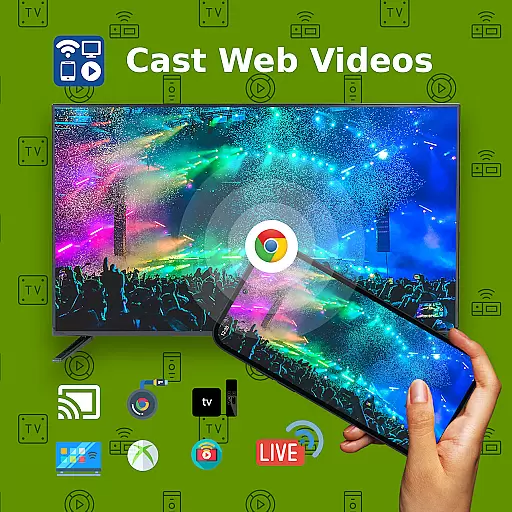
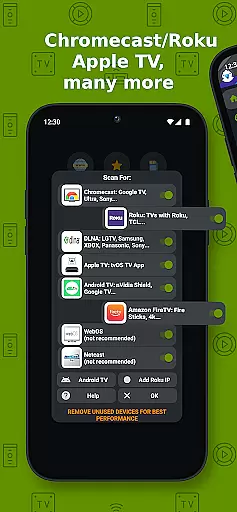
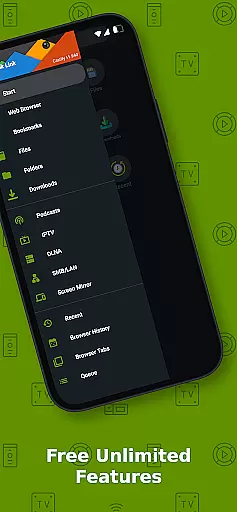
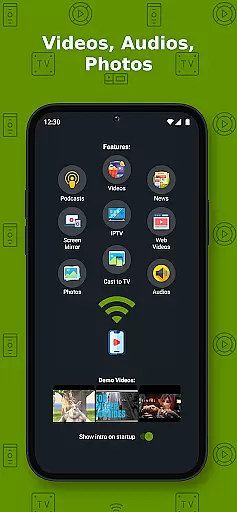
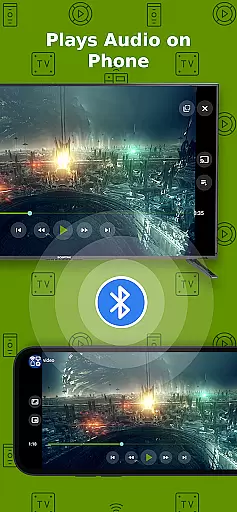
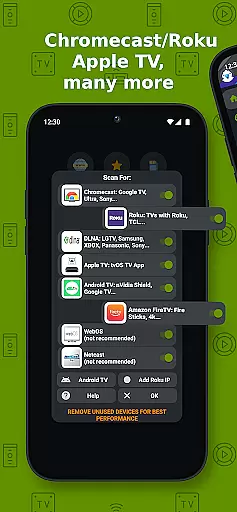
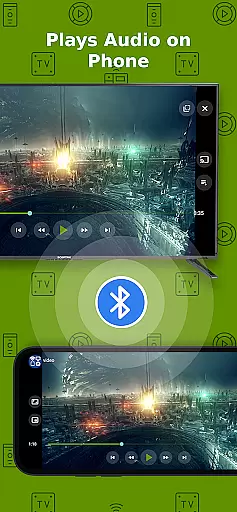
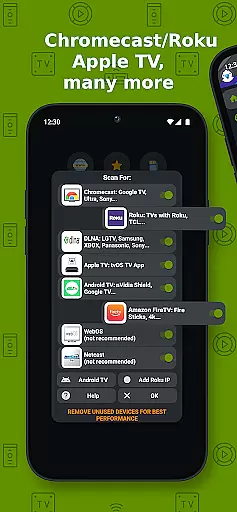
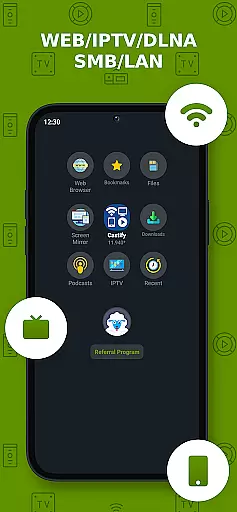
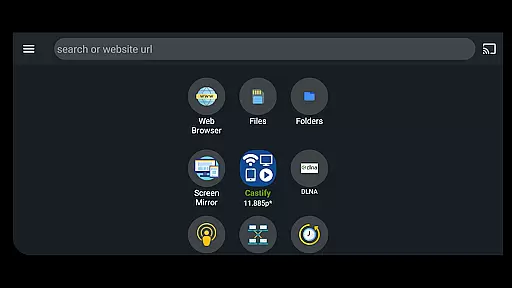
Cast to TV+ Chromecast Roku TV is a versatile streaming application that allows users to cast videos, music, photos, and other media content from their mobile devices to various streaming devices. The app supports a wide range of streaming platforms including Chromecast, Roku, Fire TV, DLNA receivers, Xbox consoles, and smart TVs from brands like LG, TCL, Phillips, Sony Bravia, Samsung, Sharp, Panasonic, and more.
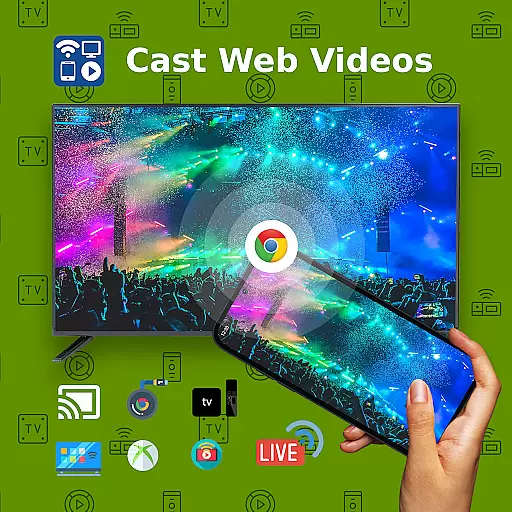
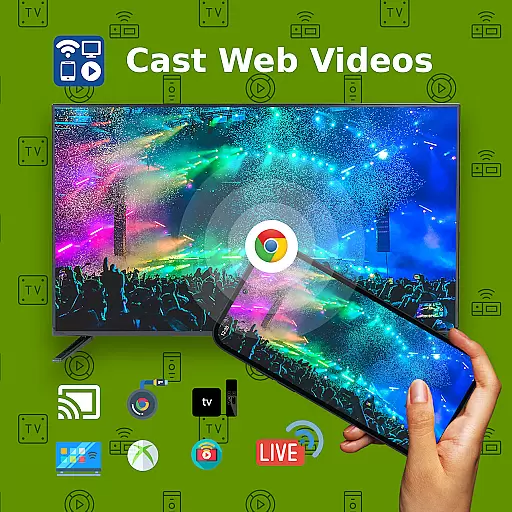
One of the standout features of this app is its ability to cast web videos found online from websites, making it an excellent tool for users who want to enjoy content on a larger screen. Additionally, the app offers AI Subtitle Generate and AI Subtitle Translation, enhancing accessibility for users who need subtitles in different languages. With functionalities such as Universal Remote Controls, Popup Blocker, Screen Mirroring, IPTV support, and Picture in Picture (PiP), this app provides a comprehensive solution for all casting needs.
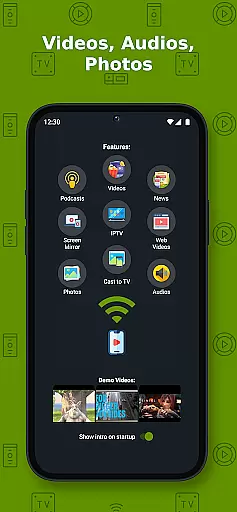
This app is particularly useful for users who frequently stream content from their mobile devices to their TVs. Whether you're watching movies, listening to music, or viewing photos, Cast to TV+ Chromecast Roku TV ensures a seamless experience by supporting multiple formats including MP4, MKV, MP3, JPG, PNG, HTML5 video, HLS Live Streaming, and IPTV m3u files. Its compatibility with Roku and Google Chromecast makes it an ideal choice for those looking to enhance their home entertainment systems.
Cast to TV+ Chromecast Roku TV boasts a rich set of features designed to provide users with a superior casting experience. One of the key highlights is its AI-driven capabilities, such as AI Subtitle Generate and AI Subtitle Translation, which allow users to create and translate subtitles for any given video. This feature is particularly beneficial for viewers who prefer or require subtitles in different languages, thus broadening the app's accessibility.
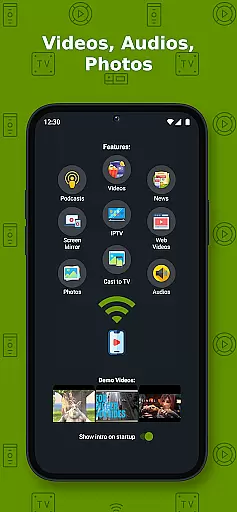
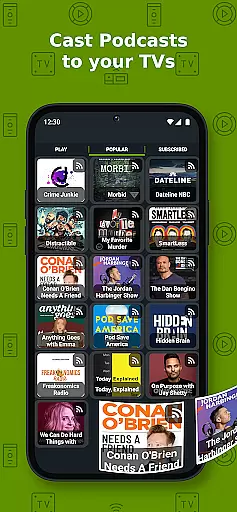
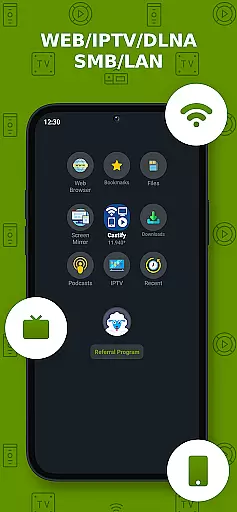
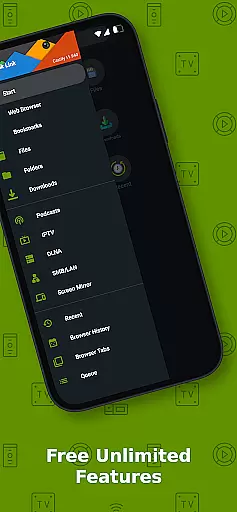
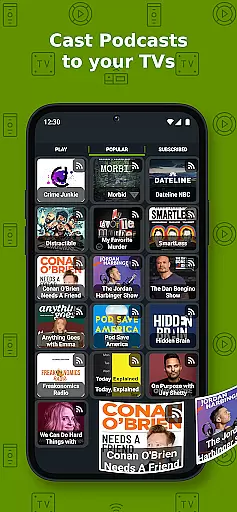
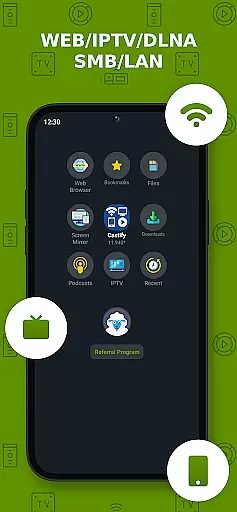
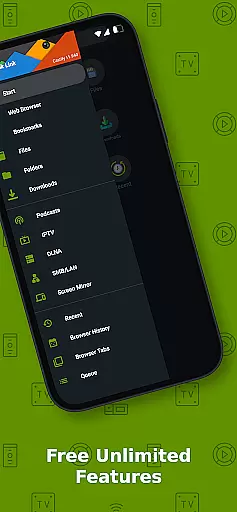
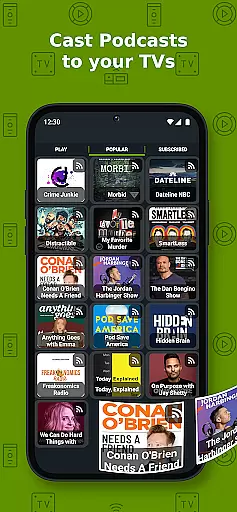
The app also excels in its versatility, supporting a wide array of streaming devices including Chromecast, Roku, Fire TV, DLNA receivers, Xbox consoles, and numerous smart TVs. It enables users to cast content from various sources such as phone files, browser websites, IPTV, podcasts, and DLNA servers. Moreover, the app includes advanced functionalities like Universal Remote Controls for Roku, Android TV, Samsung, LGTV, and FireTV, as well as Screen Mirroring and Picture in Picture (PiP), providing users with flexible viewing options.
Another significant advantage of Cast to TV+ Chromecast Roku TV is its support for multiple media formats, including MP4, MKV, MP3, JPG, PNG, HTML5 video, HLS Live Streaming, and IPTV m3u files. This ensures that users can cast almost any type of media content without compatibility issues. Additionally, the app's ability to cast web videos found online from websites enhances its utility, allowing users to enjoy a broader range of content on their preferred streaming devices. Overall, these features make the app a powerful tool for anyone looking to elevate their streaming experience.
Video format compatibility is a crucial feature for any video player and editor, ensuring that users can enjoy content in various formats without technical hindrances. Cast to TV+ Chromecast Roku TV supports an extensive range of formats including MP4, MKV, MP3, JPG, PNG, HTML5 video, HLS Live Streaming, and IPTV m3u files or URLs. This wide compatibility ensures that whether you're streaming movies, music, or photos, the app facilitates seamless playback on your device.
The application's support extends to high-definition content as well, accommodating 4K and HD videos where available. This means users with high-resolution displays can take full advantage of their screen's capabilities. However, it's important to note that while the app supports many formats, proprietary video and movie formats may not cast to TV due to restrictions from the source websites themselves.
For users with specific streaming devices like Roku, Fire TV, or Xbox, there are certain limitations. For instance, MKV files aren't supported on Apple TV AirPlay, and some video movie formats might not work on Fire TV. Despite these constraints, the app provides comprehensive support across a broad spectrum of devices and formats, enhancing user experience by maximizing content accessibility.
AI-powered editing features represent the cutting edge of video player and editor technology, providing users with tools that enhance both the quality and accessibility of multimedia content. Cast to TV+ Chromecast Roku TV incorporates advanced AI functionalities such as AI Subtitle Generate and AI Subtitle Translation. These features allow users to create subtitles for any given video and translate SRT subtitles into different languages, making content more accessible to a global audience.
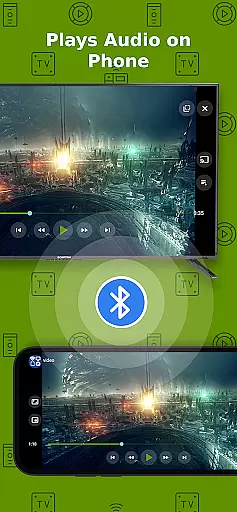
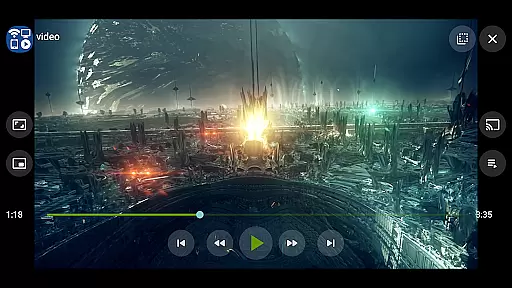
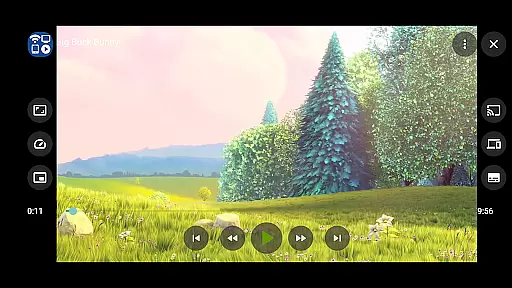
In addition to subtitle capabilities, the app offers Picture in Picture (PiP) functionality, enabling multitasking while watching videos. Users can continue viewing content in a small window while navigating through other apps or performing tasks on their device. This feature exemplifies how AI enhances user interaction with media, offering flexibility and convenience tailored to modern viewing habits.
While the app does not modify video sources but rather sends the original source to streaming receivers, its AI-driven features significantly augment the viewing experience. By integrating innovative technologies like universal remote controls for various smart TVs and supporting IPTV playlists, Cast to TV+ Chromecast Roku TV positions itself at the forefront of AI-enhanced media consumption, delivering a sophisticated yet user-friendly interface for diverse audiences.
User-friendly interface
Wide device compatibility
AI subtitle generation
Multiple format support
Comprehensive remote controls
Limited AirPlay support
Some format restrictions
Network dependency
Device-specific limitations
Premium version for ad-free

Watch full episodes of your favorite Cartoon Network and Cartoonito shows!
 3.50
3.50
KineMaster, Your Ultimate Video Editor!
4.40
Stream high quality video from your camera over NDI protocol
4.1
All format media Player, no need video converter any more!
4.00
1)AirPlay/DLNA Mirroring/Streaming, up to 4 connections; 2)Samba/NAS/DMS Player.
4.00
AirMirror Receiver - Screen mirroring/cast web videos to Android TV by AirPlay.
4.40
Connect EasyCap or UVC devices for recording and broadcast video/audio stream
3.60
Watch IPTV on your Android device
4.60
Browser + Remote for Roku to stream webvideos, online movies and livestreams
4.60
GENRAL PRO - General Pro is the best video player that fully supports all formats.
4.70
Fast & Private HD Video Downloader with Built-in Proxy Browser and Video Player.
4.50
Your media, on your terms.
4.10
VLC for Android is the best open source video and music player, fast and easy!
4.10
Powerful, professional, versatile teleprompter. Developed by an active film crew
4.00
AI Video Editor:AI Music, Text to Video,Text to Speech,Auto Caption,Video Effect
4.00
Make your own Animations, Video and Photo Edits, Visual Effects, and more!
4.00
Fast private browser with secure, seamless access & supported video downloads!
4.00
The smartest M3U IPTV Player your playlists have ever seen.
4.4
Powerful HD video player with support for all formats & subtitles.
4.3


User Reviews