
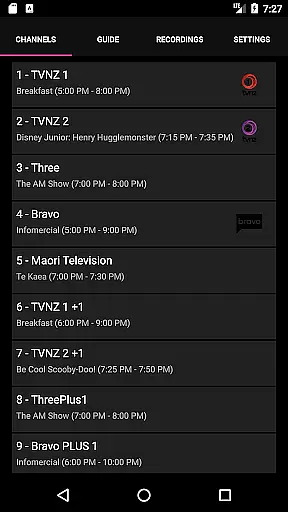
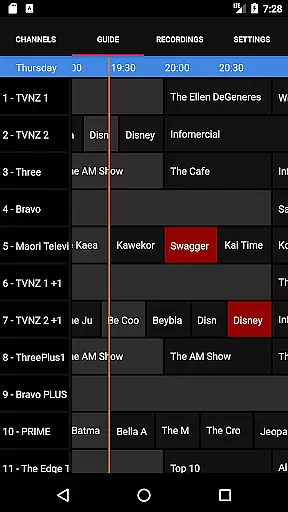
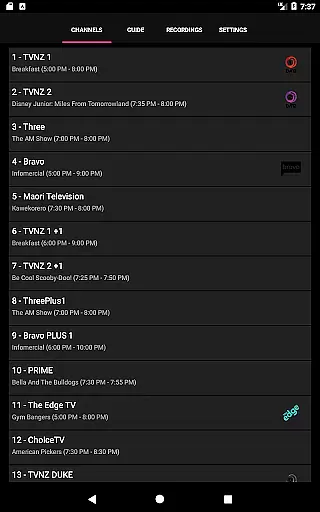
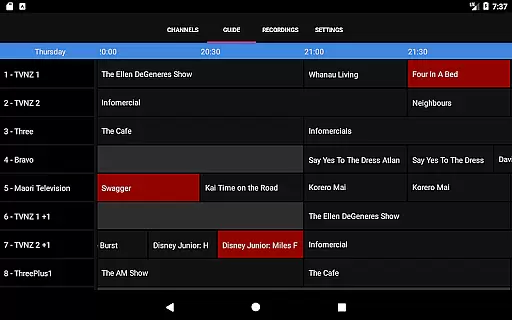
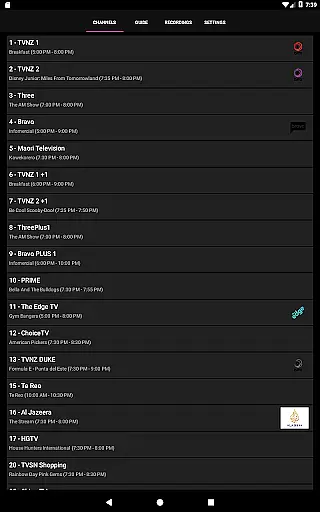
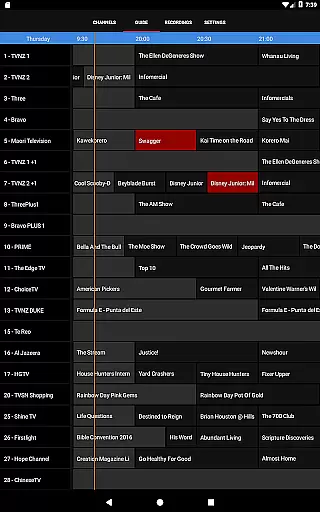
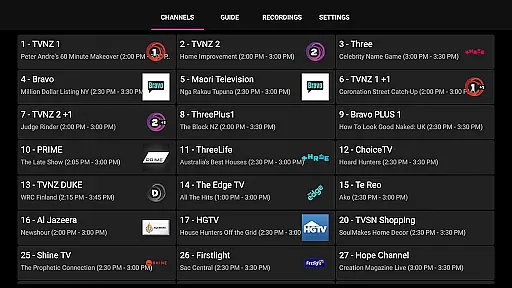
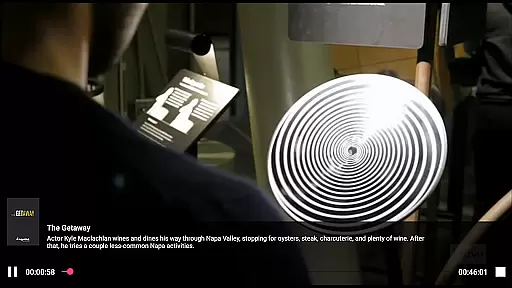
NextPVR is a versatile client application designed to enhance your media viewing experience. It allows users to connect to their NextPVR server, enabling seamless access to live TV streaming, an interactive TV guide, and DVR functionalities. With this app, you can manage recording schedules directly from your mobile device, watch recordings on the go, and enjoy a comprehensive TV experience.
This app is particularly useful for those who already have NextPVR software installed on their home network. By integrating with ATSC/DVB/Analog TV tuners and other video capture sources, it provides a complete solution for managing and enjoying multimedia content. Whether you're at home or away, NextPVR ensures that you never miss your favorite shows.
NextPVR offers a rich set of features tailored for media enthusiasts. The app's primary feature is its ability to stream live TV directly to your mobile device, providing flexibility and convenience. Additionally, it includes an intuitive TV guide that helps users navigate through channels and programs effortlessly.
Another standout feature is the remote recording management system. Users can schedule, modify, or cancel recordings from their mobile devices, ensuring they never miss important broadcasts. Furthermore, the app supports playback of recorded content, allowing users to enjoy their favorite shows anytime, anywhere. These capabilities make NextPVR an indispensable tool for anyone looking to optimize their media consumption.
NextPVR offers extensive video format compatibility, ensuring users can enjoy a wide range of media content without worrying about format restrictions.
The app supports popular formats such as MP4, AVI, MKV, and more, allowing seamless playback of videos recorded from ATSC/DVB/Analog TV tuners or other capture sources.
This flexibility enables users to watch live TV, view recordings, and manage their media library with ease, regardless of the original video format.
By supporting multiple formats, NextPVR ensures that users have a smooth experience when accessing their favorite shows and managing their recording schedules.
While primarily a media player, NextPVR also includes AI-powered editing features that enhance the user's ability to manage and edit their recorded content efficiently.
These features allow users to easily trim, cut, and merge video clips, providing a simple yet powerful toolset for organizing media libraries.
The AI algorithms assist in optimizing video quality and compression, ensuring that edited files maintain high visual standards while minimizing storage space.
With these capabilities, users can customize their viewing experience and create personalized content tailored to their preferences.
User-friendly interface
Comprehensive TV guide
Remote recording management
Live TV streaming
Playback of recorded content
Requires existing NextPVR setup
Limited to Windows PCs
Dependent on network stability
No standalone functionality
Potential compatibility issues

Fast, private downloading, video saving, social media
 4.50
4.50
Video Trimmer, Video to MP3 Converter. Extract music from video, Easy & Fast.
4.80
Search & download videos from net with all video downloader, auto-detect & safe.
4.60
Capture images & record videos for USB Camera, Webcam, Microscopes, Endoscopes
3.80
Flud is a simple and beautiful BitTorrent client for Android.
4.80
This app is an emulator of some specific IPTV boxes
3.50
#1 Torrent App on Android ** No Ads Ever + Battery Saver **
4.80
Browser + Remote for Roku to stream webvideos, online movies and livestreams
4.60
Livestream, news, & gaming content. Watch, chat, and upload. Join Rumble today!
3.80
A Quick and Pro Video Editor
4.70
Support 1000+ Video Format, Subtitle Download, mp3 & Background Play, Cast On TV
4.60
IPTV Loader, loads your own Playlist. DOES NOT CONTAIN ANY LIST OR CHANNELS
4.60
HD video maker with no watermark, no ads & vlog maker with music, PIP, text
4.50
Powerful video player with advanced hardware acceleration and subtitle supports
4.20
VLC for Android is the best open source video and music player, fast and easy!
4.10
Cast to Smart TV, Fire TV. Cast video, photo - Fast & Stable!
3.90
Download videos easily & play them all in one smart, powerful video manager.
3.40
A full editing room to accompany your Insta360 cameras and handheld gimbals.
3.30
You can play SWF format file!
2.50


User Reviews