
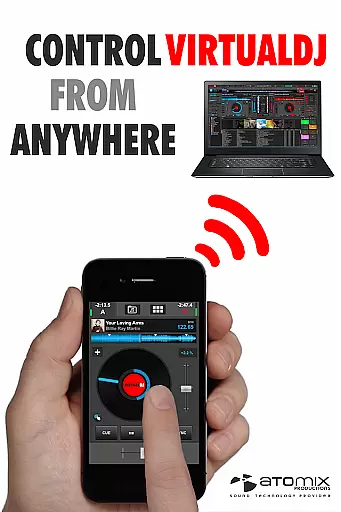
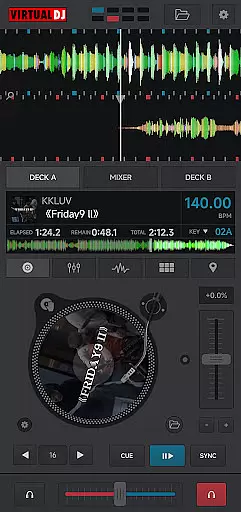
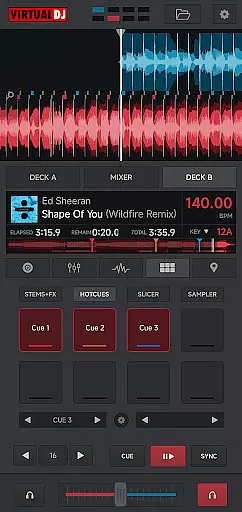
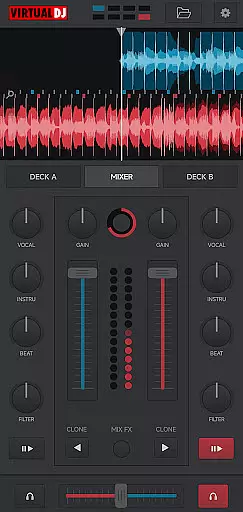
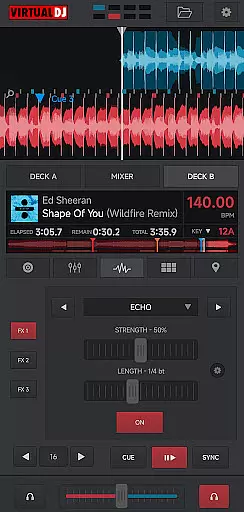
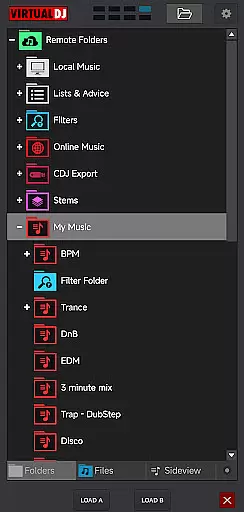
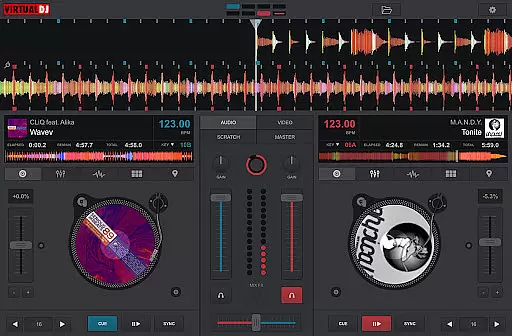
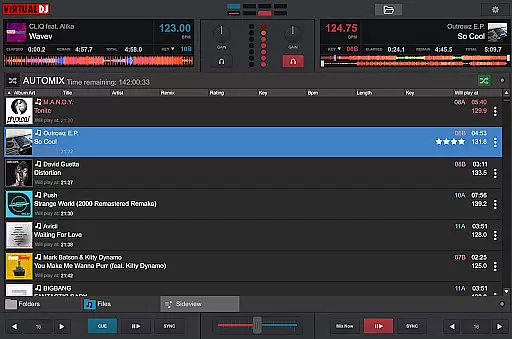
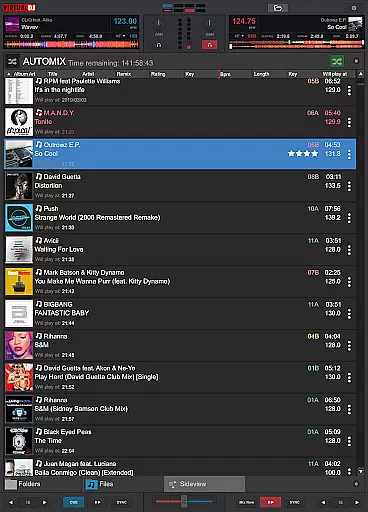
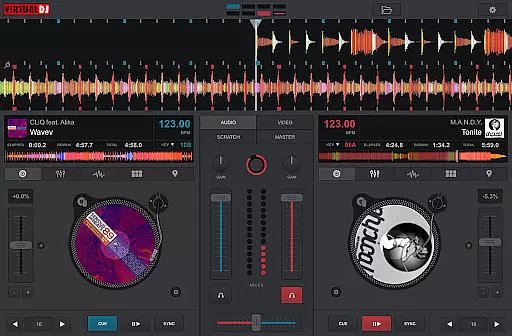
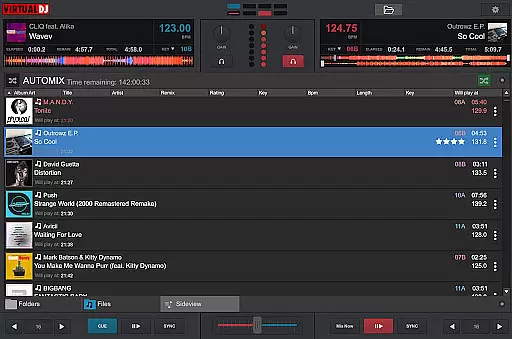
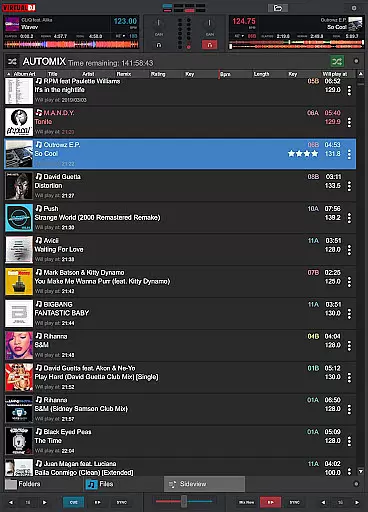
VirtualDJ Remote is a powerful application that allows DJs to control VirtualDJ software directly from their mobile devices. Designed for both professional and amateur DJs, this app enables seamless wireless control over VirtualDJ running on a PC or Mac through a simple Wi-Fi connection. Whether you want to use your tablet as a virtual scratch turntable or manage your mix remotely from your phone, VirtualDJ Remote provides the flexibility to operate your setup without physical constraints.
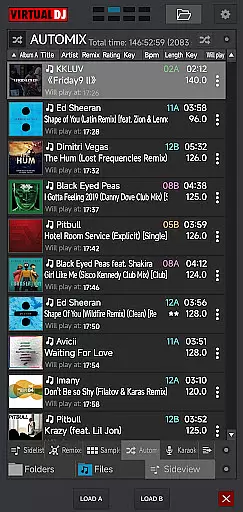
The app supports the full range of VirtualDJ's features, including beat mixing, effects, song suggestions, samplers, and video mixing. It also offers maximum versatility with customizable skins, allowing users to tailor the interface to their specific needs. With compatibility for advanced setups like multi-deck mixing and video output, VirtualDJ Remote empowers DJs to perform with complete freedom and creativity.
VirtualDJ Remote stands out with its comprehensive feature set tailored specifically for DJ performance. The app connects effortlessly to VirtualDJ software via Wi-Fi, enabling real-time control of all essential DJ functions. Users can access features such as beat-syncing, sampler pads, effect controls, and even video mixing directly from their mobile device. This eliminates the need for additional hardware controllers while maintaining professional-grade functionality.
One of the key highlights is its support for customizable skins using VirtualDJ's Skin SDK. This allows users to design or download unique interfaces tailored to their workflow, whether they need an effect table, turntable emulator, or full-featured controller layout. Additionally, the app supports advanced setups like broadcasting mixes live on internet radios, recording sessions, and providing personalized song recommendations through LiveFeedback technology.
With its ability to handle up to 99 simultaneous decks and integrate seamlessly into existing audio systems, VirtualDJ Remote ensures maximum versatility for any type of DJ gig.
VirtualDJ Remote stands out with its extensive video format compatibility, ensuring that DJs and content creators can work with a wide array of file types without conversion hassles. The application supports popular formats like MP4, AVI, and MKV, alongside professional formats such as MOV and WMV, making it versatile for different use cases.
This compatibility is crucial for seamless video mixing, allowing users to incorporate diverse multimedia content into their sets. Whether performing live or creating video mashups, the ability to handle various formats empowers DJs to be more creative and flexible in their performances.
The software's robust decoding capabilities ensure smooth playback even with high-resolution videos. This reliability is essential when projecting visuals during live events or broadcasting sessions online, as it prevents technical glitches that could disrupt the immersive experience.
Moreover, VirtualDJ's integration with computer systems simplifies audio-visual setups. Users can connect their audio systems directly to the computer while managing video output through the app, streamlining the entire DJing process and enhancing both preparation and performance efficiency.
While VirtualDJ Remote isn't primarily an AI-driven editing tool, it incorporates intelligent features that enhance the video editing and mixing process. The application provides automated beat matching and synchronization capabilities, which function similarly to AI-powered editing by analyzing audio tracks and aligning beats for seamless transitions.
These smart features extend to video editing through automatic BPM detection and tempo adjustment, enabling users to create professional-quality mixes without manual calculations. The software suggests compatible tracks based on musical keys and energy levels, helping DJs craft harmonious sets that maintain audience engagement.
For video content, VirtualDJ offers real-time effects processing and visual transitions that adapt to the music's rhythm. These dynamic elements respond to audio cues, creating synchronized audio-visual experiences that elevate performances beyond basic video playback.
The application's customizable interface allows users to design personalized control layouts, similar to how AI tools adapt to user preferences. This flexibility enables DJs to optimize their workflow, arranging controls and features according to their specific mixing style and performance requirements.
User-friendly interface
Wide range of features
Customizable skins
Wireless convenience
Professional reliability
Requires VirtualDJ software
Dependent on stable Wi-Fi
Limited standalone use
Advanced features may overwhelm beginners
Ad-hoc network setup needed in some cases

Watch full episodes of your favorite Cartoon Network and Cartoonito shows!
 3.50
3.50
Video player with powerful streaming playback and various convenient features.
2.10
Play and download HD videos from all sources — fast, simple, and all-in-one.
4.2
Browser for Sony TV to stream web videos, online movies and live tv
3.20
Flud is a simple and beautiful BitTorrent client for Android.
4.80
LumaFusion: The Ultimate Storytelling Experience for Video Editing
4.10
AI Video Editor with Music, Filter, Slideshow, Effect, Merge & Trim Video.
4.80
Screen recorder with audio to take live videos & Screenshot in high quality!
4.70
Capture the moment and Cut
3.40
An easy-to-use and all-round screen recorder with audio
4.80
GENRAL PRO - General Pro is the best video player that fully supports all formats.
4.70
A Simple app to download Video & Music from the Internet.
4.70
Video Player - Unlimited features, 30 days money back guarantee.
4.60
Snaptubè Video Downloader app allows to download videos and music in Snaptube. .
4.60
Add date and time watermark to photos and videos
4.50
Fast & Private Video Downloader App. Save all videos easily from the Internet.
4.40
Create & edit videos with AI
4.30
Your media, on your terms.
4.10
Browser for Samsung TV to stream webvideos, online movies and livestreams in HD
4.10


User Reviews