
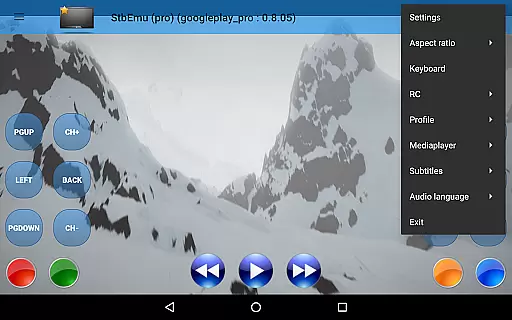
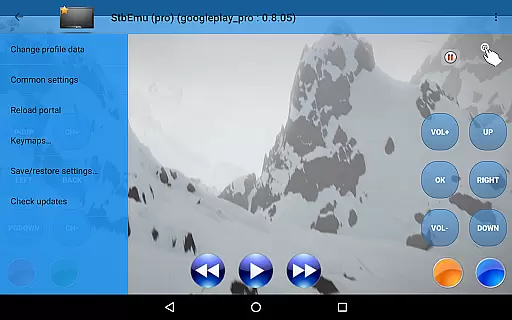
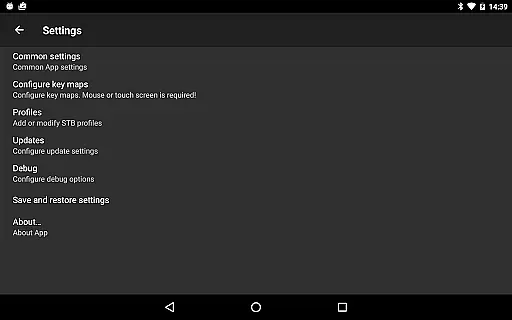
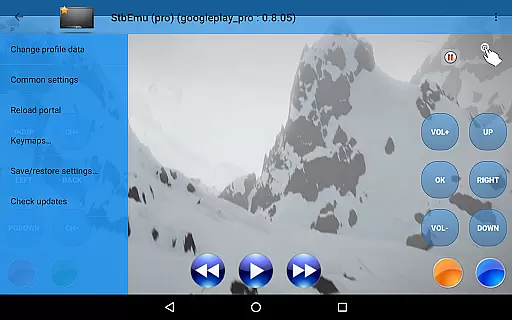
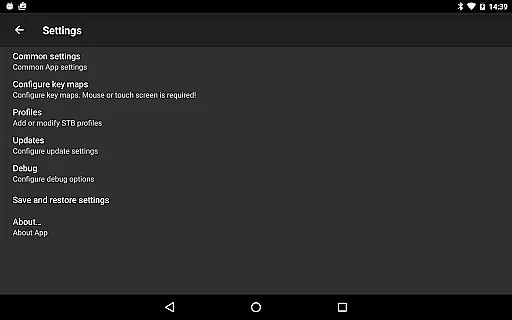
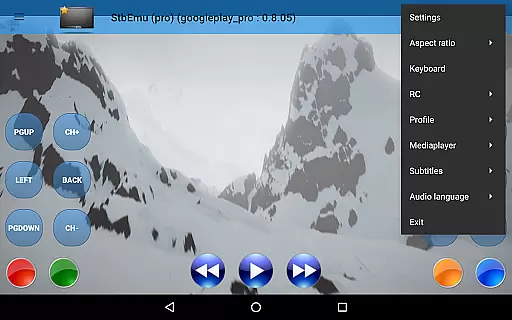
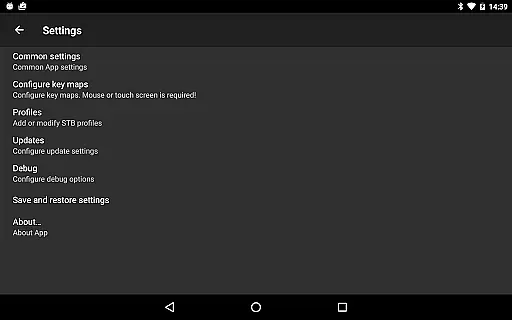
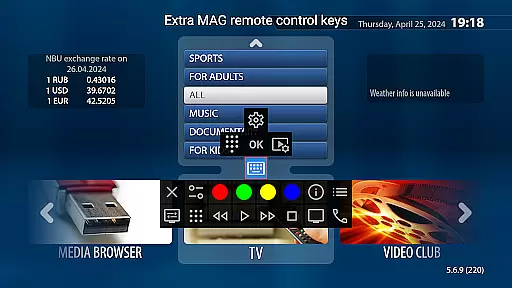
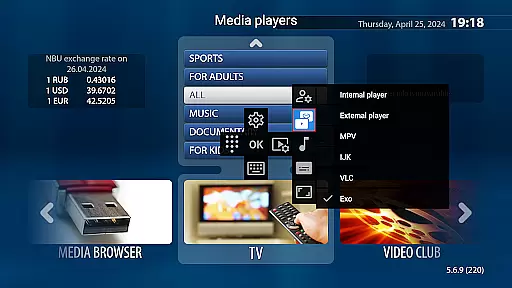
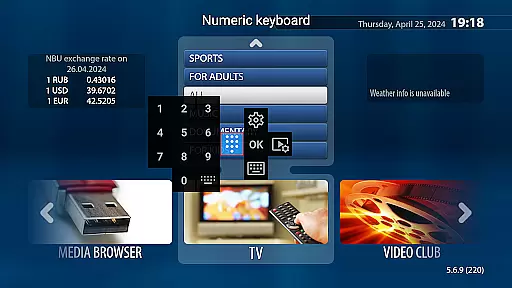
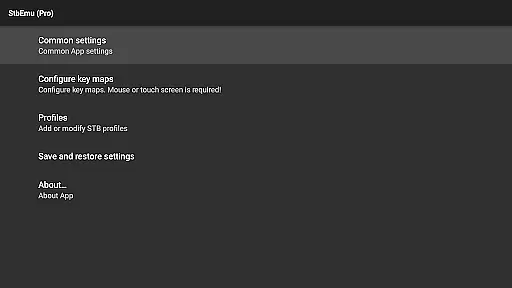
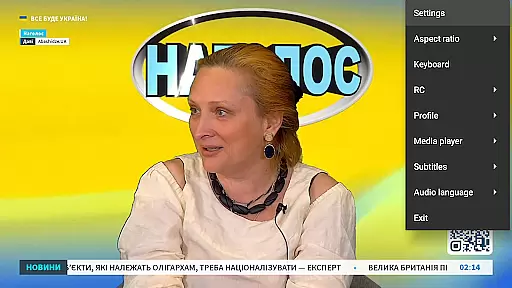
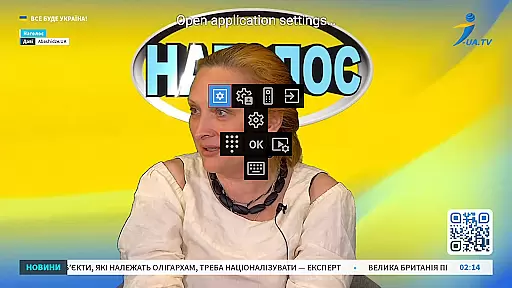

StbEmu (Pro) is an advanced IPTV player designed for experienced users seeking to customize their streaming experience. This application requires initial configuration to connect with your specific IPTV provider, ensuring a personalized and optimized viewing experience.
The app provides comprehensive settings options that allow power users to fine-tune their IPTV connections and playback preferences. While it doesn't support m3u playlists, StbEmu (Pro) offers alternative solutions for accessing IPTV content through proper configuration.
Ideal for tech-savvy individuals who want direct control over their IPTV parameters, this application serves as a powerful tool for those familiar with IPTV box configurations. Users can access detailed documentation and wiki resources to help them set up the optimal viewing environment.
StbEmu (Pro) stands out with its extensive configuration options specifically designed for advanced IPTV users. The application provides multiple protocol support including HTTP and UDP, allowing flexible connection methods to various IPTV services.
A key feature is its customizable interface elements, where users can adjust channel lists, EPG settings, and playback parameters according to their preferences. The app also includes advanced network settings that enable users to optimize streaming quality based on their internet connection.
While requiring technical expertise for initial setup, the application offers persistent settings storage, meaning once configured, users can enjoy seamless IPTV access without repeated adjustments. This feature particularly benefits users who need precise control over their streaming parameters.
Video format compatibility is a critical feature for any video player application like StbEmu Pro. This ensures that users can play various types of video files without worrying about format support.
The app supports multiple video codecs and container formats commonly used in IPTV streaming, providing a seamless experience for users who want to access content from different providers. By supporting industry-standard formats, the app ensures broad compatibility with various IPTV services.
For users, this means they can enjoy a wide range of video content without needing to convert files or worry about playback issues. The comprehensive format support saves time and enhances the overall viewing experience.
While the app doesn't support m3u playlists, its robust video format compatibility makes it a reliable choice for IPTV enthusiasts who need a versatile player for their streaming needs.
Although StbEmu Pro is primarily an IPTV player, it incorporates some advanced features that function similarly to AI-powered editing tools. These features help optimize video playback and stream quality.
The application automatically adjusts bitrate and resolution based on network conditions, much like how AI would optimize video settings. This ensures smooth playback even under varying internet speeds, providing users with uninterrupted streaming experiences.
Additionally, the app's sophisticated settings allow users to fine-tune various parameters, similar to how professional video editors adjust their projects. While these aren't traditional editing features, they provide powerful control over video presentation.
These capabilities, combined with the app's complex configuration options, make StbEmu Pro a valuable tool for experienced users who want precise control over their IPTV viewing experience.
Highly customizable
Advanced settings
Multiple protocols
Persistent config
Power user focused
No m3u support
Complex setup
Not beginner friendly
Limited support
Requires expertise

Kodi media center, a free and open source cross-platform entertainment hub
 3.60
3.60
Powerful, professional, versatile teleprompter. Developed by an active film crew
4.00
Save photos and videos from social apps in one tap.
3.60
A Quick and Pro Video Editor
4.70
1)AirPlay/DLNA Mirroring/Streaming, up to 4 connections; 2)Samba/NAS/DMS Player.
4.00
Video player with powerful streaming playback and various convenient features.
2.10
Video Downloader, Multiple Resolution Options, Video Player
4.50
Browser for Sony TV to stream web videos, online movies and live tv
3.20
Web Browser for LG TV to stream webvideos, online movies and livestreams in HD
4.20
Pro video editor app for Instagram, edit video with song, AI, effect & slowmo.
4.80
Watch a large amount of high-definition short drama content
4.60
HD video maker with no watermark, no ads & vlog maker with music, PIP, text
4.50
Viddo: Generate Action Figure, AI Anime, AI kiss, AI hug Video from image & text
4.40
Powerful video player with advanced hardware acceleration and subtitle supports
4.20
Video player with 4K & 1080P support, popup play, background play and subtitle.
4.20
IPTV-Smarters Player Pro M3U - Watch Live Stream TV Channels with Chromecast
4.00
Make your own Animations, Video and Photo Edits, Visual Effects, and more!
4.00
HD video & music player - All format support with floating & PIP mode!
3.80
Livestream, news, & gaming content. Watch, chat, and upload. Join Rumble today!
3.80


User Reviews