
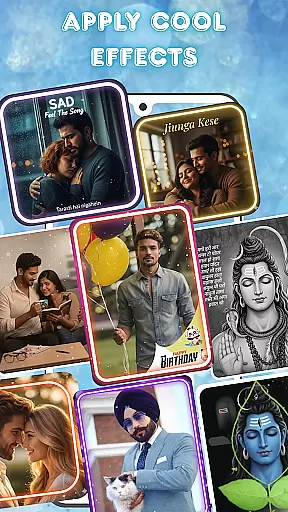
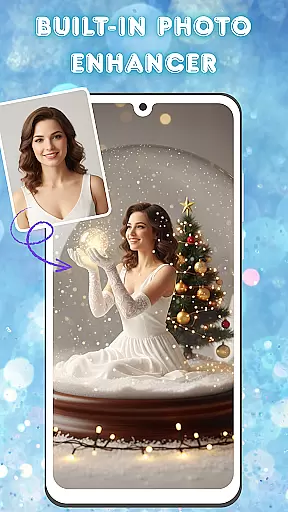
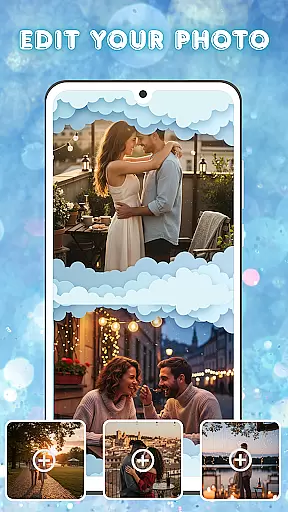
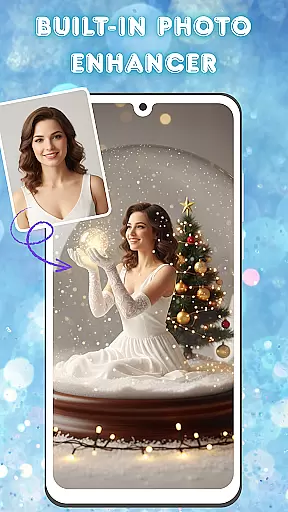
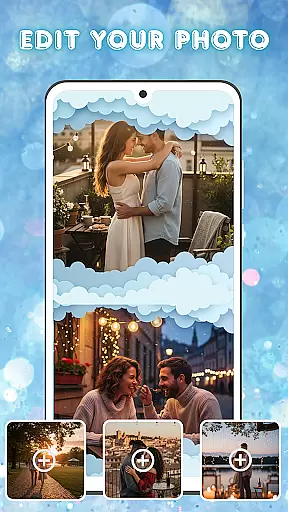
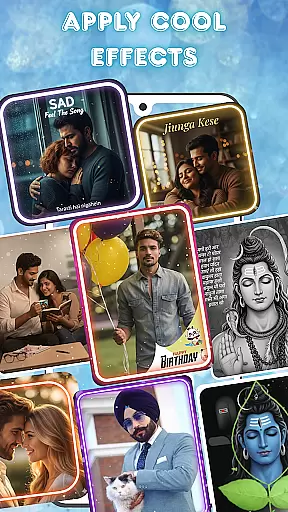
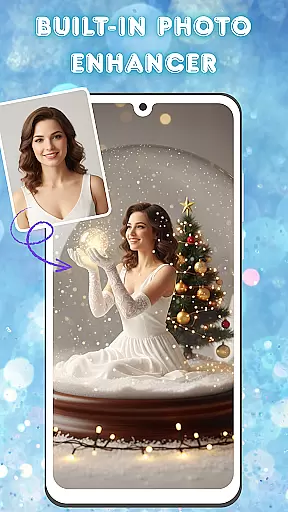
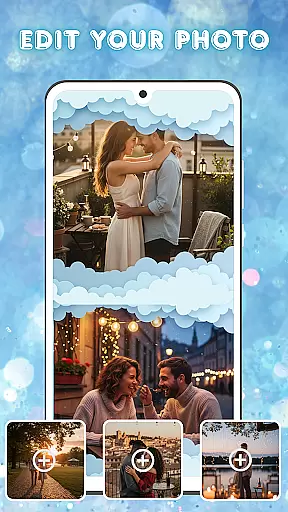
Photo and Music Video Creator is a versatile video editing tool designed to transform your photos into stunning videos with ease. The app offers an intuitive interface that allows users to quickly convert their images into dynamic slideshows or social media-ready reels. With built-in photo enhancement features, you can adjust brightness, contrast, and saturation before finalizing your creation.
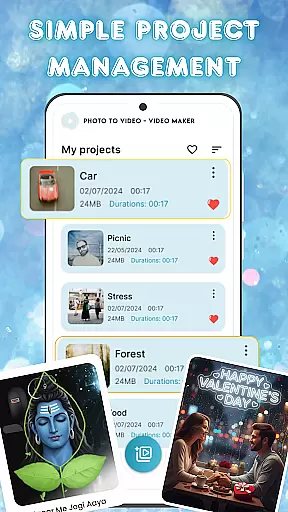
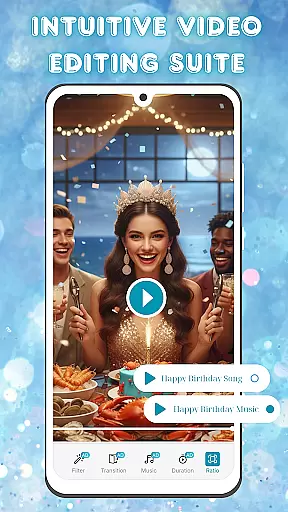
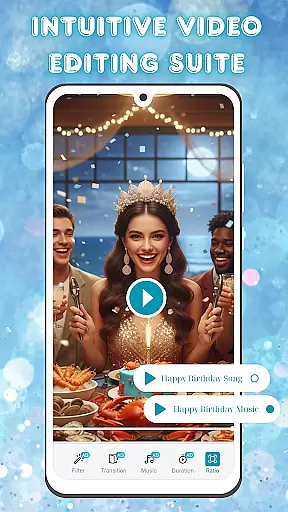
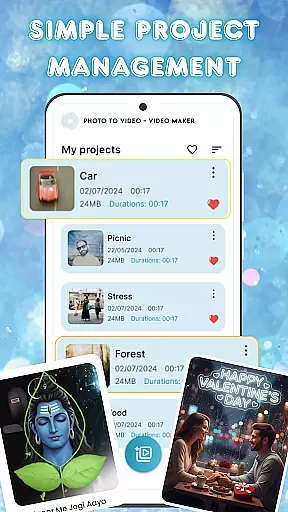
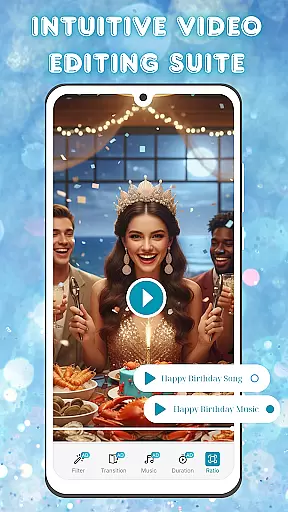
In addition to its photo-to-video capabilities, the app provides a complete video editing suite. Users can add smooth transitions, stylish filters, and background music to give their videos a professional touch. The simple project management system ensures that all your creations are well-organized and easily accessible. Whether you're crafting a heartfelt memory or a quick social post, this app helps bring your ideas to life efficiently.
One of the standout features of Photo and Music Video Creator is its easy photo-to-video conversion. This functionality enables users to turn their favorite snapshots into engaging videos within minutes. The process is straightforward, requiring just a few taps to produce high-quality visual content.
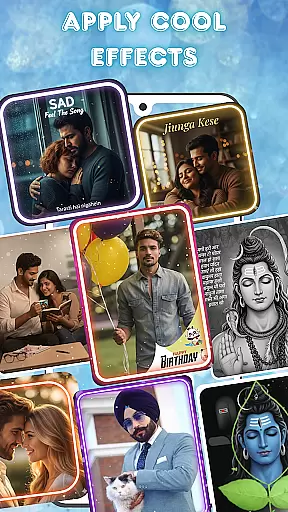
The app also includes advanced photo editing tools and an intuitive video editing suite. You can enhance your images by adjusting various parameters like brightness and contrast. Once your images are ready, customize your video with smooth transitions, unique filters, and background music tracks. These features ensure that every project not only looks polished but also feels professional.
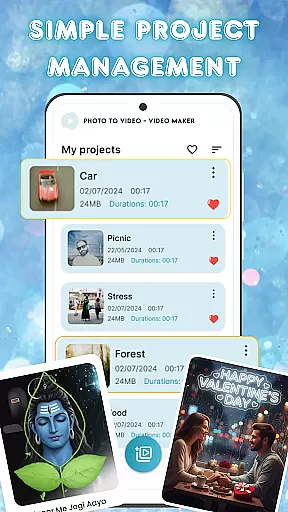
For those managing multiple projects, the app offers seamless project management. Organize and access all your video projects from one place, making it easier to keep track of different creations. This combination of powerful editing tools and efficient project handling makes Photo and Music Video Creator a top choice for anyone looking to create captivating visual stories.
One of the key strengths of Photo and Music Video Creator lies in its extensive video format compatibility. This ensures that users can work with a wide variety of file types without worrying about conversion issues.
The app supports popular formats such as MP4, AVI, MOV, and more, making it versatile for both casual creators and professionals. Whether you're pulling footage from your phone or importing high-resolution clips, the app handles them seamlessly.
This flexibility allows users to focus on the creative process rather than technical limitations. You can easily import, edit, and export videos in different formats, ensuring your projects are shareable across various platforms.
By removing format barriers, the app empowers users to create content that meets diverse requirements, from social media posts to professional presentations.
Photo and Music Video Creator stands out through its innovative AI-powered editing features, which significantly enhance the video creation process. These intelligent tools help automate complex editing tasks while maintaining professional-quality results.
The app's AI capabilities include automatic scene detection, smart cropping, and intelligent color correction. These features work together to optimize video quality and ensure consistent aesthetics throughout your project.
Additionally, the AI assistant suggests creative enhancements based on your content, such as recommending suitable transitions or effects. This guidance is particularly valuable for beginners who may need help developing their editing skills.
These advanced features not only save time but also enable users to achieve polished results that would typically require extensive manual editing. The combination of AI assistance and user control creates a powerful editing environment suitable for all skill levels.
User-friendly interface
Advanced photo editing
Smooth video transitions
Stylish filter options
Easy project management
Limited free features
Occasional ads
Premium subscription cost
Basic tutorial guidance
Device compatibility issues

Fast, private downloading, video saving, social media
 4.50
4.50
IPTV-Smarters Player Pro M3U - Watch Live Stream TV Channels with Chromecast
4.00
?100% FREE! Download & save videos? safely in this app. All formats supported.
4.60
Video Trimmer, Video to MP3 Converter. Extract music from video, Easy & Fast.
4.80
Fast video downloader & private browser. Save HD clips to watch offline.
4.40
Stream high quality video from your camera over NDI protocol
4.4
Live TV, anywhere in your home
3.80
Browser for Sony TV to stream web videos, online movies and live tv
3.20
LumaFusion: The Ultimate Storytelling Experience for Video Editing
4.10
All in one HD video downloader & player for multiple formats with full privacy
4.70
Search & download videos from net with all video downloader, auto-detect & safe.
4.60
IPTV Loader, loads your own Playlist. DOES NOT CONTAIN ANY LIST OR CHANNELS
4.60
Cast movies, tv shows and live streams to Chromecast, Roku, DLNA, Fire TV & more
4.60
Viddo: Generate Action Figure, AI Anime, AI kiss, AI hug Video from image & text
4.40
This app was created to edit the metadata of music files.
4.20
Manage your IPTV live channels and VOD playlists (no playlist included)
3.80
All in one multi protocols stream receiver for AirPlay, Cast and DLNA.
3.60
Client application for NextPVR software
3.00
The essential companion to your Blue Iris PC software
2.50


User Reviews